
About Bitwarden CLI
Bitwarden CLI enables programmatic access to passwords, notes, and other vault items stored in a Bitwarden account. It supports authentication, vault queries, and organizational management, with JSON output suitable for scripting and automation.
Key features
- 01Log in and unlock vault with credentials or session tokens
- 02Query and retrieve vault items by name, type or ID
- 03Export vault data and manage collections across organizations
Use cases
- 01Fetch database credentials and API keys for deployment scripts
- 02Automate secret rotation and synchronization across infrastructure
- 03Integrate password management into CI/CD pipelines
Install
Pick your OS or package manager and run the command in a terminal.
Once installed, runbw --versionto confirm it works.
Example commands
Common commands in the order you’d use them.
Details
From the project README
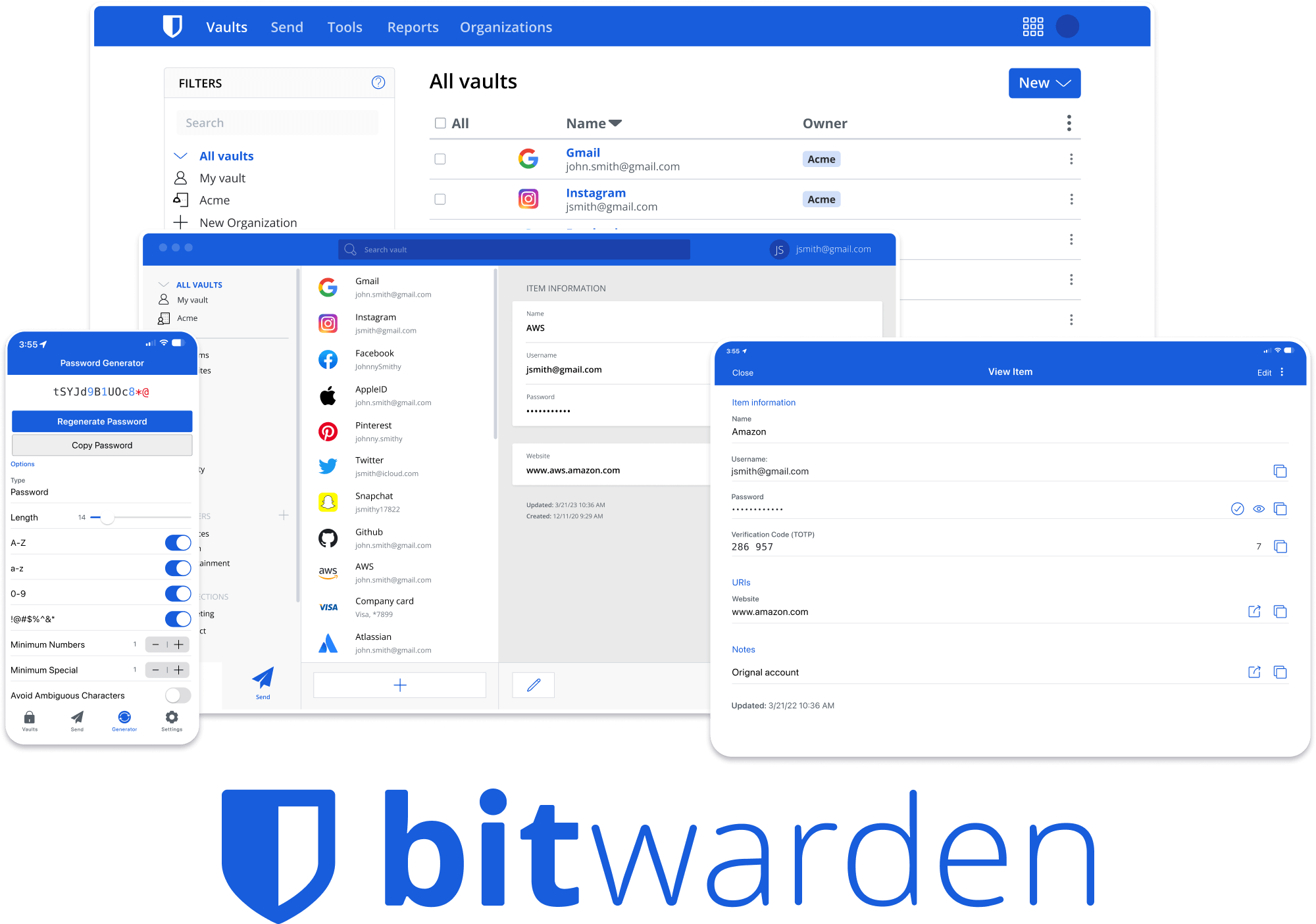




Bitwarden Client Applications
This repository houses all Bitwarden client applications except the mobile applications (iOS | android).
Please refer to the Clients section of the Contributing Documentation for build instructions, recommended tooling, code style tips, and lots of other great information to get you started.
Related projects:
- bitwarden/server: The core infrastructure backend (API, database, Docker, etc).
- bitwarden/ios: Bitwarden iOS Password Manager & Authenticator apps.
- bitwarden/android: Bitwarden Android Password Manager & Authenticator apps.
- bitwarden/directory-connector: A tool for syncing a directory (AD, LDAP, Azure, G Suite, Okta) to an organization.
We're Hiring!
Interested in contributing in a big way? Consider joining our team! We're hiring for many positions. Please take a look at our Careers page to see what opportunities are currently open as well as what it's like to work at Bitwarden.
Contribute
Code contributions are welcome! Please commit any pull requests against the main branch. Learn more about how to contribute by reading the Contributing Guidelines. Check out the Contributing Documentation for how to get started with your first contribution.
Security audits and feedback are welcome. Please open an issue or email us privately if the report is sensitive in nature. You can read our security policy in the SECURITY.md file.