About Chafa
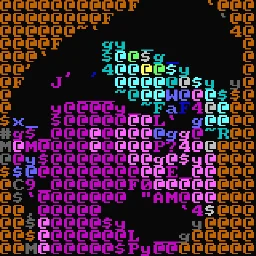
Chafa converts images and animations into text and color characters for display in modern terminals. It supports various output formats including ANSI, Unicode, and HTML, making it useful for previewing media in CLI environments.
Key features
- 01Convert images to ANSI/Unicode text art
- 02Display animations frame-by-frame in terminal
- 03Control output size and color depth with command flags
- 04Batch process multiple images
Use cases
- 01Preview images in terminal sessions without external viewers
- 02Generate ASCII art representations of images
- 03Display animations in CI logs or headless environments
- 04Create visual output for terminal-based workflows
Install
Pick your OS or package manager and run the command in a terminal.
Once installed, runchafa --versionto confirm it works.
Example commands
Common commands in the order you’d use them.
Details
From the project README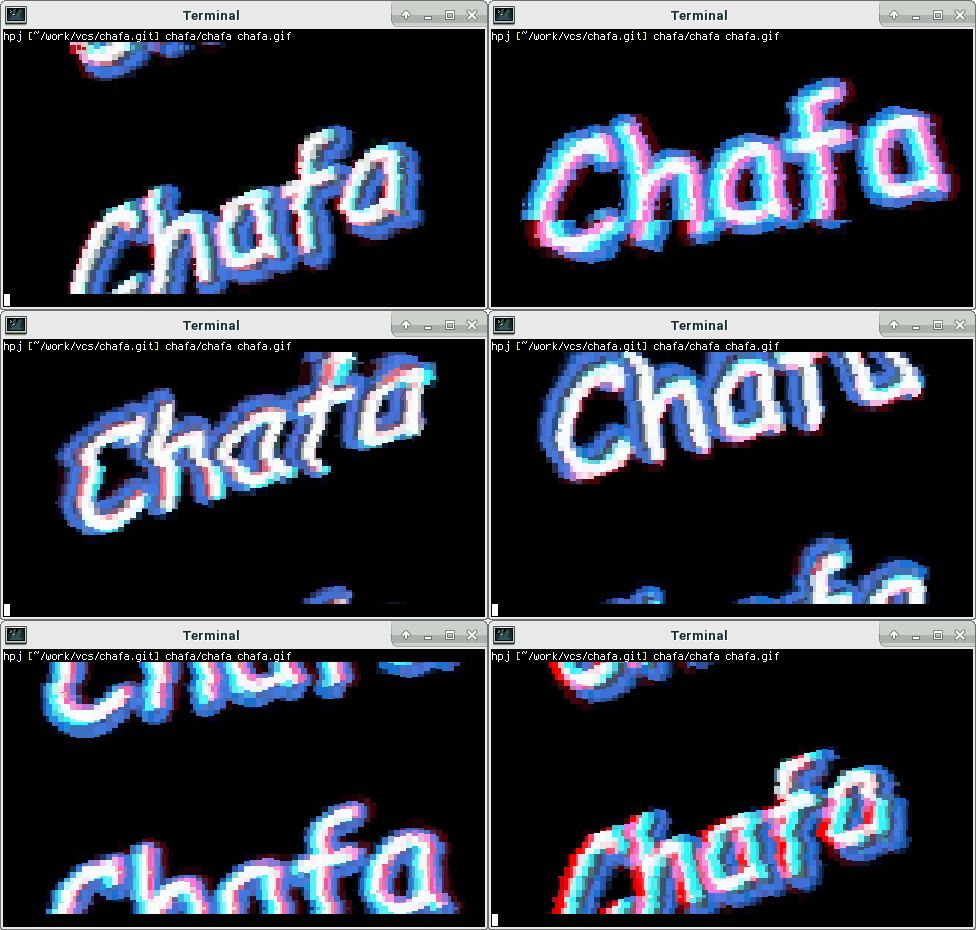



About • Gallery • Packages • Development
About
Chafa is a command-line utility that converts image data, including animated GIFs, into graphics formats or ANSI/Unicode character art suitable for display in a terminal. It has broad feature support, allowing it to be used on devices ranging from historical teleprinters to modern terminal emulators and everything in between.
The core functionality is provided by a C library with a public, well-documented API.
Both library and frontend tools are covered by the Lesser GPL license, version 3 or later (LGPLv3+).
The official web pages and C API documentation can be found online. Check out the gallery for screenshots.
Installing
Chafa is most likely packaged for your distribution, so if you're not going to hack on it, you're better off using official packages. If you want to build the latest and greatest yourself, read on.
You will need GCC, make, Autoconf, Automake, Libtool and the GLib
development package installed to compile Chafa from its git repository. If
you want to build the command-line tool chafa and not just the library,
you will additionally need development packages for:
- FreeType2. Often packaged as
libfreetype6-devorfreetype2-devel. - libavif (optional). Look for
libavif-devorlibavif-devel. - libdeflate (optional, speeds up PNG decoding). Look for
libdeflate-devorlibdeflate-devel. - libheif 1.12 or later (optional). Look for
libheif-devorlibheif-devel. - libjpeg (optional). Look for
libjpeg-dev,libjpeg62-develorlibjpeg8-devel. - libjxl (optional). Look for
libjxl-devorlibjxl-devel. - librsvg (optional). Look for
librsvg2-devorlibrsvg-devel. - libtiff (optional). Look for
libtiff5-devorlibtiff-devel. - libwebp (optional). Look for
libwebp-devorlibwebp-devel.
If you want to build documentation, you will also need gtk-doc.
Start by cloning the repository:
$ git clone https://github.com/hpjansson/chafa.git
Then cd to the toplevel directory and issue the following shell commands:
$ ./autogen.sh
$ make
$ sudo make install
That should do it!
Python bindings
Erica Ferrua Edwardsdóttir maintains excellent Python bindings for Chafa. If Python's your thing, check them out. They are easy to use and come with a detailed tutorial.
JavaScript bindings
Héctor Molinero Fernández maintains wonderful JavaScript bindings built around his WebAssembly port. These are available from NPM and can be used in Node.js, web browsers, and more.