
Akamai Linode CLI
OfficialAgent-readyAbout Akamai Linode CLI
linode-cli is the official command-line tool for Akamai Linode, enabling infrastructure management at scale. It provides access to Compute instances, Kubernetes clusters, storage volumes, object storage, and domain management with JSON output for scripting and automation.
Key features
- 01Create and configure Linode Compute instances
- 02Deploy and manage LKE Kubernetes clusters
- 03Operate block storage volumes, object storage, and networking resources
- 04Configure domains and DNS records
- 05Output results in JSON format for parsing and integration
Use cases
- 01Automate cloud infrastructure provisioning and configuration in coding agents
- 02Query and manage cloud resource state programmatically
- 03Integrate into CI/CD workflows for infrastructure-as-code operations
- 04Perform batch management across multiple Linode account resources
Install
Pick your OS or package manager and run the command in a terminal.
Once installed, runlinode-cli --versionto confirm it works.
Example commands
Common commands in the order you’d use them.
Details
From the project READMElinode-cli (lin)
The Linode Command Line Interface
Provides easy access to any of the Linode API endpoints from the command line and displays results in an organized, configurable table.
This project is automatically generated from the Linode OpenAPI spec using the openapi3 Python package.
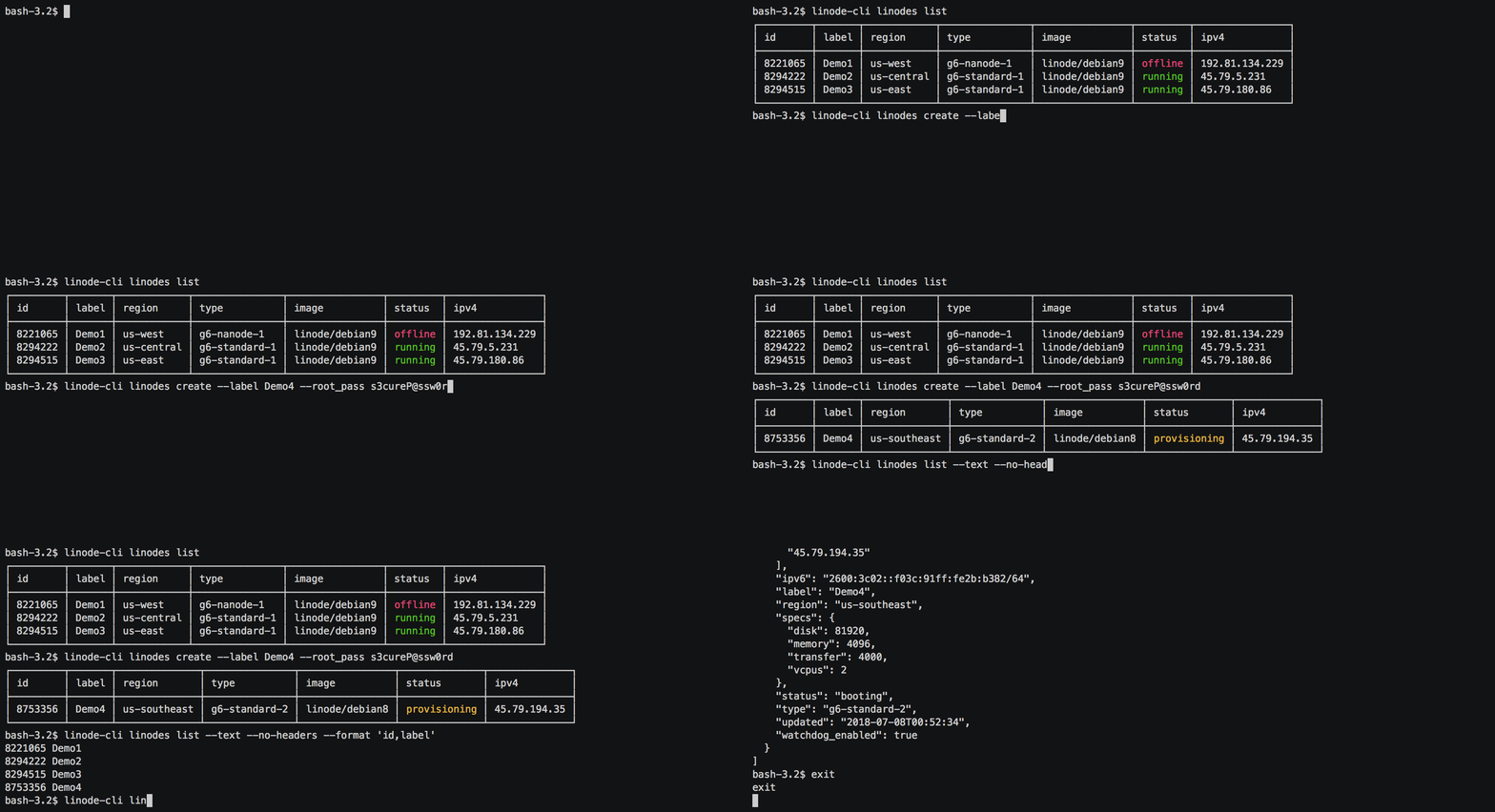
Visit the Wiki for more information.
Install
We recommend installing linode-cli with pipx, which installs each Python CLI tool into its own isolated environment and works on distributions where pip install fails because the system Python is marked as externally managed (PEP 668). If pipx isn't installed yet, follow the pipx installation guide.
To install:
pipx install linode-cli
To upgrade:
pipx upgrade linode-cli
The Wiki covers other installation methods, including the Docker image, the GitHub Action, and building from source.
Contributing
This CLI is generated from the OpenAPI specification for Linode's API. As such, many changes are made directly to the spec.
Please follow the Contributing Guidelines when making a contribution.