About litecli
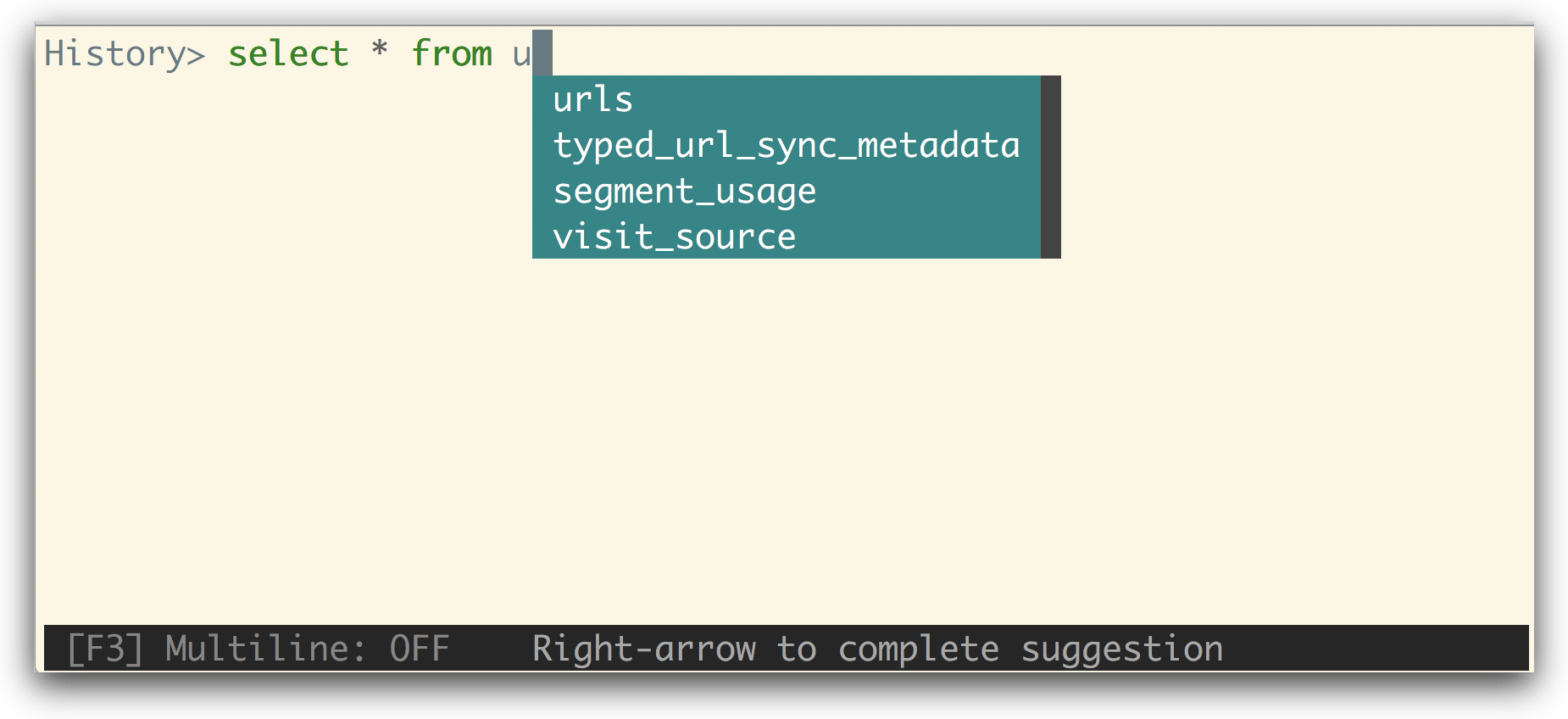
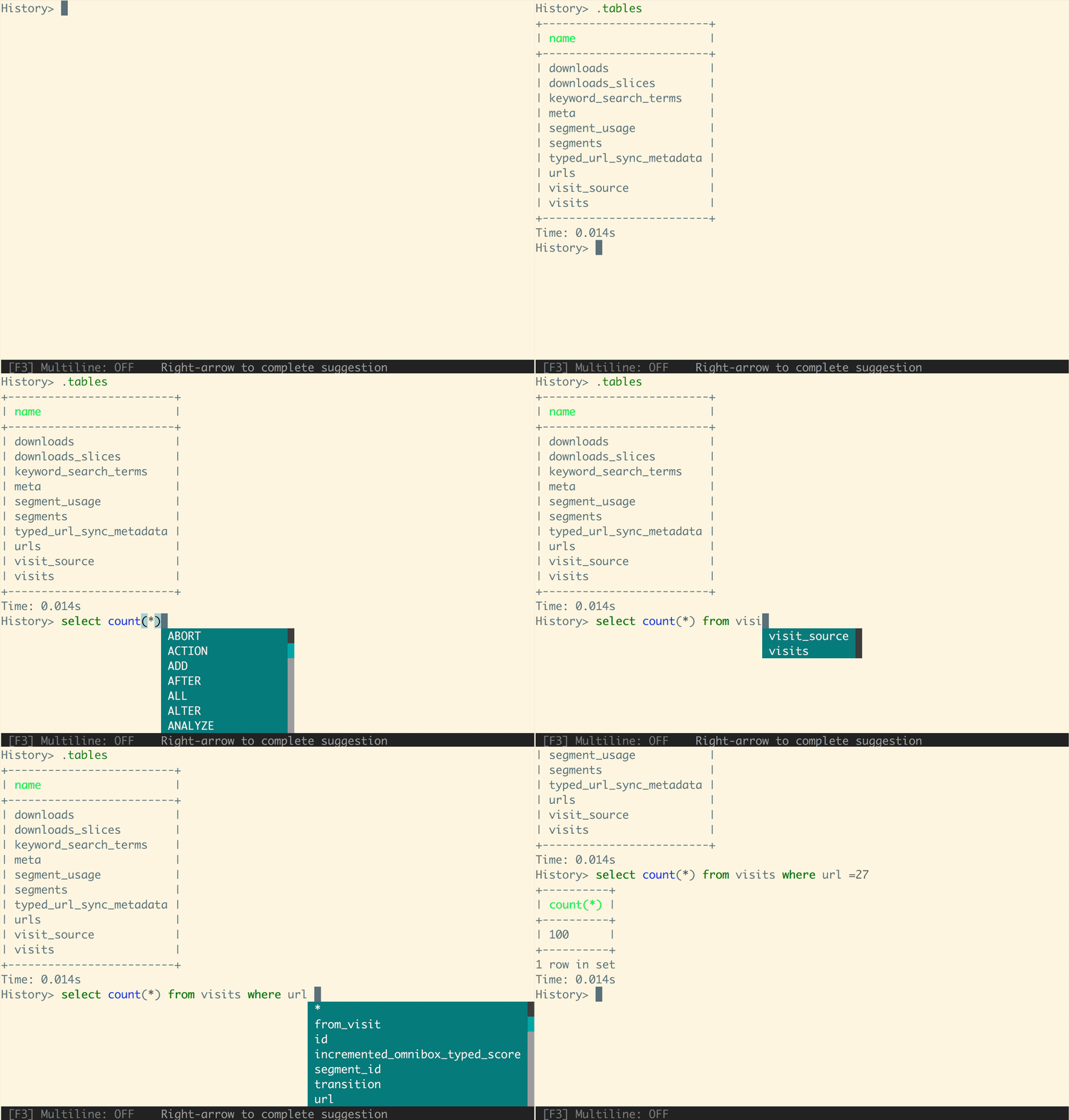
litecli is a SQLite command-line client offering intelligent autocompletion, SQL syntax highlighting, and formatted table output. It supports interactive querying of both in-memory and file-based SQLite databases.
Key features
- 01Execute SQLite queries efficiently with autocompletion
- 02Inspect table structures, data, and run SQL commands
- 03Display formatted tables for easy browsing and script use
Use cases
- 01Interactively query and inspect SQLite databases from the terminal
- 02Quickly explore embedded database contents during development
- 03Test and debug SQLite scripts
Install
Pick your OS or package manager and run the command in a terminal.
Once installed, runlitecli --versionto confirm it works.
Example commands
Common commands in the order you’d use them.
Details
From the project READMElitecli

A command-line client for SQLite databases that has auto-completion and syntax highlighting.
Installation
If you already know how to install python packages, then you can install it via pip:
You might need sudo on linux.
$ pip install -U litecli[sqlean]
For MacOS users, you can also use Homebrew to install it:
$ brew install litecli
Usage
$ litecli --help

Usage: litecli [OPTIONS] [DATABASE]

Examples:
  - litecli sqlite_db_name
A config file is automatically created at ~/.config/litecli/config at first launch. For Windows machines a config file is created at ~\AppData\Local\dbcli\litecli\config at first launch. See the file itself for a description of all available options.
Docs
Visit: litecli.com/features