
About VisiData
VisiData is a terminal-based data analysis tool supporting interactive operations on CSV, JSON, Excel, and other data formats. Users can filter, sort, transform, and aggregate data in real time.
Key features
- 01Load and interactively browse CSV, JSON, Excel, and other data formats
- 02Explore data using sorting, filtering, and grouping operations
- 03Perform aggregations and transformations, then export in different formats
Use cases
- 01Data analysts and engineers quickly exploring dataset quality and structure
- 02Coding agents interactively manipulating structured data in processing pipelines
Install
Pick your OS or package manager and run the command in a terminal.
Once installed, runvd --versionto confirm it works.
Example commands
Common commands in the order you’d use them.
Details
From the project READMEVisiData v3.5




A terminal interface for exploring and arranging tabular data.
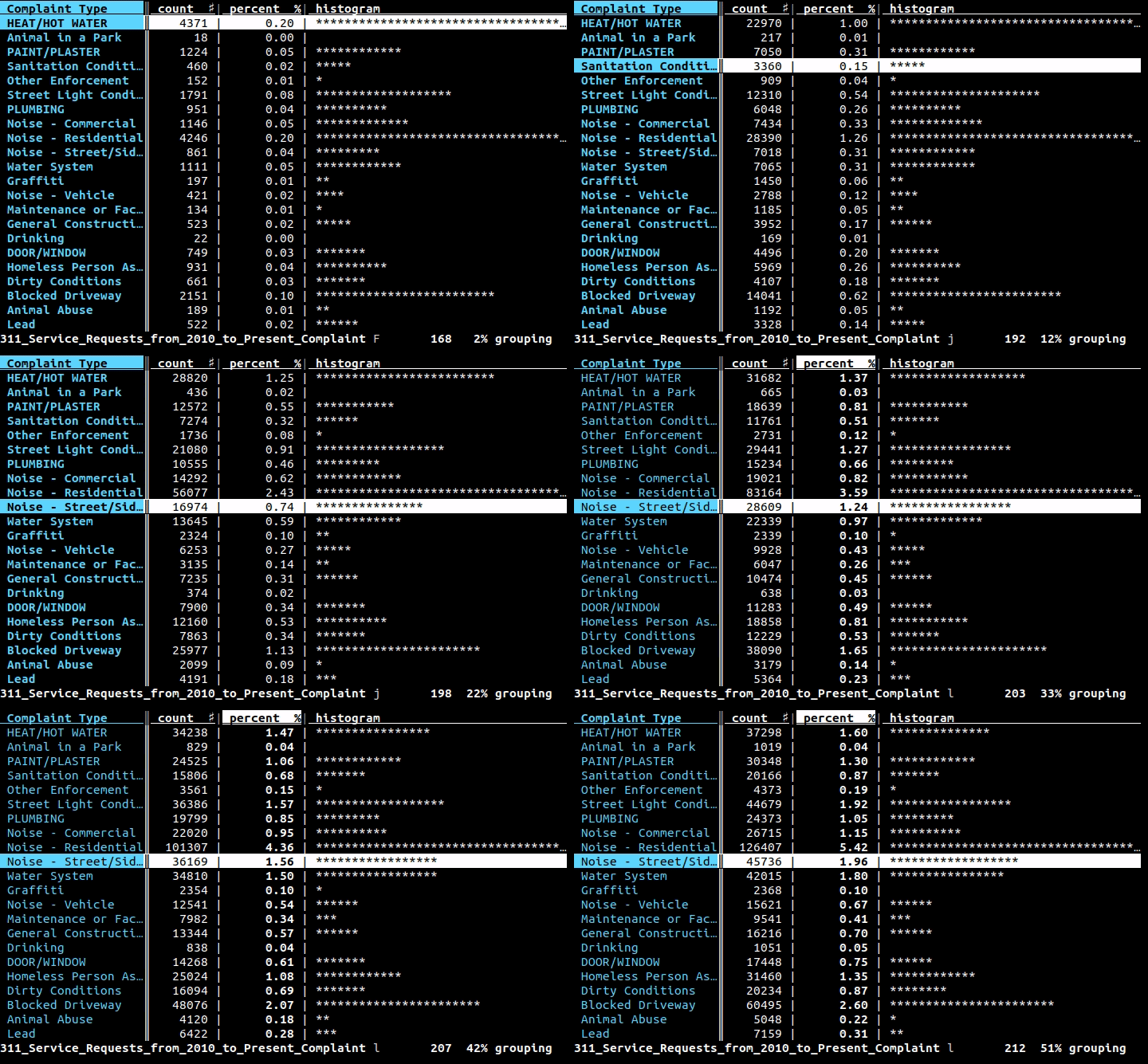
VisiData supports tsv, csv, sqlite, json, xlsx (Excel), hdf5, and many other formats.
Platform requirements
- Linux, OS/X, or Windows (with WSL)
- Python 3.8+
- additional Python modules are required for certain formats and sources
Install
To install the latest release from PyPi:
pip3 install visidata
To try VisiData without installing, use pipx or uv:
pipx run visidata # or: uvx visidata
To install permanently (adds vd to your PATH):
pipx install visidata # or: uv tool install visidata
Additional Python packages are needed for some formats:
pipx install visidata --preinstall openpyxl --preinstall lxml
# or: uv tool install visidata --with openpyxl --with lxml
To add format packages to an existing pipx install:
pipx inject visidata openpyxl lxml
To install the cutting edge develop branch (no warranty expressed or implied):
pip3 install git+https://github.com/saulpw/visidata.git@develop
If VisiData reports package X not installed even after you installed it, vd
is almost certainly running from a different environment than the one you
installed the package into. Check which vd, then install the package into
that environment — e.g. pipx inject visidata X for a pipx install, or the
Homebrew Python for brew install visidata.
See visidata.org/install for detailed instructions for all available platforms and package managers.
Usage
$ vd <input>
$ <command> | vd
Press Ctrl+Q to quit at any time.
Hundreds of other commands and options are also available; see the documentation.
Documentation
- VisiData documentation
- Plugin Author's Guide and API Reference
- Quick reference (available within
vdwithCtrl+H), which has a list of commands and options. - Intro to VisiData Tutorial by Jeremy Singer-Vine
Help and Support
If you have a question, issue, or suggestion regarding VisiData, please create an issue on Github or chat with us at #visidata on irc.libera.chat.
If you use VisiData regularly, please support me on Patreon!
License
Code in the stable branch of this repository, including the main vd application, loaders, and plugins, is available for use and redistribution under GPLv3.
Credits
VisiData is conceived and developed by Saul Pwanson <[email protected]>.
Anja Kefala <[email protected]> maintains the documentation and packages for all platforms.
Many thanks to numerous other contributors, and to those wonderful users who provide feedback, for helping to make VisiData the awesome tool that it is.