
About Alibaba Cloud Ops MCP Server
An MCP server that lets AI assistants operate Alibaba Cloud resources through its APIs, covering ECS, Cloud Monitor, OOS, OSS, VPC and RDS. It also analyzes local projects and deploys applications to ECS instances. It is aimed at users managing Alibaba Cloud infrastructure from AI tools.
Key features
- 01ECS instance create, start, stop, reboot and delete
- 02VPC, RDS and OSS resource management
- 03Cloud Monitor CPU, memory and disk metrics
- 04Project stack analysis and application deployment
Use cases
- 01Viewing and managing Alibaba Cloud ECS instances through an AI assistant
- 02Packaging a local project and deploying it to ECS instances
- 03Querying resource usage metrics for ECS instances
MCP support
This is an MCP server that exposes tools for ECS, VPC, RDS, OSS, Cloud Monitor and deployment to MCP clients.
Configuration
Local server config is the same for every client. Copy it into your client’s MCP config file.
uvx alibaba-cloud-ops-mcp-server@latestALIBABA_CLOUD_ACCESS_KEY_IDSecretALIBABA_CLOUD_ACCESS_KEY_SECRETSecretLocal servers need a runtime on your machine (e.g. Node.js 18+). Config file locations differ by client; see your client’s docs.
Tools
Local servers expose tools only once running on your machine, and the maintainer has not provided a tool list.
Details
From the project READMEAlibaba Cloud Ops MCP Server

Alibaba Cloud Ops MCP Server is a Model Context Protocol (MCP) server that provides seamless integration with Alibaba Cloud APIs, enabling AI assistants to operate resources on Alibaba Cloud, supporting ECS, Cloud Monitor, OOS, OSS, VPC, RDS and other widely used cloud products. It also enables AI assistants to analyze, build, and deploy applications to Alibaba Cloud ECS instances.
MCP Maketplace Integration


Features
- ECS Management: Create, start, stop, reboot, delete instances, run commands, view instances, regions, zones, images, security groups, and more
- VPC Management: View VPCs and VSwitches
- RDS Management: List, start, stop, and restart RDS instances
- OSS Management: List, create, delete buckets, and view objects
- Cloud Monitor: Get CPU usage, load average, memory usage, and disk usage metrics for ECS instances
- Application Deployment: Deploy applications to ECS instances with automatic application and application group management
- Project Analysis: Automatically identify project technology stack and deployment methods (npm, Python, Java, Go, Docker, etc.)
- Local File Operations: List directories, run shell scripts, and analyze project structures
- Dynamic API Tools: Support for Alibaba Cloud OpenAPI operations
Prepare
Install uv
# On macOS and Linux.
curl -LsSf https://astral.sh/uv/install.sh | sh
Configuration
Use VS Code + Cline to config MCP Server.
To use alibaba-cloud-ops-mcp-server MCP Server with any other MCP Client, you can manually add this configuration and restart for changes to take effect:
{
  "mcpServers": {
    "alibaba-cloud-ops-mcp-server": {
      "timeout": 600,
      "command": "uvx",
      "args": [
        "alibaba-cloud-ops-mcp-server@latest"
      ],
      "env": {
        "ALIBABA_CLOUD_ACCESS_KEY_ID": "Your Access Key ID",
        "ALIBABA_CLOUD_ACCESS_KEY_SECRET": "Your Access Key SECRET"
      }
    }
  }
}
For detailed parameter description, see MCP startup parameter document
Know More
- Alibaba Cloud Ops MCP Server is ready to use out of the box!!
- Setup Alibaba Cloud Ops MCP Server on Bailian
- Build your own Alibaba Cloud OpenAPI MCP Server with 10 lines of code
- Alibaba Cloud Ops MCP Server is officially available on the Alibaba Cloud Model Studio Platform MCP Marketplace
Tools
| Product | Tool | Function | Implementation | Status |
|---|---|---|---|---|
| ECS | RunCommand | Run Command | OOS | Done |
| StartInstances | Start Instances | OOS | Done | |
| StopInstances | Stop Instances | OOS | Done | |
| RebootInstances | Reboot Instances | OOS | Done | |
| DescribeInstances | View Instances | API | Done | |
| DescribeRegions | View Regions | API | Done | |
| DescribeZones | View Zones | API | Done | |
| DescribeAvailableResource | View Resource Inventory | API | Done | |
| DescribeImages | View Images | API | Done | |
| DescribeSecurityGroups | View Security Groups | API | Done | |
| RunInstances | Create Instances | OOS | Done | |
| DeleteInstances | Delete Instances | API | Done | |
| ResetPassword | Modify Password | OOS | Done | |
| ReplaceSystemDisk | Replace Operating System | OOS | Done | |
| VPC | DescribeVpcs | View VPCs | API | Done |
| DescribeVSwitches | View VSwitches | API | Done | |
| RDS | DescribeDBInstances | List RDS Instances | API | Done |
| StartDBInstances | Start the RDS instance | OOS | Done | |
| StopDBInstances | Stop the RDS instance | OOS | Done | |
| RestartDBInstances | Restart the RDS instance | OOS | Done | |
| OSS | ListBuckets | List Bucket | API | Done |
| PutBucket | Create Bucket | API | Done | |
| DeleteBucket | Delete Bucket | API | Done | |
| ListObjects | View object information in the bucket | API | Done | |
| CloudMonitor | GetCpuUsageData | Get CPU Usage Data for ECS Instances | API | Done |
| GetCpuLoadavgData | Get CPU One-Minute Average Load Metric Data | API | Done | |
| GetCpuloadavg5mData | Get CPU Five-Minute Average Load Metric Data | API | Done | |
| GetCpuloadavg15mData | Get CPU Fifteen-Minute Average Load Metric Data | API | Done | |
| GetMemUsedData | Get Memory Usage Metric Data | API | Done | |
| GetMemUsageData | Get Memory Utilization Metric Data | API | Done | |
| GetDiskUsageData | Get Disk Utilization Metric Data | API | Done | |
| GetDiskTotalData | Get Total Disk Partition Capacity Metric Data | API | Done | |
| GetDiskUsedData | Get Disk Partition Usage Metric Data | API | Done | |
| Application Management | OOS_CodeDeploy | Deploy applications to ECS instances with automatic artifact upload to OSS | OOS | Done |
| OOS_GetDeployStatus | Query deployment status of application groups | API | Done | |
| OOS_GetLastDeploymentInfo | Retrieve information about the last deployment | API | Done | |
| Local | LOCAL_ListDirectory | List files and subdirectories in a directory | Local | Done |
| LOCAL_RunShellScript | Execute shell scripts or commands | Local | Done | |
| LOCAL_AnalyzeDeployStack | Identify project deployment methods and technology stack | Local | Done |
Deployment Workflow
The typical deployment workflow includes:
- Project Analysis: Use
LOCAL_AnalyzeDeployStackto identify the project's technology stack and deployment method - Build Artifacts: Build or package the application locally (e.g., create tar.gz or zip files)
- Deploy Application: Use
OOS_CodeDeployto deploy the application to ECS instances- Automatically creates application and application group if they don't exist
- Uploads artifacts to OSS
- Deploys to specified ECS instances
- Monitor Deployment: Use
OOS_GetDeployStatusto check deployment status
Contact us
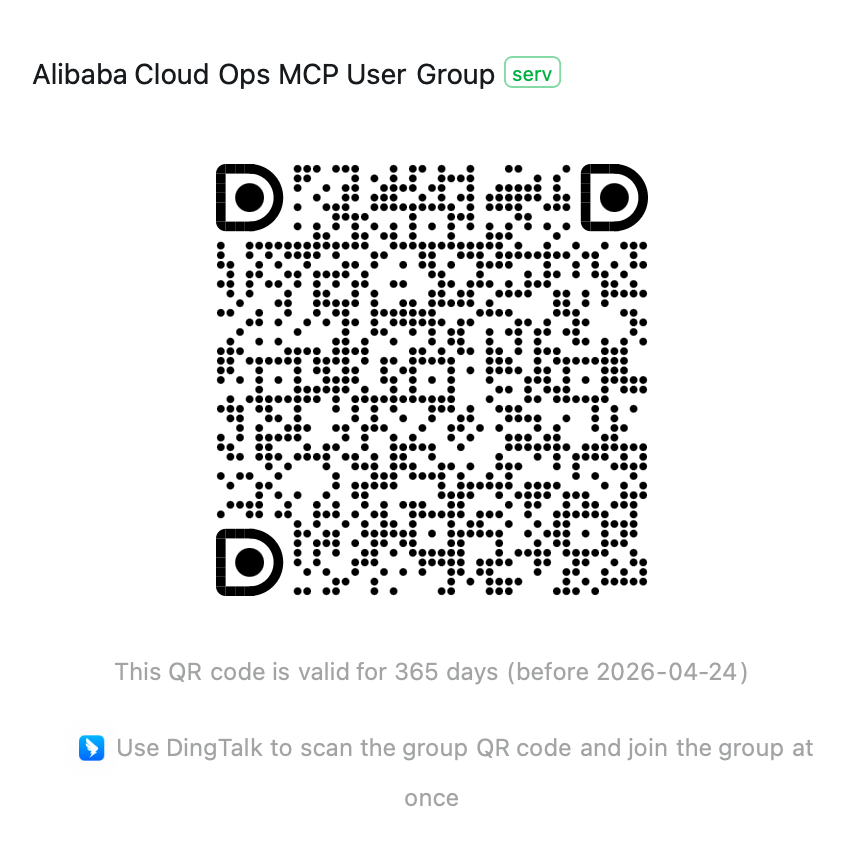
If you have any questions, please join the Alibaba Cloud Ops MCP discussion group (DingTalk group: 113455011677) for discussion.
Comments
New to MCP?
From what the protocol is to installing your first server, these answers cover most first questions.
An open protocol that defines how AI applications connect to external tools and data in a uniform way. Clients talk to the model; MCP servers provide tools, resources and prompt templates. They exchange standard messages, so one server can be reused by many clients.