
About Code Snippet Image Mcp Server
Code Snippet Image Mcp Server is an MCP server for developers who want to turn code snippets into images for social media. It supports syntax highlighting, multiple themes, and configurable image styling.
Key features
- 01Generate code snippet images
- 02Syntax highlighting for many languages
- 03Dracula, Monokai, and other themes
- 04Configure dimensions and styling
- 05Optional line numbers and title
Use cases
- 01Create code images for social media
- 02Add syntax highlighting to code examples
MCP support
The MCP server exposes a create_code_image tool to MCP clients, generating images from code snippets and saving them to the chosen output directory.
Configuration
Local server config is the same for every client. Copy it into your client’s MCP config file.
Tools
1Saved tool list · updated 2w ago
| Parameter | Type | Required | Description |
|---|---|---|---|
| backgroundColor | string | No | Custom background color (overrides theme background) |
| code | string | Yes | The code snippet to convert to image |
| height | number | No | Image height in pixels (auto if not specified) |
| language | string | No | Programming language for syntax highlighting (e.g., javascript, python, typescript) |
| padding | number | No | Padding around the code window in pixels |
| showLineNumbers | boolean | No | Show or hide line numbers |
| theme | string | No | Color theme (dracula, monokai, github, solarized-dark, solarized-light) |
| title | string | No | Title for the code snippet |
| width | number | No | Image width in pixels |
Details
From the project READMECode snippet image MCP server
An MCP (Model Context Protocol) server that generates beautiful code snippet images to post to social media.
Demo
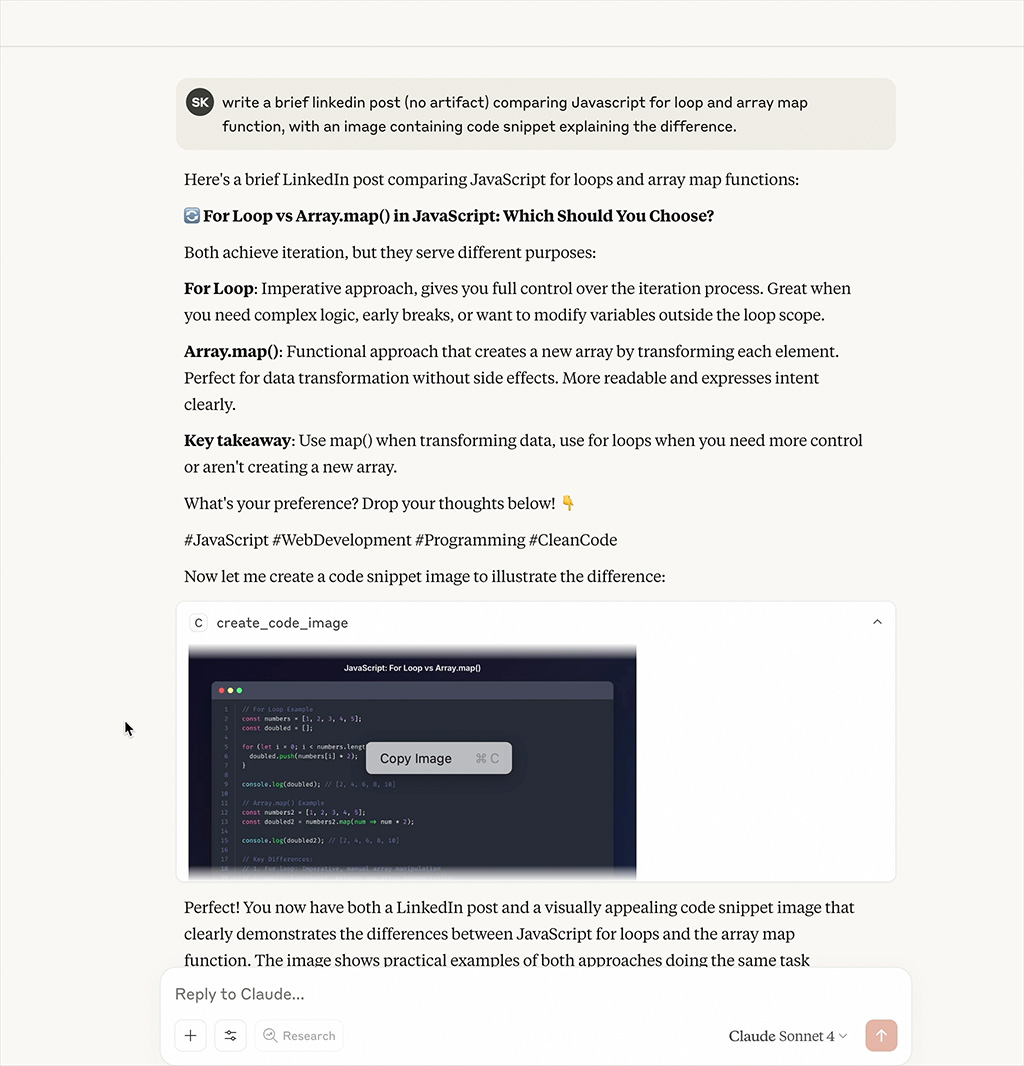
Watch the MCP server generate beautiful code snippet images in real-time
Features
- Beautiful Code Images: Generate beautiful code snippet images with syntax highlighting
- Multiple Themes: Support for Dracula, Monokai, GitHub, Solarized Dark/Light themes
- Syntax Highlighting: Support for multiple programming languages
- Customizable: Configurable dimensions, themes, and styling options
Installation
npm install
npm run build
Configuration
Add to your MCP configuration file:
{
  "mcpServers": {
    "code-snippet-image-mcp-server": {
      "command": "npx",
      "args": [
        "-y",
        "code-snippet-image-mcp-server",
        "/custom/output/directory"
      ]
    }
  }
}
The server accepts an optional output directory as the first command line argument. If not provided, it defaults to ./output in the current working directory.
Usage
The MCP server provides one main tool:
create_code_image
Generate a beautiful code snippet image:
Parameters:
code(string, required): The code to convert to imagelanguage(string, optional): Programming language for syntax highlighting (default: "javascript")theme(string, optional): Color theme (default: "dracula")title(string, optional): Title for the code snippetwidth(number, optional): Image width in pixels (default: 800)height(number, optional): Image height in pixels (auto if not specified)padding(number, optional): Padding around the code window in pixels (default: 52)backgroundColor(string, optional): Custom background color (overrides theme background)showLineNumbers(boolean, optional): Show or hide line numbers (default: true)
Example:
{
  "code": "const hello = () => console.log('Hello, World!');",
  "language": "javascript",
  "theme": "dracula",
  "title": "Hello World Function",
  "width": 800,
  "height": 600,
  "padding": 52,
  "showLineNumbers": true
}
Supported Themes
Dracula (Default)
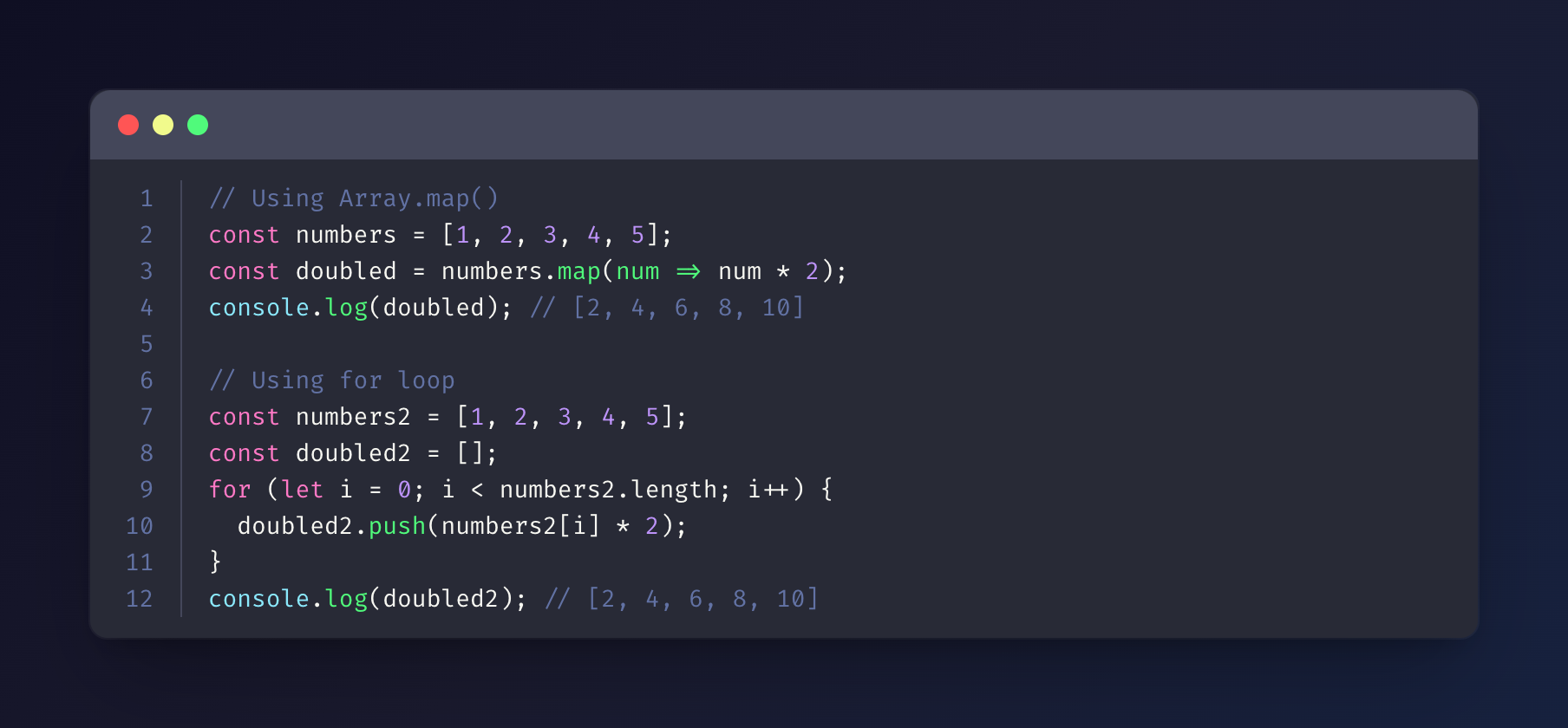
Monokai
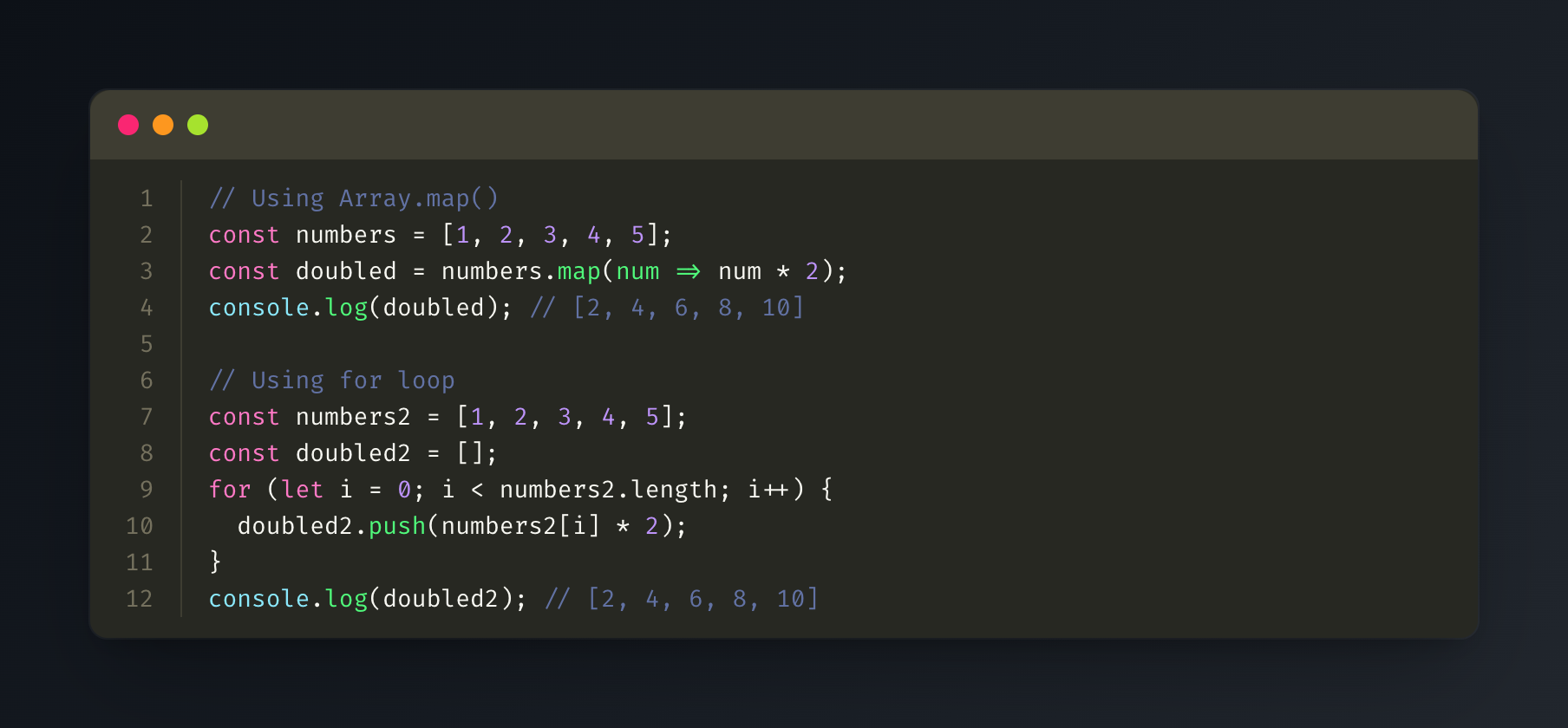
GitHub
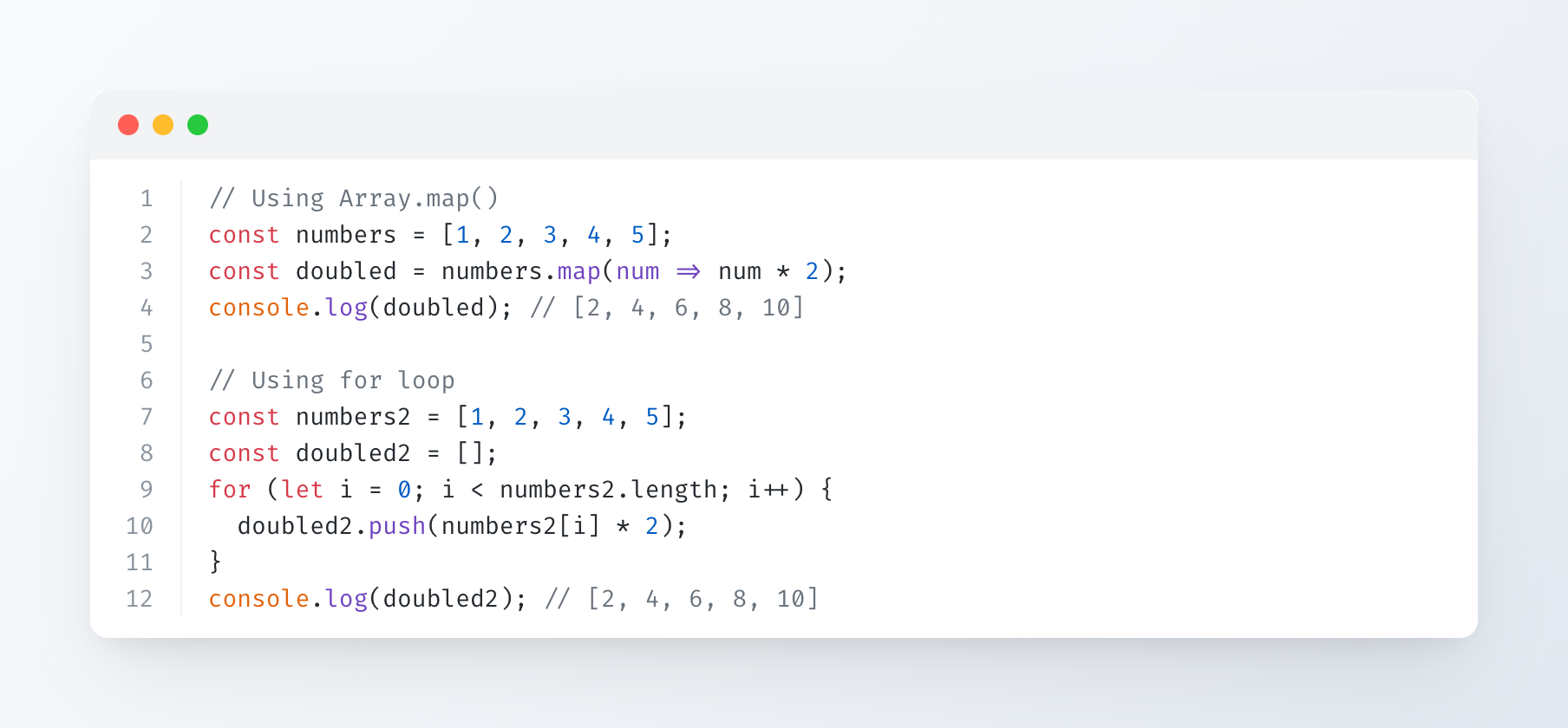
Solarized Dark
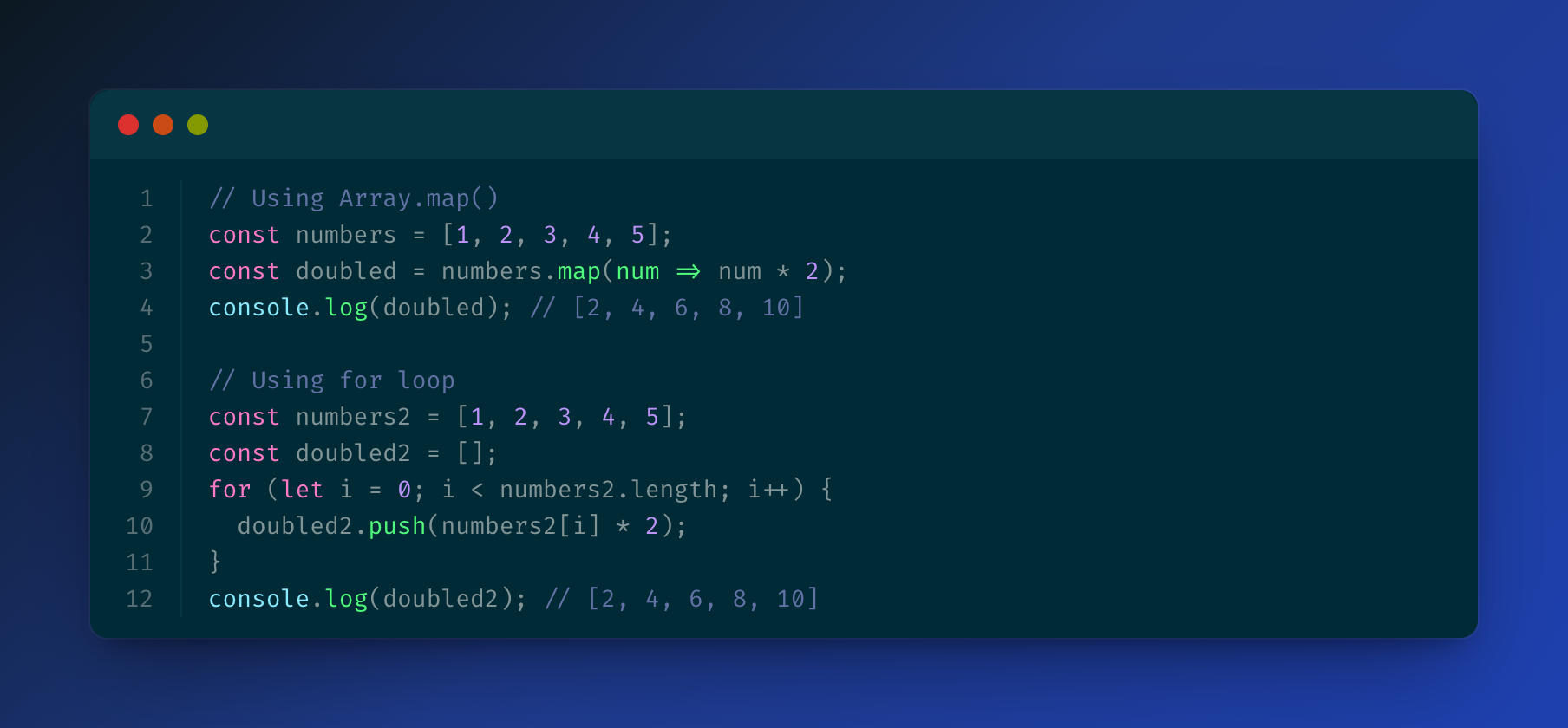
Solarized Light
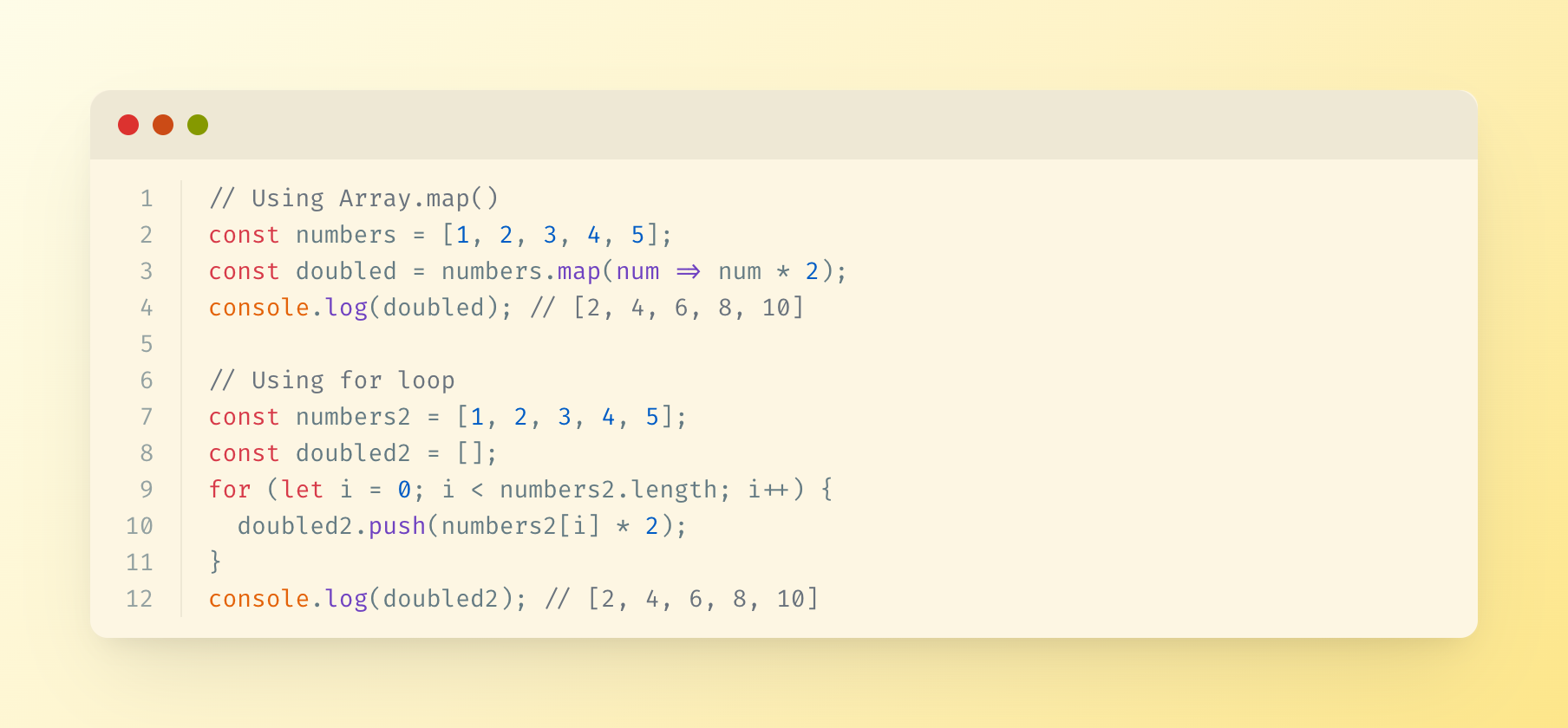
Supported Languages
The server uses highlight.js for syntax highlighting and supports all languages that highlight.js supports, including:
- JavaScript/TypeScript
- Python
- Java
- C/C++
- Go
- Rust
- PHP
- Ruby
- And many more...
Output
Generated images are saved in the specified output directory (or ./output by default) with timestamps.
License
MIT
Comments
New to MCP?
From what the protocol is to installing your first server, these answers cover most first questions.
An open protocol that defines how AI applications connect to external tools and data in a uniform way. Clients talk to the model; MCP servers provide tools, resources and prompt templates. They exchange standard messages, so one server can be reused by many clients.