
About Codelf
CODELF is a search tool that helps developers choose variable names by checking real-world usage. It searches code hosting platforms such as GitHub and GitLab and offers editor plugins for VS Code, Atom and Sublime Text.
Key features
- 01Searches variable names across real projects
- 02VS Code plugin
- 03Atom plugin
- 04Sublime Text plugin
- 05Daily algorithm copybook
- 06GitHub stars and repository tagging
Use cases
- 01Checking common usage before naming variables
- 02Searching selected text directly from an editor
Configuration
Local server config is the same for every client. Copy it into your client’s MCP config file.
We haven’t collected a package or remote endpoint for this server. Follow the instructions in the project README.
Tools
Local servers expose tools only once running on your machine, and the maintainer has not provided a tool list.
Details
From the project README
CODELF(变量命名神器)
A search tool helps dev to solve the naming things problem.
Search over projects from Github, Bitbucket, Google Code, Codeplex, Sourceforge, Fedora Project, GitLab to find real-world usage variable names.
Also a daily Algorithm Copybook.
Also a GitHub stars, repositories tagger and organizer tool.
There are only two hard things in Computer Science: cache invalidation and naming things.-- Phil Karlton


WIKI
Plugins
Codelf for VS Code
Install
Codelf is on VS Code Extension Marketplace. Just search "codelf" on VS Code EXTENSIONS pane and click install.
Usage
- Select text, right-click and select "Codelf".

Codelf for Atom
Install
Codelf is on Atom package. Search "codelf" on Atom setting pane and click install.Please see Atom Packages in the Atom Flight Manual
Usage
- Select text, right-click and click "Codelf".
- Open Packages menu select "Codelf"
- Press CTRL+ALT+E to open Codelf

Also see How to use Codelf on Atom
Codelf for Sublime Text
Install
- Download Codelf for Sublime or Select a "st-" version to download
- Unzip and rename the folder to
Codelf - Copy the folder into
Packagesdirectory, which you can find using the menu itemSublime Text -> Preferences -> Browse Packages... - Restart Sublime Text
Usage
- Select text, right-click and click "Codelf".
 2. Open Command Palette using menu item Tools -> Command Palette... --> Type "E" or "Codelf" -->Select "Search Selection" or "Search From Input"

Apps
Find me
Videos

Screenshots
Search variable


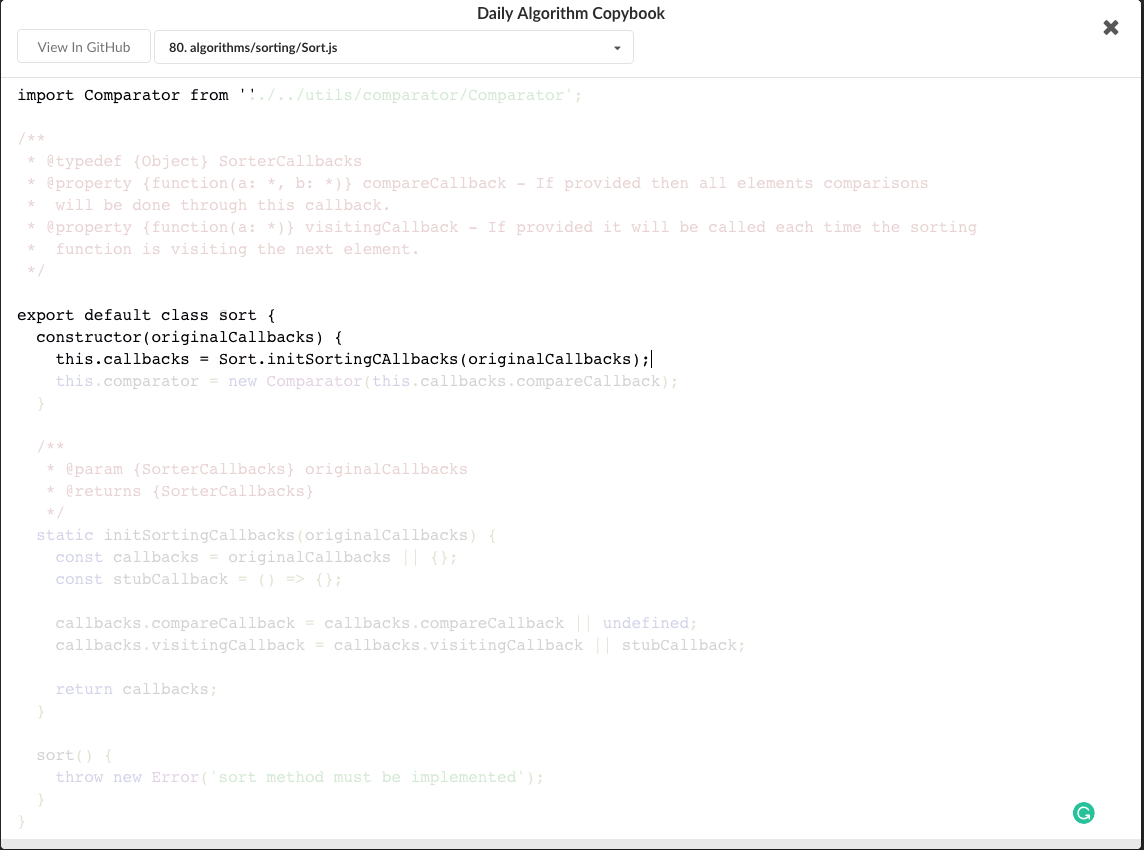
Daily Algorithm Copybook

GitHub stars, repositories tagger and organizer tool


Comments
New to MCP?
From what the protocol is to installing your first server, these answers cover most first questions.
An open protocol that defines how AI applications connect to external tools and data in a uniform way. Clients talk to the model; MCP servers provide tools, resources and prompt templates. They exchange standard messages, so one server can be reused by many clients.