
About Coding Tools
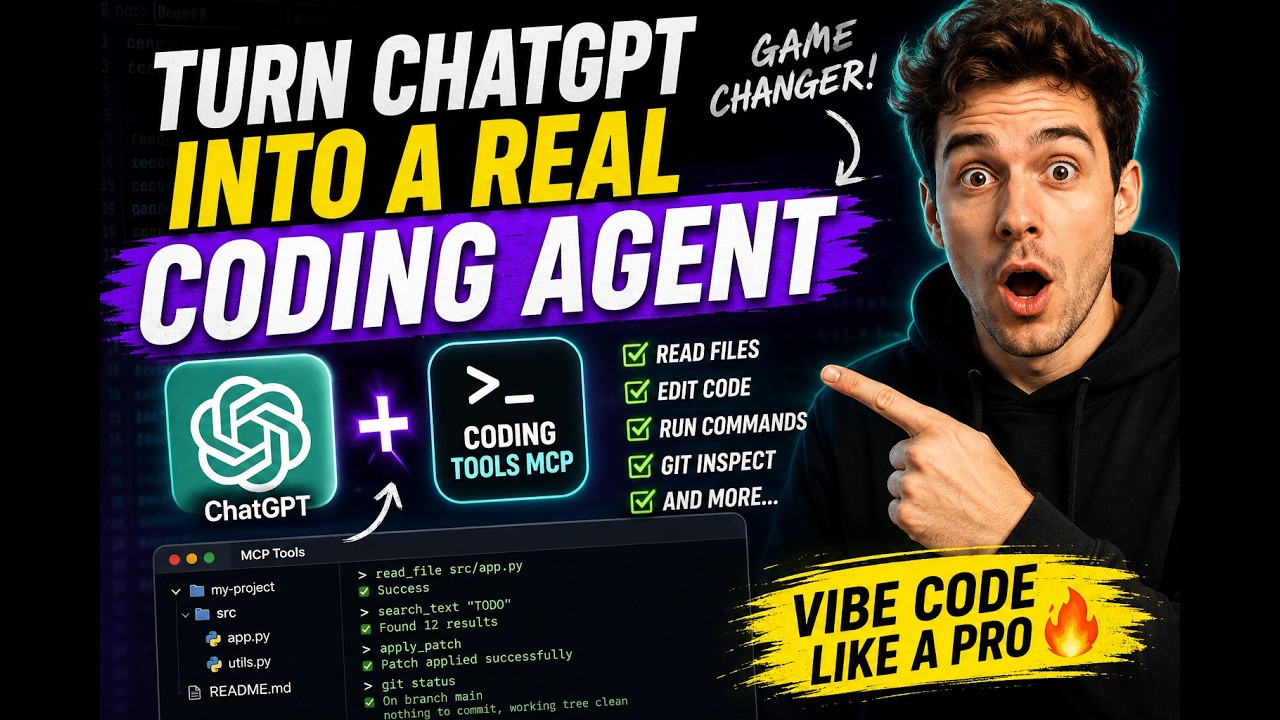
Coding Tools MCP is a local MCP server that lets any MCP client read and patch code, run commands, and query git in one workspace. It suits developers who want chat apps or custom agents to work on a repository, with path confinement and permission modes limiting risk.
Key features
- 01File reading, search and multi-file patches
- 02Command execution and interactive sessions
- 03Git status, diff, log, show and blame
- 04Workspace path confinement and permission modes
- 05Remote HTTP access with OAuth 2.1 authentication
- 06Docker sandbox image
Use cases
- 01Letting Claude Desktop read and modify a local repository
- 02Reviewing untrusted pull requests in a disposable container
- 03Giving a custom agent file and command tools
MCP support
This is an MCP server that exposes 19 annotated tools to any MCP client, with 18 advertised in the default safe and trusted modes.
Configuration
Local server config is the same for every client. Copy it into your client’s MCP config file.
Tools
Local servers expose tools only once running on your machine, and the maintainer has not provided a tool list.
Details
From the project READMECoding Tools MCP
English | 简体中文
Give any AI chat or agent a safe pair of hands on your codebase.






Coding Tools MCP is a model-neutral coding runtime served over the Model Context Protocol: file reading and search, structured multi-file patches, command execution, interactive sessions, and git — one server that any MCP client can drive. Claude Desktop, Claude Code, Codex, Cursor, Cline, VS Code, Windsurf, Gemini CLI, or an agent you build yourself gets the default catalog of 18 battle-tested tools, confined to one workspace and gated by permission modes.
Why people use it
- It turns a chat app into a coding agent. Claude Desktop — or any MCP chat client — gets real repo access with the subscription you already have. No extra product required.
- Safety is the product, not an afterthought. One workspace root per
server. Absolute paths,
..traversal, and symlink escapes are rejected. Permission modes gate network access, shell expansion, inline scripts, and destructive commands. On Linux, Landlock adds kernel-level filesystem confinement. - It is model- and vendor-neutral. A truthfully annotated, mode-aware catalog — no profile switching, no annotation games. Swap models or clients freely; the runtime contract stays put.
- It is engineered for context windows. Results are summarized, paginated, and capped by design; serialized tool-result bytes dropped 37% release-over-release on the deterministic dogfood workload with unchanged task completion.
Quickstart
Run it with whichever toolchain you already have (the server is Python ≥ 3.11
from PyPI; the npm package is a thin launcher that starts it via uv or
pipx):
uvx coding-tools-mcp --stdio --workspace /path/to/repo   # Python toolchain
npx coding-tools-mcp --stdio --workspace /path/to/repo   # Node toolchain
Wire it into Claude Desktop, Claude Code, Codex, Cursor, VS Code, Windsurf,
Gemini CLI, or Cline — the JSON is the same everywhere (swap uvx for npx
if you prefer Node):
{
  "mcpServers": {
    "coding-tools": {
      "command": "uvx",
      "args": ["coding-tools-mcp", "--stdio", "--workspace", "/path/to/repo"]
    }
  }
}
Then ask your client: "run the test suite and fix the first failure."
Prefer HTTP? Drop --stdio and the server speaks Streamable HTTP on
http://127.0.0.1:8765/mcp. Both protocol eras are served on either
transport: MCP 2026-07-28 in full, with tools as the only advertised
capability, and the handshake era 2025-11-25 with 2025-06-18
compatibility. Neither has sessions. A one-line installer, per-client
walkthroughs, and troubleshooting live in
docs/quickstart.md and
docs/mcp-client-config.md.
Seven things to try
1. Make Claude Desktop your coding agent. The config above is all it takes — the chat window you already pay for can now read, patch, test, and commit-review a real repository.
2. Code on your own machine from anywhere.
CODING_TOOLS_MCP_AUTH_MODE=bearer ./integrations/tunnels/tunnel.sh cloudflared /path/to/repo
Loopback bind + authenticated HTTPS tunnel (cloudflared, ngrok, or
Microsoft Dev Tunnel). Point claude.ai on your phone at
https://<tunnel-host>/mcp and drive your home workstation from anywhere.
ChatGPT and Grok connect through their connector settings the same way.
Bearer tokens and OAuth 2.1 + PKCE (with RFC 7591 dynamic registration) are
built in. → docs/remote-mcp.md
3. Let an agent loose on untrusted code — inside a disposable sandbox.
docker build -t coding-tools-mcp-sandbox:local .
docker run --rm --init -it -p 8765:8765 -v "$PWD:/workspace" coding-tools-mcp-sandbox:local
A containerized server with toolchains and caches preconfigured, safe to point at a sketchy PR and destroy afterwards. → docs/docker.md
4. Spin up a cloud sandbox with one MCP call. The bundled
Cloudflare Worker control plane exposes
start_coding_tools_sandbox as an MCP tool: one call dispatches a GitHub
Actions runner that boots the Docker sandbox and publishes it behind an
authenticated Cloudflare Tunnel. Ephemeral compute, no server of your own.
5. Drive it from a GUI.
python -m pip install "coding-tools-mcp[desktop]"
coding-tools-mcp-desktop
Per-workspace profiles, server and tunnel start/stop, credential setup with clipboard helpers, live health checks. English and 简体中文.
6. Keep an interactive command alive. exec_command starts a REPL or
debugger under a real PTY; write_stdin feeds it across turns; read_output
pages long output; kill_command cleans up. Long-running processes are
first-class, with deadline watchdogs and bounded buffers.
7. Give your own agent production-grade hands. Building an agent loop with the Anthropic SDK or anything else? Don't hand-roll file and exec tools — speak MCP to this server and inherit the whole safety boundary. → docs/embedding.md
The tool catalog
The registry contains 19 truthfully annotated tools. The default safe and
trusted modes advertise 18; dangerous also advertises
request_permissions, the only mode in which that tool can grant anything.
apply_patch and apply_changes are the file-mutation primitives: both are
staged, baseline-checked, atomic across files, and support rollback.
| Group | Tools |
|---|---|
| Files & search | read_file · list_dir · list_files · search_text · apply_patch · apply_changes · view_image |
| Execution | exec_command · write_stdin · read_output · kill_command · request_permissions (dangerous only) |
| Git | git_status · git_diff · git_log · git_show · git_blame |
| Runtime | server_info · check_exec_environment |
Root AGENTS.md/CLAUDE.md files load automatically and come back in the
instructions of initialize, or of server/discover for a client that
never handshakes. Tool content is concise agent-facing text;
structuredContent carries the complete machine result. Schemas and result
envelopes: docs/tools-and-schemas.md ·
docs/runtime-contract-v0.3.md.
Safety Boundary
| Mode | Meant for | What it allows |
|---|---|---|
safe (default) | day-to-day agent work | file tools and vetted commands; network-looking commands, shell expansion, inline scripts, and destructive commands all require explicit permission |
trusted | local development | opens network, shell expansion, and inline scripts; keeps secret filtering and destructive-command checks |
dangerous | isolated containers/VMs only | disables exec_command permission gates; workspace path boundaries still apply |
Recursive listing and search exclude .git, node_modules, build outputs,
virtualenvs, and caches. Commands run with workspace-bound cwd, scrubbed
environment, timeouts, and output caps. Linux hosts with Landlock get
kernel-enforced filesystem confinement; other platforms get an explicit
warning — this is still not a complete OS sandbox, so use the Docker image or
a VM for genuinely untrusted work. Details:
SECURITY.md · docs/security-boundary.md ·
docs/permission-modes.md
Telemetry
The server sends anonymous usage telemetry (per-tool success/latency counters
and version/platform dimensions — never paths, arguments, commands, or file
contents) to help prioritize fixes. Disable it with
CODING_TOOLS_MCP_TELEMETRY=off or DO_NOT_TRACK=1; it is automatically off
in CI. CODING_TOOLS_MCP_TELEMETRY=debug prints every event to stderr instead
of sending. The full event list and guarantees are in
docs/telemetry.md.
Evidence, Dogfood and SWE-bench
Every release ships through a tag-triggered pipeline in which the compliance
suite, real-workload benchmark, and SWE-bench harness run from the same commit
that publishes to PyPI and npm — both via trusted publishing, npm with
provenance. Dogfood efficiency metrics are reproducible (make dogfood-smoke)
and checked in under reports/. This repository does not claim a
model-generated SWE-bench leaderboard result — see
docs/swe-bench.md for exactly what is and is not
measured. More: COMPLIANCE.md · BENCHMARK.md ·
docs/dogfood.md
Documentation
| Documentation map | Browse docs by topic |
| Getting started | Quickstart · Client configuration · Troubleshooting |
| Remote & sandboxed | Remote MCP · Docker sandbox · Cloud sandbox worker |
| Tools & contract | Tools and schemas · Runtime contract · Migrating to 0.3 · Permission modes |
| Execution | Exec recipes · Exec troubleshooting |
| Integration | Embedding · npm launcher |
| Security & quality | Security policy · Security boundary · CI and tests · Limitations · Competitive analysis |
Development
python -m pip install -e ".[dev]"
make ci        # lint, typecheck, tests, protocol/integration suites, gates
The full gate matrix is in docs/ci-and-tests.md.
License
This project is licensed under the Apache License 2.0.
If you use code, documentation, substantial implementation details, or derivative work from this project, preserve the copyright notice, license notice, and NOTICE file, and clearly attribute the original project.
Project: Coding Tools MCP
Author: Coding Tools MCP Contributors
Source: https://github.com/xyTom/coding-tools-mcp
Citation metadata is available in CITATION.cff.
Comments
New to MCP?
From what the protocol is to installing your first server, these answers cover most first questions.
An open protocol that defines how AI applications connect to external tools and data in a uniform way. Clients talk to the model; MCP servers provide tools, resources and prompt templates. They exchange standard messages, so one server can be reused by many clients.