
About Minecraft
Minecraft is an MCP server for players and operators to inspect and manage Paper servers through WorldAPI. Its tools cover game state, configuration, logs, and live events, with access controlled by the supplied token.
Key features
- 01Inspect players, worlds, blocks, and entities
- 02Read and edit configs and logs
- 03Review detailed inventories and items
- 04Subscribe to live server events
- 05Control access through token permissions
Use cases
- 01Check who is online and where they are
- 02Investigate server lag using logs
- 03Give players items or change the time
- 04Get notified when a player joins
MCP support
Exposes Minecraft server data and actions as MCP tools, connecting to WorldAPI on Paper servers. Supports MCP clients over stdio or HTTP.
Configuration
Local server config is the same for every client. Copy it into your client’s MCP config file.
npx -y @mairwunnx/minecraft-mcpWORLDAPI_URLWorldAPI base URL including /api/v1, such as http://localhost:8110/api/v1. Leave it out for the singleplayer world open on this machine with the WorldAPI mod.WORLDAPI_TOKENSecretA WorldAPI token; its permissions decide which tools the agent gets. Leave empty for what anonymous clients may read.WORLDAPI_READ_ONLY1 hides every tool that changes the serverLocal servers need a runtime on your machine (e.g. Node.js 18+). Config file locations differ by client; see your client’s docs.
Tools
Local servers expose tools only once running on your machine, and the maintainer has not provided a tool list.
Details
From the project READMEminecraft-mcp



🤖 minecraft-mcp lets an AI agent see and run your Minecraft server. Ask Claude “who’s online and where are they?”, “why is the server lagging?”, or “give everyone bread and set the time to morning”, and it answers with real data from your world.
It runs next to your AI client—Claude Desktop, Claude Code, Cursor, VS Code, or anything else that speaks MCP—and talks to WorldAPI on any Paper server. The token you give it decides what the agent may do.
What you get
- 🧰 73 tools for the server, worlds, blocks, chests, entities, players, leaderboards, recipes, configs, logs, and Java scripts.
- 🎒 Inventories in depth: every item’s enchantments, durability, and potion effects, and what’s inside shulker boxes and bundles.
- 📜 Configs and logs: the agent reads the console and any config, and with the right token changes a value and keeps its comments.
- 🔑 Only what your token allows: a viewer token shows 29 tools that only look, and read-only mode hides every write.
- 🙋 “Me” means you: set your player name, and “where am I?” just works.
- ⏳ Live events: “tell me when Steve joins”.
- 🛡️ Safe by design: game text is fenced as data, tools say when they destroy something, and the token never leaks.
- 🔌 Every client: Claude Desktop in one click, or any MCP client over stdio or HTTP.
Get started
-
Install WorldAPI 3.0.0 or newer on your Paper server, and make a token with
/worldapi token create agent. -
Add minecraft-mcp to your client. In Claude Desktop, open minecraft-mcp.mcpb. In Claude Code:
claude mcp add minecraft -e WORLDAPI_URL=http://localhost:8110/api/v1 -e WORLDAPI_TOKEN=your-token -- npx -y @mairwunnx/minecraft-mcp -
Ask “what’s the server status?”. The Installation page covers Cursor, VS Code, and HTTP.
Try it live
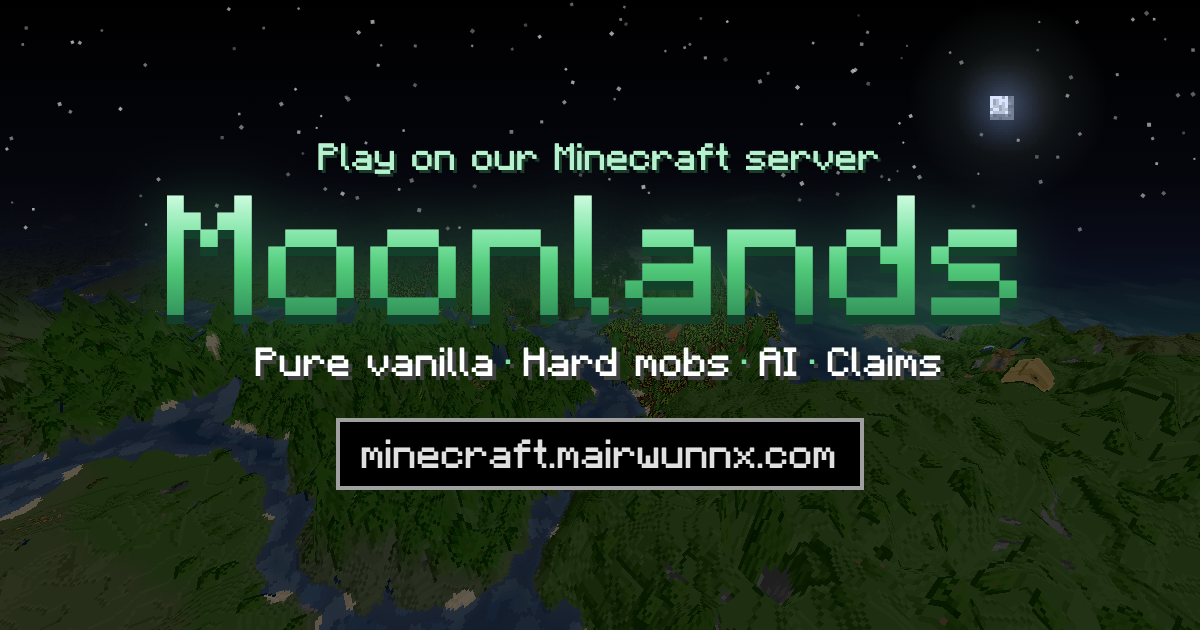
Moonlands, my hard survival server with friends, runs WorldAPI and lets anyone read it. Point the agent there without a token:
claude mcp add moonlands -e WORLDAPI_URL=https://minecraft.mairwunnx.com/worldapi/api/v1 -- npx -y @mairwunnx/minecraft-mcp
Then ask “who played the most on Moonlands this week?”.
Documentation
Everything else lives in the wiki.
For players and server owners
- Installation, then Claude Desktop, Claude Code, Cursor, or Other clients
- Configuration
- Tokens and permissions
- Tools
- Example prompts
- Security
- Troubleshooting
For developers
Related projects
- Moonlands—the hard-survival server where all of these run.
- WorldAPI—REST and WebSocket API to a Paper server's world, players, and stats.
- Allay—an AI helper in the game: ask with
/ask, right in the chat. - Allay Server—the backend behind Allay.
- Mo’Joins—join and quit messages in each player's language.
- Mo’Afks—a safe AFK mode that doesn't block the night.
- Mo’Bosses—monsters that spawn as bosses with classes, abilities, and loot.
- minecraft-exporter—Prometheus metrics from WorldAPI.
- minecraft-grafana—the Grafana dashboard for WorldAPI.
🫡 Made by Pavel Erokhin (Павел Ерохин), aka mairwunnx.
Comments
New to MCP?
From what the protocol is to installing your first server, these answers cover most first questions.
An open protocol that defines how AI applications connect to external tools and data in a uniform way. Clients talk to the model; MCP servers provide tools, resources and prompt templates. They exchange standard messages, so one server can be reused by many clients.