
About mcp-netassist
mcp-netassist provides network and proxy diagnostics for agents using MCP clients. Its tools check connectivity, DNS, proxy settings, hosts entries, and registry access, with concrete suggestions from a full preflight; checks are read-only.
Key features
- 01GitHub and npm registry checks
- 02Proxy configuration and port probes
- 03DNS comparison across resolvers
- 04Host, TCP, and HTTPS diagnostics
- 05Preflight report with suggested fixes
- 06Read-only checks without cached state
Use cases
- 01Diagnose why an MCP client cannot reach GitHub
- 02Check local proxy ports and configuration
- 03Investigate DNS disagreements or stale answers
- 04Run a network preflight before development
MCP support
It is an MCP server that exposes network and proxy diagnostic tools to MCP clients and agents.
Configuration
Local server config is the same for every client. Copy it into your client’s MCP config file.
Tools
6Saved tool list · updated 3w ago
This tool takes no parameters.
Details
From the project READMEmcp-netassist
Network and proxy diagnostics your agent can run itself — in any MCP client: Claude Code, Cursor, Claude Desktop or DSH.
When you need this
- Your MCP client cannot reach GitHub or npm and you want the agent to find out why
- You want the same diagnostics in every editor instead of one plugin per host
- You are tired of the agent guessing at network problems
The score badge says it plainly: this server is listed on Glama, claimed by its maintainer, with its tool definitions rated A. Requires Windows — see Platform below.
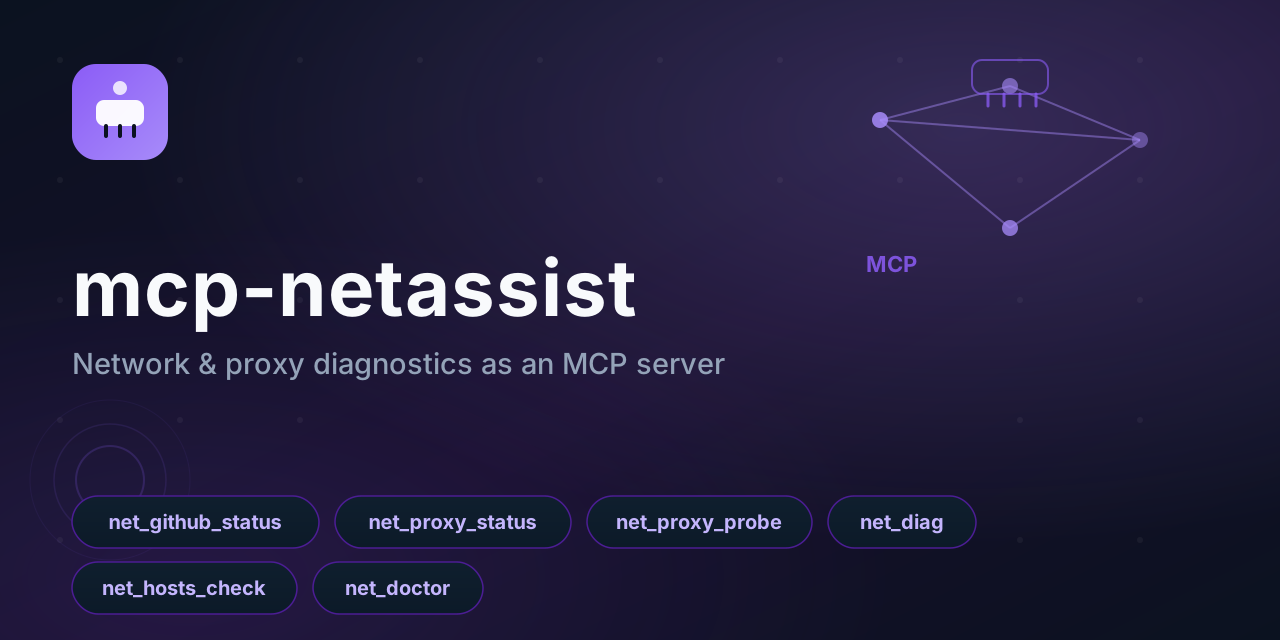



Works with any MCP client — Claude Code, Claude Desktop, Cursor, Reasonix, CodeWhale, DeepSeek Harness. Point your agent at it and ask "is GitHub reachable?", "why is my proxy not working?", "what should I change?" — instead of guessing.
Built for the China-network reality: flaky GitHub, proxies that are half-configured, hosts files that fight the proxy, and TUN mode that silently overrides the system proxy.
Windows-only for now: the checks call PowerShell. The protocol layer is portable; a POSIX backend is the obvious next step.
Feedback
Installs are visible in the download counts; whether this helps is not. If you use it, one line about the actual task is worth more than a star — particularly if it did not work, which is the case that never gets reported:
- what you were trying to do
- whether it did it
- what was missing or wrong
Tell me in an issue — or if something is already broken, just open a normal bug report.
Platform
Windows, Linux and macOS. The checks use the platform's own mechanism:
| Windows | Linux / macOS | |
|---|---|---|
| DNS / TCP / HTTPS | PowerShell (System.Net) | Node dns, net, https |
| Proxy configuration | registry ProxyEnable / ProxyServer | HTTP_PROXY / HTTPS_PROXY / ALL_PROXY / NO_PROXY |
| hosts file | %WINDIR%\System32\drivers\etc\hosts | /etc/hosts |
| TUN adapters | Get-NetAdapter | ip link / ifconfig when available |
The wording follows the platform too: there is no system-wide proxy switch outside Windows, so the report says "proxy env vars" rather than inventing a setting that does not exist.
Set MCP_NETASSIST_PLATFORM=posix or win32 to force a branch — the test suite uses it to
exercise both implementations on the same machine.
Tools
| Tool | Answers |
|---|---|
net_github_status | Is github.com reachable right now? DNS, TCP 443, HTTPS status + latency |
net_proxy_status | What proxy is the system using? Registry settings + env vars, including a disabled-but-leftover value |
net_proxy_probe | Which local proxy ports are alive? (defaults: 10808, 10809, 7890, 7897, 8888, 1080) |
net_diag | Full chain for any host: DNS → TCP → HTTP status |
net_hosts_check | Which GitHub entries are pinned in the hosts file? |
net_dns_compare | Ask AliDNS, DNSPod, Cloudflare and Google the same question and compare — is the system resolver returning a stale answer? |
net_registry_check | Is the npm registry npm is configured to use actually reachable? Checks that one and the official one. |
net_doctor | The whole preflight — proxy, ports, TUN, GitHub, hosts, DNS-server agreement and npm registry — with concrete suggestions about what to change |
net_doctor is the point of this server. Other tools tell you what is wrong; it tells you what to do about it:
✔ System proxy: 127.0.0.1:10808
✔ Proxy port 10808 responding
✔ GitHub reachable (HTTP 200, 312 ms)
⚠ TUN-style adapter detected: clash
   Under TUN mode the system proxy setting is usually ignored — the two can fight each other.
✔ hosts file clean (no GitHub entries)

Suggested fix:
- Under TUN mode, clear the Windows system proxy (or exclude github.com) so traffic is not double-handled.
Setup
Claude Desktop / Cursor / any JSON-configured client:
{
  "mcpServers": {
    "netassist": {
      "command": "npx",
      "args": ["-y", "github:Edge-Echo/mcp-netassist"]
    }
  }
}
The built lib/ ships in the repository, so the GitHub form needs no build step.
From npm:
{
  "mcpServers": {
    "netassist": {
      "command": "npx",
      "args": ["-y", "mcp-netassist"]
    }
  }
}
Claude Code:
claude mcp add netassist -- npx -y github:Edge-Echo/mcp-netassist
DeepSeek Harness (same diagnostics as a native plugin, plus net_doctor as an agent tool):
dsh plugin --profile web add dsh-netassist
From a checkout:
{
  "mcpServers": {
    "netassist": { "command": "node", "args": ["/path/to/mcp-netassist/lib/server.js"] }
  }
}
In a container:
docker build -t mcp-netassist .
docker run -i --rm mcp-netassist
The image is also what directory listings use for introspection checks. Inside a Linux container the server starts and answers
initialize/tools/listnormally; the tools themselves need Windows PowerShell, and say so when it is missing.
Design notes
- Read-only. No tool writes config, changes the proxy, or edits the hosts file. It reports and suggests; you decide.
- Injection-safe. Every user input crosses the PowerShell boundary as Base64, never as interpolated text.
- No hidden state. Each call runs its own checks; nothing is cached between calls, so results are always current.
- Two dependencies (
@modelcontextprotocol/sdk,zod), no native modules.
Related
Part of the dsh-toolkit family — the same diagnostics also ship as a DeepSeek Harness plugin (dsh-netassist), which adds net_doctor as an agent tool.
License
MIT
Comments
New to MCP?
From what the protocol is to installing your first server, these answers cover most first questions.
An open protocol that defines how AI applications connect to external tools and data in a uniform way. Clients talk to the model; MCP servers provide tools, resources and prompt templates. They exchange standard messages, so one server can be reused by many clients.