
Epstein Exposed MCP
LocalAbout Epstein Exposed MCP
An MCP server that exposes the Epstein Exposed public API as tools for AI agents researching publicly released case records. It supports searches across people, documents, flight logs, and emails.
Key features
- 01Search people by name and category
- 02Retrieve detailed person records
- 03Full-text search case documents
- 04Search flight logs by passenger and route
- 05Search documents and emails together
Use cases
- 01Find a person and their public record details
- 02Search the contents of case documents
- 03Find flight records by passenger, year, or route
MCP support
This MCP server exposes structured search tools backed by the Epstein Exposed public API to MCP clients, communicating over stdio or SSE.
Configuration
Local server config is the same for every client. Copy it into your client’s MCP config file.
We haven’t collected a package or remote endpoint for this server. Follow the instructions in the project README.
Tools
Local servers expose tools only once running on your machine, and the maintainer has not provided a tool list.
Details
From the project READMEepsteinexposed-mcp


Model Context Protocol server exposing the Epstein Exposed public API as AI-agent tool calls.
Plug directly into any MCP-compatible client (Claude Desktop, Cursor, SmolAgents, etc.) to search persons, documents, flight logs, and emails from the Epstein case files.
Disclaimer: Inclusion in the Epstein Exposed database does not imply guilt or wrongdoing. All data is derived from publicly released government records.
Tools
| Tool | Description |
|---|---|
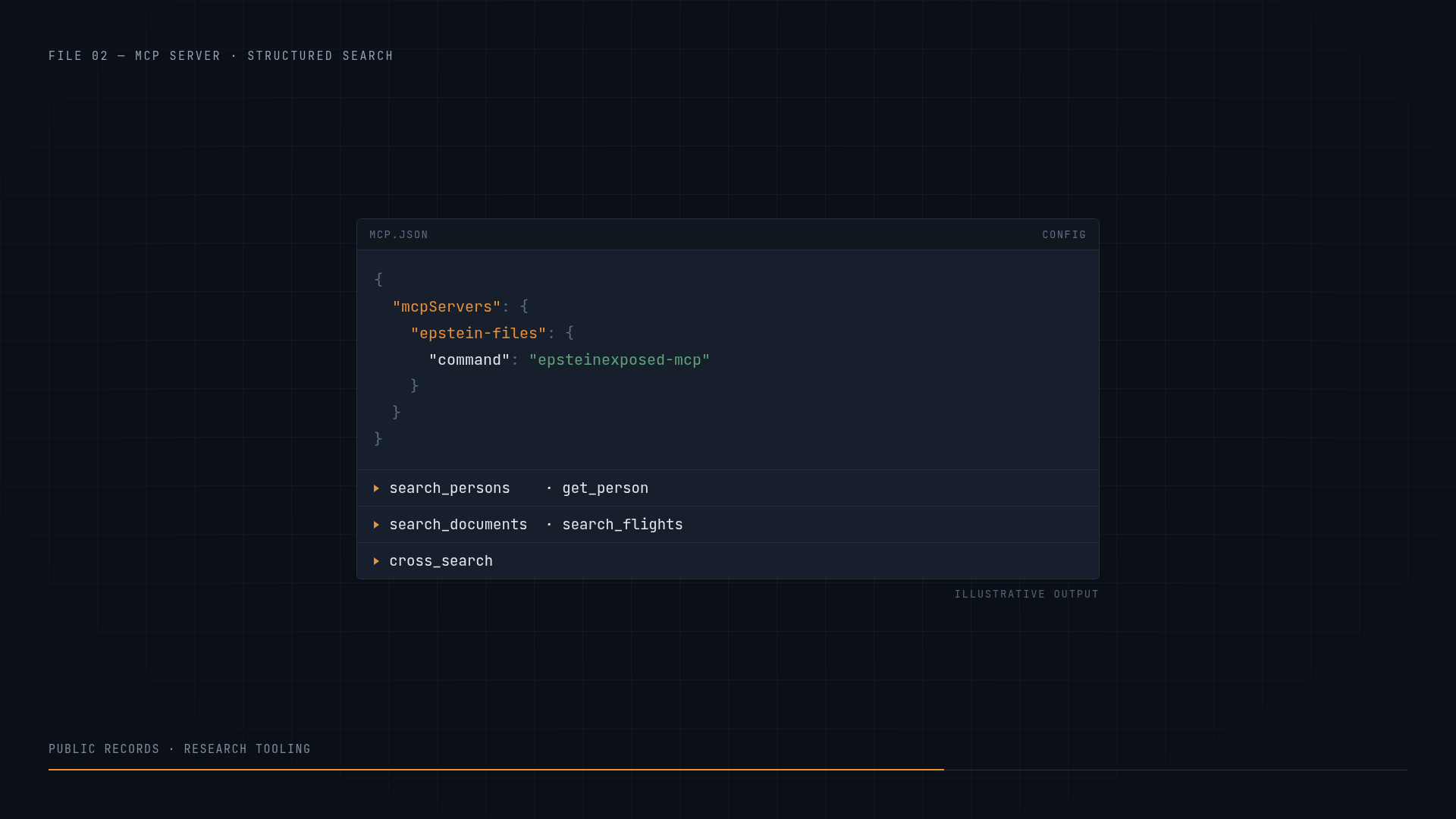
search_persons | Search/filter persons of interest by name and category |
get_person | Get full detail for a person by slug (bio, aliases, stats) |
search_documents | FTS5 full-text search across case documents |
search_flights | Search flight logs by passenger, year, origin, destination |
cross_search | Search across documents and emails simultaneously |
Quick Start
# Install
pip install -e ".[dev]"

# Run via stdio (for MCP clients)
python -m src.server

# Or via the MCP CLI
mcp run src/server.py
MCP Client Configuration
Claude Desktop
Add to your claude_desktop_config.json:
{
  "mcpServers": {
    "epstein-files": {
      "command": "epsteinexposed-mcp",
      "args": []
    }
  }
}
Cursor
Add to .cursor/mcp.json:
{
  "mcpServers": {
    "epstein-files": {
      "command": "epsteinexposed-mcp",
      "args": []
    }
  }
}
Architecture
MCP Client (Claude, Cursor, SmolAgents)
    │
    │  JSON-RPC 2.0 (stdio / SSE)
    ▼
epsteinexposed-mcp (FastMCP)
    │
    │  AsyncEpsteinExposed (curl_cffi)
    ▼
epsteinexposed.com/api/v1
Powered by the epsteinexposed Python package.
Development
git clone https://github.com/releasetheepsteinfiles/epsteinexposed-mcp.git
cd epsteinexposed-mcp
pip install -e ".[dev]"
pytest -v
Documentation
Full docs available at the docs site (VitePress).
The toolchain
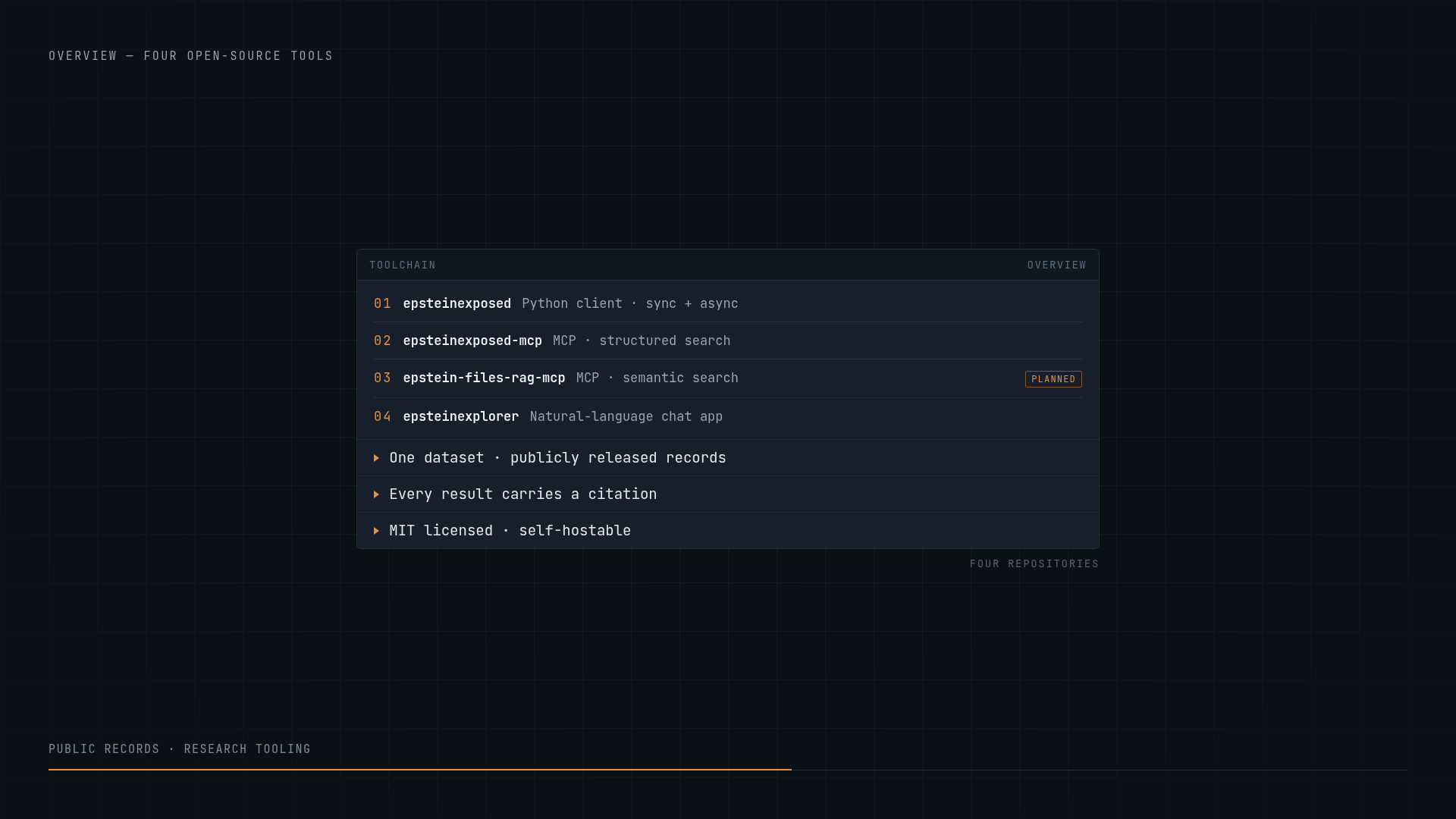
This repository is one of four that share a data source and a design system:
| Repo | Role |
|---|---|
epsteinexposed | Python client for the public API |
epsteinexposed-mcp | MCP server — structured search (this repo) |
epstein-files-rag-mcp | MCP server — semantic search (in development) |
epsteinexplorer | Natural-language chat app |
A 20-second overview of how the four fit together:
Design system
All four repositories share the "Declassified" visual language — a dark
archival palette with a single ember accent, monospace structure and Inter
prose. The canonical tokens live in brand/tokens.css
and the rationale in brand/DESIGN.md; both files are
byte-identical across the four repos.
The VitePress theme maps --vp-* onto that palette in
docs/.vitepress/theme/custom.css.
License
MIT
Comments
New to MCP?
From what the protocol is to installing your first server, these answers cover most first questions.
An open protocol that defines how AI applications connect to external tools and data in a uniform way. Clients talk to the model; MCP servers provide tools, resources and prompt templates. They exchange standard messages, so one server can be reused by many clients.