
About Picsart Genai MCP
Picsart Genai MCP connects AI agents to Picsart’s media-generation and editing tools, with skills for video production and everyday image, video, and audio tasks. It supports guided workflows from story-driven films to edits of user-provided footage, with paid steps quoted before charging.
Key features
- 01Generate and edit images, video, and audio
- 02Create films and episodic vertical dramas
- 03Animate designs and screen recordings
- 04Recreate references or cut footage into reels
- 05Agent skills for guided creative workflows
Use cases
- 01Turn a story idea into a short film
- 02Create tutorial videos from a screen recording
- 03Animate a design into a promotional video
- 04Edit interview footage into a vertical reel
MCP support
The MCP server at https://api.picsart.com/gen-ai/mcp exposes Picsart media tools to AI agents. The plugin can install and connect the server, or clients can add the URL directly and sign in with a Picsart account.
Configuration
Remote servers need no local install. Pick your client, then copy the config or install in one click.
https://api.picsart.com/gen-ai/mcpclaude mcp add --transport http gen-ai-skills https://api.picsart.com/gen-ai/mcp{"mcpServers":{"gen-ai-skills":{"type":"http","url":"https://api.picsart.com/gen-ai/mcp"}}}Open in Cursor{"servers":{"gen-ai-skills":{"type":"http","url":"https://api.picsart.com/gen-ai/mcp"}}}Open in VS Code{"mcpServers":{"gen-ai-skills":{"type":"http","url":"https://api.picsart.com/gen-ai/mcp"}}}{"mcpServers":{"gen-ai-skills":{"serverUrl":"https://api.picsart.com/gen-ai/mcp"}}}Run commands in a terminal; paste JSON into the client’s MCP config and restart. Servers that need sign-in will prompt on first connect.
Tools
34| Parameter | Type | Required | Description |
|---|---|---|---|
| action | enum | Yes | list | create_folder | upload | move | delete | update |
| folderUid | string | No | |
| page | integer | No | |
| pageSize | integer | No | |
| sort | object | No | |
| sort.by | enum | Yes | CREATED | UPDATED | ALPHABETICAL |
| sort.order | enum | Yes | ASC | DESC |
| type | enum | No | image | video | audio |
| flat | boolean | No | List action: when true, returns every file across the whole Drive (all folders) instead of just the items directly inside `folderUid`. Folders are not returned in flat mode. |
| name | string | No | |
| description | string | No | |
| file | object | No | |
| file.download_url | string | Yes | |
| file.file_id | string | Yes | |
| file.mime_type | string | No | |
| file.file_name | string | No | |
| url | string | No | |
| itemUids | array | No | |
| itemUid | string | No | Update action: uid of the file whose attributes to set. |
| attributes | object | No | Update action: custom key/value attributes to set on the file (e.g. `{ coverUrl }`). |
| targetFolderUid | string | No | |
| permanent | boolean | No | Delete action: true permanently purges; false/omitted moves to trash (recoverable). |
Details
From the project README
Picsart Video for AI agents
Movies, micro dramas, motion design, reels and tutorials, made in the chat with your agent.





Install the plugin · What you can make · Start a use case · Skills library
Picsart Video gives your AI agent a creative studio. Describe what you want, and the agent plans it with you, shows you a preview, and makes it with Picsart's AI models and editing tools. You need a Picsart account, and every paid step is quoted before anything is charged.
Install the plugin
Tip
The Picsart plugin is the recommended way to install. One install brings every skill below and connects the Picsart MCP server for you: nothing else to set up.
In Claude Code, run:
/plugin marketplace add PicsArt/gen-ai-skills
/plugin install picsart@picsart
Then ask "Show me what Picsart can do.": the plugin signs you in to Picsart and shows your credits.
Codex
codex plugin marketplace add PicsArt/gen-ai-skills
codex plugin add picsart@picsart
Or open /plugins inside Codex and install picsart from the Picsart marketplace. Like the Claude Code plugin, it brings every skill and connects the Picsart MCP server.
Cursor, Copilot and other agents
npx skills add PicsArt/gen-ai-skills
The skills CLI detects your agent (Cursor, GitHub Copilot, OpenCode, Antigravity and over 70 more) and installs every skill. gh skill install PicsArt/gen-ai-skills works the same way. Then add the Picsart MCP server below.
Every command (OpenClaw and Hermes included), the ./setup script and how to update are in INSTALL.md.
Connect the MCP server directly (Claude.ai, ChatGPT, or a skills-only install)
Without the plugin, add a custom connector (or an MCP server) with this URL, and sign in with your Picsart account when it asks:
https://api.picsart.com/gen-ai/mcp
Its name in .mcp.json is picsart. The plugin does this step for you.
What you can make
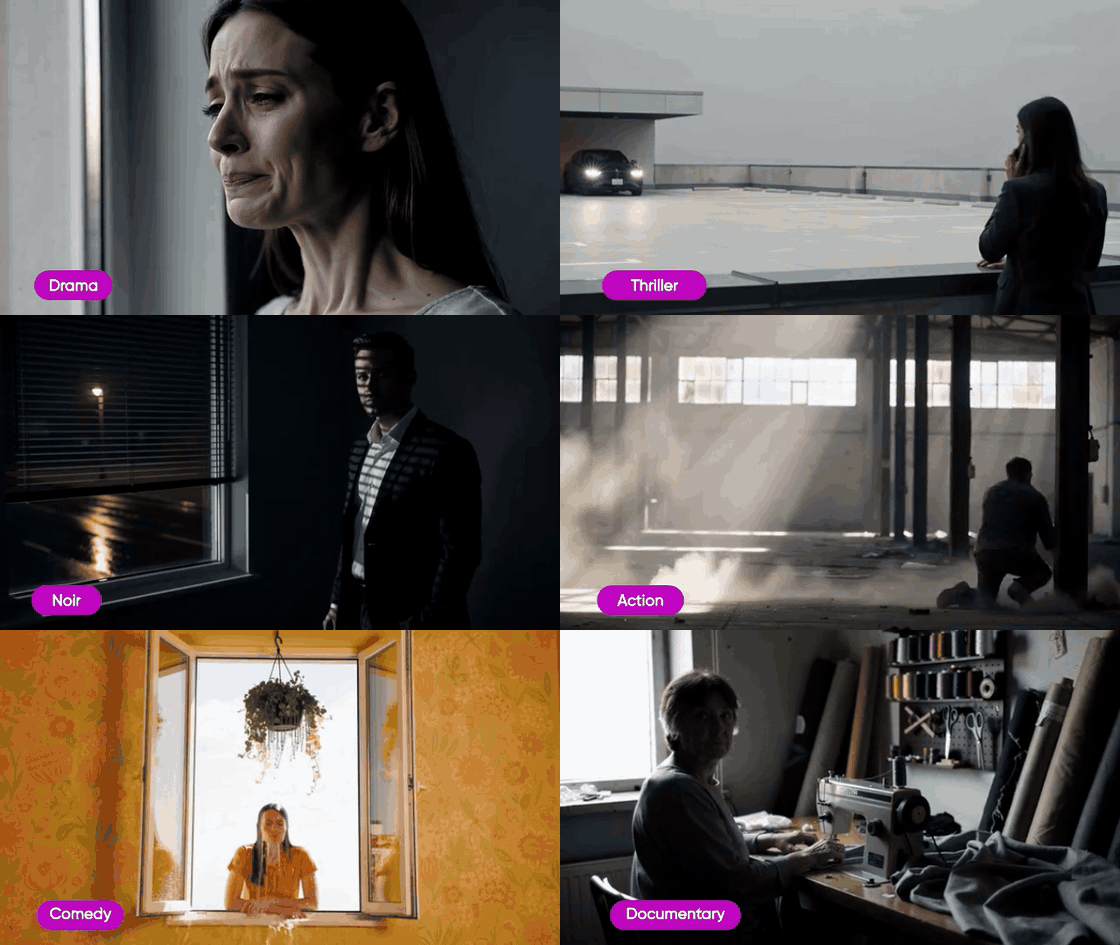
Direct your own AI moviePick a genre. Call action. You’re the director.
|
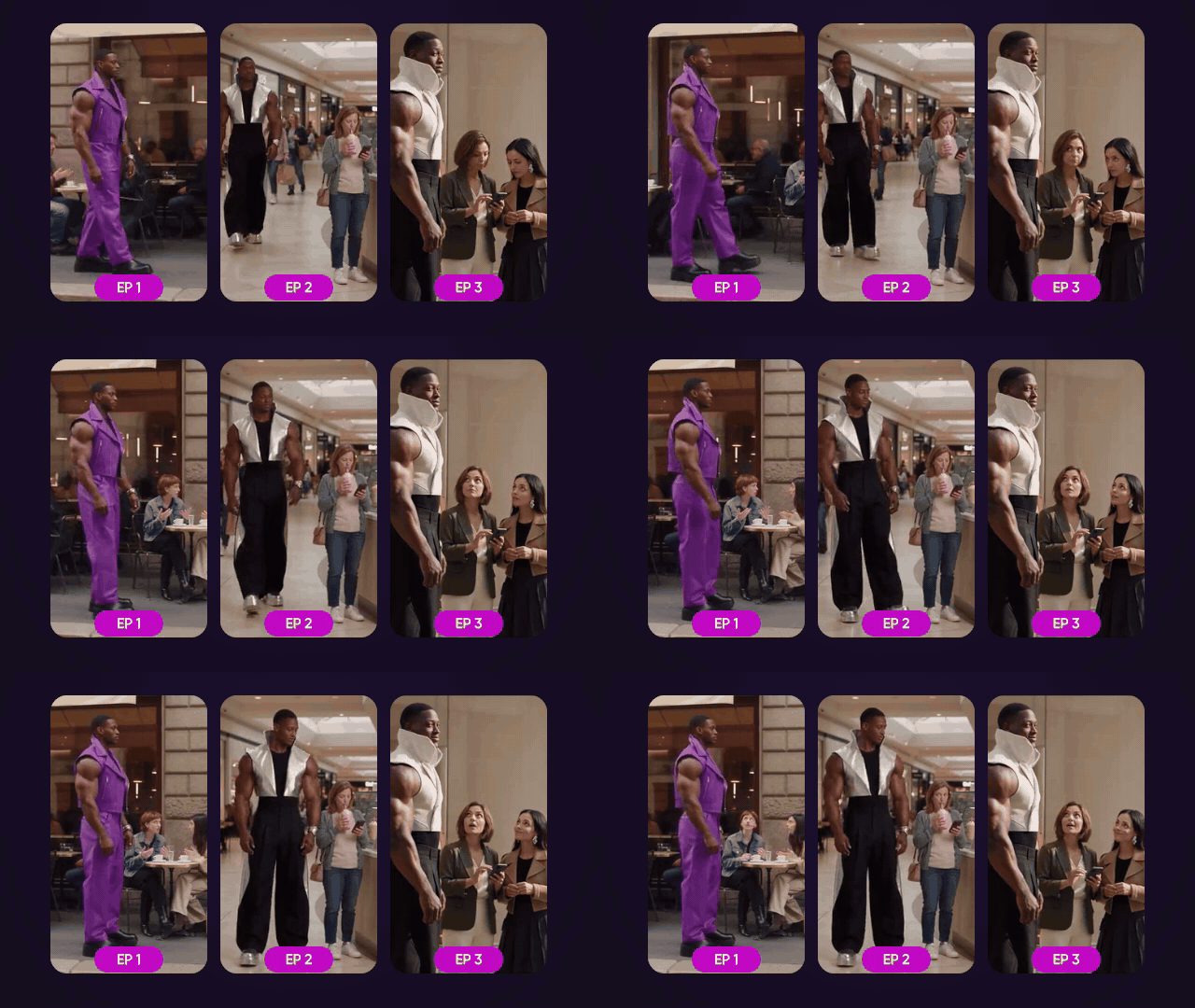
Micro dramas, made to bingeYour series, cast and cliffhangers, episode by episode.
|

Design that movesTurn text and logos into scroll-stopping loops.
|
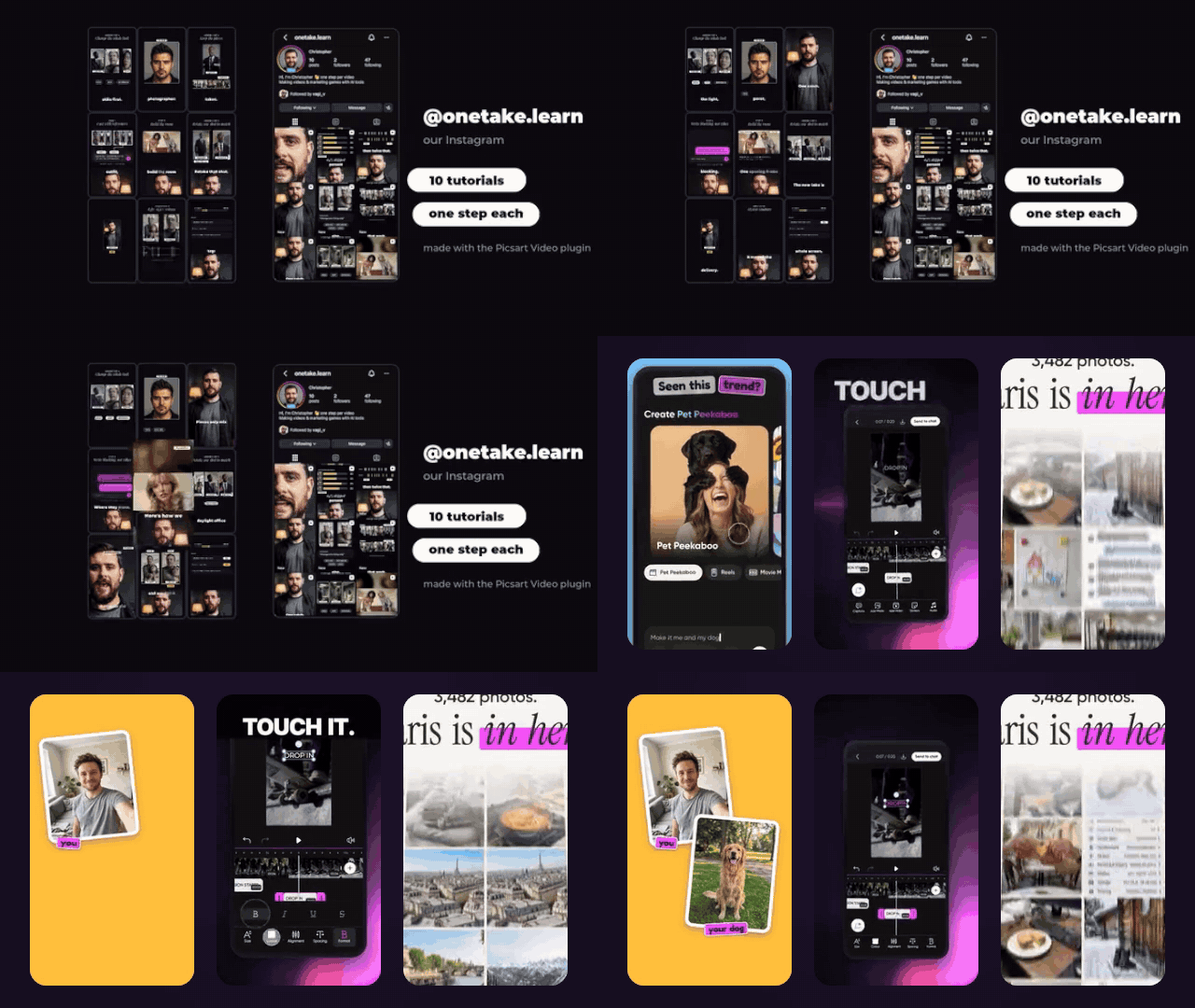
Tutorials from your screenLessons, how-to shorts and promos from one recording.
|
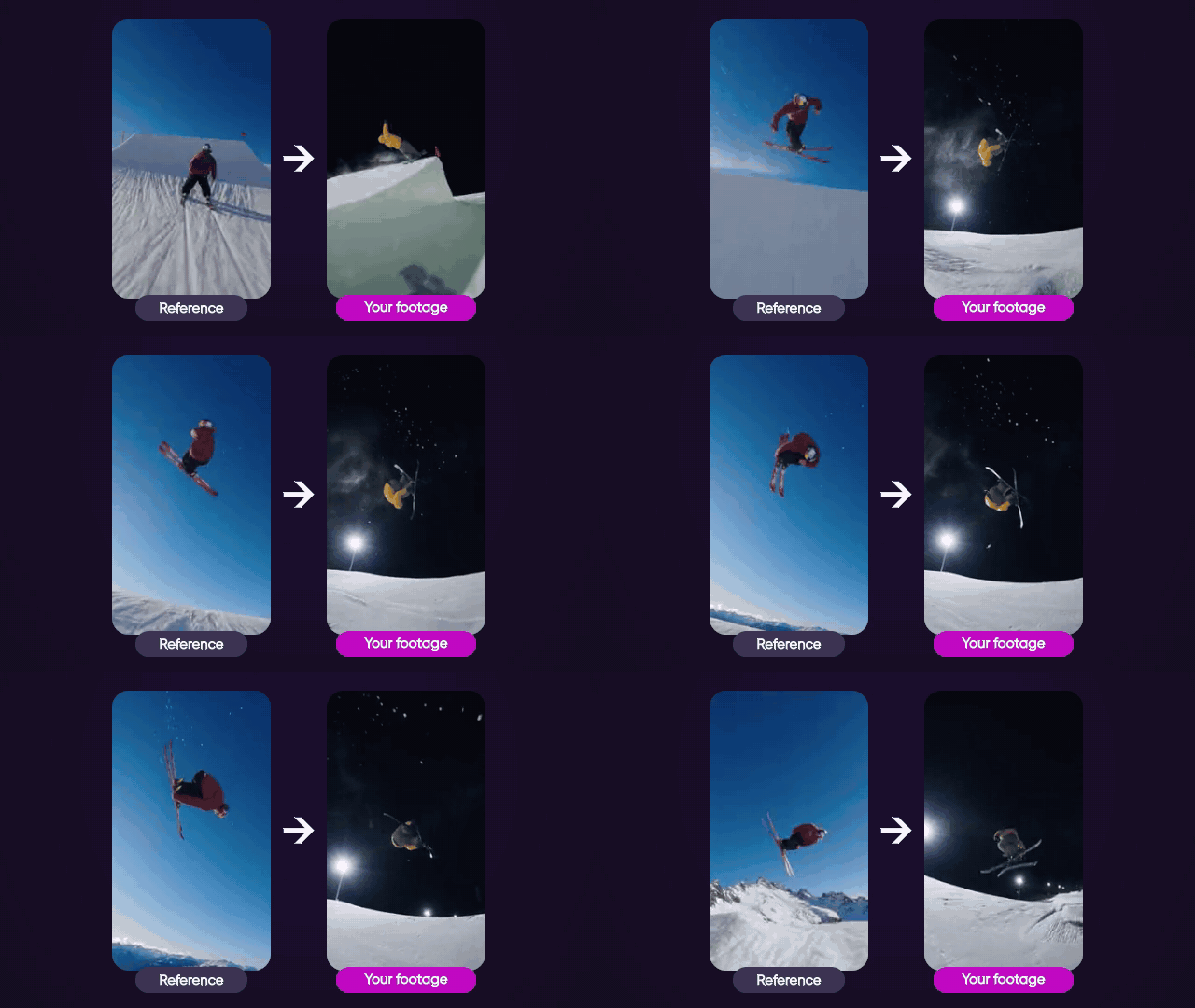
Same edit. Your footage.Copy a video’s cuts, timing and motion, then drop in your own photos and text.
|
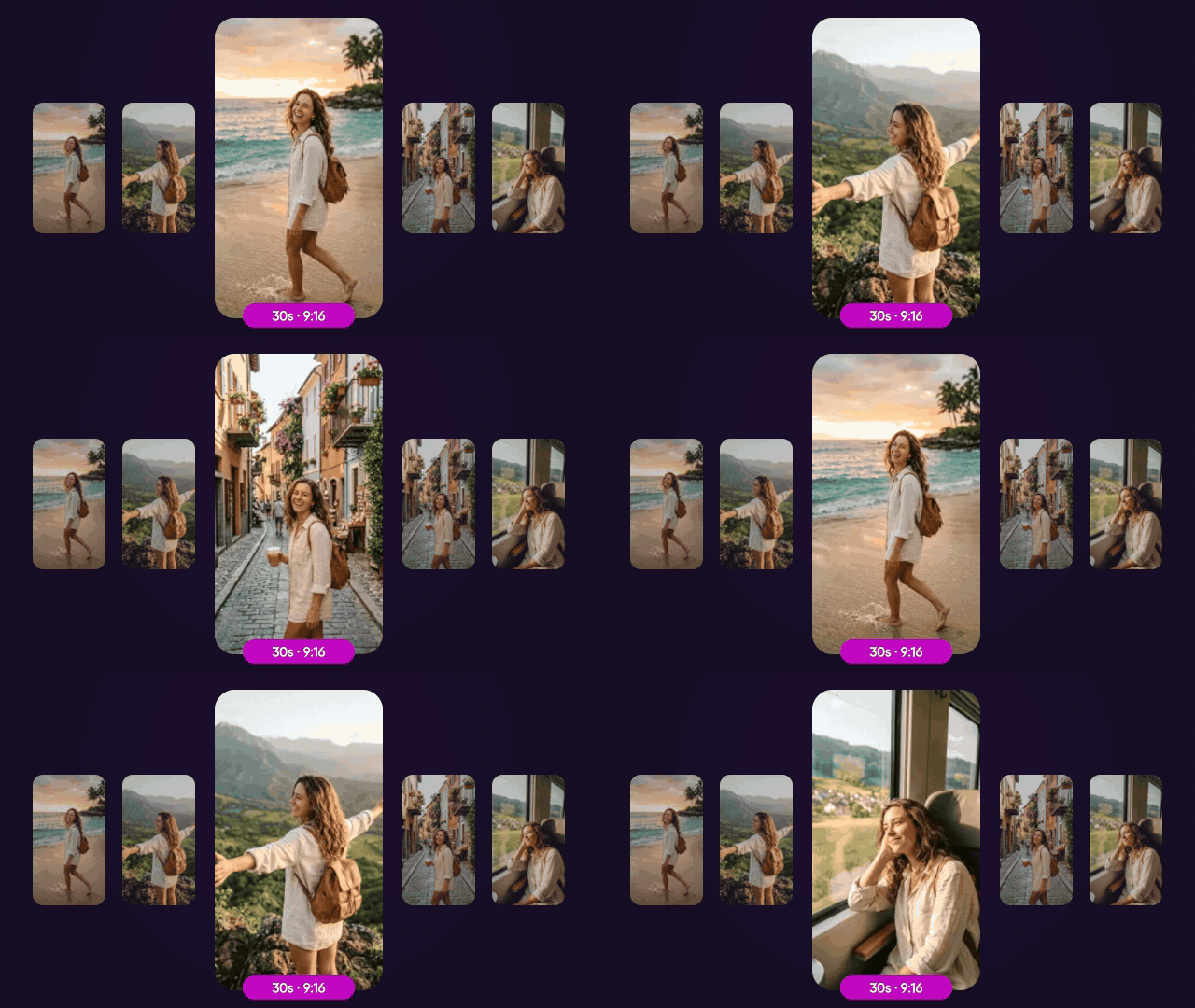
Drop footage. Get a reel.Beat-synced cuts, transitions and music, done for you.
|
And everyday edits
Ask in your own words: generate-media and the Picsart tools handle these directly.
 Create and edit videos Create and edit videos with a prompt. |  Create and edit images Restyle, cut out the background, or put it anywhere. |  Bring your cartoon to life Dream up a character. Watch it bounce, blink and wave. |
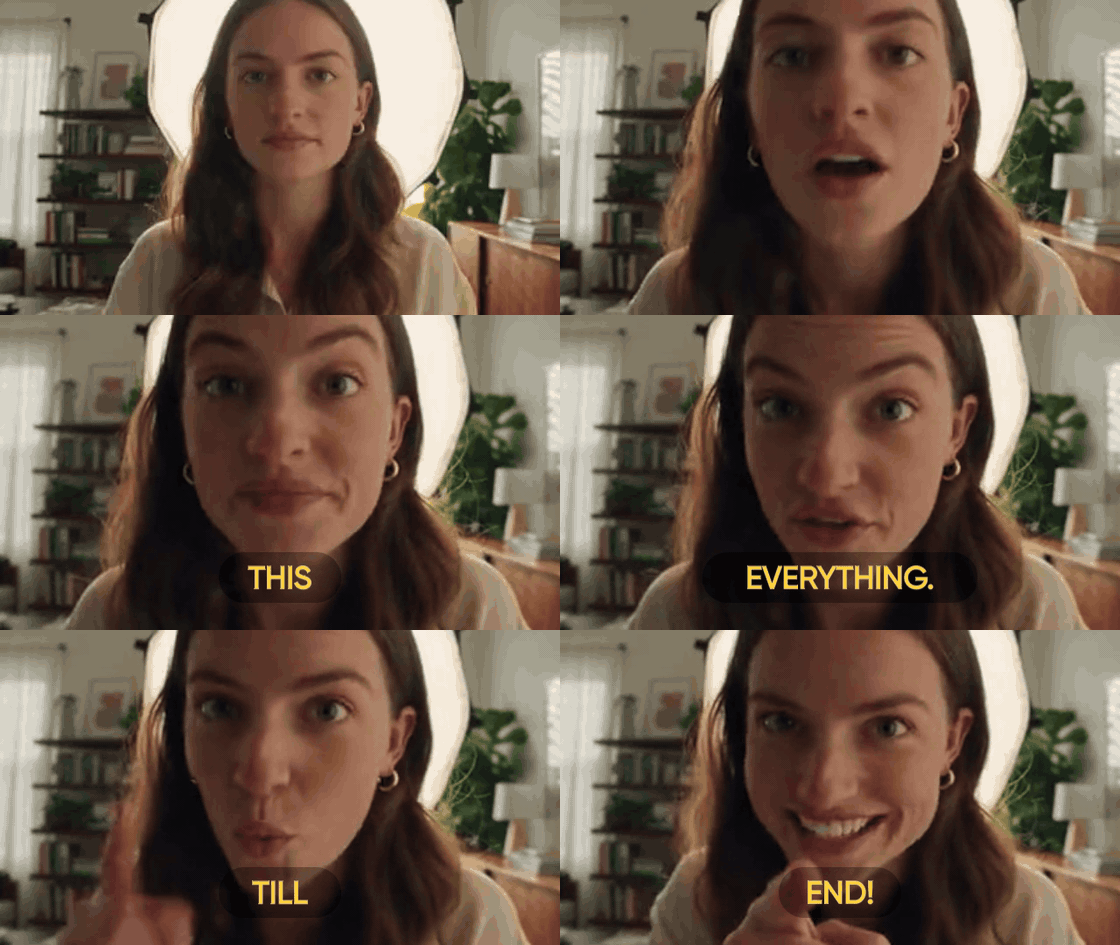 Captions that pop Auto-captions in bold styles, timed to every word. | 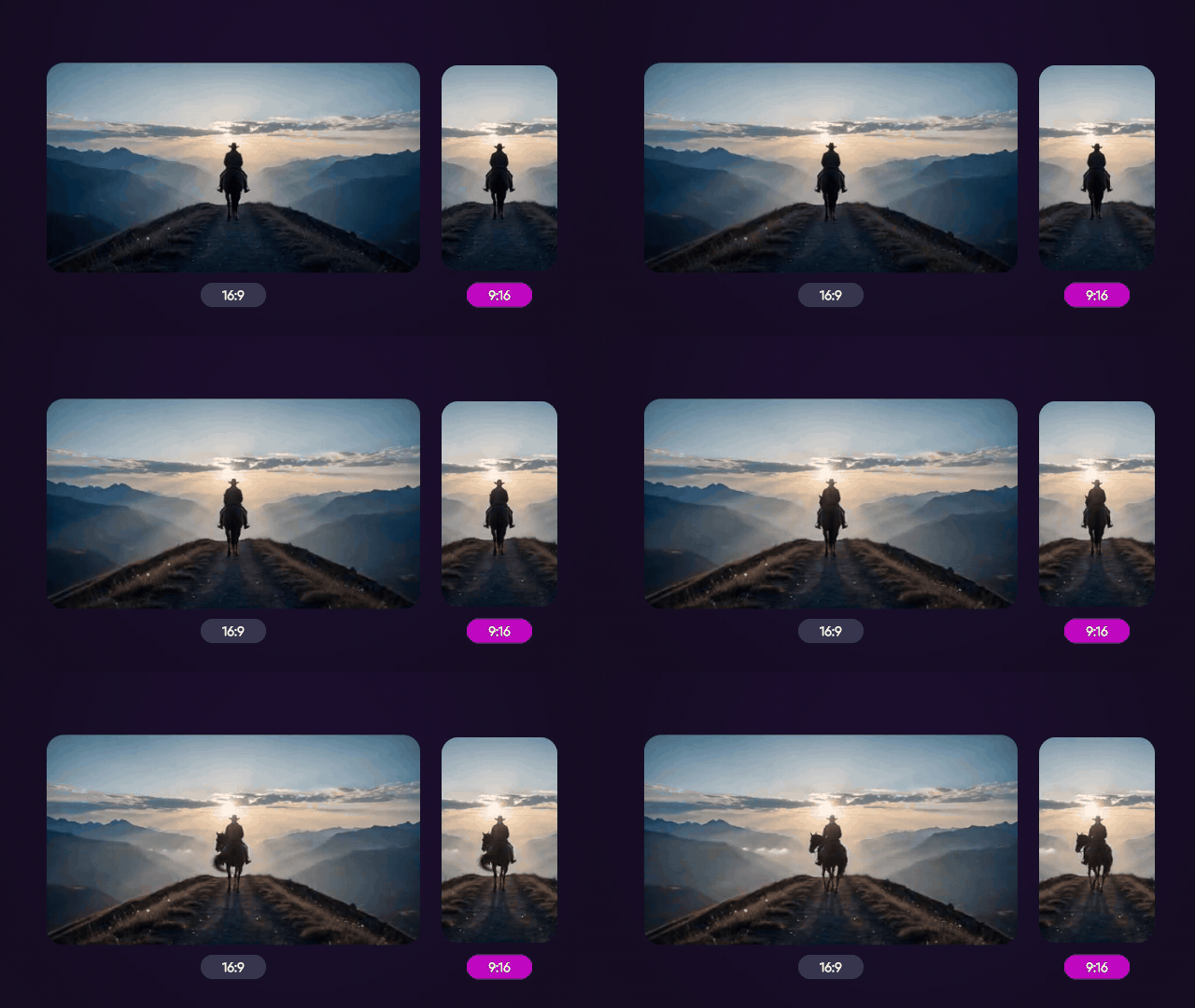 One video, every size Reframe for vertical, square or wide. The subject stays in frame. | Speak every language Natural voiceovers and lip-synced dubs. |
Start a use case
In Claude Code, type the use case's command and your brief:
/picsart:make-short-drama a heist series set in a night market
With the plugin the commands are namespaced (/picsart:…); a skills-only install names them without the prefix (/make-short-drama).
Everywhere else, open with the use case's starter prompt and add your brief. The agent picks the right use case from it.
| Use case | Starter prompt |
|---|---|
get-started | Show me what Picsart can do. |
generate-media | Make an image, a video or audio from my prompt. |
movie-producer | Make a short film from my story. |
make-short-drama | Make a short drama series from my idea. |
animate-design | Animate my design into a short motion video. |
make-screen-videos | Turn my screen recording into short how-to videos. |
recreate-video | Recreate this reference video with my own photos and text. |
cut-footage-into-reel | Cut my footage into a 30-second vertical reel. |
A use case loads other skills by name (every one reads picsart-video-rules first), so install the whole plugin rather than a single use case.
The skills library
Video
Generated; generated.json lists them. Don't edit these folders by hand: the next generation overwrites them.
Use cases, the entry points a user asks for:
| Skill | Description |
|---|---|
animate-design | Turn static material into a real motion-designed video. |
cut-footage-into-reel | Cut the user's own footage. |
generate-media | Make an image, a video, a voice line, a sound or a song from a prompt, or edit a picture. |
get-started | Get started with Picsart Video. |
make-screen-videos | Turn a screen recording of an app or website into finished videos. |
make-short-drama | Make a vertical drama series, pilot or episode with a recurring cast. |
movie-producer | Make a short narrative film from a story. |
recreate-video | Rebuild a reference video as an editable animated scene that moves and looks like it. |
Skills the use cases load:
| Skill | Description |
|---|---|
ai-presenter | Put a generated presenter on screen and keep them honest. |
background-music | Draft, generate and lay an instrumental music bed under a finished video's speech. |
caption-decorations | Author and validate scene caption decorations, choosing between measured procedural decoration presets and arbitrary scene artwork. |
design-layer-import | Bring a design or static assets into a scene as LAYERS, not flat frames, whenever they are going to move. |
drama-series-writing | Write a drama series' bible, season arc and episode cliffhangers, from templates or the user's idea. |
film-cast-design | Make a film's people, props and places consistent on pictures. |
film-cutting | Cut a film's accepted takes into one scene. |
film-finishing | Finish a film after picture lock. |
film-shot-generation | Shoot a film's shots as runs. |
film-story-writing | Write a short film's story and break it down. |
footage-analysis | Watch the user's own talking footage and turn it into facts you can build on. |
footage-reframing | Put the user's own footage in a frame of another shape. |
motion-design-craft | The craft of adding motion to any scene, whatever the video. |
motion-tracking-from-video | Measure what objects visibly do in a video. |
open-picsart-app | Open Picsart beside the conversation. |
photo-slideshow | Build a photo promo or slideshow in a scene. |
picsart-video-rules | The rules every Picsart Video use case follows. |
quality-review | Check work before the user sees it. |
realistic-color-grade | Make a video's colours look more realistic and natural with the ai_realism look. |
reference-fragment-matching | Rebuild a reference video as a scene one fragment at a time. |
resting-frame-rules | Keep every element whole or gone whenever motion stops. |
retention-hooks | Keep a short video watched to the end with open loops. |
scene-building-basics | Build and edit a scene with the scene tools. |
screen-recording-analysis | Read a screen recording from its pixels. |
screen-recording-layouts | Lay a screen recording out in a 1080x1920 vertical frame or a 1920x1080 landscape one. |
screen-recording-zoom | The house zoom for screen footage in a panel. |
screen-ui-redesign | Recreate the screens of a recording as designed motion UI. |
speech-aware-cutting | Choose the moments of talking footage worth keeping and cut them so no one is clipped mid-sentence. |
spoken-captions | Put spoken words on screen from the transcript. |
visual-style | A video's style, chosen by eye and kept. |
voice-over-generation | Generate a voice-over from written lines. |
Hand-written
| Skill | Description |
|---|---|
picsart-add-media | Turn the user's own files into hosted URLs with the gen-ai MCP's upload tools. |
style-guide-builder | Build a reusable visual style guide from reference images. |
video-prompt-engineer | Write and fix prompts for AI video generation. |
How it's built
Repository layout
gen-ai-skills/
├── .claude-plugin/      # Claude Code plugin + marketplace manifests
├── .codex-plugin/       # Codex plugin manifest
├── .cursor-plugin/      # Cursor plugin manifest
├── .github/workflows/   # CI (security scan, lint)
├── scripts/             # Repo tooling (scan-skill.py, ...)
├── skills/              # All skills live here, one directory each
│   ├── picsart-add-media/
│   │   └── SKILL.md
│   ├── video-prompt-engineer/
│   │   └── SKILL.md
│   └── ...
├── INSTALL.md
├── CONTRIBUTING.md
├── VERSION
├── .mcp.json            # the picsart MCP server, shared by every manifest
├── generated.json       # the skill folders that are generated, not hand-written
├── setup                # universal symlink installer
└── README.md
Each skill lives in its own directory under skills/. The directory name is the install name. The directory holds a SKILL.md that follows the open Agent Skills specification: YAML frontmatter with name and description, then the instructions. The plugin manifests connect the MCP server through .mcp.json.
Contribute
More skills are welcome. See CONTRIBUTING.md and the Code of Conduct.
License
Comments
New to MCP?
From what the protocol is to installing your first server, these answers cover most first questions.
An open protocol that defines how AI applications connect to external tools and data in a uniform way. Clients talk to the model; MCP servers provide tools, resources and prompt templates. They exchange standard messages, so one server can be reused by many clients.