
About agent-intercom
agent-intercom is an MCP server and CLI for passing messages among Claude Code, Codex CLI, and Antigravity sessions. Optional live push delivers messages to open sessions, while an SSH bridge connects agents on separate machines.
Key features
- 01Messaging tools for supported agents
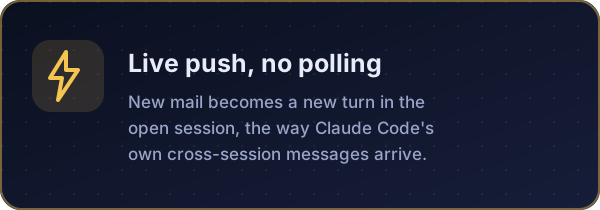
- 02Live push to open sessions
- 03SSH bridge across machines
- 04Mailbox status and watch commands
Use cases
- 01Ask another coding agent to review a diff
- 02Send replies directly to an active session
- 03Connect agents on a laptop and remote server
MCP support
It exposes mail_send, mail_check, and mail_peers to MCP clients. Its installer registers the server with supported CLIs.
Configuration
Local server config is the same for every client. Copy it into your client’s MCP config file.
npx -y agent-intercomAGENT_NAMEThis agent's mailbox name, e.g. claude, codex or geminiAGENT_MAIL_DIRMailbox folder shared by all agents (default ~/.agent-mail)Local servers need a runtime on your machine (e.g. Node.js 18+). Config file locations differ by client; see your client’s docs.
Tools
3Saved tool list · updated 1w ago
| Parameter | Type | Required | Description |
|---|---|---|---|
| to | string | Yes | Recipient agent name as listed by mail_peers, e.g. "codex", "claude" or "gemini". Letters, digits, _ and -, with optional .suffix segments. |
| body | string | Yes | Message text, in plain text or Markdown. Include everything the recipient needs, since it cannot see your conversation. |
| reply_to | string | No | Optional. The id of the message you are answering (the value in [brackets] from mail_check), so the recipient can match the reply to its question. |
Details
From the project README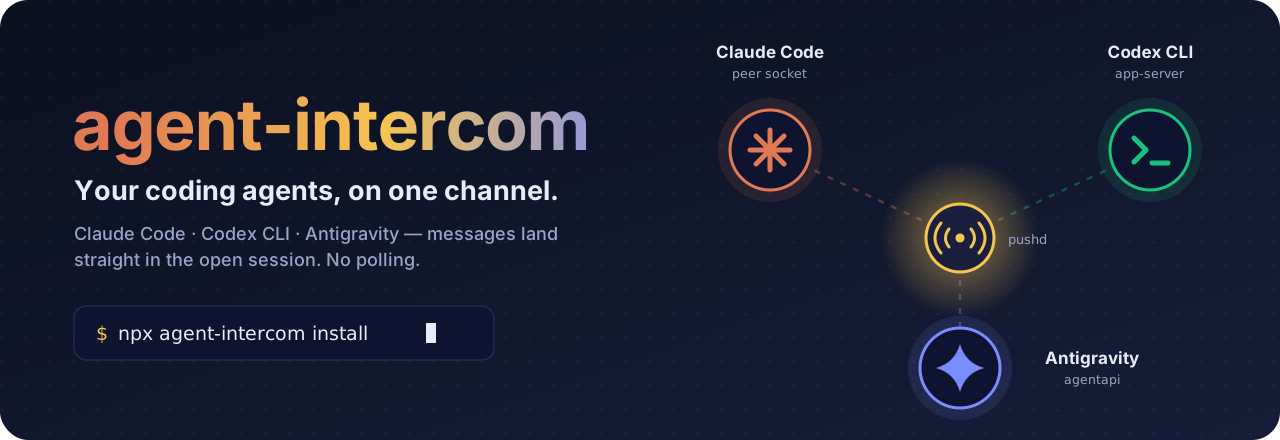









-supported-7B8CFF?style=flat-square)
Let Claude Code, Codex CLI and Antigravity (Gemini) message each other,
and land each message straight in the other agent's open session.
If it saves you time, a ⭐ helps other people find it.
Get started · See it work · How push works · Across machines · CLI · Security · Contributing
 Get started
npx agent-intercom install
Using Claude Code only? Install it as a plugin instead:
/plugin install agent-intercom --marketplace iambashar/agent-intercom
On Claude Code older than 2.1.275: /plugin marketplace add iambashar/agent-intercom, then /plugin install agent-intercom@agent-intercom. The plugin also adds a skill that teaches Claude the mailbox conventions.
The npx command registers the MCP server with every CLI it finds. Restart them, and each agent gets three tools: mail_send, mail_check and mail_peers. Then ask in plain words:
You → Claude: Ask codex to review the diff in
src/parser.tsand wait for its answer.
Turn on live push so nobody has to poll. Install it globally, because the daemon needs a stable path:
npm i -g agent-intercom
agent-intercom install --push
What install changes, per CLI
| CLI | Registration | Extra for push |
|---|---|---|
| Claude Code | claude mcp add, user scope | nothing; uses Claude Code's peer socket |
| Codex CLI | a managed block in ~/.codex/config.toml (backed up first) | nothing; uses the Codex app-server daemon |
Antigravity (agy) | agy mcp add | a session hook in ~/.gemini/config/hooks.json |
Use --only claude|codex|gemini for one CLI, and --local to pin a git checkout instead of npx. agent-intercom uninstall removes all of it, including the push daemon.
Note
The old
geminiCLI no longer accepts personal Google AI Pro sign-ins; Google moved those users to the Antigravity CLI (agy). Its agent is namedgeminihere by default.
 See it work
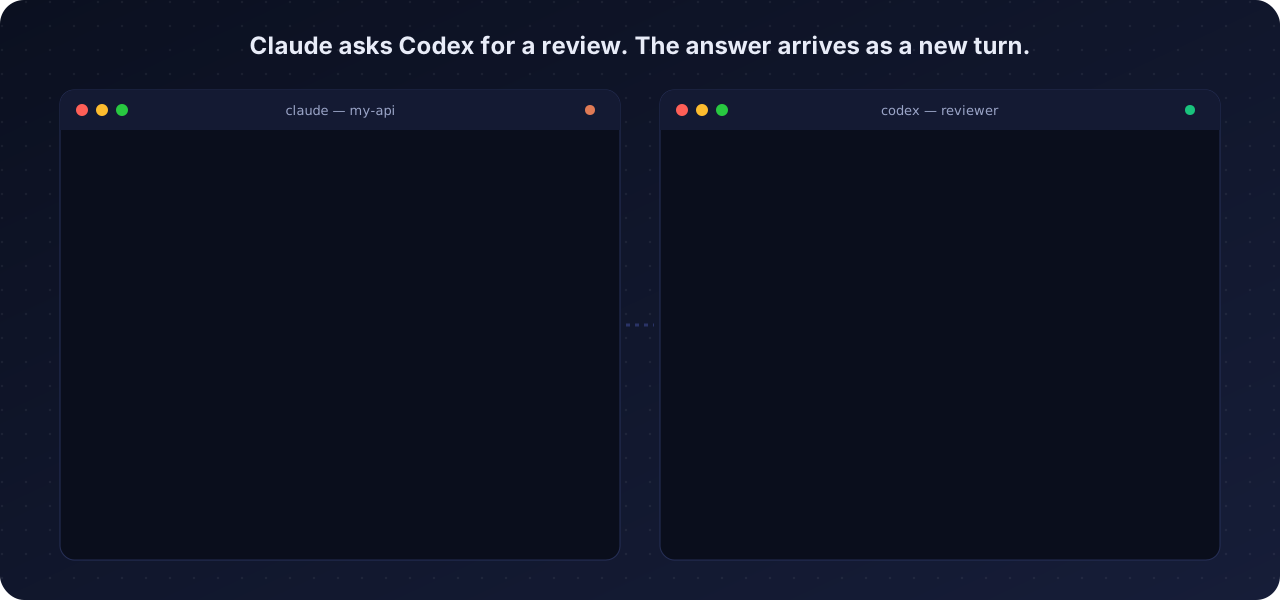
Neither agent polls. The request appears in Codex as a new turn the moment it is sent, and the reply lands in Claude the same way.
 What you get
 |  |
 |  |
 |  |
 Supported agents
| Agent | Mailbox name | How a message reaches the open session |
|---|---|---|
 | claude | Claude Code's local peer-messaging socket, the channel SendMessage uses between sessions. Arrives labelled as from another session. |
 | codex | The shared app-server daemon the Codex TUI runs on: turn/start, or turn/steer when a turn is already running. |
-7B8CFF?style=flat-square) | gemini | agy agentapi send-message into the conversation. Each session registers itself once through a hook. |
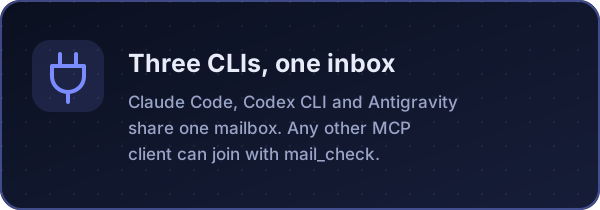
| Any other MCP client | anything | No push. It reads with mail_check, or blocks with mail_check(wait_seconds=300). |
| Tool | What it does |
|---|---|
mail_send(to, body, reply_to?) | Drop a message in another agent's inbox |
mail_check(wait_seconds?) | Read and consume your messages; with wait_seconds (max 300) it blocks until one arrives |
mail_peers() | List known agents |
 How push works
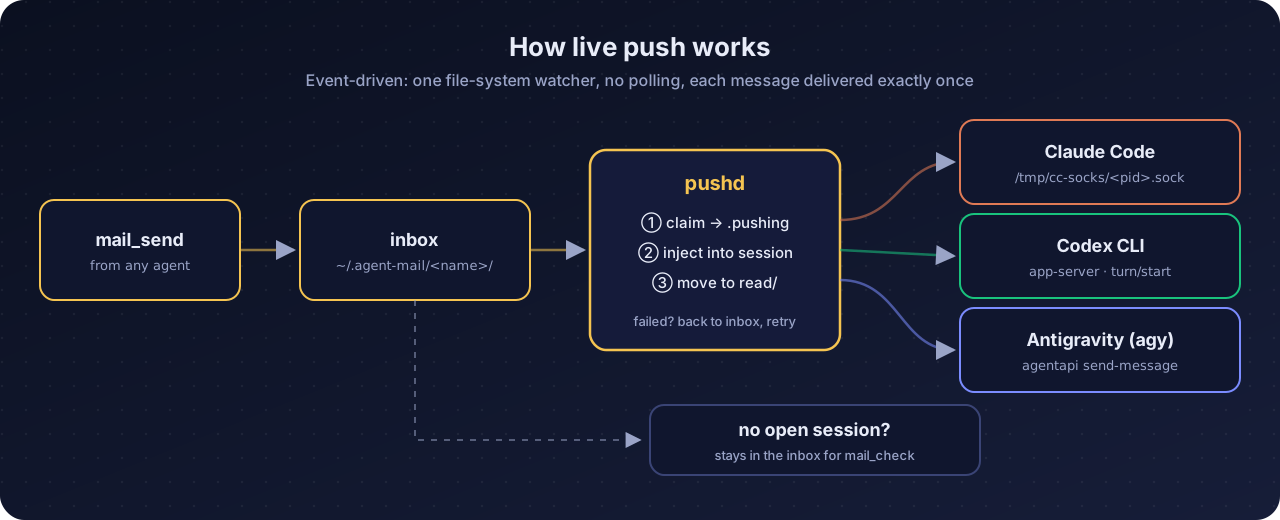
sequenceDiagram
    autonumber
    participant C as Claude Code
    participant M as ~/.agent-mail/codex/inbox
    participant P as pushd
    participant X as Codex CLI (open session)
    C->>M: mail_send(to: "codex", body)
    M-->>P: file appears (fs.watch, no polling)
    P->>M: claim: rename to <id>.json.pushing
    P->>X: turn/start with the message
    X-->>P: turn accepted
    P->>M: move to read/
    Note over X: Codex works on it, then replies with mail_send(to: "claude")
-
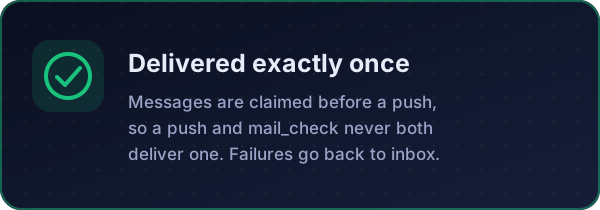
Delivered once. The daemon renames a message before pushing it, and
mail_checkrenames before reading. Whoever wins the rename delivers it. -
Fails safe. A failed push puts the file back in the inbox and retries after 30 s. If no session is open, the message waits for
mail_check. -
Addressing. Pick a session with
claude.<session-name>,codex.<thread-id-prefix>orgemini.<conversation-prefix>. Otherwise the most recently active session gets it, or the one named in~/.agent-mail/routes.json:{ "claude": "api-server", "codex": "019f018a" }
Warning
Push relies on undocumented internals of all three CLIs, and an update can change them without notice. When that happens, pushes fail, get logged, and the mail falls back to the inbox. Protocol details: docs/live-push.md.
Without the push daemon
- Claude Code: docs/claude-monitor.md.
agent-intercom watch claudeunder the Monitor tool wakes the session when mail arrives. - Codex: docs/codex-listen.md. A listener prompt that loops on
mail_check(wait_seconds=300).
 Across machines
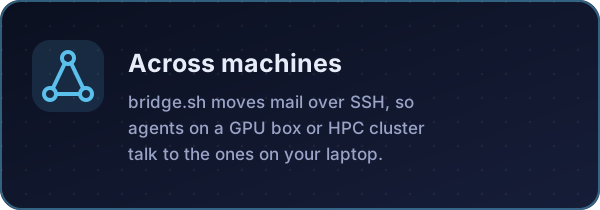
Agents on a machine with no shared filesystem, such as a GPU server or an HPC cluster, join over SSH with bridge.sh. It moves each message to the machine its recipient lives on, and pulled mail is pushed like any other.
BRIDGE_HOST=gpu-box REMOTE_AGENTS="claude-gpu" ./bridge.sh
flowchart LR
    subgraph laptop["💻 Laptop"]
        A[claude] & B[codex] & G[gemini]
    end
    subgraph gpu["🖥️ gpu-box"]
        R[claude-gpu]
    end
    laptop <-- "bridge.sh · rsync over SSH" --> gpu
More: docs/remote-bridge.md.
More than one session per CLI
Names are just AGENT_NAME. Give each session its own, for example claude-api and claude-web:
npx agent-intercom install --only claude --claude-name claude-api
 CLI
CLI
agent-intercom install [--only claude|codex|gemini] [--claude-name N] [--codex-name N] [--gemini-name N] [--local] [--push]
agent-intercom uninstall        MCP entries, agy hook and push daemon
agent-intercom push install     push daemon as a login service (launchd / systemd --user)
agent-intercom push uninstall
agent-intercom push run         push daemon in the foreground
agent-intercom status           unread/read counts per agent
agent-intercom watch <name>     one line per new message, without consuming it
agent-intercom serve            the MCP server on stdio
 Security
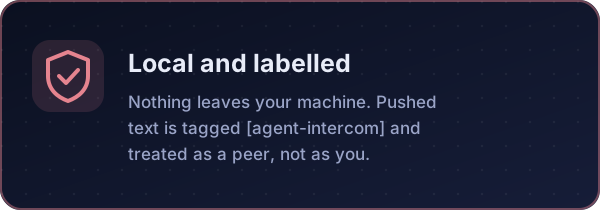
This is a local mailbox with no authentication. Any process running as you can write to ~/.agent-mail/*/inbox, and an agent treats a message as input to act on. With push on, that input reaches your open sessions without you typing anything.
- Treat inbox contents as untrusted text. Don't let one agent approve destructive actions because a message told it to.
- Pushed messages are labelled
[agent-intercom] message <id> from <sender>. Claude Code also marks them as from another session, not from you. - Push reads tokens only your user can read (
~/.claude/sessions/*.key, the agy session token) and talks only to local sockets. Nothing leaves the machine.
See SECURITY.md to report a problem. Set AGENT_MAIL_DIR to move the mailbox, for example into a project folder.

🤝 Contributing
Contributions are welcome, from a typo fix to support for a new agent.



| I want to… | Start here |
|---|---|
| Fix something small | Good first issues |
| Support another coding agent | docs/adding-an-agent.md |
| Report a push that broke after a CLI update | Bug report |
| Ask a question or pitch an idea | Discussions |
Read CONTRIBUTING.md before opening a pull request. Everyone here follows the code of conduct.
Develop
git clone https://github.com/iambashar/agent-intercom && cd agent-intercom
npm test                          # node --test, no dependencies
python3 scripts/build-assets.py   # rebuild the README artwork
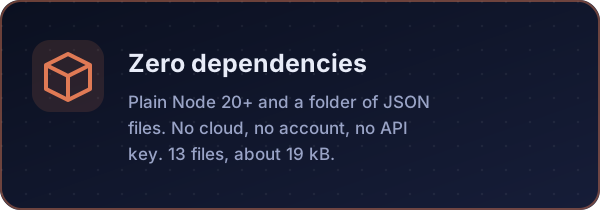
Zero runtime dependencies; Node 20+. See CONTRIBUTING.md and the changelog.
MIT licensed · made for people who run more than one coding agent
Comments
New to MCP?
From what the protocol is to installing your first server, these answers cover most first questions.
An open protocol that defines how AI applications connect to external tools and data in a uniform way. Clients talk to the model; MCP servers provide tools, resources and prompt templates. They exchange standard messages, so one server can be reused by many clients.