
About ainpc-cli
ainpc-cli is a command-line tool and MCP server for studios building AI-powered game NPCs. It supports NPC management, persistent player memories, dialogue, game events, persona generation, and voice through a CLI or agent tools.
Key features
- 01Create and manage NPCs
- 02Persistent memory across sessions
- 03Dialogue and game-event handling
- 04Generate NPC personas
- 05NPC speech with TTS
Use cases
- 01Creating NPCs for a game project
- 02Giving characters memory of players
- 03Handling dialogue and quest or combat events
- 04Adding generated voices to NPCs
MCP support
Provides 49 tools for NPC management, dialogue, game events, persona generation, and studio account operations. It can run locally over stdio or remotely over SSE.
Configuration
Remote servers need no local install. Pick your client, then copy the config or install in one click.
https://mcp.ainpcengine.com/mcpclaude mcp add --transport http jyswee-ainpc-cli https://mcp.ainpcengine.com/mcp{"mcpServers":{"jyswee-ainpc-cli":{"type":"http","url":"https://mcp.ainpcengine.com/mcp"}}}Open in Cursor{"servers":{"jyswee-ainpc-cli":{"type":"http","url":"https://mcp.ainpcengine.com/mcp"}}}Open in VS Code{"mcpServers":{"jyswee-ainpc-cli":{"type":"http","url":"https://mcp.ainpcengine.com/mcp"}}}{"mcpServers":{"jyswee-ainpc-cli":{"serverUrl":"https://mcp.ainpcengine.com/mcp"}}}Run commands in a terminal; paste JSON into the client’s MCP config and restart. Servers that need sign-in will prompt on first connect.
https://mcp.ainpcengine.com/mcpAuth requiredhttps://mcp.ainpcengine.com/sseAuth requiredTools
2This tool takes no parameters.
Details
From the project README
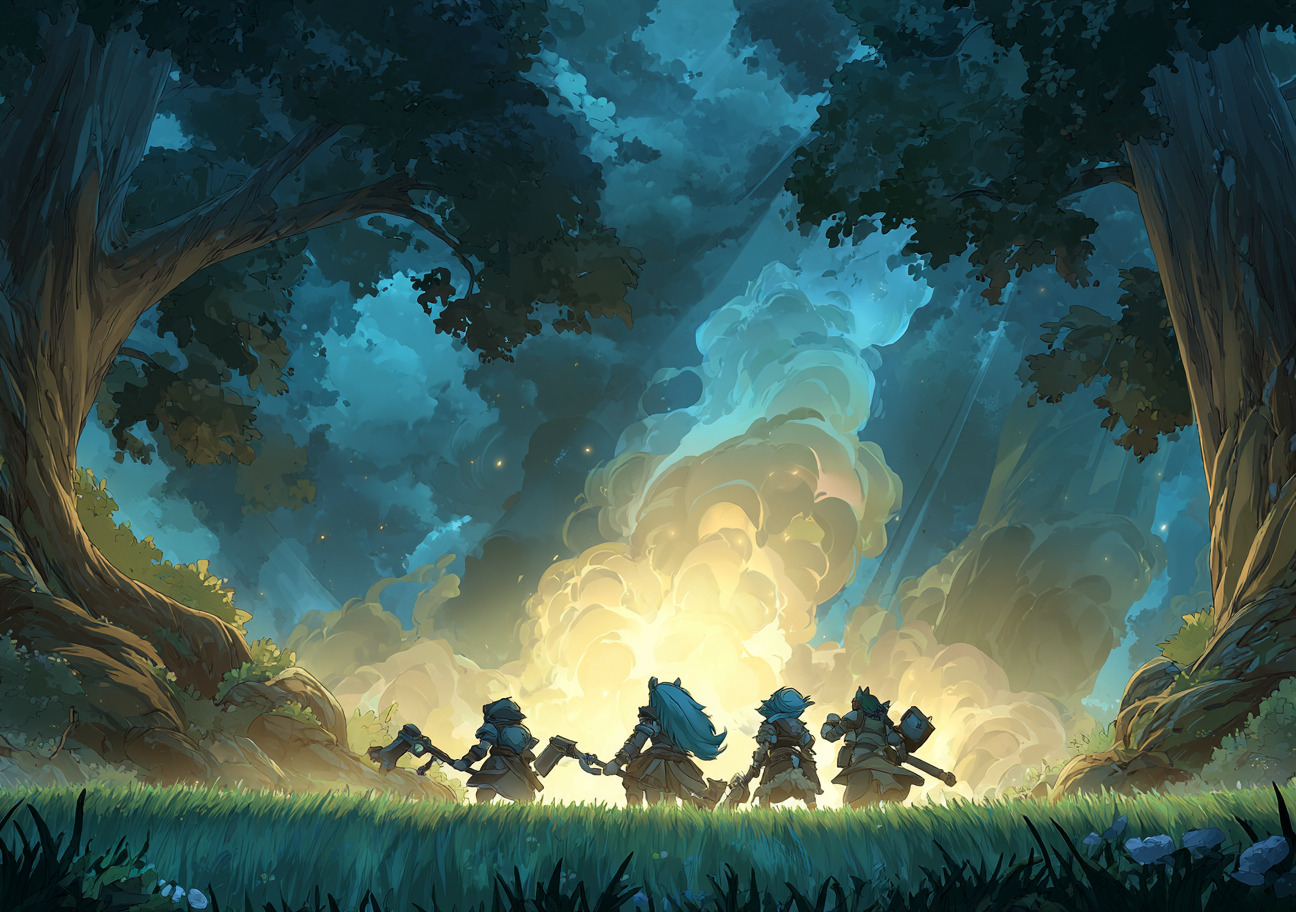
ainpc — AINPCEngine CLI & MCP Server
Create, talk to, and manage AI-powered NPCs from the command line. Built for coding agents.
NPCs that remember players across sessions, react to game events, and stay in character — powered by AINPCEngine.
Website · Docs · Live Demo · Pricing
Meet the NPCs
Every one of these is a live AI NPC on the public demo — persistent memory, daily schedules, moods, and secrets. Click through and talk to them.
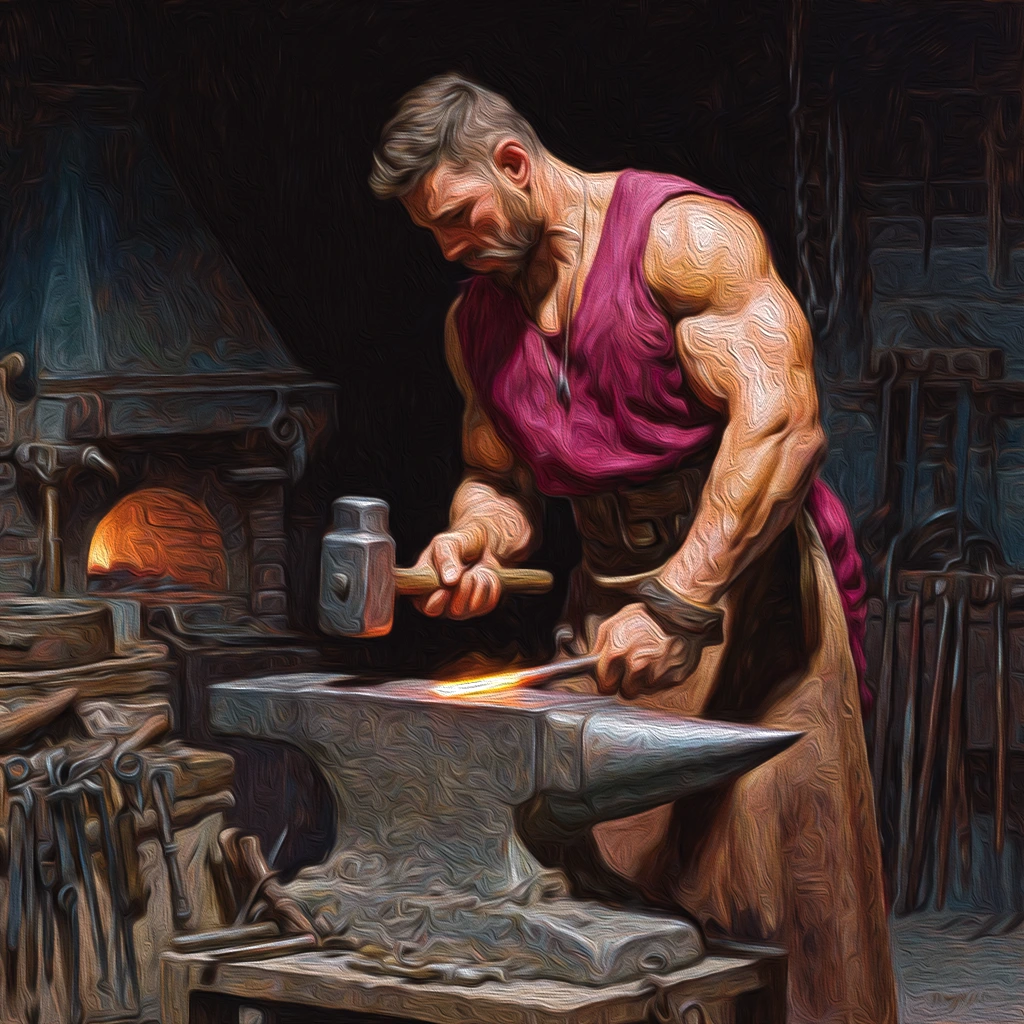 Grok the Blacksmith merchant · Village Guard "Aye, what d'ye need? I've blades sharp enough to split a hair." | 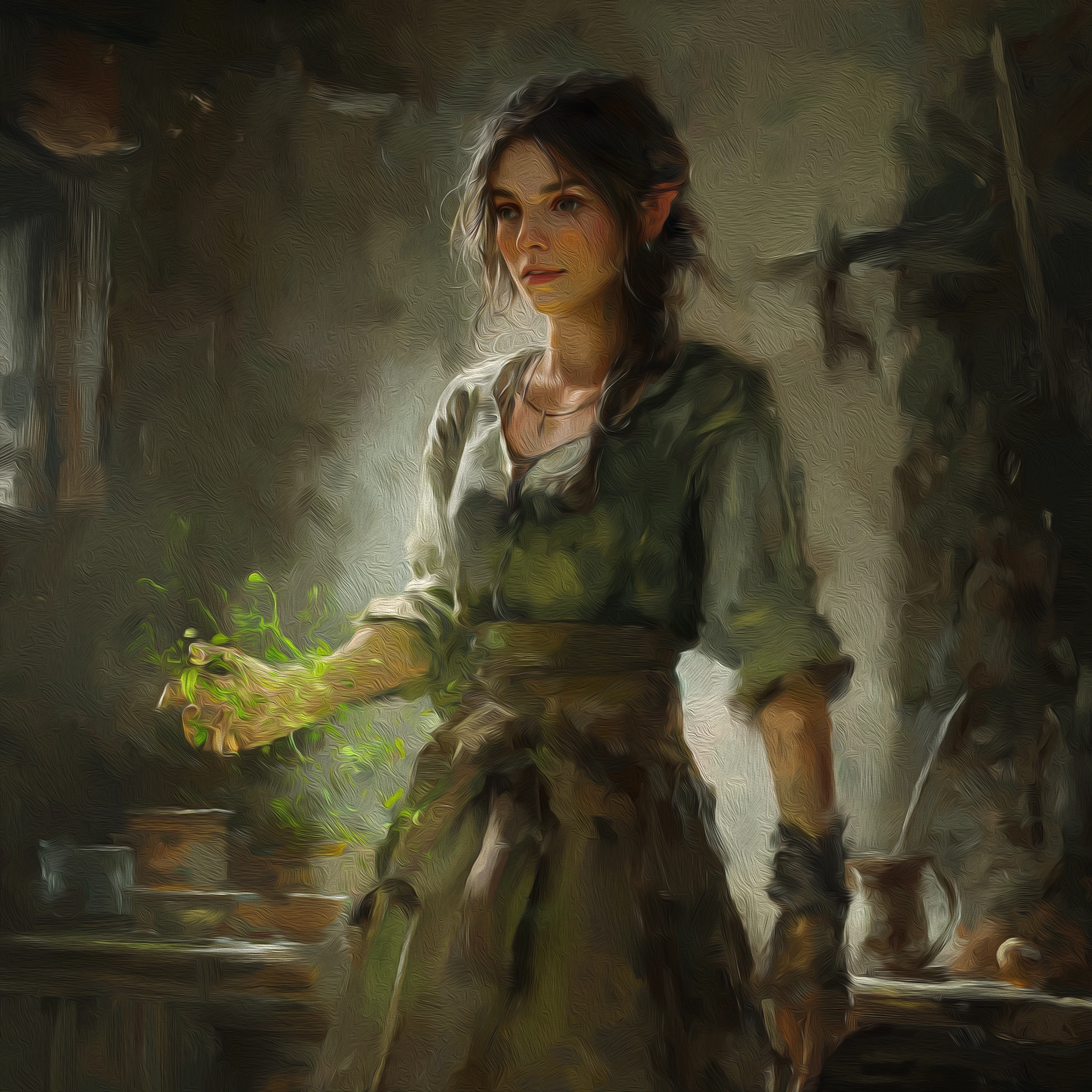 Elara Nightbloom herbalist · Healers Circle "Every leaf tells a story, if you know how to listen." |  Captain Voss guard · Town Watch "State your business or move along. I haven't got all day." | 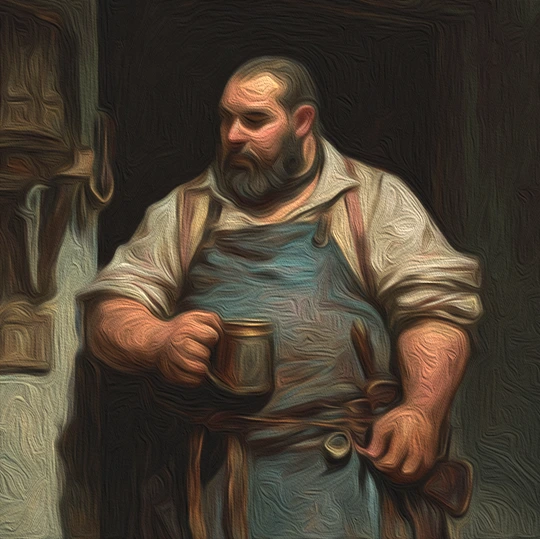 Pip Tanglefoot innkeeper · Merchants Guild "Welcome, welcome! Ale's cold, stew's hot, and the beds only have a few bugs!" |
 Sister Maren priest · Temple of the Dawnlight "The light does not judge, child. It only reveals what is already there." |  Dax Ironjaw merchant "A fair deal? Friend, every deal I make is fair — for me." |  Old Thorn farmer "Rain's coming. Or trouble. Same thing, usually." |  Lyra Ashford scholar · Academy of Letters "If the answer isn't in this book, I simply haven't found the right page yet." |
See It In Action
Real terminal sessions, real dashboard — no mockups. Click any card to watch.
 CLI & Coding Agents Signup to a remembering NPC — one terminal, 75 seconds | 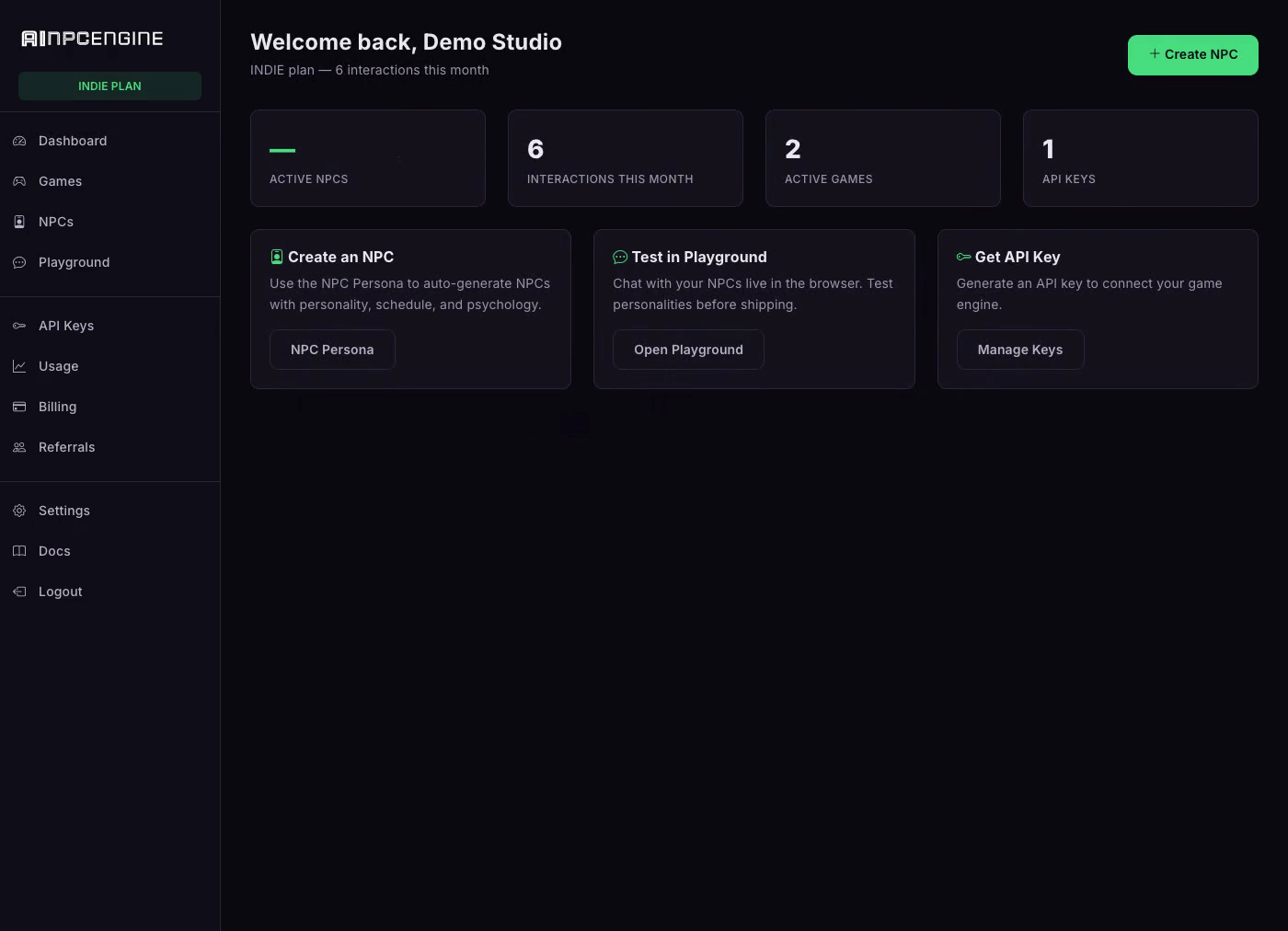 Dashboard Mission control: live NPC, game and interaction KPIs | 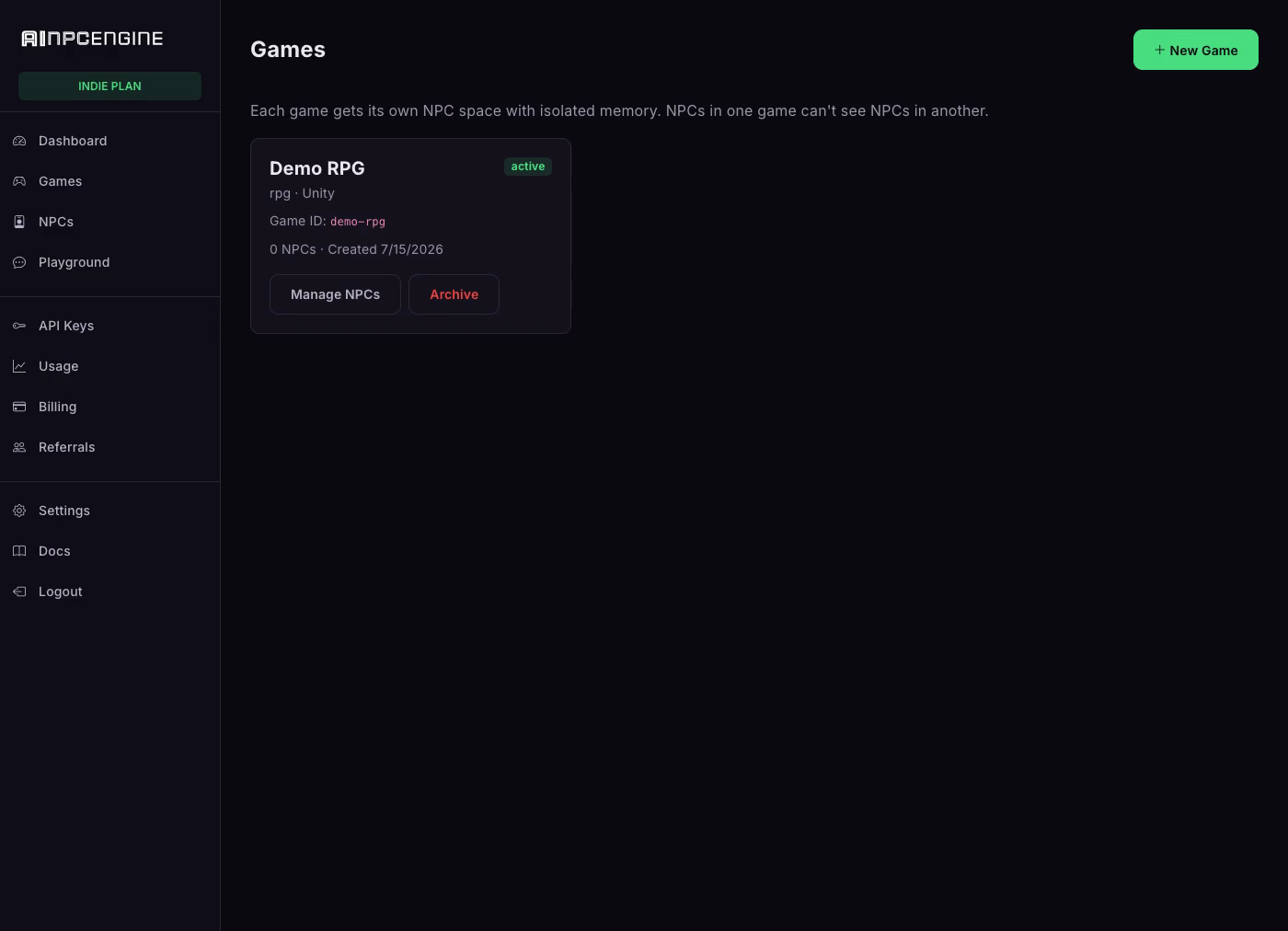 Games Each game gets its own world — create one in seconds | 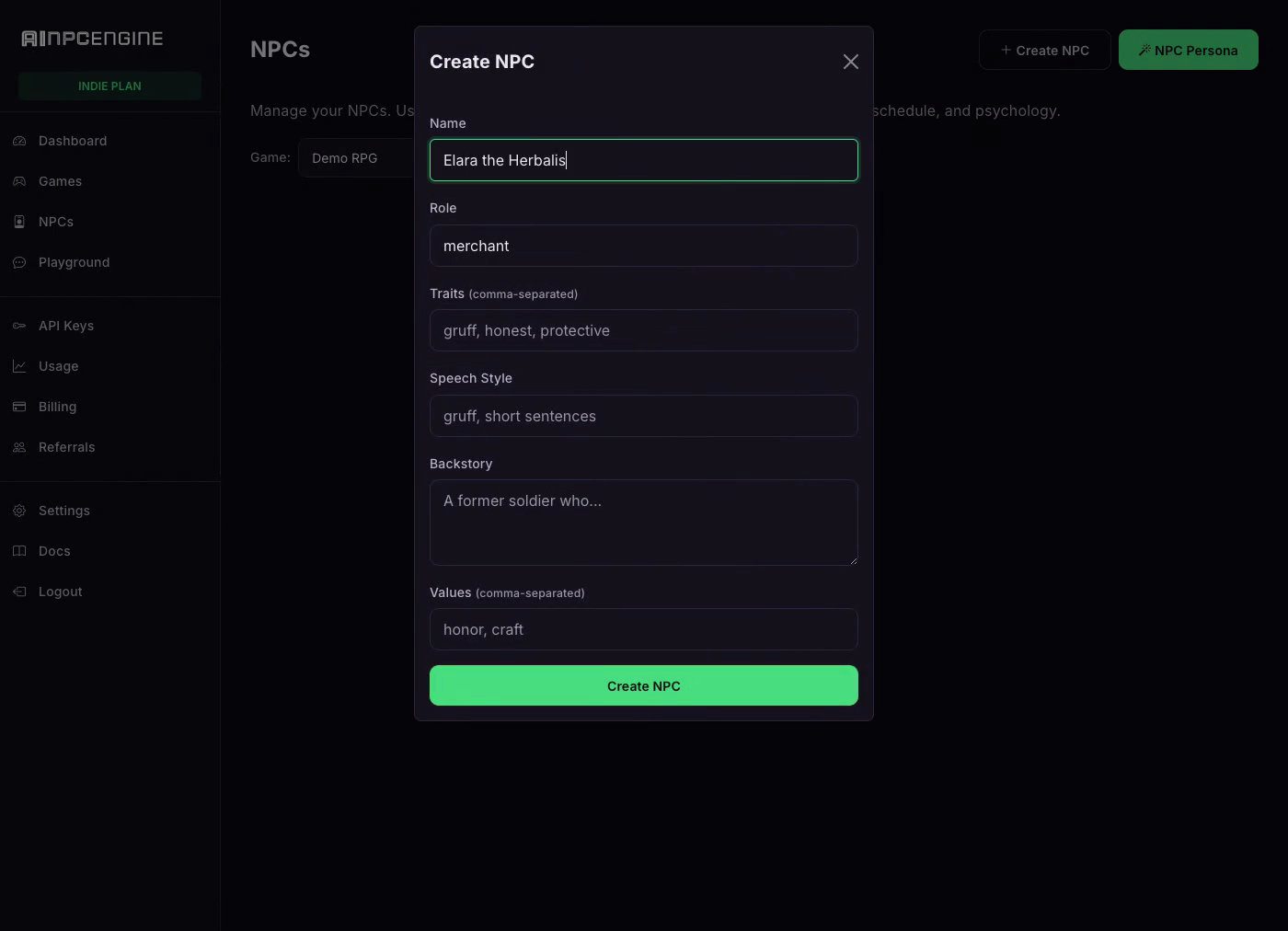 NPCs Create an NPC: role, traits, speech style, backstory | 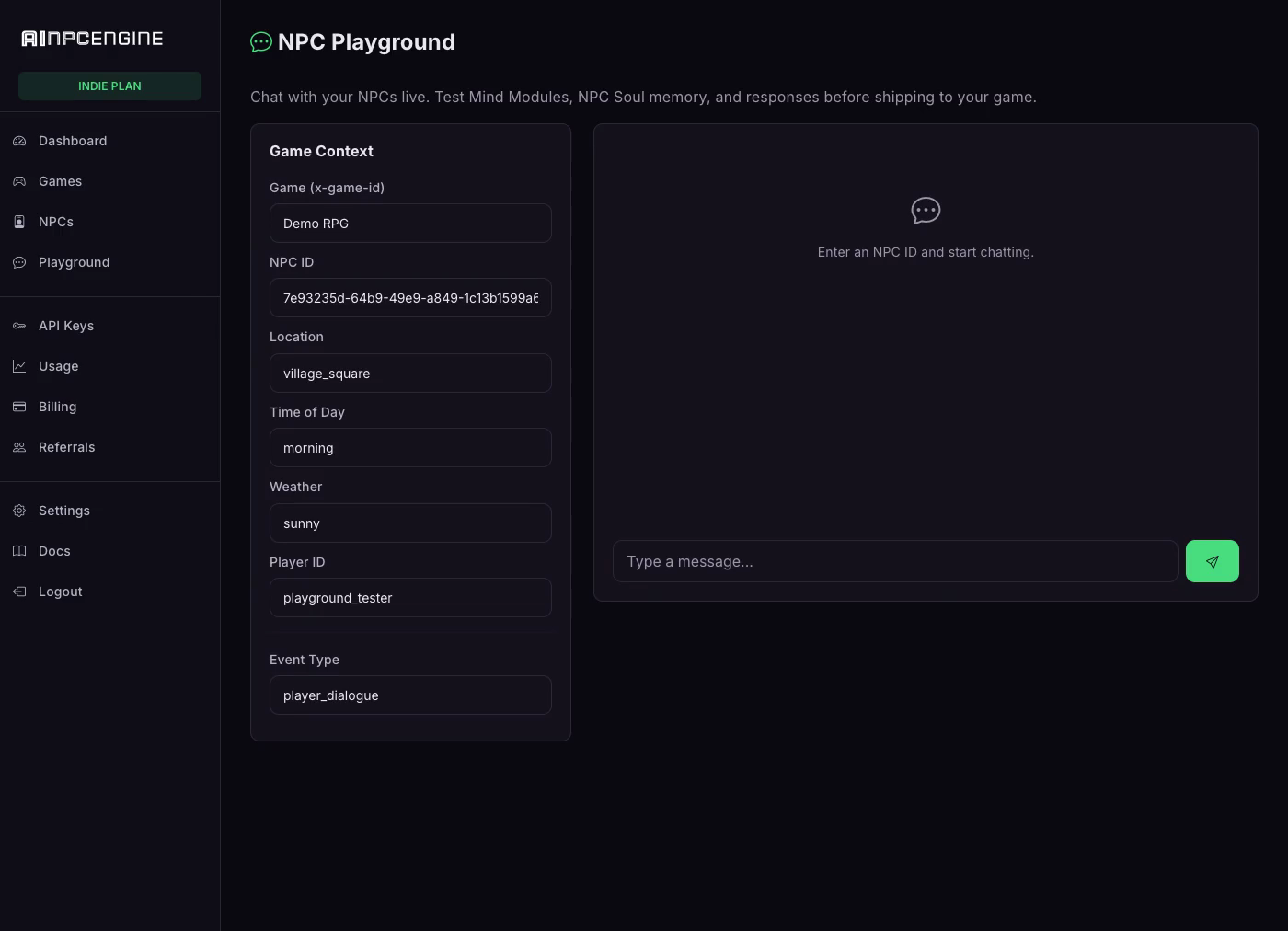 Playground Chat live with your NPC — watch it remember the debt |
Why AINPCEngine
- Persistent memory — NPCs remember every player across sessions: names, debts, favors, grudges
- Dynamic personalities — traits, moods, daily schedules, secrets; NPCs stay in character
- Full game-event coverage — dialogue, combat, trade, and quest events through one API
- AI persona generation — generate a complete NPC (backstory, traits, speech style) from a role
- NPC voice (TTS) — give any NPC a voice via the speak endpoint
- REST + WebSocket — request/response or realtime streaming, your choice
- Agent-native — 49 MCP tools; coding agents can create and manage NPCs end-to-end
- SDKs for every engine — Unity, Unreal, Godot, Rust, Node.js, plus a CLI
Pricing
Plans from $29/mo with a 7-day free trial ($0 today). See pricing →
Install
npm install -g ainpc-cli
Get Your API Key
ainpc signup "My Studio" --email [email protected] --password ********
Creates your studio and auto-saves an npk_ API key. Then log in at https://ainpcengine.com and add a card to start the 7-day free trial ($0 today, plans from $29/mo). Or sign up at https://ainpcengine.com/auth/register and generate a key in Studio Dashboard → API Keys.
Quick Start
# Login (one time)
ainpc login --key YOUR_API_KEY --game my-rpg

# Create an NPC
ainpc create "Grok the Blacksmith" --role merchant --traits gruff,loyal

# Talk to them
ainpc say NPC_ID "Got any swords?"

# AI-generate a full NPC (NPC Persona)
ainpc generate --role guard --name "Captain Voss"

# List all NPCs
ainpc list

# Check status
ainpc status
Per-Project Config
ainpc login --local --key YOUR_KEY --game my-rpg   # saves to .ainpc/config.json
ainpc login --key YOUR_KEY --game my-rpg           # saves to ~/.ainpc/config.json
ainpc config                                       # show active config
Local config overrides global. Add .ainpc/ to your .gitignore.
Agent Integration
Add to your CLAUDE.md, .cursorrules, .clinerules, or .windsurfrules:
Use the ainpc CLI for NPC management.
Config auto-loaded from .ainpc/config.json or AINPC_API_KEY env.
Run ainpc --help for full reference.
MCP Server
49 tools for AI agents: NPC CRUD, dialogue, game events, persona generation, studio account, usage and billing.
Local (stdio):
{ "mcpServers": { "ainpcengine": { "type": "stdio", "command": "ainpc", "args": ["mcp-serve"] } } }
Requires npm install -g ainpc-cli + ainpc login --key npk_YOUR_KEY --game my-rpg (or AINPC_API_KEY env).
Remote (SSE, zero install) — for Claude Web and other web-based agents:
{ "mcpServers": { "ainpcengine": { "type": "sse", "url": "https://mcp.ainpcengine.com/sse",
  "headers": { "Authorization": "Bearer npk_YOUR_API_KEY" } } } }
No key yet? Connect keyless — the remote server starts in onboarding mode and an agent can self-signup via the ainpc_signup tool.
Commands
ainpc create "Name" --role R          Create NPC
ainpc list                            List all NPCs
ainpc show NPC_ID                     Show detail
ainpc say NPC_ID "message"            Talk to NPC
ainpc generate --role guard           AI-generate NPC
ainpc speak NPC_ID "text"             NPC voice (TTS)
ainpc status                          Quick overview
ainpc --help                          Full reference
Environment Variables
AINPC_API_KEY=your-key
AINPC_GAME_ID=my-rpg
AINPC_BASE_URL=https://ainpcengine.com   # optional
Links
- Platform: https://ainpcengine.com
- Docs: https://ainpcengine.com/docs
- Demo: https://ainpcengine.com/demo
License
Proprietary — see LICENSE. © 2026 Tyga.Cloud Ltd.
Comments
New to MCP?
From what the protocol is to installing your first server, these answers cover most first questions.
An open protocol that defines how AI applications connect to external tools and data in a uniform way. Clients talk to the model; MCP servers provide tools, resources and prompt templates. They exchange standard messages, so one server can be reused by many clients.