About viznoir
viznoir is an MCP server that lets AI agents analyze and visualize scientific simulation data with VTK in headless environments. It combines data inspection, physics-oriented filters, rendering, animation, and story composition for research and publication workflows.
Key features
- 01Headless VTK rendering
- 02Simulation data inspection and analysis
- 03Physics-oriented filters and probes
- 04Image and animation export
- 05Multi-panel story composition
Use cases
- 01Render simulation fields without a GUI
- 02Inspect and analyze physics data
- 03Create animations from simulation results
- 04Compose annotated scientific presentations
MCP support
viznoir exposes VTK-based visualization and analysis tools, along with resources and prompts, to MCP clients. Its tools cover data inspection, rendering, filtering, probing, animation, comparison, and export.
Configuration
Local server config is the same for every client. Copy it into your client’s MCP config file.
uvx viznoirVIZNOIR_RENDER_BACKENDRendering backend: gpu, cpu, or autoVIZNOIR_OUTPUT_DIROutput directory for rendered imagesLocal servers need a runtime on your machine (e.g. Node.js 18+). Config file locations differ by client; see your client’s docs.
Tools
23Saved tool list · updated 2w ago
| Parameter | Type | Required | Description |
|---|---|---|---|
| file_path | string | Yes | Path to the simulation file (e.g., /data/cavity.foam, /data/beam.vtu) |
Details
From the project READMEviznoir
VTK is all you need. Cinema-quality science visualization for AI agents.





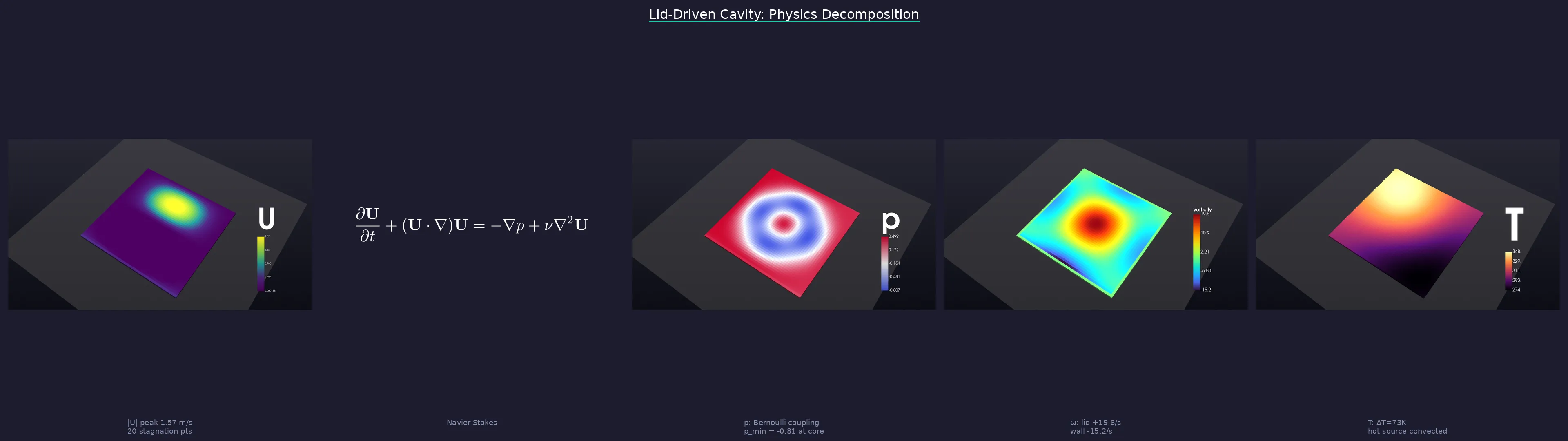
One prompt → physics analysis → cinematic renders → LaTeX equations → publication-ready story.
What it does
An MCP server that gives AI agents full access to VTK's rendering pipeline — no ParaView GUI, no Jupyter notebooks, no display server. Your agent reads simulation data, applies filters, renders cinema-quality images, and exports animations, all headless.
Works with: Claude Code · Cursor · Windsurf · Gemini CLI · any MCP client
Quick Start
1. Install
pip install viznoir

# With optional extras
pip install "viznoir[mesh]"       # meshio + trimesh (50+ formats)
pip install "viznoir[composite]"  # Pillow + matplotlib (split_animate)
pip install "viznoir[all]"        # everything
Requires Python ≥3.10. VTK wheel auto-installed (EGL headless rendering supported).
2. Verify
mcp-server-viznoir --help    # server entry point
python -c "import viznoir; print(viznoir.__version__)"
3. Use with an MCP client
Add to your MCP client config (claude_desktop_config.json, ~/.cursor/mcp.json, etc.):
{
  "mcpServers": {
    "viznoir": {
      "command": "mcp-server-viznoir",
      "env": {
        "VIZNOIR_DATA_DIR": "/path/to/your/simulation/data",
        "VIZNOIR_OUTPUT_DIR": "/path/to/output"
      }
    }
  }
}
Then ask your AI agent:
"Open cavity.foam, render the pressure field with cinematic lighting, then create a physics decomposition story."
4. Or use as a Python library (advanced)
All tool implementations are importable as async functions. You provide a VTKRunner and await the result:
import asyncio
from viznoir.core.runner import VTKRunner
from viznoir.tools.inspect import inspect_data_impl
from viznoir.tools.render import render_impl

async def main():
    runner = VTKRunner()

    meta = await inspect_data_impl(file_path="cavity.foam", runner=runner)
    print(meta["fields"], meta["timesteps"])

    result = await render_impl(
        file_path="cavity.foam",
        field_name="p",
        runner=runner,
        colormap="Cool to Warm",
        camera="isometric",
        width=1920, height=1080,
        output_filename="pressure.png",
    )
    print(result.file_path)

asyncio.run(main())
See docs for the full tool reference.
Capabilities
| Category | Tools |
|---|---|
| Rendering | render · cinematic_render · batch_render · volume_render |
| Filters | slice · contour · clip · streamlines · pv_isosurface |
| Analysis | inspect_data · inspect_physics · extract_stats · analyze_data |
| Probing | plot_over_line · integrate_surface · probe_timeseries |
| Animation | animate · split_animate |
| Comparison | compare · compose_assets |
| Export | preview_3d · execute_pipeline |
22 tools · 12 resources · 4 prompts · 50+ file formats (OpenFOAM, VTK, CGNS, Exodus, STL, glTF, …)
Showcase — 10 Domains, One Pipeline
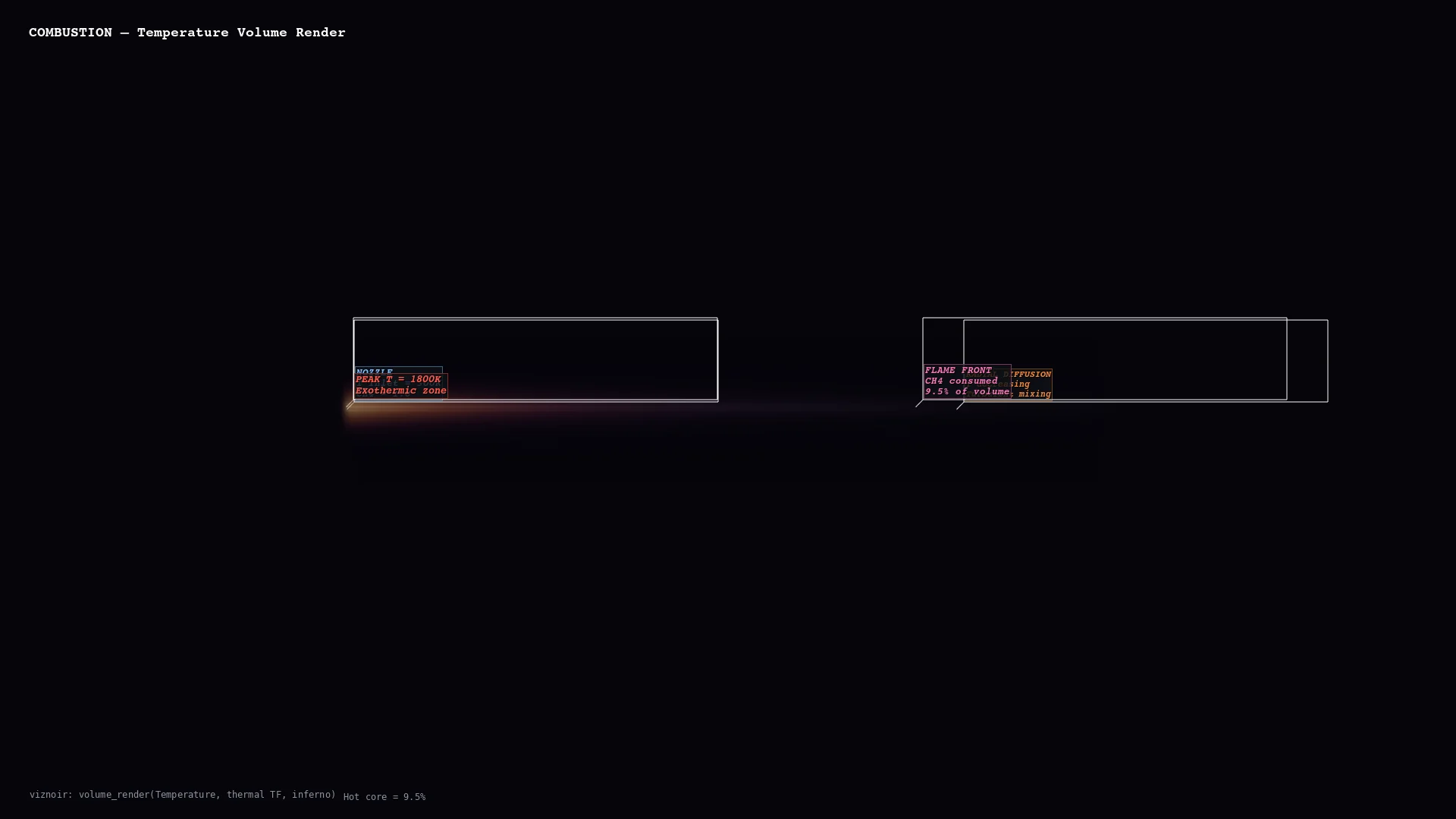
Every frame below is a single MCP tool call. No GUI, no post-processing, no ParaView. Annotations are rendered inside the 3D scene via VTK-native text actors and leader lines — no Photoshop, no matplotlib overlay.
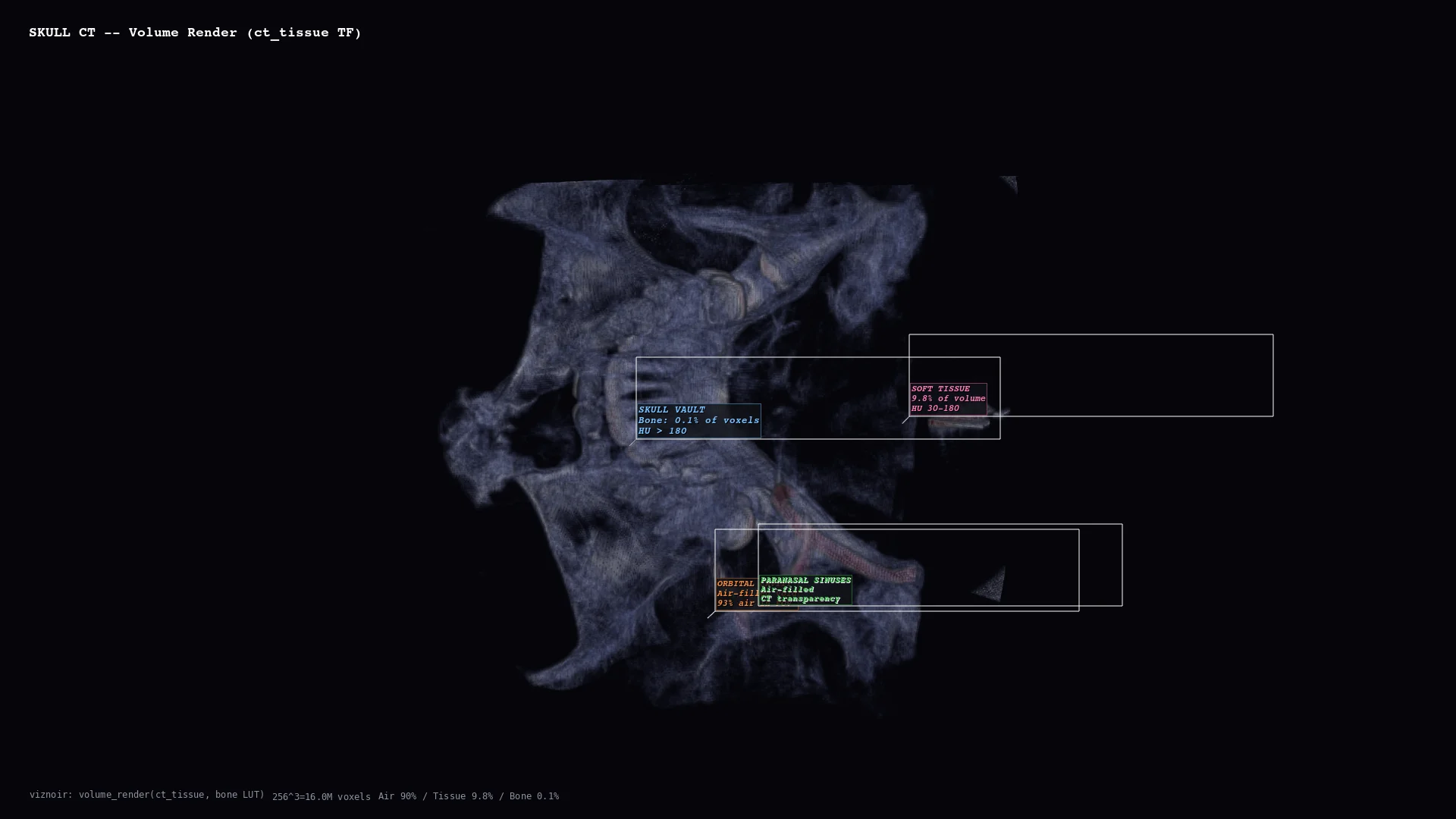 | 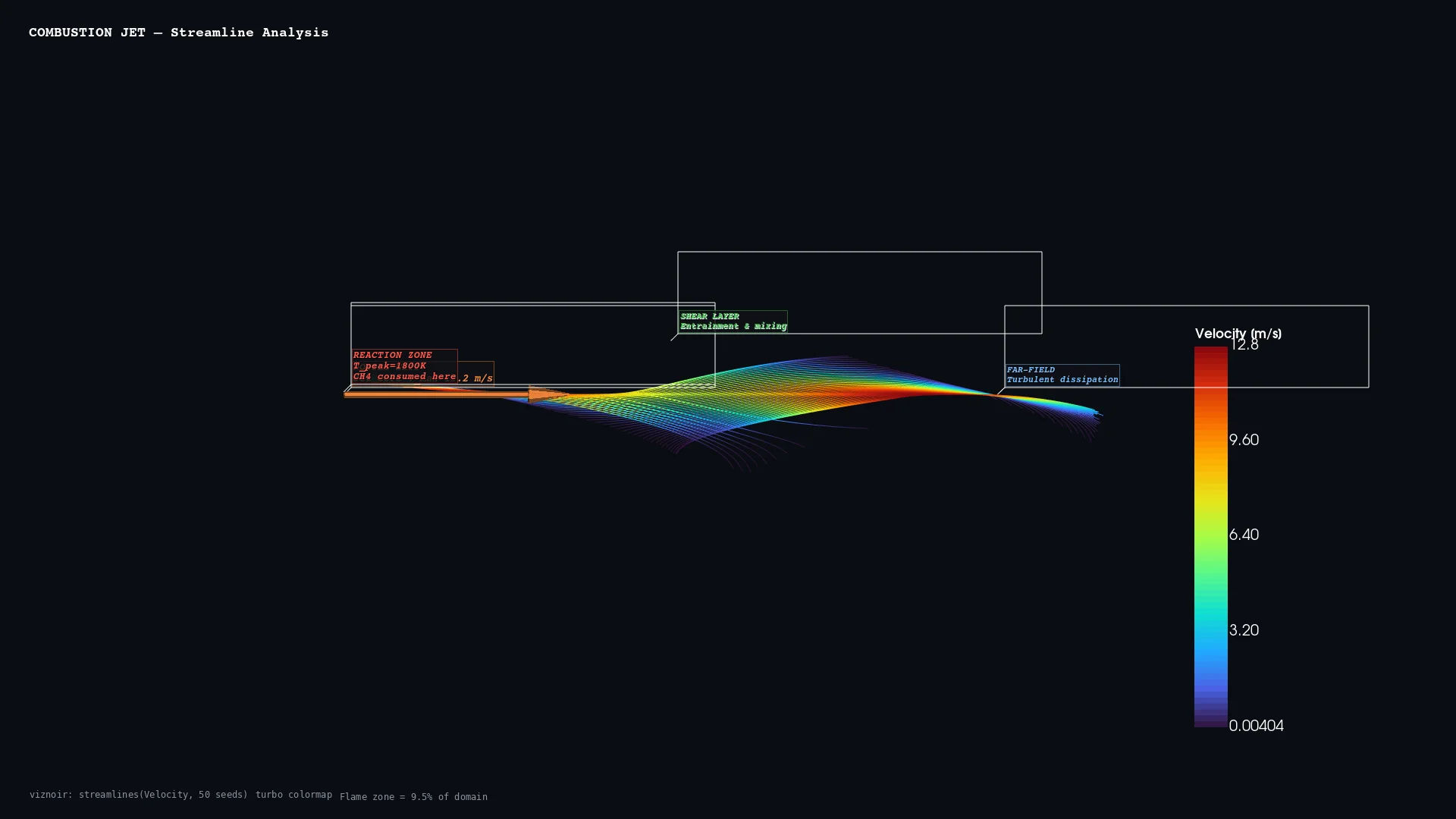 | 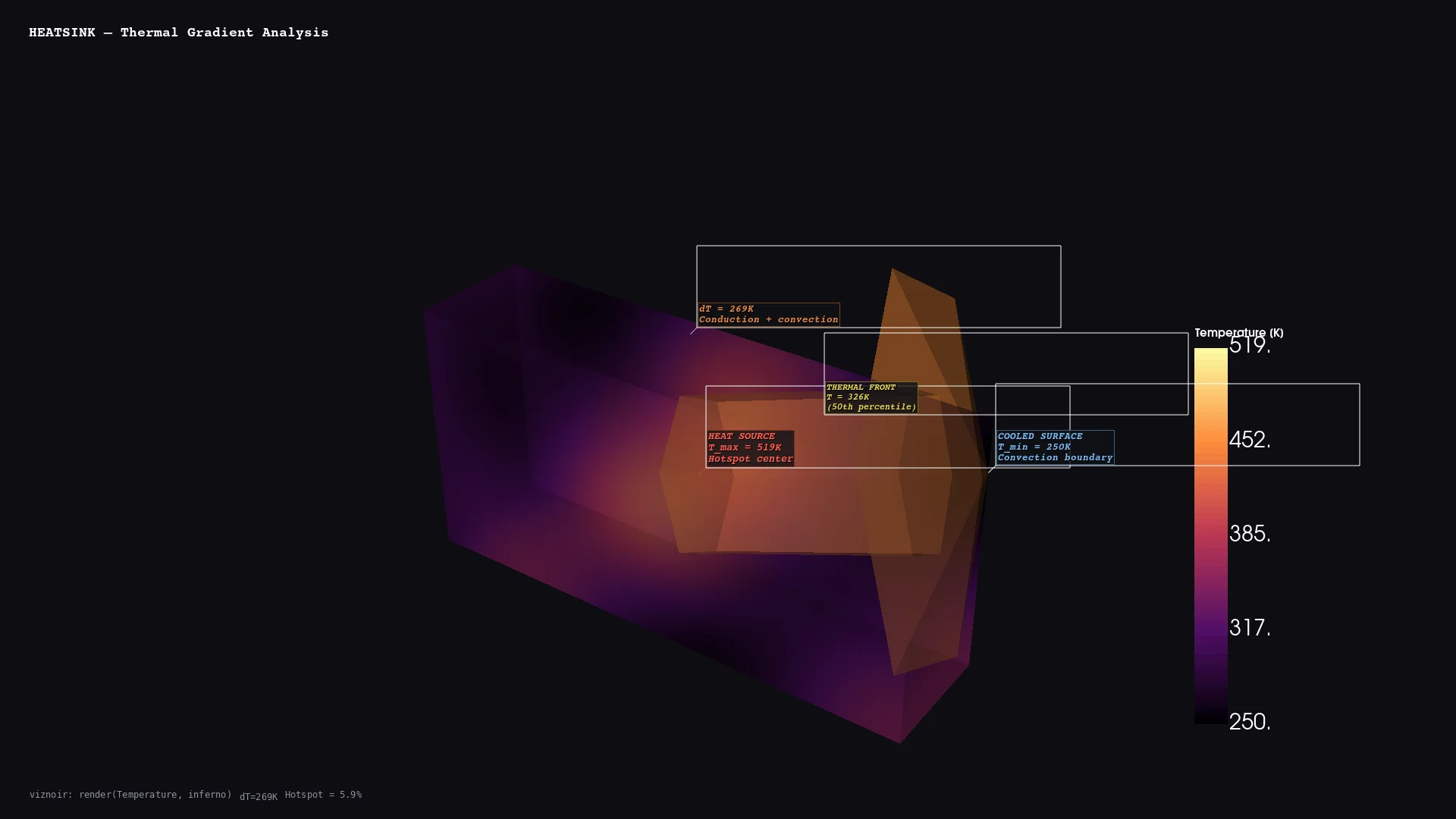 | 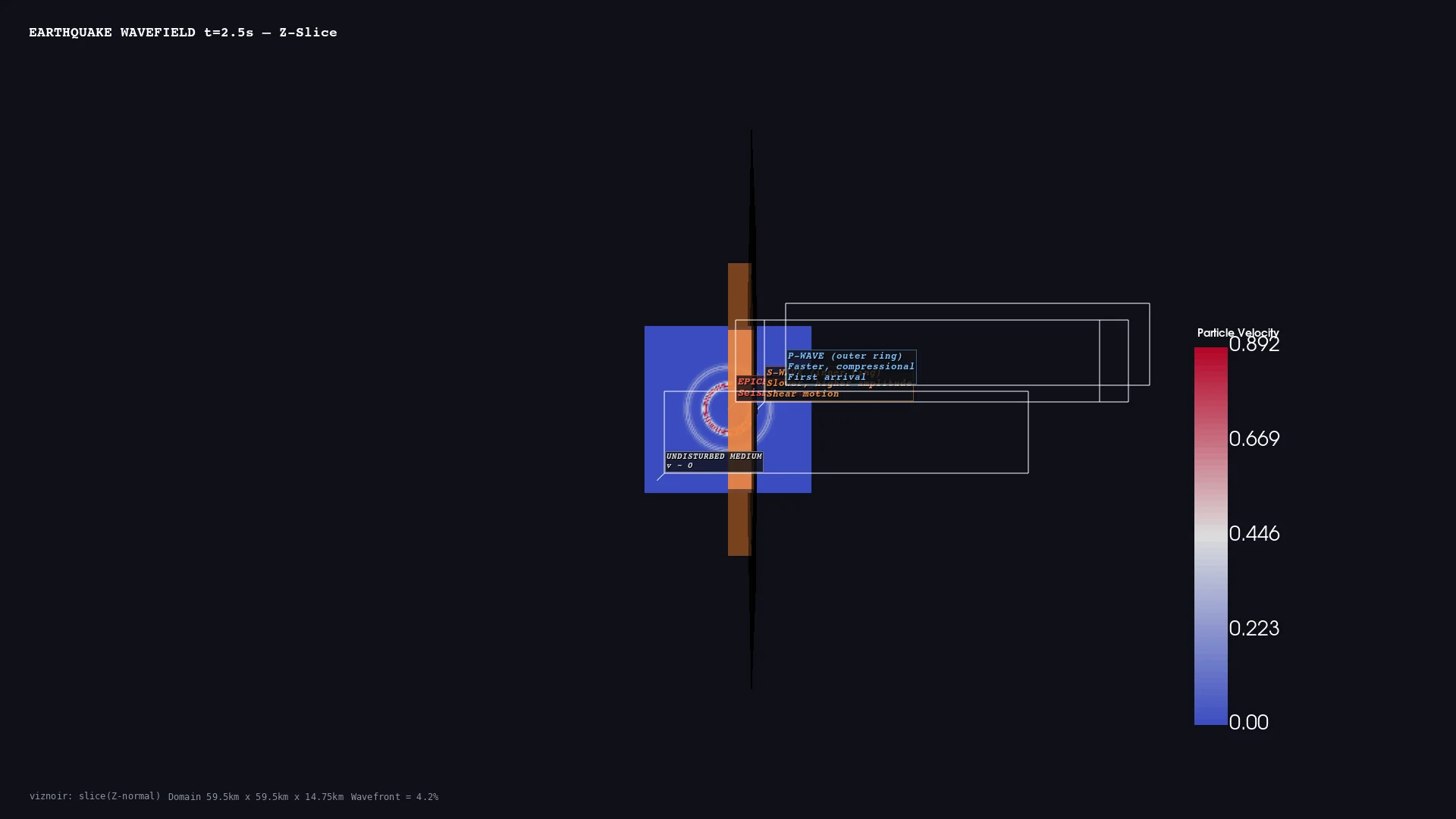 | 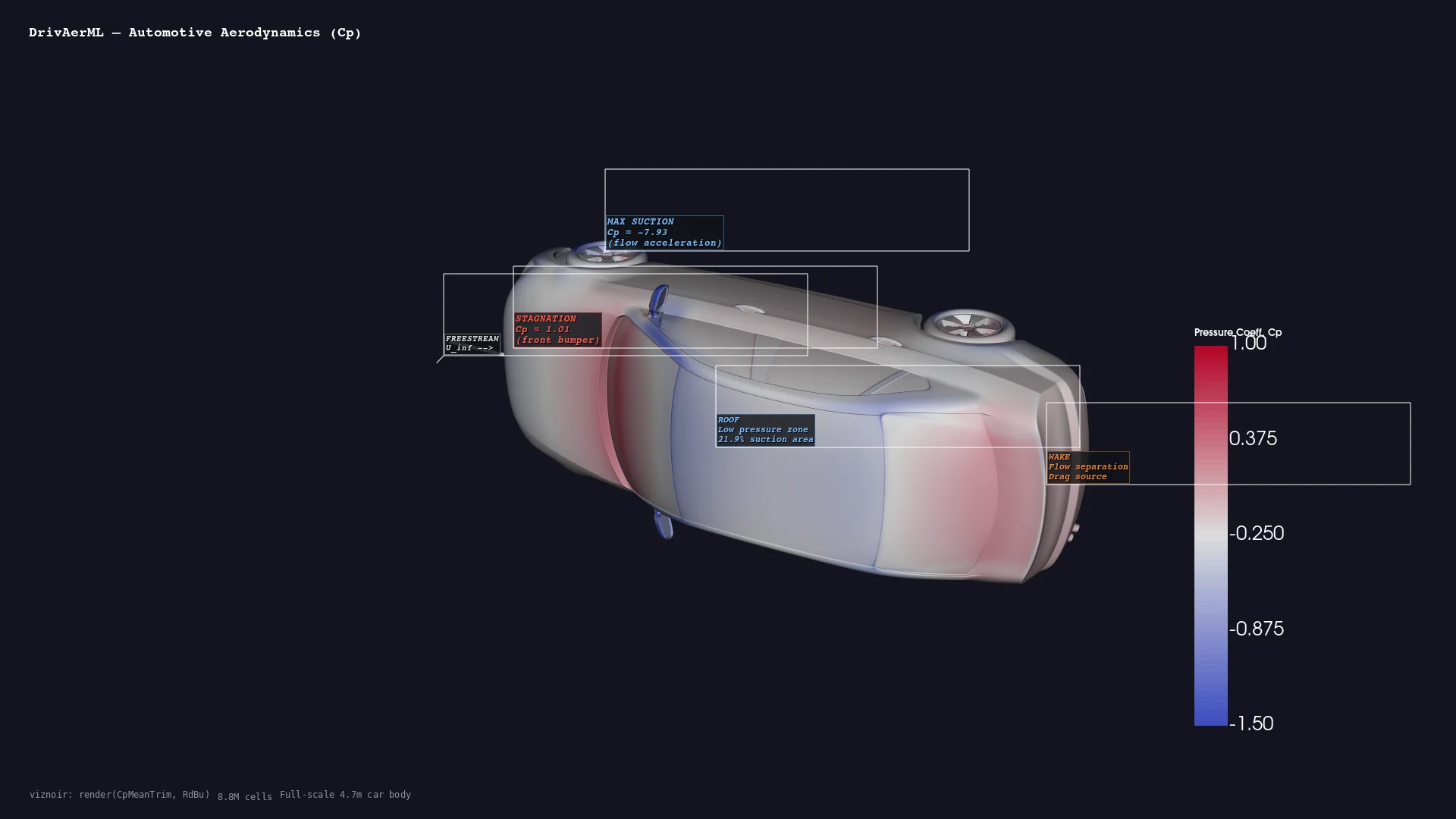 |
| Medical CT skull volume | CFD Combustion streamlines | Thermal Heatsink gradient | Geoscience Seismic wavefield | Automotive DrivAerML · 8.8M cells |
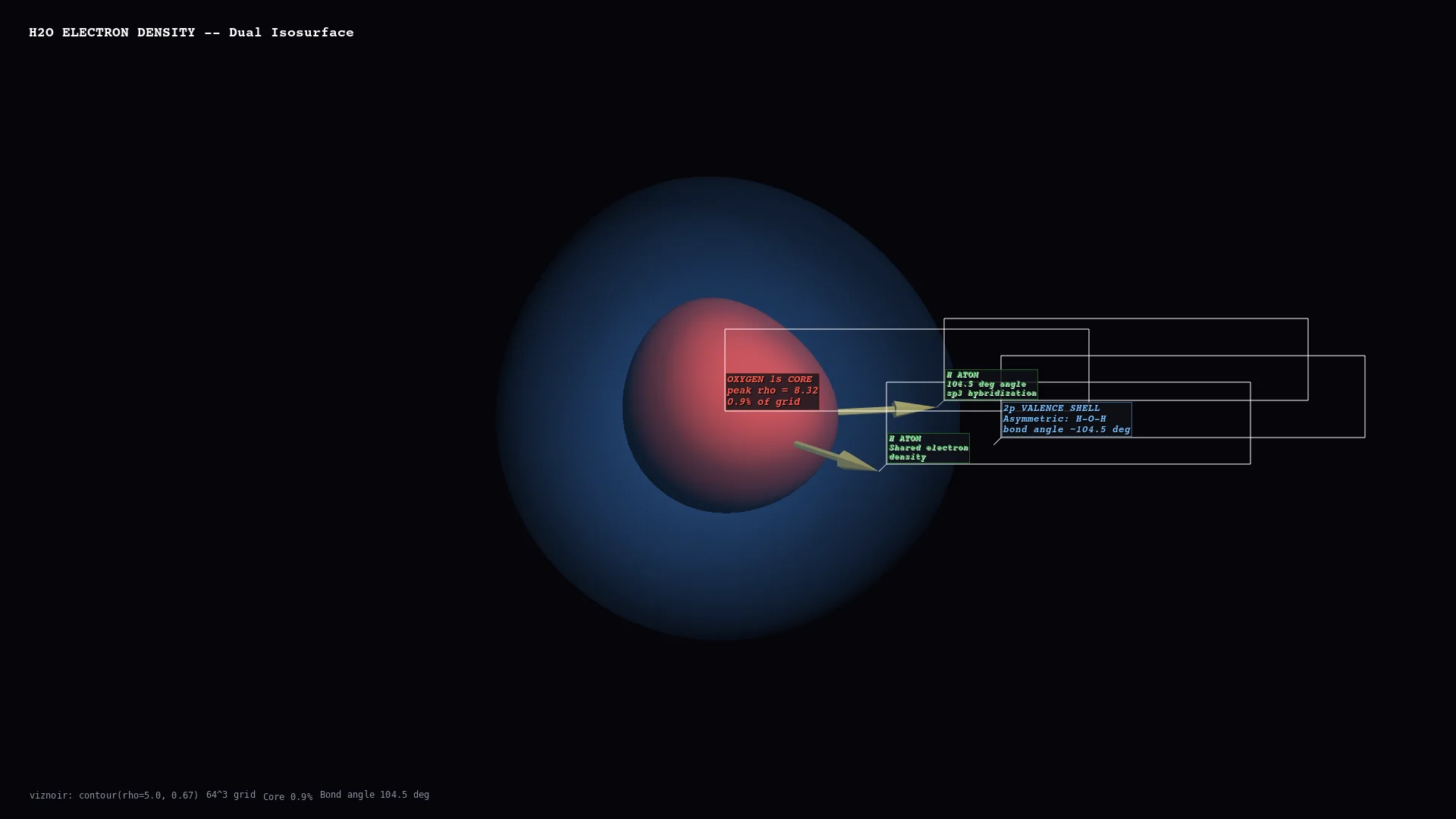 | 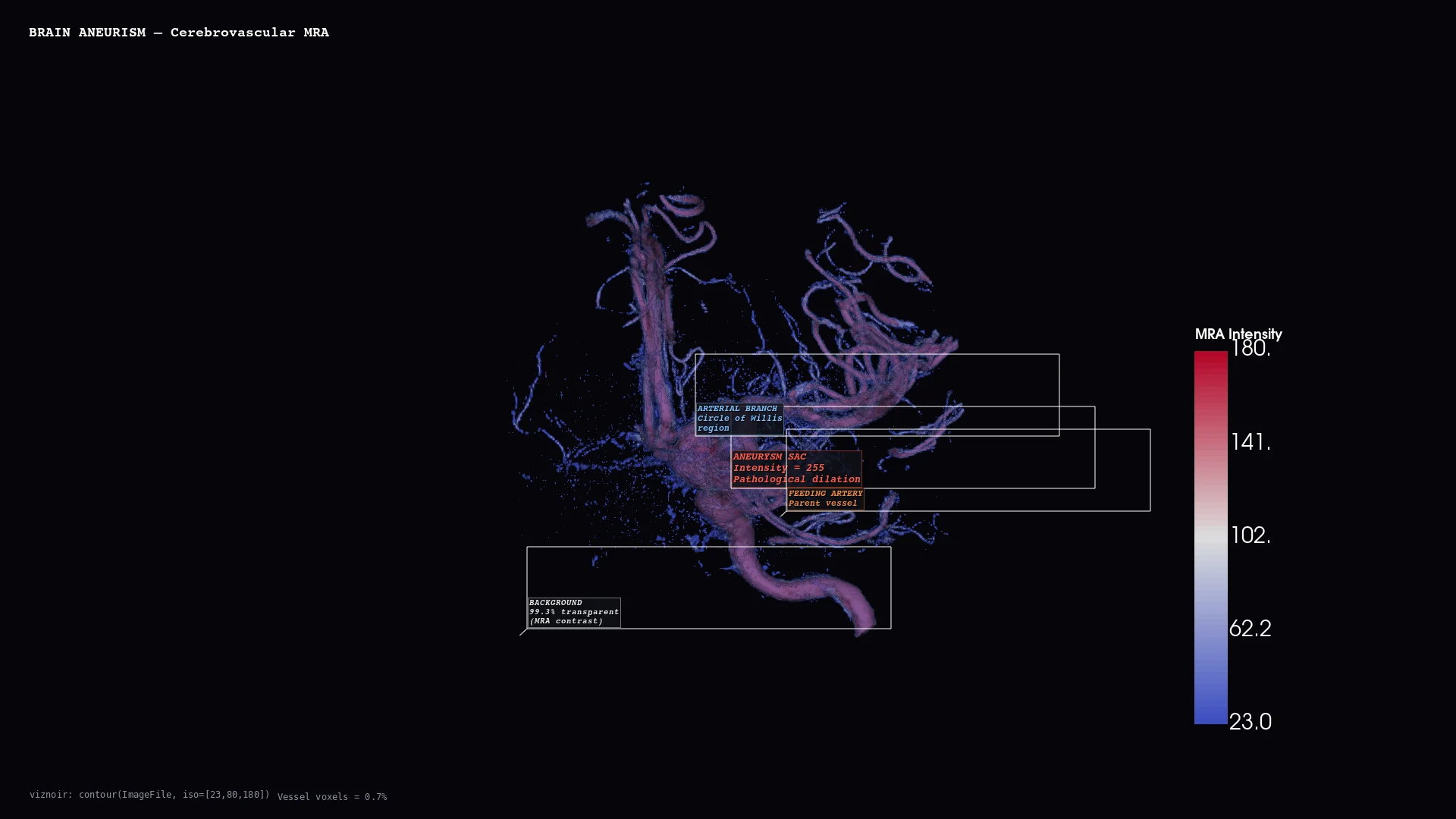 | 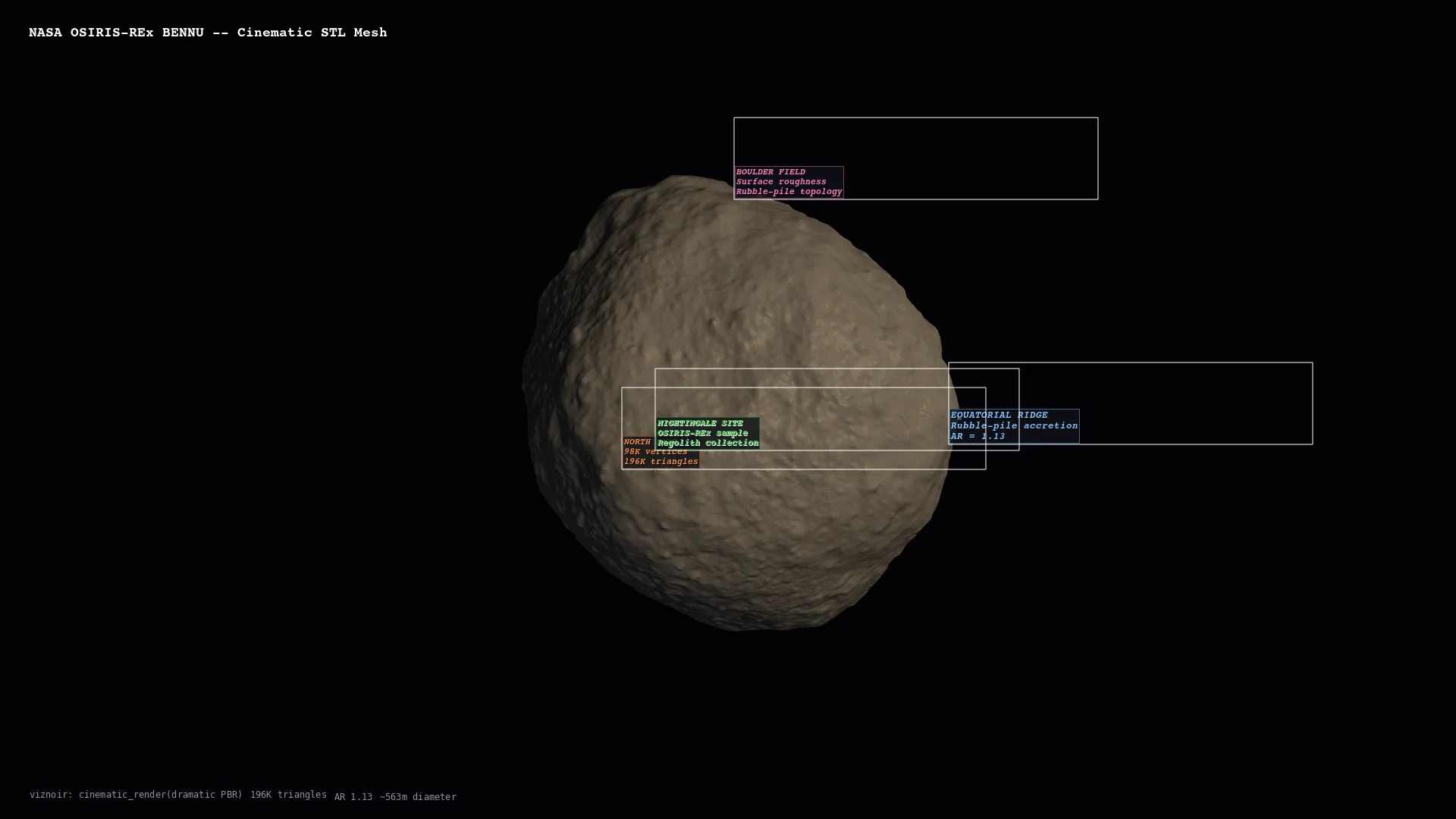 | 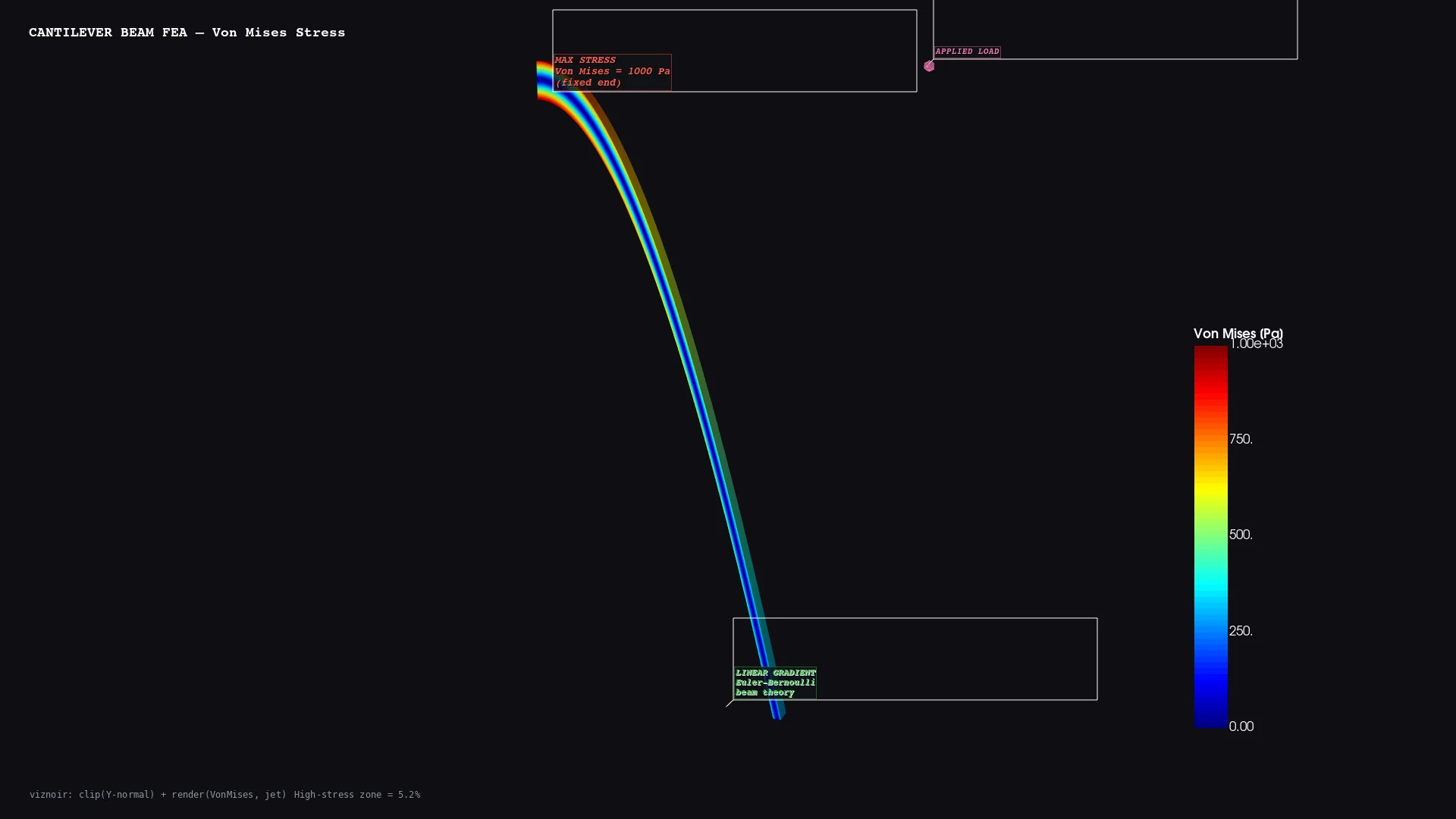 |  |
| Molecular H₂O electron density | Vascular Cerebral aneurysm MRA | Planetary Bennu · 196K triangles | Structural Cantilever FEA stress | Volume Thermal threshold |
Physics-Aware Animations
Seven presets convert raw simulation data into publication-ready motion — each binds a rendering primitive to a physical phenomenon.
| Preset | Physics | Rendering |
|---|---|---|
streamline_growth | Lagrangian advection | Particle path-line extension over time |
clip_sweep | Pressure gradient cross-section | Moving clip plane |
layer_reveal | CT density classification | Progressive isosurface stacking |
iso_sweep | Orbital topology | Isovalue sweep with camera orbit |
warp_oscillation | Structural mode shape | Warp-by-vector harmonic displacement |
light_orbit | Oblique illumination | Rotating key light for material reveal |
threshold_reveal | Feature hierarchy | Threshold peeling from outside → in |
Story Composition (compose_assets)
Inspect → render → annotate → compose → narrate. One prompt produces a 4-panel physics decomposition with LaTeX-rendered governing equations.
Layouts: story (vertical narrative) · grid (N×M comparison) · slides (16:9 keynote) · video (MP4 with transitions)
Full interactive gallery: https://kimimgo.github.io/viznoir/#showcase
Architecture
  prompt                    "Render pressure from cavity.foam"
    │
  MCP Server                22 tools · 12 resources · 4 prompts
    │
  VTK Engine                readers → filters → renderer → camera
    │                       EGL/OSMesa headless · cinematic lighting
  Physics Layer             topology analysis · context parsing
    │                       vortex detection · stagnation points
  Animation                 7 physics presets · easing · timeline
    │                       transitions · compositor · video export
  Output                    PNG · WebP · MP4 · GLTF · LaTeX
Numbers
| 22 MCP tools | 24 VTK filters |
| 10 domains | 19 native file formats |
| 6/6 VTK data types | 50+ formats via meshio |
Documentation
Homepage: kimimgo.github.io/viznoir
Developer docs: kimimgo.github.io/viznoir/docs — full tool reference, domain gallery, architecture guide
License
MIT
Comments
New to MCP?
From what the protocol is to installing your first server, these answers cover most first questions.
An open protocol that defines how AI applications connect to external tools and data in a uniform way. Clients talk to the model; MCP servers provide tools, resources and prompt templates. They exchange standard messages, so one server can be reused by many clients.