
About Knit MCP
Knit MCP is a remote MCP server for developers and AI agents that connects to more than 200 SaaS business apps. It lets teams create servers with selected tools and perform business tasks within end-user-scoped permissions.
Key features
- 01Connects to 200+ SaaS apps
- 02Creates servers with selected apps and tools
- 03Uses end-user-scoped permissions
- 04Reads and acts on business data
Use cases
- 01Retrieve employee or payslip data from HR tools
- 02Create candidates in ATS systems
- 03Update invoices in accounting platforms
- 04Look up CRM contacts or opportunities
MCP support
It provides remote MCP endpoints for clients such as Claude and Cursor. Configured app capabilities are exposed as tools to AI agents.
Configuration
Local server config is the same for every client. Copy it into your client’s MCP config file.
We haven’t collected a package or remote endpoint for this server. Follow the instructions in the project README.
Tools
Local servers expose tools only once running on your machine, and the maintainer has not provided a tool list.
Details
From the project READMEname: Knit MCP digest: Connect AI agents to 200+ SaaS apps with a single unified MCP server powered by Knit author: Knit homepage: https://www.getknit.dev/products/mcp-servers capabilities: prompts: true resources: false tools: true tags:
- integrations
- remote mcp servers
- automation
- ai-agents icon: https://cdn.prod.website-files.com/6347ea26001f0287c592ff91/649953ef7a9ffe1f3e492b5a_Knit%20Logo.svg createTime: 2025-07-24 featured: true
Knit is an embedded integrations platform that lets developers and AI systems connect with 200+ business apps — including HRIS, CRM, ATS, Payroll, Accounting, Ticketing, Calendar and more. With Knit MCP, AI agents like Claude, GPT, Cursor or any custom agent gain instant, secure access to these integrations using the Model Context Protocol.
What is Knit MCP?
Knit MCP is Knit’s remote MCP server offering that allows you to create and package your own mcp servers that you can plug into your AI assistants to directly execute real-world tasks like:
- Fetching employee or payslip data from HR tools
- Creating candidates in ATS systems
- Updating invoices in accounting platforms
- Pulling CRM opportunities or contact details
- And much more — with full end-user scoped permissions
It provides a real-time bridge between agents and hundreds of SaaS apps, with a focus on structured, secure, and standardized access to business-critical data.
Supported Apps
You can find the entire list of supported Apps here - https://www.getknit.dev/mcp-servers
How to Use Knit MCP
🔐 Step 1: Sign In to MCP Hub Visit the MCP Hub at https://mcphub.getknit.dev, and log in using Google, Microsoft, or your email.
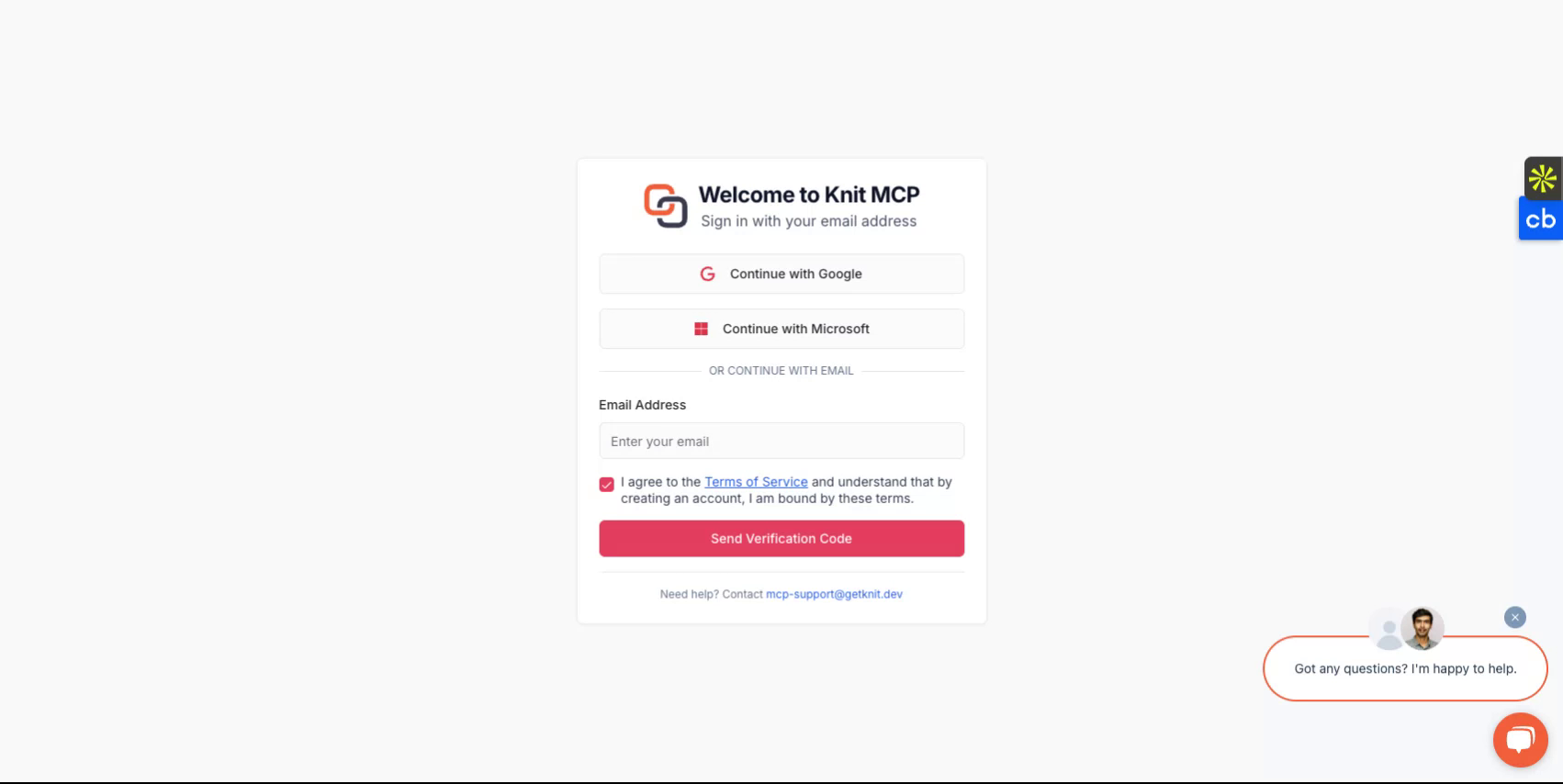
⚙️ Step 2: Create a New MCP Server Click Create new MCP server.
Choose which applications/tools to include (e.g., BambooHR, QuickBooks).
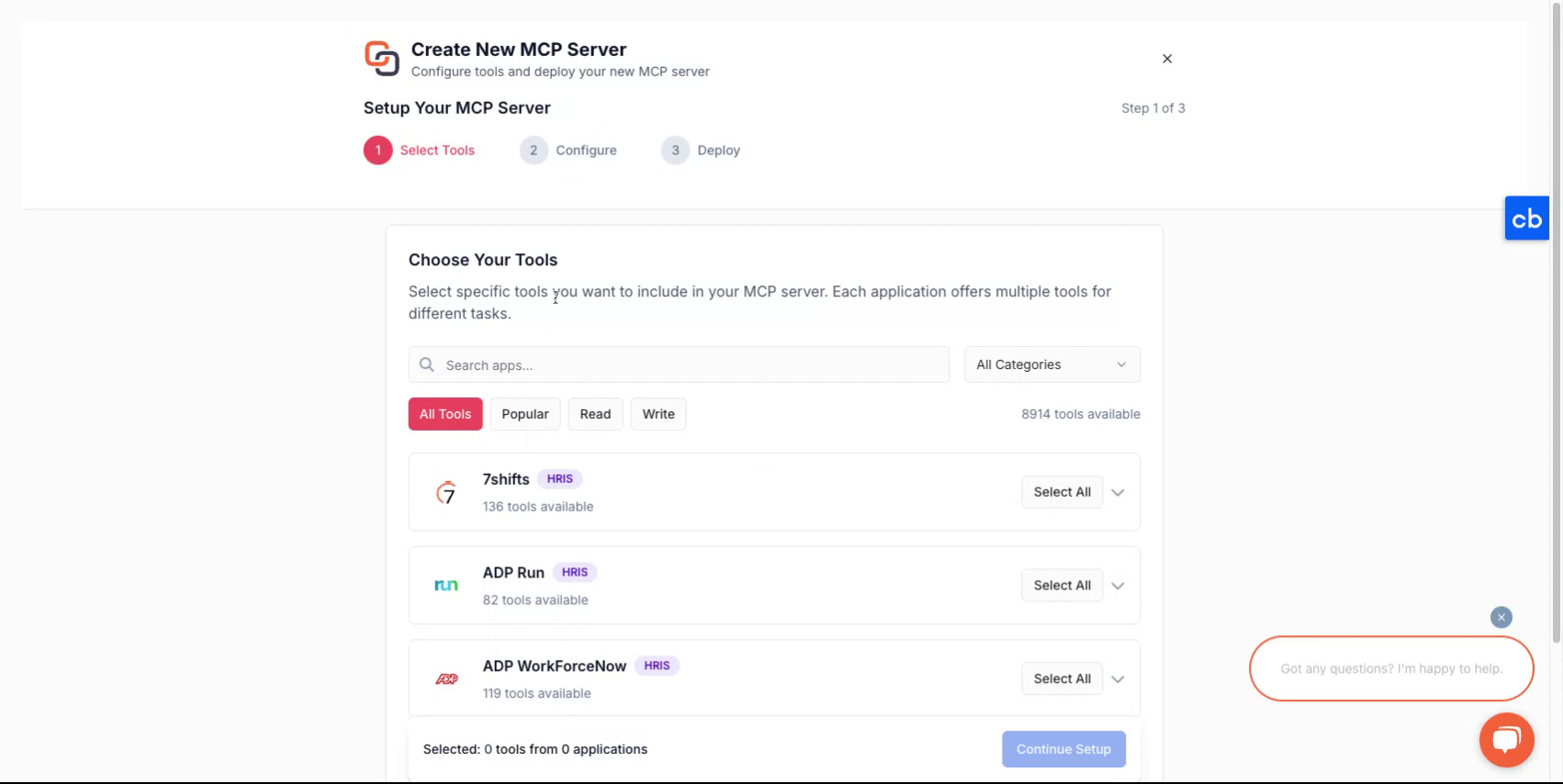
Click Next.
✏️ Step 3: Configure Your Server Fill in the server details: For example
Name: My Company ATS Server Description: Tools for recruiting workflows
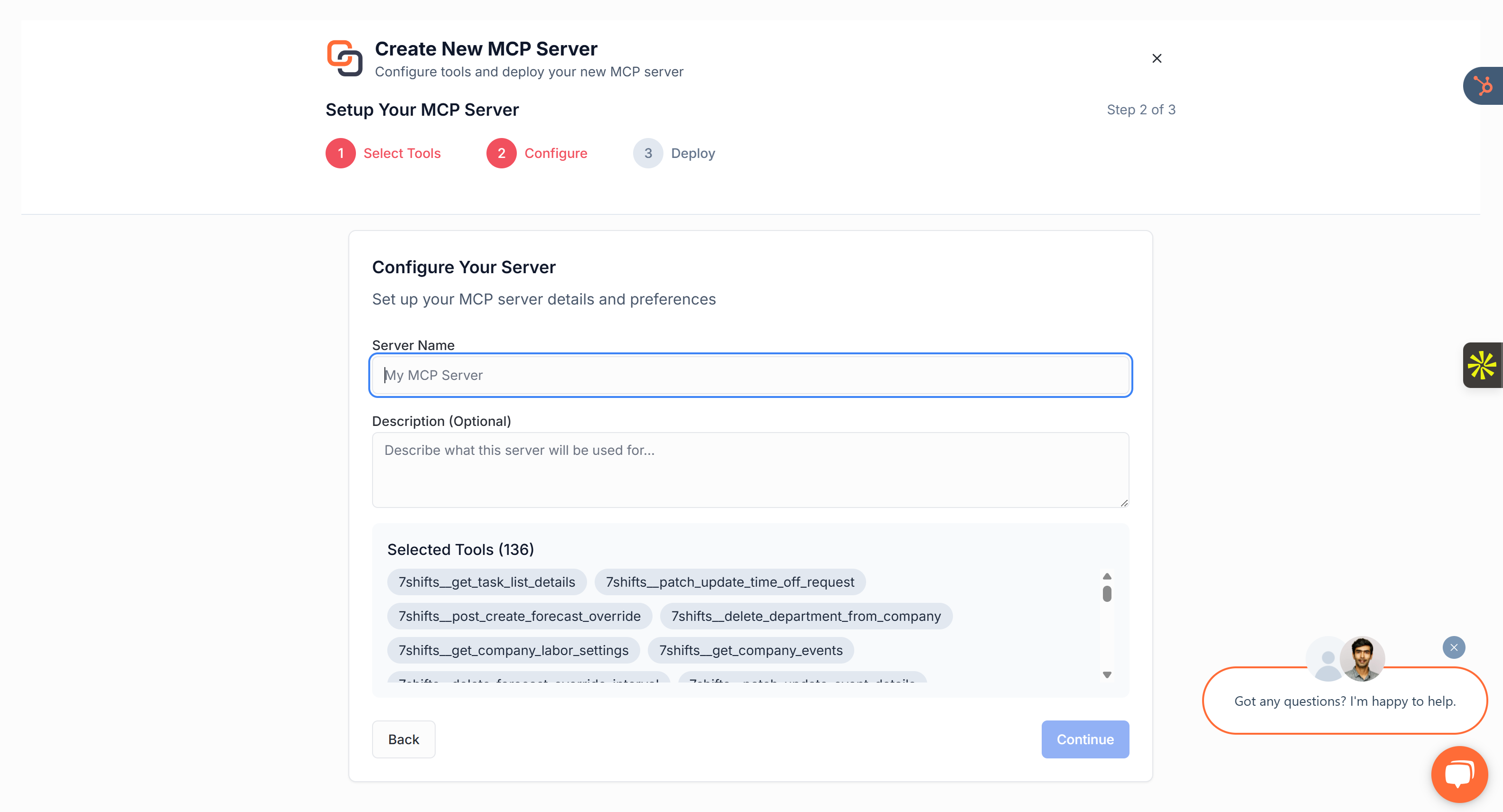
Then click Deploy to provision your server.
🎮 Step 4: Choose Your AI Client Select the client you'll be using with the server. Options include:
Claude
Cursor
Windsurf
Custom client
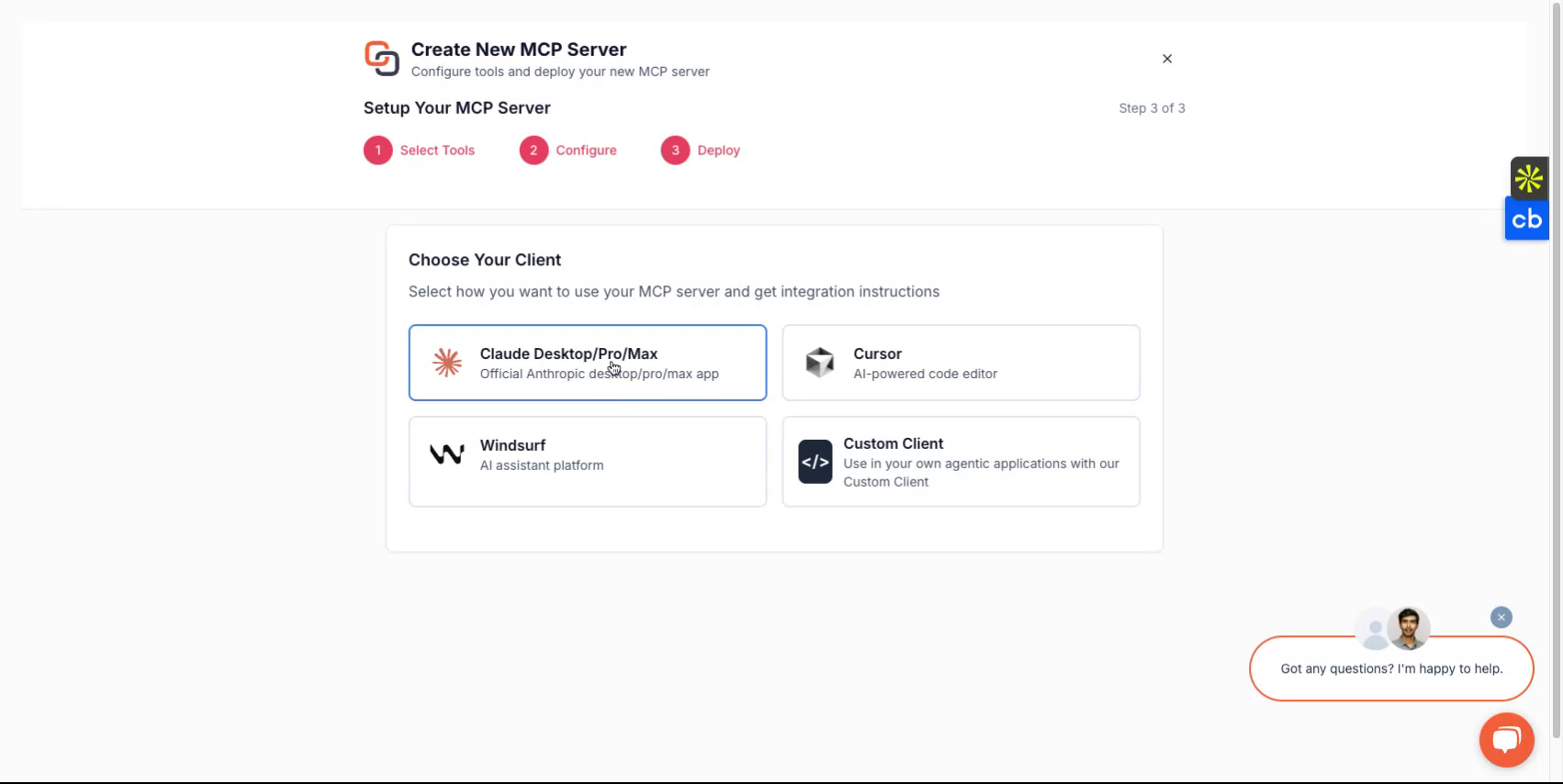
This choice tailors instructions accordingly.
🚀 Step 5: Grab the secure MCP Server Endpoint After deployment, you’ll get:
MCP endpoint URL, e.g.: https://mcp.getknit.dev/{your-secure-server-token}/sse
Step 6: Connect Your AI Agent Using JSON config or directly through official MCP clients
{
  "mcpServers": {
    "Knit": {
      "url": "https://mcp.getknit.dev/{your-secure-server-token}/sse"
    }
  }
}
Once connected, your AI will see defined tools and can start invoking them (e.g., create a contact in hubspot, create an invoice in zohobooks).
🤝 Need Help? If you hit any roadblocks, reach out via email at [email protected] We’re here to get you up and running smoothly.
Comments
New to MCP?
From what the protocol is to installing your first server, these answers cover most first questions.
An open protocol that defines how AI applications connect to external tools and data in a uniform way. Clients talk to the model; MCP servers provide tools, resources and prompt templates. They exchange standard messages, so one server can be reused by many clients.