
About Linkedin Mcp Assistant
LiGo LinkedIn MCP Runner is the runner repository for LiGo's MCP server, which lets Claude or ChatGPT access a user's public LinkedIn posts to analyze and draft content. It is aimed at people who want to build on their past posts and connects through the LiGo platform.
Key features
- 01Reads public LinkedIn post data for the user
- 02Analyzes post performance and writing tone
- 03Helps draft and rewrite LinkedIn posts
- 04Provides an install command for the Claude desktop app
- 05Offers a ChatGPT CustomGPT integration
Use cases
- 01Reviewing recent post performance and planning next topics
- 02Rewriting drafts to match a personal writing style
- 03Brainstorming LinkedIn content inside Claude or ChatGPT
MCP support
The project runs as an MCP server that gives assistants such as Claude or ChatGPT access to the user's LinkedIn context.
Configuration
Local server config is the same for every client. Copy it into your client’s MCP config file.
Tools
10Saved tool list · updated 3w ago
| Parameter | Type | Required | Description |
|---|---|---|---|
| post_text | string | Yes | The text content of the LinkedIn post. |
| media | array | No | Optional. A list of media items to attach to the post. Each item must have a 'file_url' pointing to a direct image or video URL and a 'filename'. |
Details
From the project READMELiGo + LinkedIn MCP Runner
The first GPT-powered creative co-pilot trained on your actual LinkedIn content.
Create posts. Analyze what’s working. Rewrite in your voice. All from Claude or ChatGPT, powered by your own past posts.
What is this?
This is the official runner repo for LiGo’s Model Context Protocol (MCP) - a protocol that lets GPT-based assistants pull your LinkedIn context and respond like a strategist. It works with both Claude and ChatGPT.
With MCP, your assistant can answer things like:
- Which of your last posts got the most traction
- What your writing tone actually sounds like
- How to help you post, rewrite, or brainstorm like a founder
Just talk to it normally (if you know how to do that - no judging if you don't, btw). It has access to all your PUBLIC Linkedin data (with your consent, of course).
How to Get Started
Claude Setup
- Download the Claude desktop app.
- Visit ligo.ertiqah.com/integrations/claude
- Click "Generate Installation Command"
- If not logged in, you’ll be routed to authenticate with LiGo
- Copy the command and run it in your terminal
- Open Claude and start chatting
Example prompt:
Analyze my last 5 posts. What’s working? Give me ideas on what I should write next.
ChatGPT (CustomGPT)
No installation needed.
- Go to ligo.ertiqah.com/integrations/chatgpt
- Authenticate with LiGo when prompted
- Start using the CustomGPT
Example prompt:
Rewrite this to sound more like my recent posts and make the hook spicier.
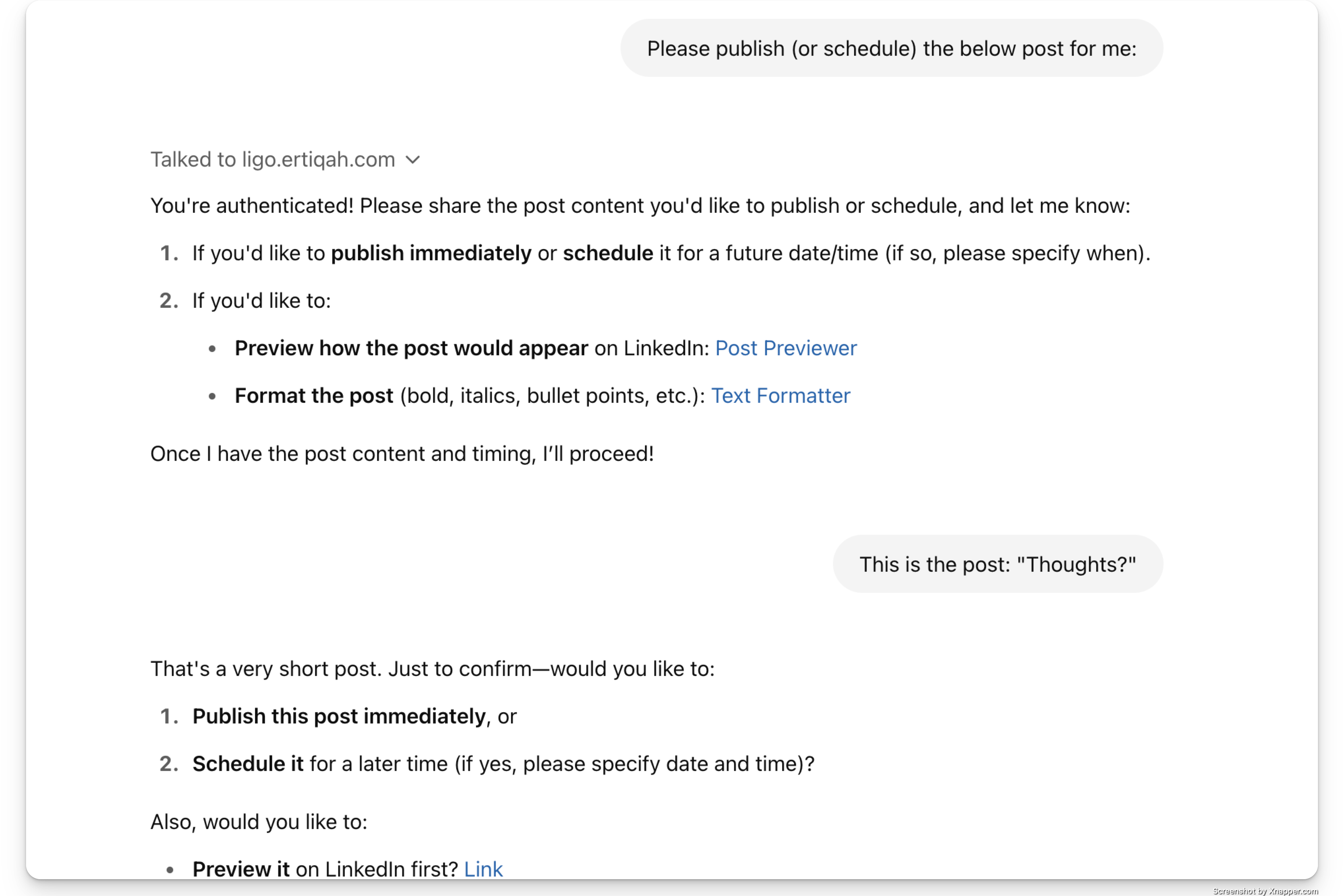
See It in Action: MCP Leaderboard
We showcase the latest 50 posts made using the MCP integration, complete with:
- The full post
- A link to the original LinkedIn post
- The author’s name
This acts like a public feed. It’s a live demo. And yes, it creates some healthy FOMO + you get a permanent backlink to your post. SEO goes brrrr.
Why It Matters
Honestly, it's a bit of a pain keeping your GPT/Claude Project up to date with your Linkedin activity (assuming you even have one).
We thought: "Wouldn't it be nice if GPT could connect to our Linkedin profile so I could just tell it to go look at it?"
And then this happened.
But, that's not all.
It’s part of the broader LigoSocial platform, which covers commenting, analytics, CRM, and more. Go check it out.
Also Check Out
- Chrome Extension: Comment and post directly from LinkedIn.
- Post Rewriter Tool: Turn rough drafts into LinkedIn-ready posts.
- What is LiGo?: Full product overview.
Stay Updated
This README will be the canonical source for MCP runner updates.
For feedback, improvements, or integration ideas, open an issue or reach out via ligo.ertiqah.com/contact.
Comments
New to MCP?
From what the protocol is to installing your first server, these answers cover most first questions.
An open protocol that defines how AI applications connect to external tools and data in a uniform way. Clients talk to the model; MCP servers provide tools, resources and prompt templates. They exchange standard messages, so one server can be reused by many clients.