
About MarsNMe
MarsNMe is an agent-oriented memory backend that provides memory tools through an MCP Gateway, preserving context between people and AI over time. It uses Supabase for storage and Jina for semantic search.
Key features
- 01MCP over streamable HTTP
- 02Supabase-backed memory data
- 03Embedding-based semantic search
- 04Health status endpoint
Use cases
- 01Keep memories across AI agent sessions
- 02Retrieve stored memories semantically
MCP support
The gateway exposes memory tools to MCP clients at `/mcp` over streamable HTTP.
Configuration
Local server config is the same for every client. Copy it into your client’s MCP config file.
npx -y @marsnme/mcp-gatewayMCP_PROFILEProfile ID used to separate memory data (for example: profile-a).SUPABASE_BASE_URLSupabase REST API project URL.SUPABASE_SERVICE_ROLE_KEYSecretSupabase service role key.JINA_API_KEYSecretJina AI API key for embedding-based tools.PORTLocal HTTP port for the MCP endpoint. If omitted, defaults by MCP_PROFILE (coco=18790, toto=18791, others deterministic in 20000-29999).Local servers need a runtime on your machine (e.g. Node.js 18+). Config file locations differ by client; see your client’s docs.
Tools
Local servers expose tools only once running on your machine, and the maintainer has not provided a tool list.
Details
From the project README@marsnme/mcp-gateway
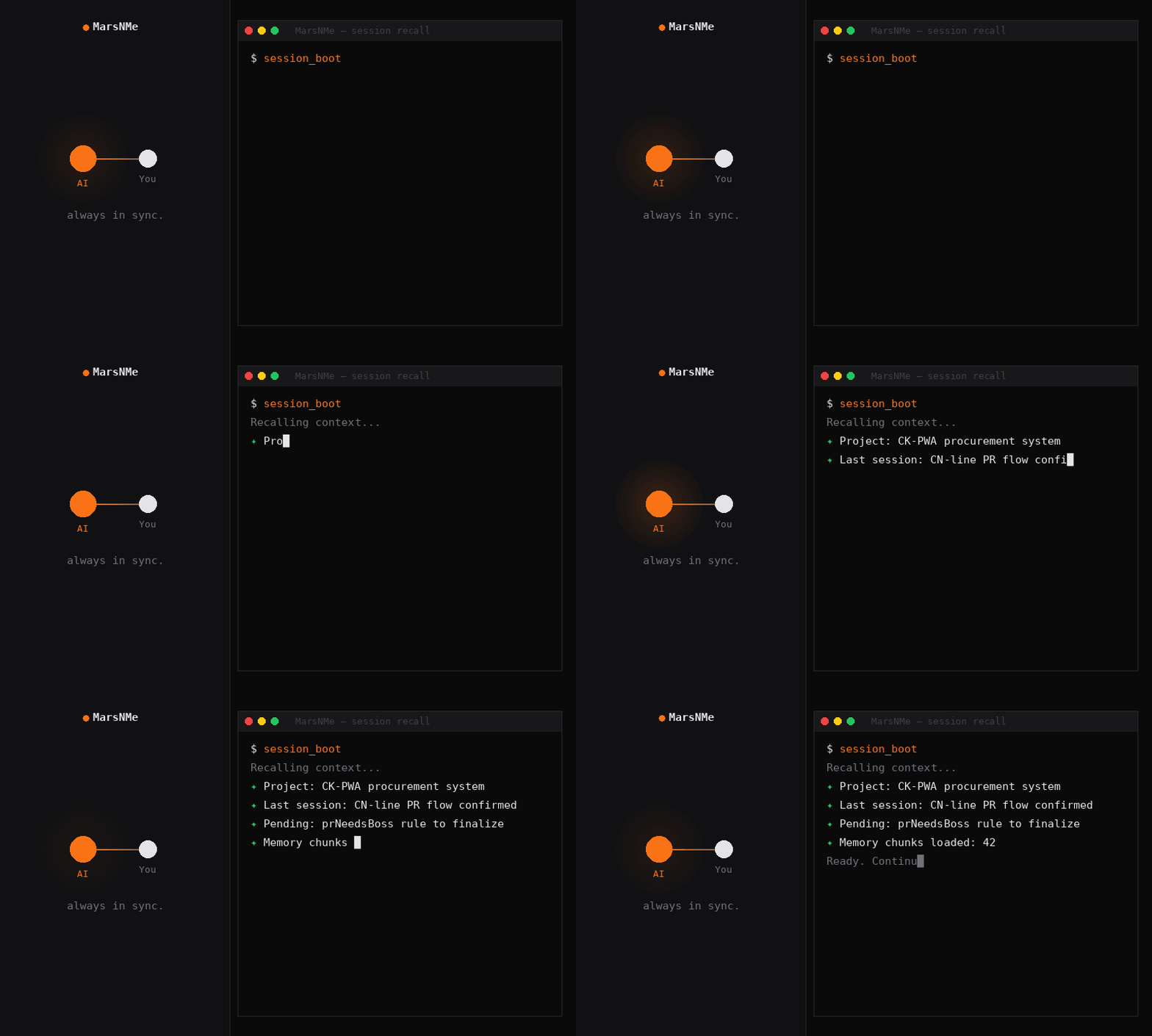
MarsNMe MCP Gateway for memory tools over streamable HTTP transport.
This package runs an MCP server at POST /mcp and exposes health status at GET /health.
Requirements
- Node.js
>=20 - Supabase project with required schema migrations applied
- Jina API key for embedding-based memory search
Quick start (npx)
MCP_PROFILE=coco \
SUPABASE_BASE_URL=https://<your-project-ref>.supabase.co \
SUPABASE_SERVICE_ROLE_KEY=<your-service-role-key> \
JINA_API_KEY=<your-jina-api-key> \
npx -y @marsnme/mcp-gateway
After startup:
- Health:
http://127.0.0.1:18790/health - MCP endpoint:
http://127.0.0.1:18790/mcp
Required environment variables
MCP_PROFILE- Any lowercase profile ID matching
^[a-z][a-z0-9_-]*$(for example:coco,toto,my-agent) - Legacy built-in IDs:
cocoandtoto
- Any lowercase profile ID matching
SUPABASE_BASE_URL- Your Supabase REST project URL
SUPABASE_SERVICE_ROLE_KEY(recommended) orSUPABASE_SERVICE_KEY- Service role key used for database operations
JINA_API_KEY- Required for semantic search / embedding features
Common optional environment variables
PORT- Overrides the HTTP port used by the gateway
- If omitted, the gateway resolves a profile-based default:
coco→18790toto→18791- other profile IDs → deterministic port in
20000-29999
MCP_REQUIRE_BEARER- Set
trueto requireAuthorization: Bearer <token>on MCP calls
- Set
MCP_OAUTH_ENABLED- OAuth endpoints are enabled by default (set
falseto disable)
- OAuth endpoints are enabled by default (set
MCP_CLIENT_IDandMCP_CLIENT_SECRET- Optional static OAuth client credentials
Minimal validation
Check service health:
curl -sS http://127.0.0.1:18790/health
List tools:
curl -sS http://127.0.0.1:18790/mcp \
  -H 'content-type: application/json' \
  -d '{"jsonrpc":"2.0","id":1,"method":"tools/list","params":{}}'
Deployment safety gate (before restart)
For upgrades, run database migrations with an explicit DDL-capable role and gate schema compatibility before restarting services.
Recommended role guidance:
- Use a role that can execute DDL on target schemas.
- On Supabase-hosted Postgres this is typically
supabase_admin(notpostgres).
Schema gate command:
bash deploy/phase2/pre_deploy_schema_gate.sh \
  --db-url "<postgres://supabase_admin:<password>@<host>:5432/postgres>" \
  --profiles coco,toto \
  --expected-role supabase_admin
- If gate exits non-zero, stop deployment and do not restart services.
Database setup and full onboarding
For migrations and full setup details:
- Repository README: https://github.com/Marsmanleo/MarsNMe/blob/main/README.md
- Zero-to-first-recall onboarding: https://github.com/Marsmanleo/MarsNMe/blob/main/docs/onboarding-a-mcp-zero-to-recall.md
Comments
New to MCP?
From what the protocol is to installing your first server, these answers cover most first questions.
An open protocol that defines how AI applications connect to external tools and data in a uniform way. Clients talk to the model; MCP servers provide tools, resources and prompt templates. They exchange standard messages, so one server can be reused by many clients.