
About MCP Router
MCP Router is a desktop application that manages multiple MCP servers from one dashboard. It suits users who connect several AI tools to the same servers. The project states that support has ended and new adoption is not recommended.
Key features
- 01Central management of local and remote MCP servers
- 02Adds servers via DXT, JSON or manual entry
- 03Groups servers into Projects and Workspaces
- 04Per-server toggling of individual tools
- 05Detailed request logs
Use cases
- 01Sharing one set of MCP servers across several AI clients
- 02Organizing server configurations by project
- 03Reviewing request logs to troubleshoot MCP calls
MCP support
This project acts as an MCP client manager that connects local and remote MCP servers to tools such as Claude, Cline, Windsurf and Cursor, and controls which servers and tools are enabled.
Configuration
Local server config is the same for every client. Copy it into your client’s MCP config file.
Tools
Local servers expose tools only once running on your machine, and the maintainer has not provided a tool list.
Details
From the project READMEEnd of support — September 18, 2026. Development, support and security updates have ended. Cloud services and billing have stopped. v0.6.4 is the final desktop release for existing users; local features remain available. New adoption is not recommended. End-of-support and migration guide.
The material below describes the historical product. Cloud features are no longer available.
MCP Router
A Unified MCP Server Management App


-@mcp__router-1DA1F2?style=flat&logo=x)
🎯 Overview
MCP Router is a desktop application for simplifies the management of Model Context Protocol (MCP) servers.
✨ Key Features
- 🌐 Universal — Connect to any MCP server
- Remote or local servers
- Supports DXT, JSON, Manual
- 🖥️ Cross-platform — Windows and macOS
- 🗂 Context Management — Keep growing MCP server contexts organized
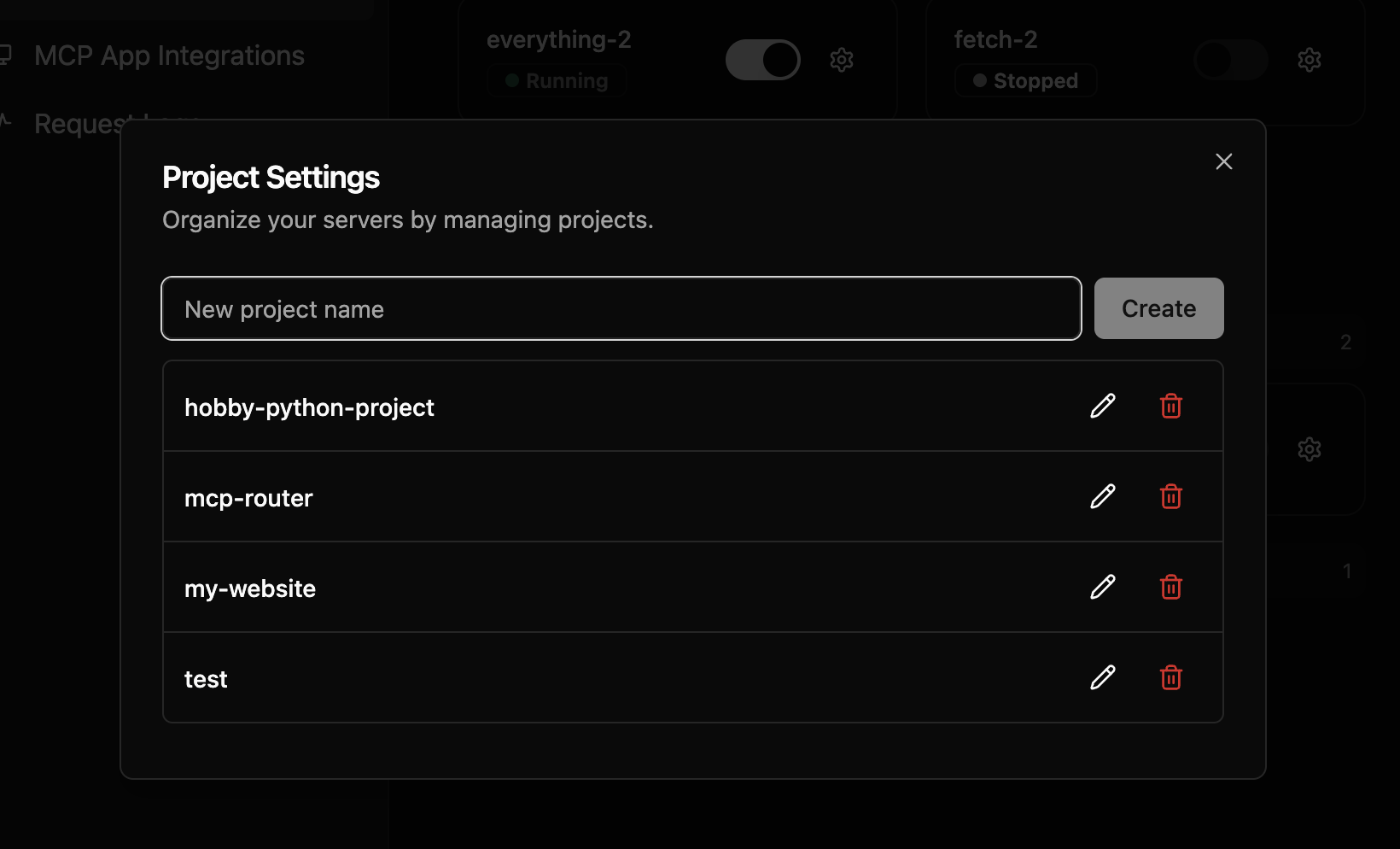
- Group MCP servers into Projects
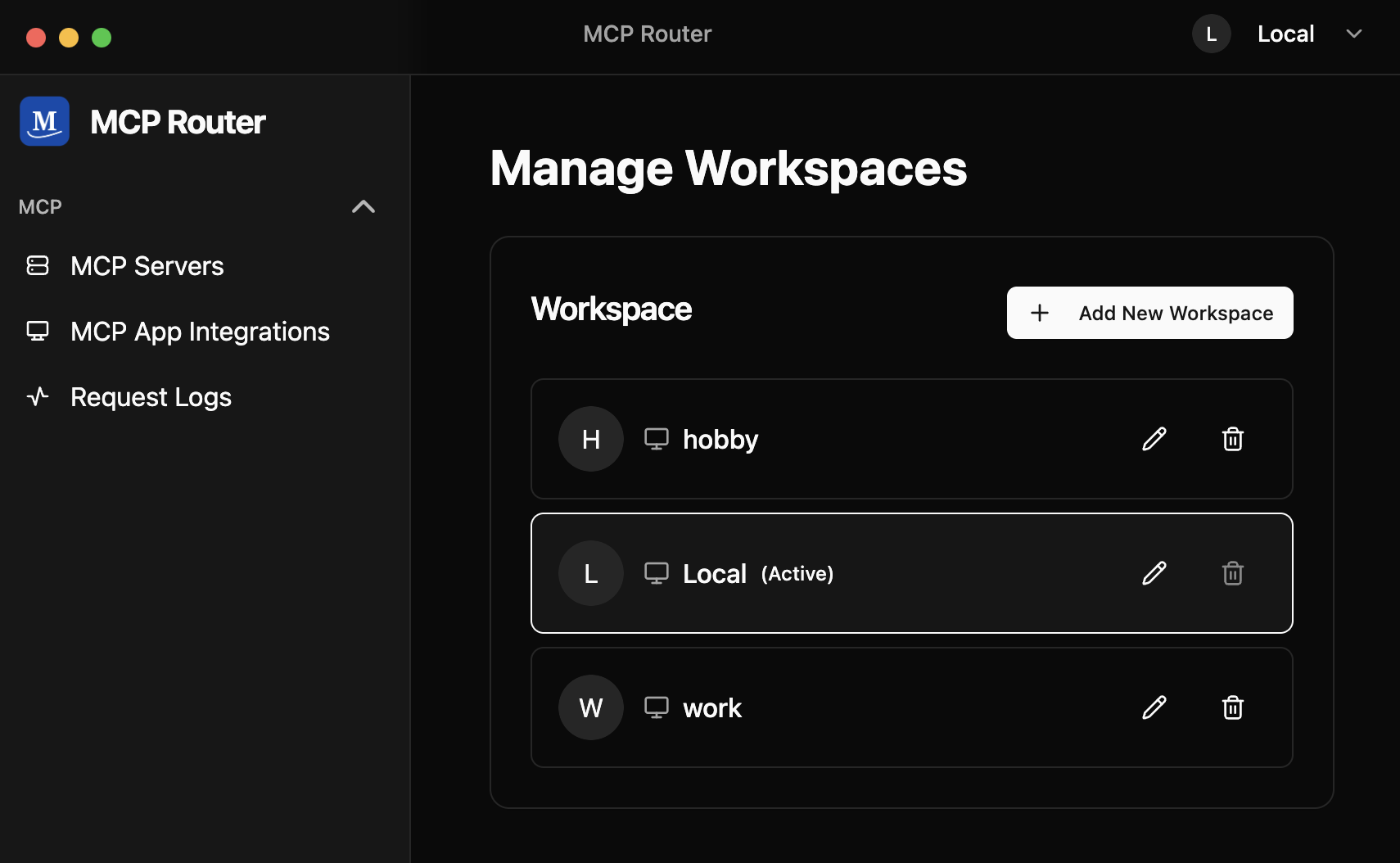
- Manage modes with Workspaces (like browser profiles)
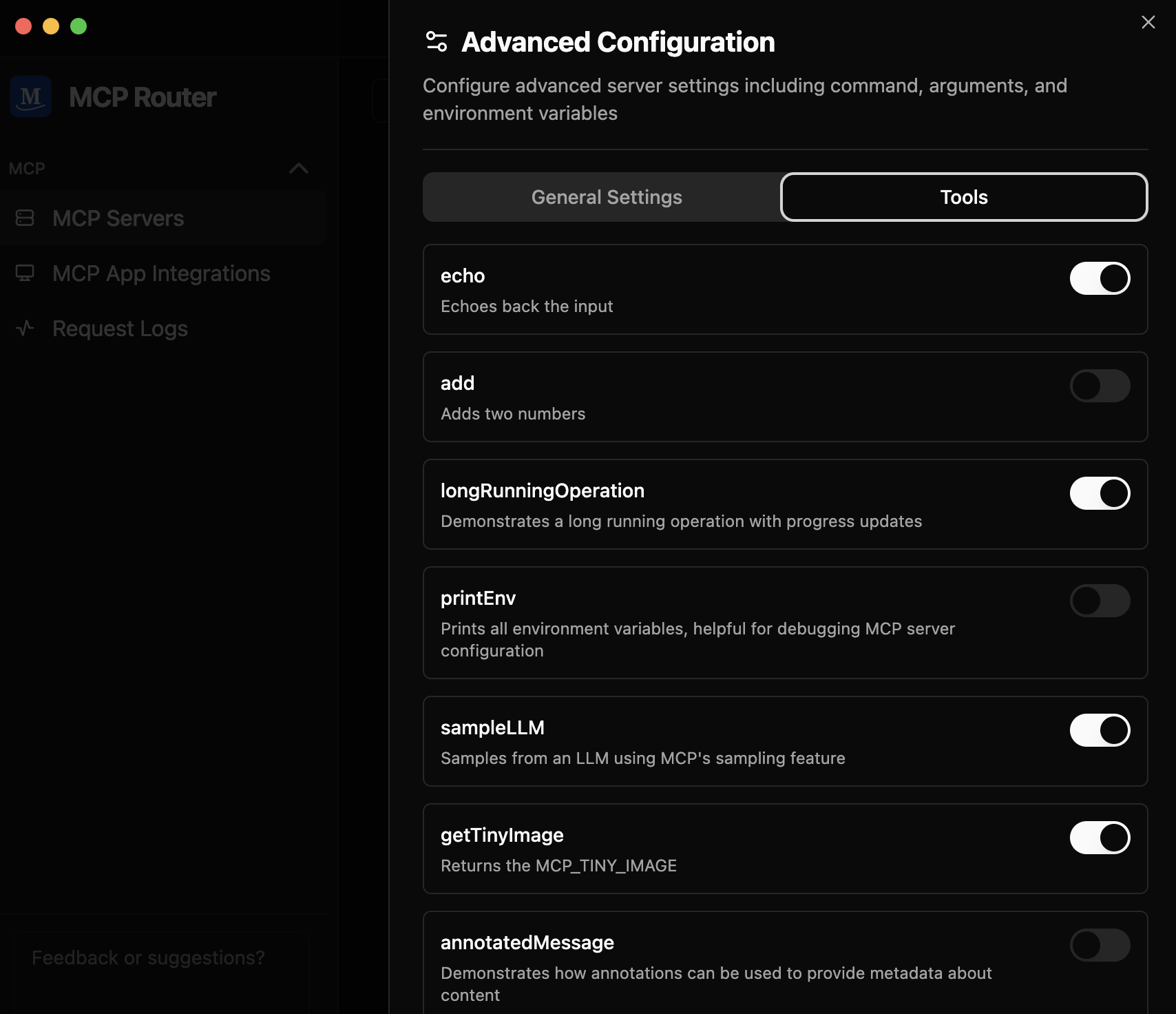
- Toggle tools on/off per server
🔒 Privacy & Security
Your Data Stays Local
- ✅ All data is stored locally - Request logs, configurations, and server data remain on your device
- ✅ Credentials are secure - API keys and authentication credentials are stored locally and never transmitted externally
- ✅ Complete control - You have full control over your MCP server connections and data
Transparency
- 🔍 Auditable - The desktop application source code is publicly available on GitHub
- 🛡️ Verifiable privacy - You can verify that your data stays local by examining the application code
- 🤝 Community-driven - Security improvements and audits are welcomed from the community
📥 Installation
Download from our releases page.
After setting up MCP Router, you can connect to MCP Router using the CLI:
# Set your MCP Router token (Issued when adding a custom app)
export MCPR_TOKEN="mcpr_your_token"
# To connect to MCP Router, run:
npx -y @mcp_router/cli connect

# If you want to use project, run:
npx -y @mcp_router/cli connect --project <project-name>
🚀 Features
📊 Centralized Server Management
Easily toggle MCP servers on/off, enable/disable individual tools, and organize servers into Projects and Workspaces — all from a single dashboard

🌐 Universal Connectivity
Add and connect to any MCP server with support for both local and remote servers

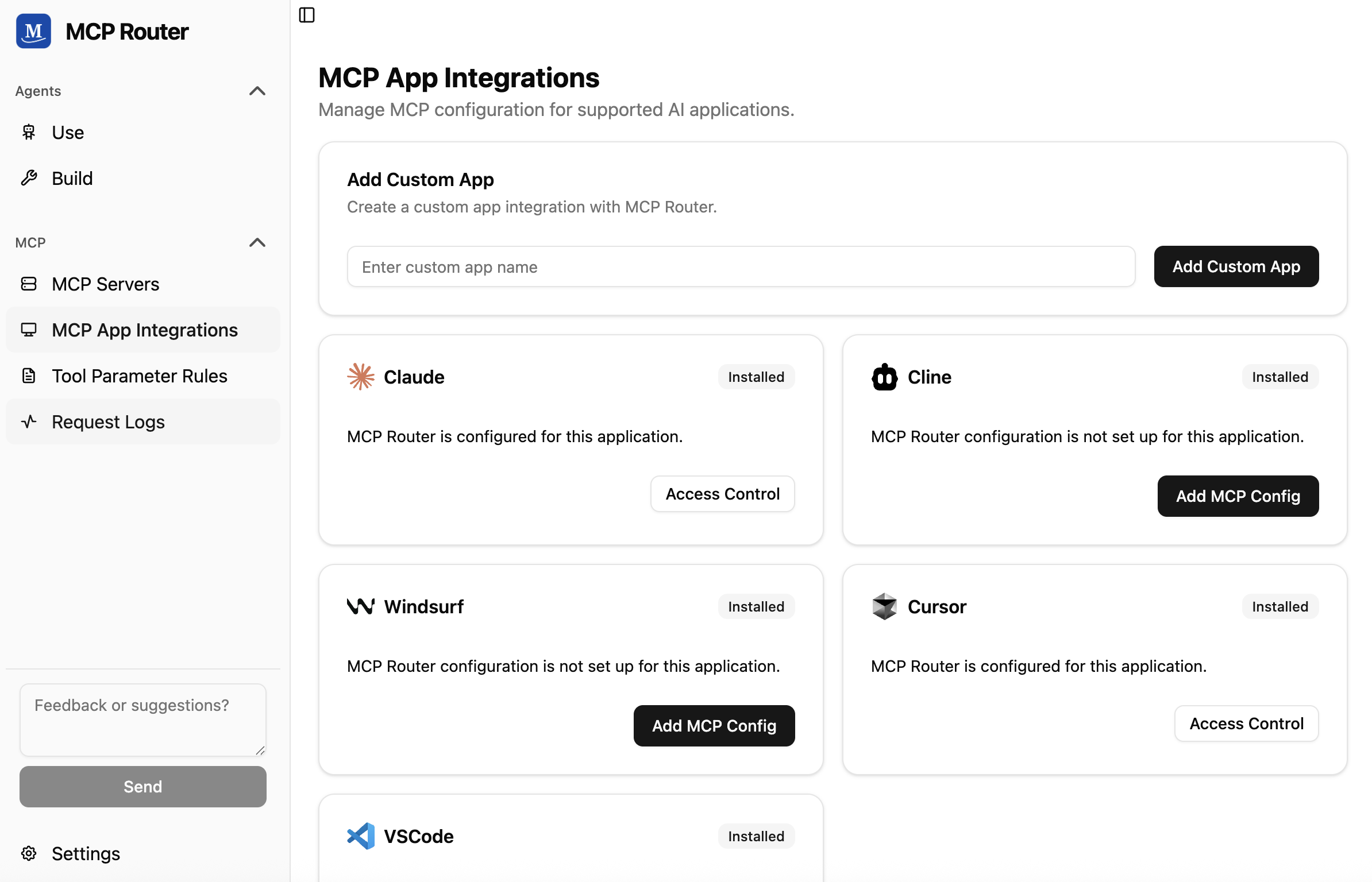
🔗 One-Click Integration
Seamlessly connect with popular AI tools like Claude, Cline, Windsurf, Cursor, or your custom client
📈 Comprehensive Logging & Analytics
Monitor and display detailed request logs

🤝 Community
Join our community to get help, share ideas, and stay updated:
📝 License
This project is licensed under the Sustainable Use License - see the LICENSE.md file for details.
Comments
New to MCP?
From what the protocol is to installing your first server, these answers cover most first questions.
An open protocol that defines how AI applications connect to external tools and data in a uniform way. Clients talk to the model; MCP servers provide tools, resources and prompt templates. They exchange standard messages, so one server can be reused by many clients.