
About MCP Sandbox
MCP Sandbox turns JavaScript modules into MCP servers by discovering functions and inferring their parameter types. It is for developers who want to expose module functions to AI systems, with VM isolation and a CLI for running servers.
Key features
- 01Automatic function discovery
- 02Parameter type inference
- 03VM-isolated execution with limits
- 04JSON-RPC 2.0 and SSE endpoints
- 05REST endpoints for testing
- 06CLI and configuration generation
Use cases
- 01Expose utility module functions to AI systems
- 02Run sandboxed JavaScript functions as MCP tools
- 03Test discovered functions through REST endpoints
MCP support
Creates MCP servers from JavaScript modules and exposes discovered functions as tools. It supports JSON-RPC 2.0 and SSE, and generates configuration for MCP clients.
Configuration
Local server config is the same for every client. Copy it into your client’s MCP config file.
We haven’t collected a package or remote endpoint for this server. Follow the instructions in the project README.
Tools
Local servers expose tools only once running on your machine, and the maintainer has not provided a tool list.
Details
From the project READMEMCP Sandbox


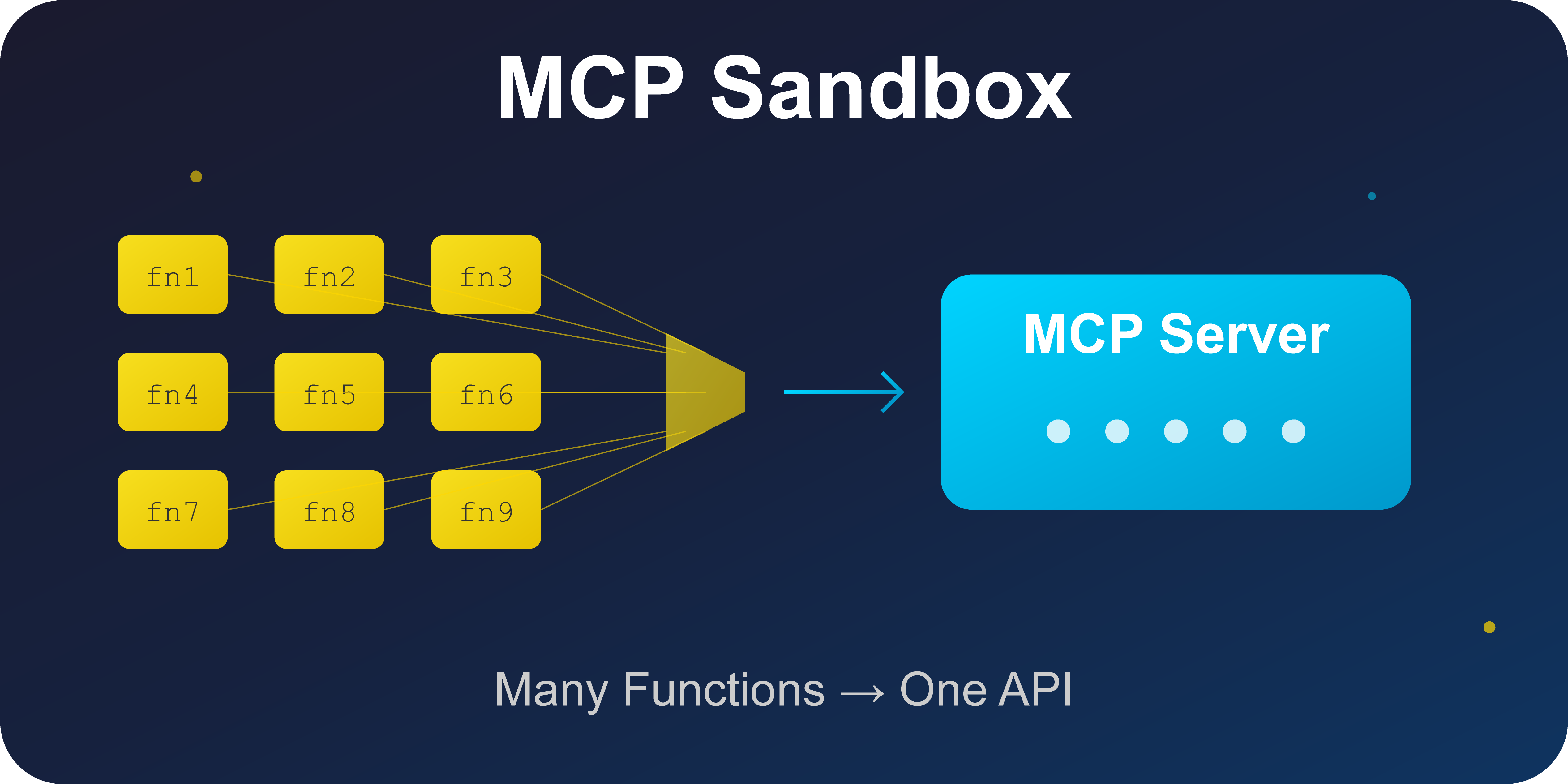
Turn any JavaScript module into a sandboxed MCP (Model Context Protocol) server with automatic reflection and type inference.
🎯 What is MCP Sandbox?
MCP Sandbox automatically converts JavaScript modules into MCP (Model Context Protocol) compatible servers, making any JavaScript function accessible to AI systems. It uses VM sandboxing for security, automatic type inference, and generates proper MCP configurations.
✨ Features
- 🔍 Automatic Reflection - Analyzes JS modules and extracts function signatures
- 🛡️ Secure Sandboxing - Executes code in isolated VM contexts with timeouts
- 🧠 Smart Type Inference - Detects parameter types from defaults and naming patterns
- 📚 JSDoc Integration - Extracts documentation from function comments
- 📡 MCP Protocol - Full JSON-RPC 2.0 and SSE support
- 🌐 REST API - Legacy REST endpoints for easy testing
- ⚙️ TypeScript - Full type safety and IntelliSense support
🚀 Quick Start
Installation
# Install globally for CLI usage
npm install -g @mcp-sandbox/cli

# Or use in a project
npm install @mcp-sandbox/core @mcp-sandbox/cli
Basic Usage
# Start MCP server for a JavaScript module
$ mcp-sandbox start ./math-utils.js

🏗️  Initializing MCP Sandbox...
🔍 Reflecting module
📊 Discovered 2 tools:
  - circleArea: Calculate area of a circle
  - fibonacci: Generate Fibonacci sequence
🚀 MCP Sandbox server running at http://localhost:3000
📋 MCP Tools: http://localhost:3000/mcp/tools
⚡ MCP Execute: http://localhost:3000/mcp/execute
🔄 MCP SSE: http://localhost:3000/sse
📡 MCP JSON-RPC: http://localhost:3000/mcp/jsonrpc
⚙️  MCP Config: http://localhost:3000/mcp-config
💡 For MCP Inspector, use: http://localhost:3000/sse
Example Module
/**
 * Calculate the area of a circle
 * @param radius The radius of the circle
 */
function circleArea(radius = 1) {
  return Math.PI * radius * radius;
}

/**
 * Generate fibonacci sequence
 * @param count Number of fibonacci numbers to generate
 */
function fibonacci(count = 10) {
  const seq = [0, 1];
  for (let i = 2; i < count; i++) {
    seq[i] = seq[i - 1] + seq[i - 2];
  }
  return seq.slice(0, count);
}

module.exports = { circleArea, fibonacci };
Running mcp-sandbox start math-utils.js automatically:
- 🔍 Reflects the module and discovers functions
- 📊 Generates type schemas from parameters
- 🚀 Starts MCP server at
http://localhost:3000 - 💾 Creates
mcp-config.jsonfor MCP clients
📡 API Endpoints
The server exposes both MCP and REST endpoints:
MCP Protocol (JSON-RPC 2.0)
POST /mcp/jsonrpc- Main MCP endpointGET /sse- Server-Sent Events for real-time updates
REST API (for testing)
GET /tools- List available toolsPOST /execute/:toolName- Execute a specific toolGET /mcp-config- Get MCP server configurationGET /health- Health check
Example Usage
# List tools
curl http://localhost:3000/tools

# Execute function via REST
curl -X POST http://localhost:3000/execute/circleArea \
  -H "Content-Type: application/json" \
  -d '{"args": {"radius": 5}}'

# MCP JSON-RPC call
curl -X POST http://localhost:3000/mcp/jsonrpc \
  -H "Content-Type: application/json" \
  -d '{"jsonrpc": "2.0", "id": 1, "method": "tools/call", "params": {"name": "fibonacci", "arguments": {"count": 8}}}'
🏗️ Programmatic Usage
import { MCPSandbox } from '@mcp-sandbox/core';

const sandbox = new MCPSandbox({
  port: 3000,
  timeout: 5000,
});

// Load and analyze module
await sandbox.loadModule('./my-module.js');

// Start MCP server
await sandbox.start();

// Execute tools directly
const result = await sandbox.executeTool('myFunction', {
  param1: 'value1',
});
📚 Example Modules Included
The repository includes several example modules demonstrating different use cases:
Mathematical Operations (examples/math-utils.js)
- Circle area calculation
- Fibonacci sequence generation
- Compound interest calculation
- Prime number checking
- Degree/radian conversion
- Factorial calculation
String Manipulation (examples/string-utils.js)
- Title case conversion
- Random string generation
- Word counting
- Palindrome detection
- String reversal
- Capitalization
Array Operations (examples/array-utils.js)
- Array shuffling (Fisher-Yates)
- Unique value extraction
- Array chunking
- Set operations (intersection, difference)
- Array flattening
Filesystem Operations (examples/filesystem-utils.js)
- File reading/writing (async)
- Directory listing and creation
- File searching with patterns
- Disk usage calculation
- File copying and deletion
- Line-by-line file reading
🛠️ Development
# Clone repository
git clone https://github.com/danstarns/mcp-sandbox.git
cd mcp-sandbox

# Install dependencies
pnpm install

# Build all packages
pnpm build

# Run examples
pnpm example:math          # Math utilities
pnpm example:filesystem    # File operations
pnpm example:string        # String manipulation

# Lint and format
pnpm lint && pnpm format
🔧 Configuration Options
CLI Options
mcp-sandbox start <module> [options]

Options:
  -p, --port <port>      Server port (default: 3000)
  -h, --host <host>      Server host (default: localhost)
  -t, --timeout <ms>     Execution timeout (default: 5000ms)
  -o, --output <file>    Output MCP configuration to file
Programmatic Options
interface SandboxOptions {
  port?: number; // Server port (default: 3000)
  host?: string; // Server host (default: 'localhost')
  timeout?: number; // Execution timeout (default: 5000ms)
  maxMemory?: number; // Memory limit (default: 64MB)
}
🔒 Security Features
- VM Isolation - Code runs in separate V8 contexts
- Execution Timeouts - Configurable time limits prevent infinite loops
- Memory Limits - Prevent memory exhaustion attacks
- Controlled Requires - Limited module access in sandbox
- Input Validation - Parameter type checking and validation
🎮 Testing with MCP Inspector
- Start your MCP server:
mcp-sandbox start examples/math-utils.js - Open MCP Inspector
- Set Transport Type to "Streamable HTTP"
- Enter URL:
http://localhost:3000/mcp/jsonrpc - Connect and test your tools!
📦 Packages
This is a monorepo containing multiple packages:
@mcp-sandbox/cli- Command-line interface@mcp-sandbox/core- Core library@mcp-sandbox/utils- Shared utilities
🤝 Contributing
Contributions are welcome! Please read our Contributing Guide and check out the open issues.
📄 License
MIT License - see LICENSE for details.
🔗 Links
- GitHub Repository: https://github.com/danstarns/mcp-sandbox
- Issues: https://github.com/danstarns/mcp-sandbox/issues
- NPM CLI Package: https://www.npmjs.com/package/@mcp-sandbox/cli
- NPM Core Package: https://www.npmjs.com/package/@mcp-sandbox/core
Comments
New to MCP?
From what the protocol is to installing your first server, these answers cover most first questions.
An open protocol that defines how AI applications connect to external tools and data in a uniform way. Clients talk to the model; MCP servers provide tools, resources and prompt templates. They exchange standard messages, so one server can be reused by many clients.