
About drawspec
drawspec turns semantic JSON descriptions into diagrams without requiring coordinates. It is intended for language models and diagram authors who need validation and consistent SVG, PNG, or plain-text output across many diagram kinds.
Key features
- 01Coordinate-free JSON diagram descriptions
- 02More than 30 diagram kinds
- 03Validation errors pinpoint JSON fields
- 04SVG, PNG, and plain-text rendering
- 05Themes from TOML or CSS
Use cases
- 01Render a flow chart from a JSON specification
- 02Validate model-generated diagram descriptions
- 03Create sequence diagrams without positioning elements
- 04Output text diagrams for terminals or code blocks
MCP support
The optional drawspec-mcp package exposes tools to list diagram kinds, retrieve examples and schemas, validate documents, and render diagrams. Validation errors are returned as structured data for clients to address.
Configuration
Local server config is the same for every client. Copy it into your client’s MCP config file.
Tools
5Saved tool list · updated 1w ago
This tool takes no parameters.
Details
From the project README drawspec




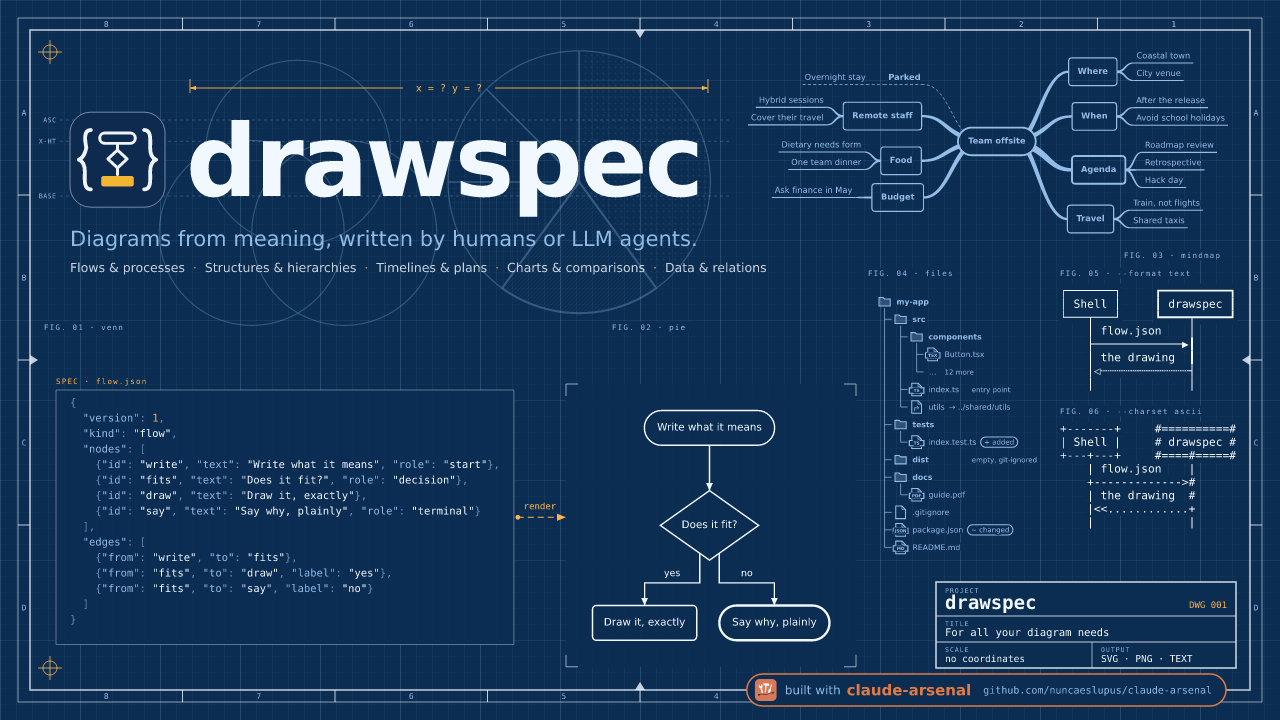
Diagrams from a JSON description — no coordinates, so nothing to misplace. You say what the diagram means: the boxes, the arrows, the labels, and a role for each. drawspec decides every position, size, route and colour, and draws a clean SVG, PNG or plain-text diagram.
It is built for language models first. An LLM that writes SVG by hand gets the
content right and the placement wrong — arrows that miss their boxes, text that
spills out, lines that stop short. A drawspec document has no x, y or font
size to get wrong: those fields are refused, and every mistake comes back as an
error pointing at the exact field, so the model can fix it and try again.
pip install drawspec
drawspec render diagram.json -o diagram.svg
Browse the gallery: more than 30 kinds, drawn →
Example
You write this:
{
  "$schema": "https://nuncaeslupus.github.io/drawspec/schema/drawspec-v1.schema.json",
  "version": 1,
  "kind": "flow",
  "title": "The nightly import",
  "description": "The vendor's export is fetched, checked and loaded into staging before it replaces the live table; a timeout and a deadlock are each retried in place.",
  "nodes": [
    {"id": "fetch", "text": "Fetch the vendor's export", "role": "start"},
    {"id": "check", "text": "Do the row counts match?", "role": "decision"},
    {"id": "load", "text": "Load into staging"},
    {"id": "page", "text": "Page the data owner", "role": "terminal"},
    {"id": "swap", "text": "Swap staging into live", "role": "terminal"}
  ],
  "edges": [
    {"from": "fetch", "to": "fetch", "label": "timed out: retry"},
    {"from": "fetch", "to": "check"},
    {"from": "check", "to": "load", "label": "yes"},
    {"from": "check", "to": "page", "label": "no"},
    {"from": "load", "to": "load", "label": "deadlock: retry"},
    {"from": "load", "to": "swap"}
  ]
}
drawspec draws this:

The same document as text, for a terminal, a commit message or a code block
(--format text --charset ascii):
             *---------------------------*
             | Fetch the vendor's export +-+ timed out: retry
             |                           |<+
             *-------------+-------------*
                           |
                           v
                       +--------------------------+
                       < Do the row counts match? >
                       ++-------------------+-----+
                        | yes               | no
                   +----+                   |
                   v                        v
+-------------------+                      .---------------------.
| Load into staging +-+ deadlock: retry    ( Page the data owner )
|                   |<+                    '---------------------'
+---------+---------+
          |
          v
       .------------------------.
       ( Swap staging into live )
       '------------------------'
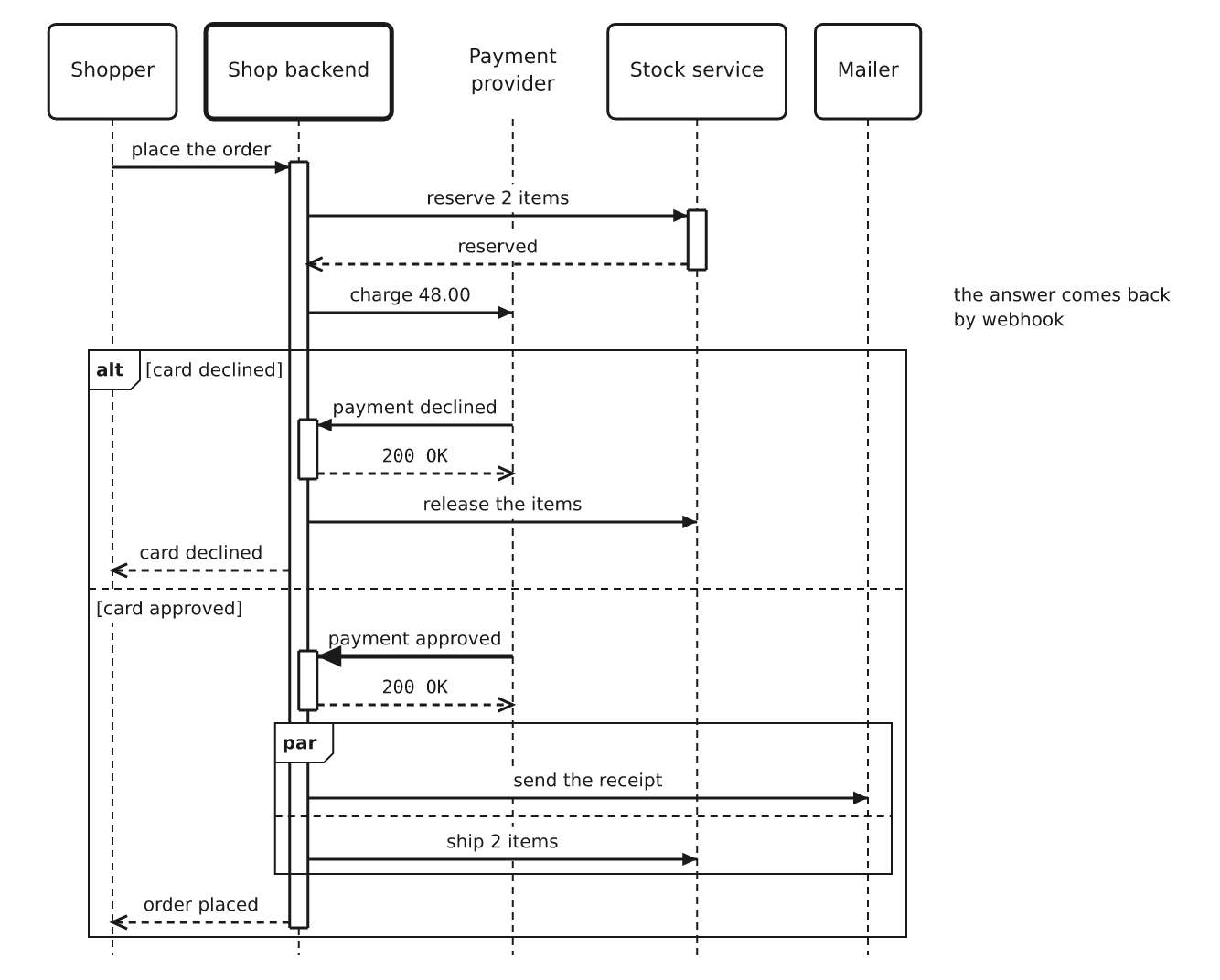
A sequence diagram works the same way — participants and messages in order; activation bars, arrows and spacing are worked out for you:
{
  "version": 1,
  "kind": "sequence",
  "title": "Resolving a name the first time",
  "caption": "Nothing is cached yet, so the resolver walks the hierarchy from the top.",
  "participants": [
    {"id": "laptop", "text": "Laptop"},
    {"id": "resolver", "text": "Recursive resolver", "role": "emphasis"},
    {"id": "root", "text": "Root server"},
    {"id": "tld", "text": "`.org` server"},
    {"id": "auth", "text": "Authoritative server"}
  ],
  "messages": [
    {"from": "laptop", "to": "resolver", "text": "where is `wiki.example.org`?"},
    {"from": "resolver", "to": "root", "text": "where is `wiki.example.org`?"},
    {"from": "root", "to": "resolver", "text": "ask the `.org` servers", "role": "weak"},
    {"from": "resolver", "to": "tld", "text": "where is `wiki.example.org`?"},
    {"from": "tld", "to": "resolver", "text": "ask `ns1.example.org`", "role": "weak"},
    {"from": "resolver", "to": "auth", "text": "where is `wiki.example.org`?"},
    {"from": "auth", "to": "resolver", "text": "`203.0.113.7`", "role": "weak"},
    {"from": "resolver", "to": "resolver", "text": "cache it for the TTL", "note": "the next lookup stops here"},
    {"from": "resolver", "to": "laptop", "text": "`203.0.113.7`", "role": "weak"}
  ]
}

More than 30 kinds of diagram
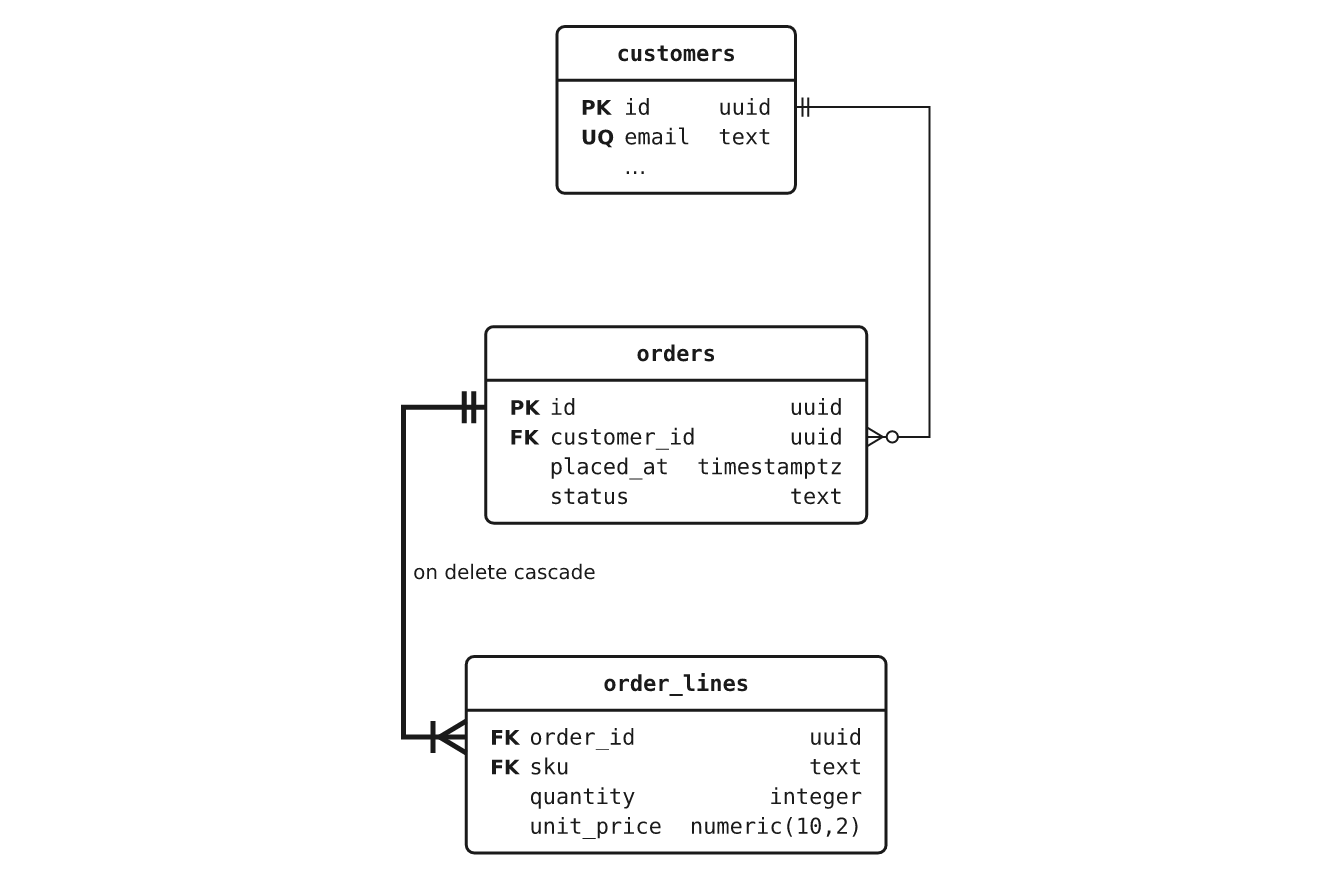
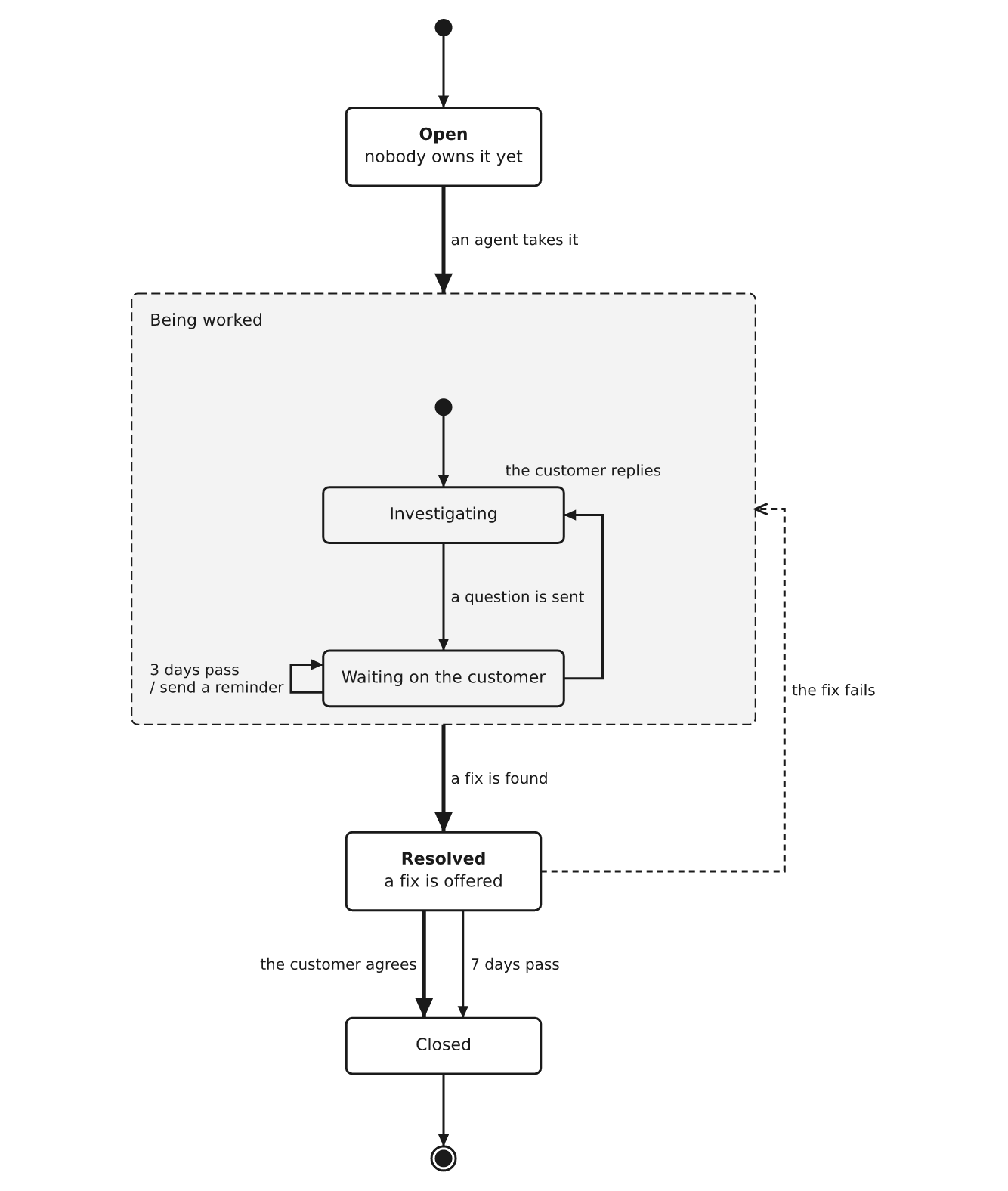
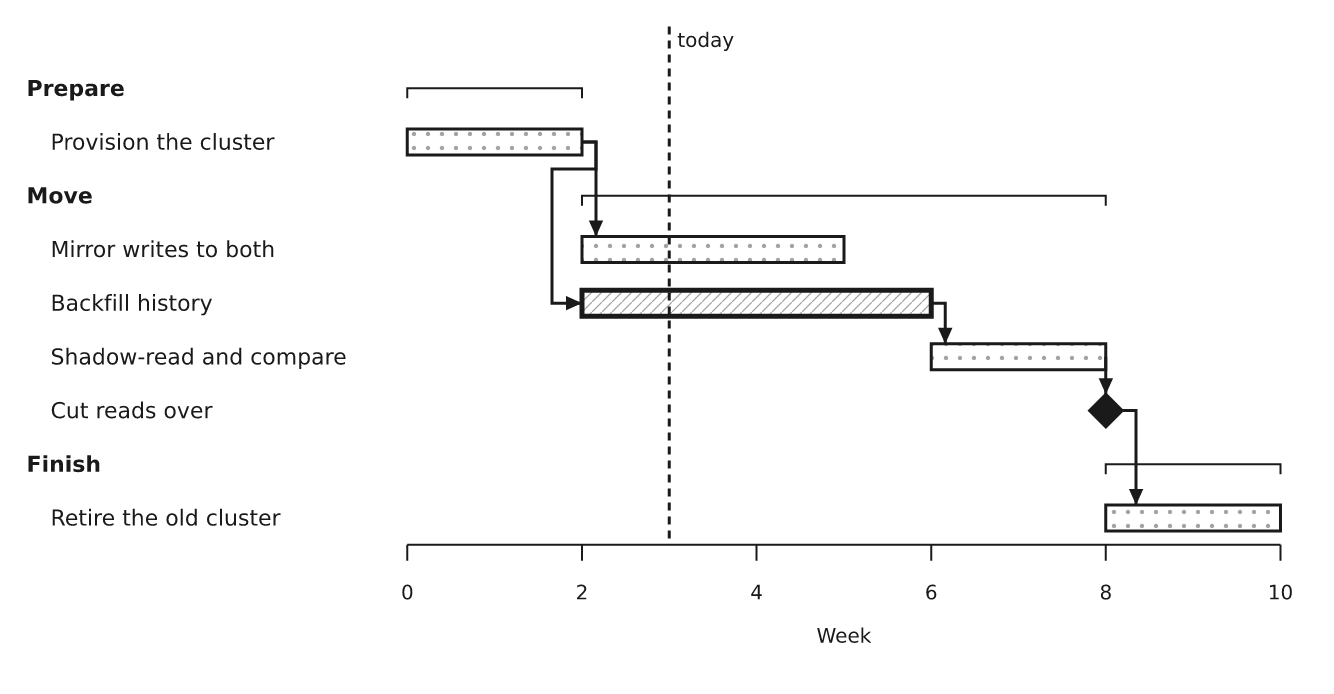
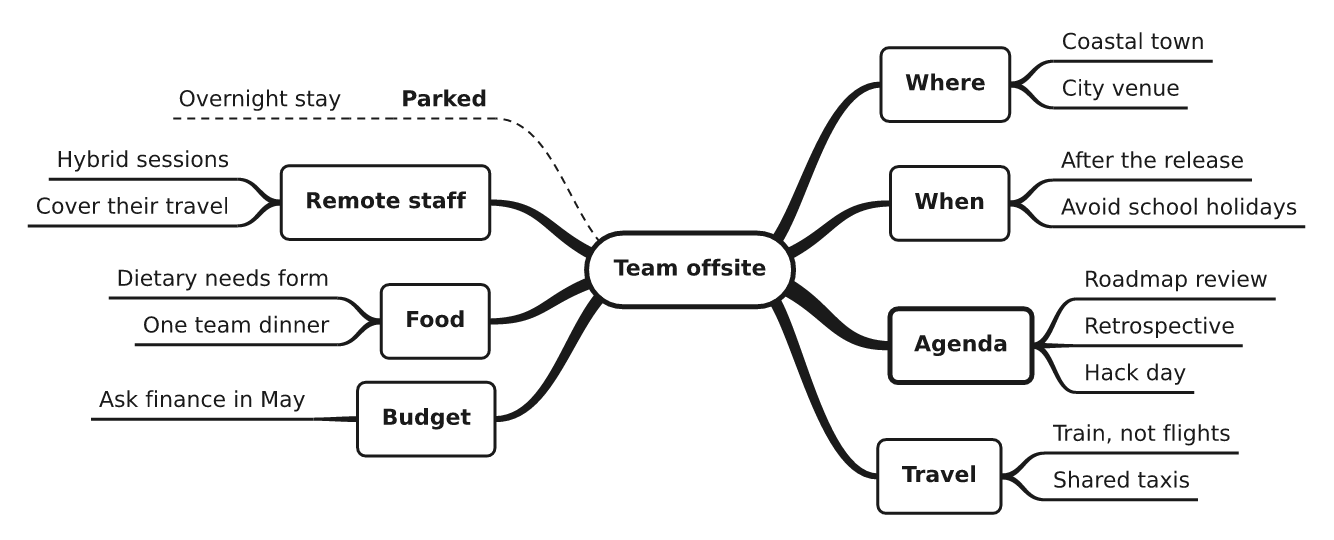
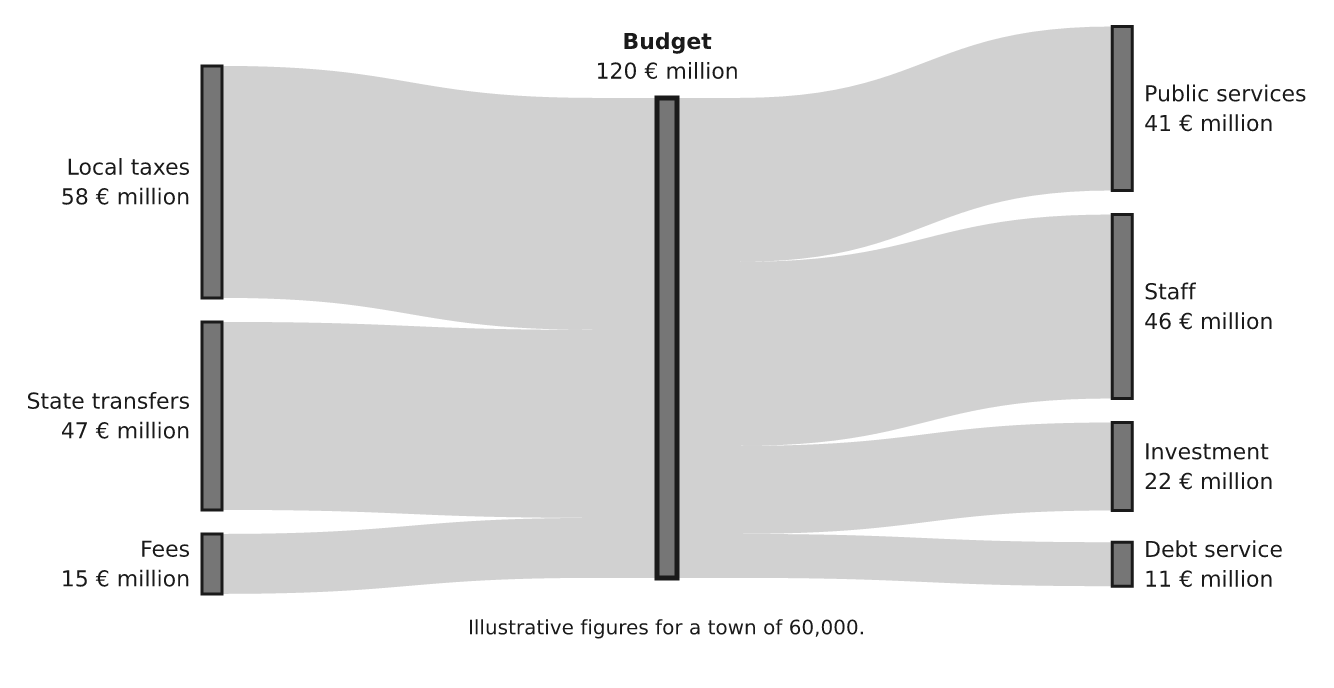
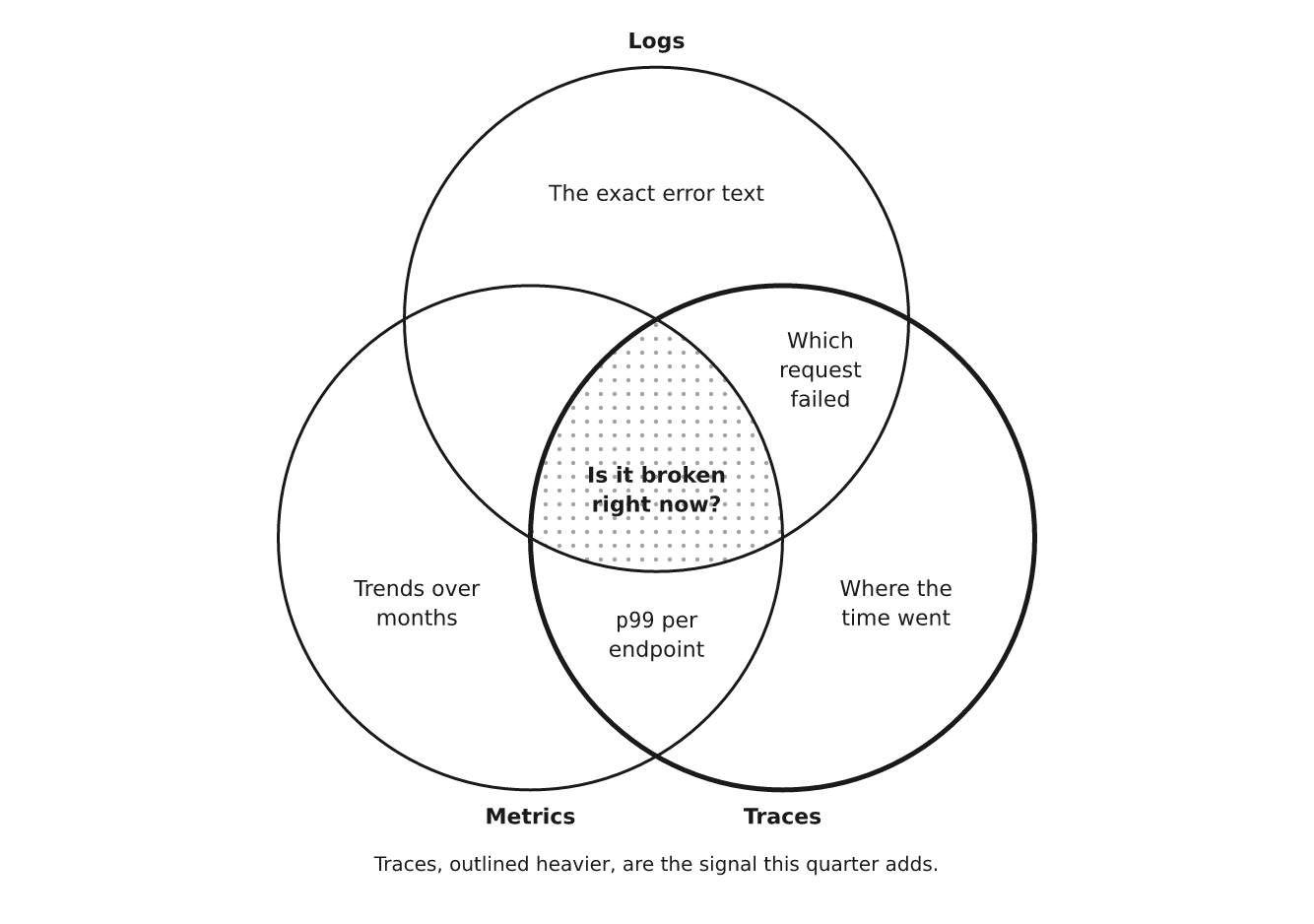
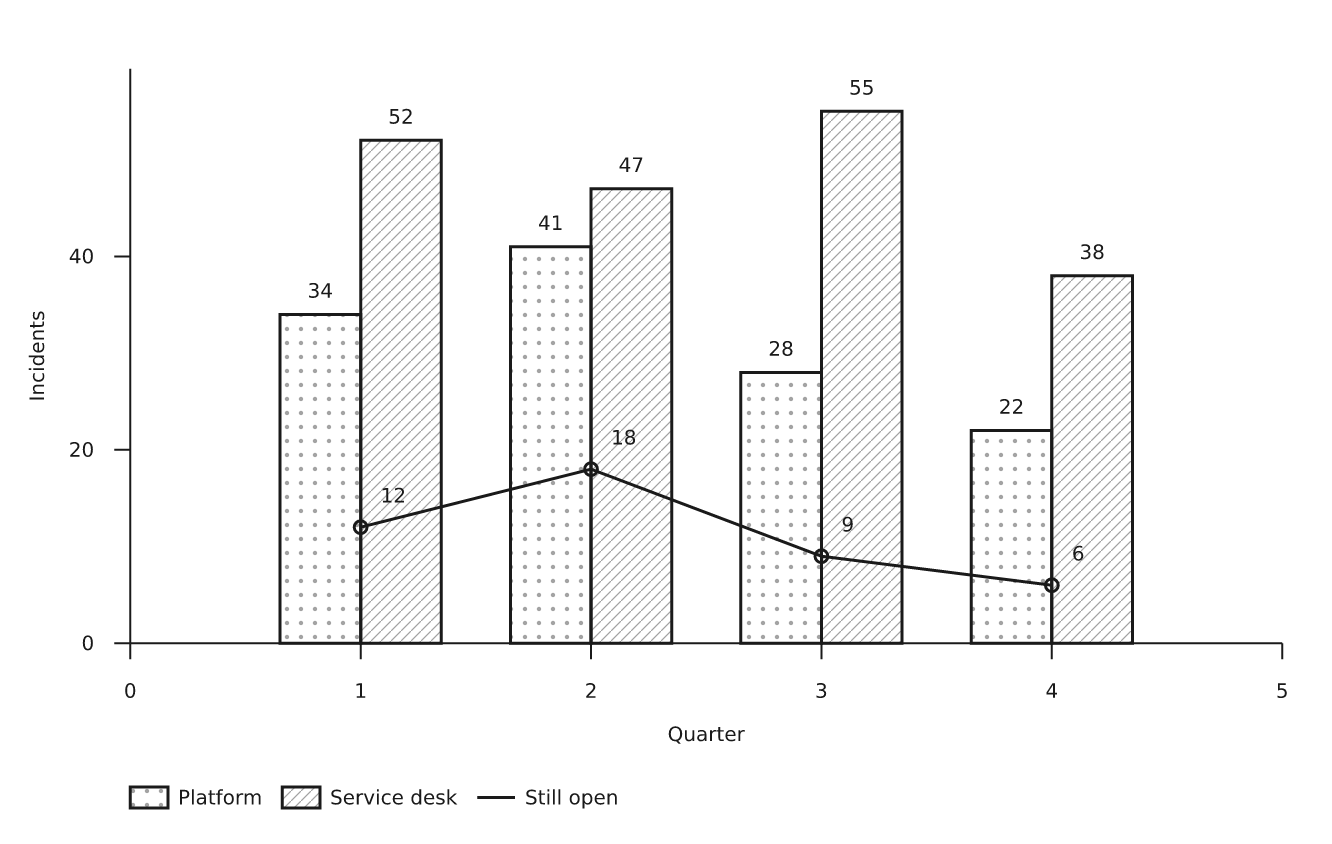
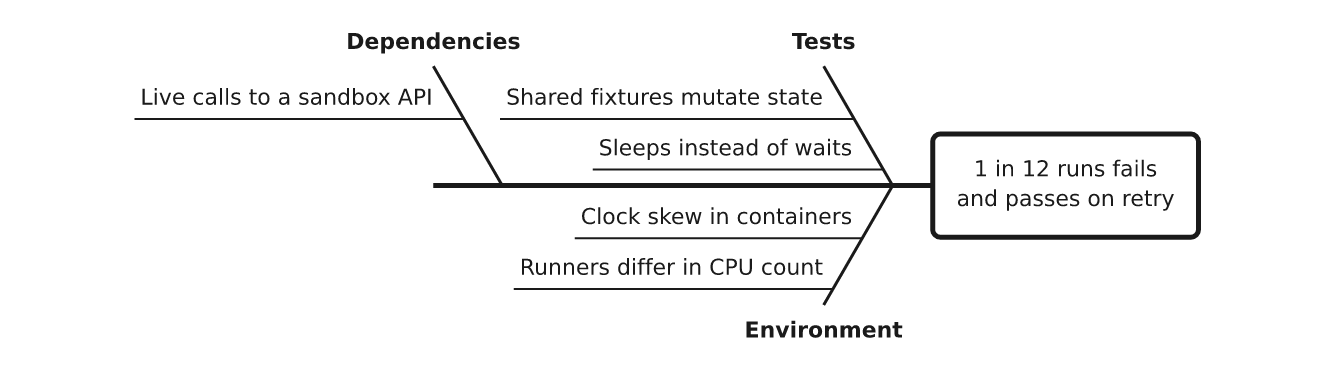
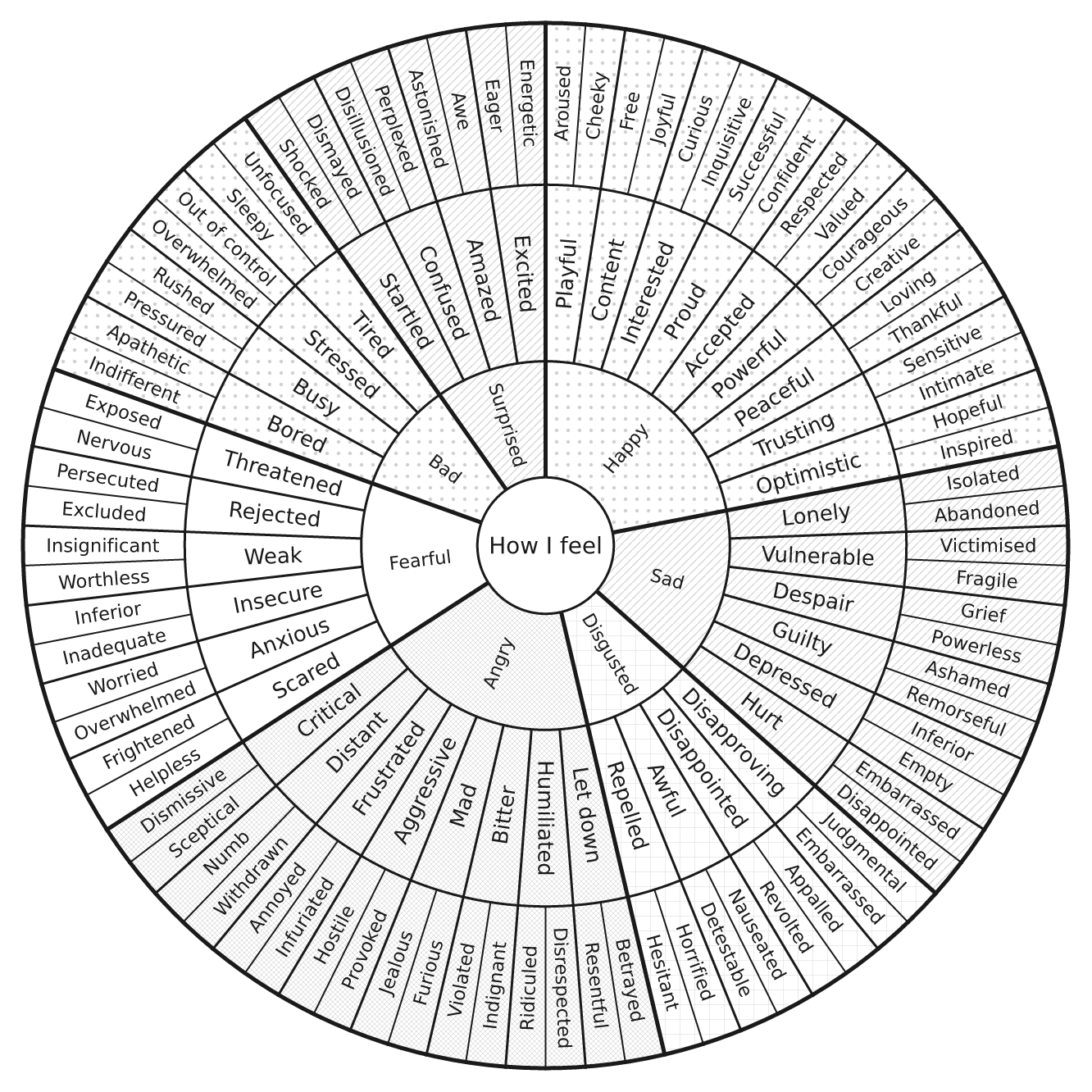
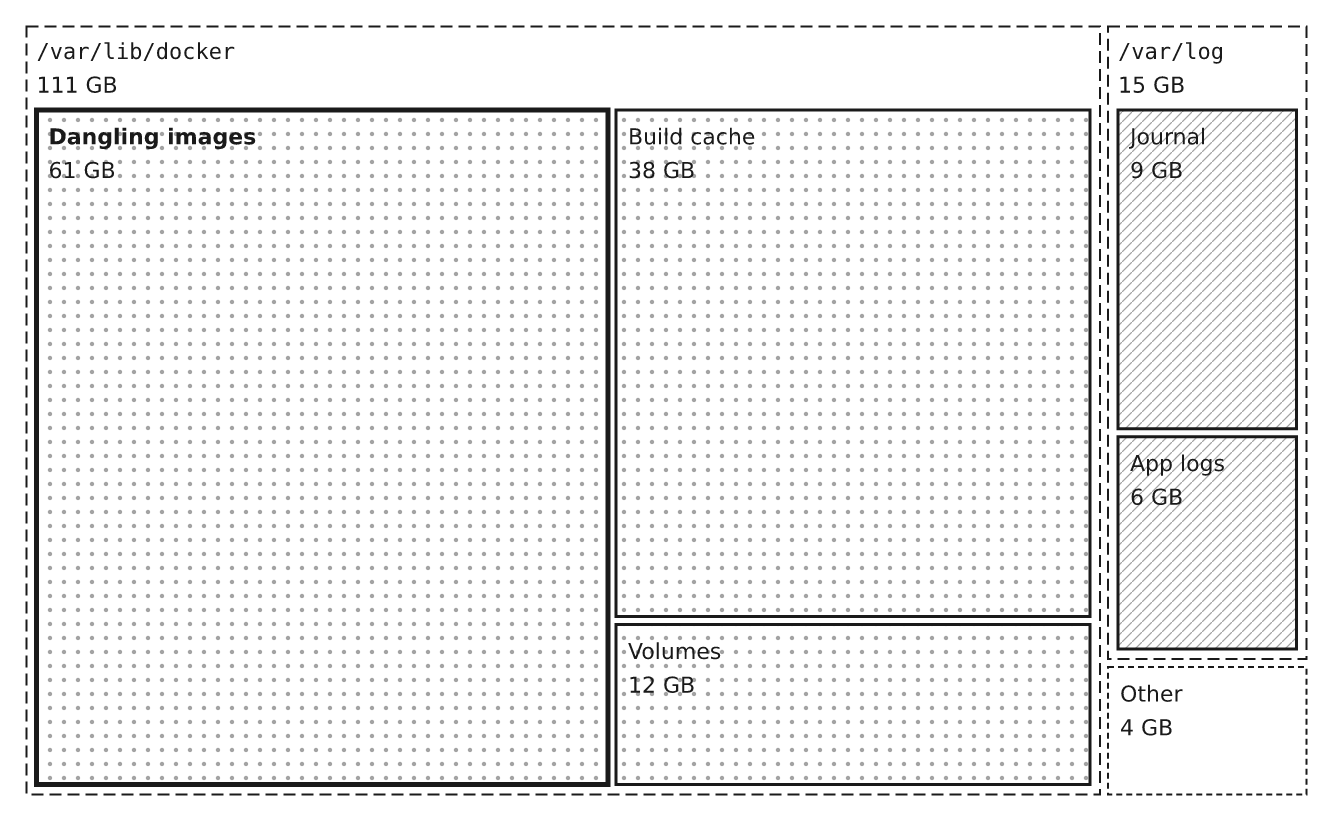
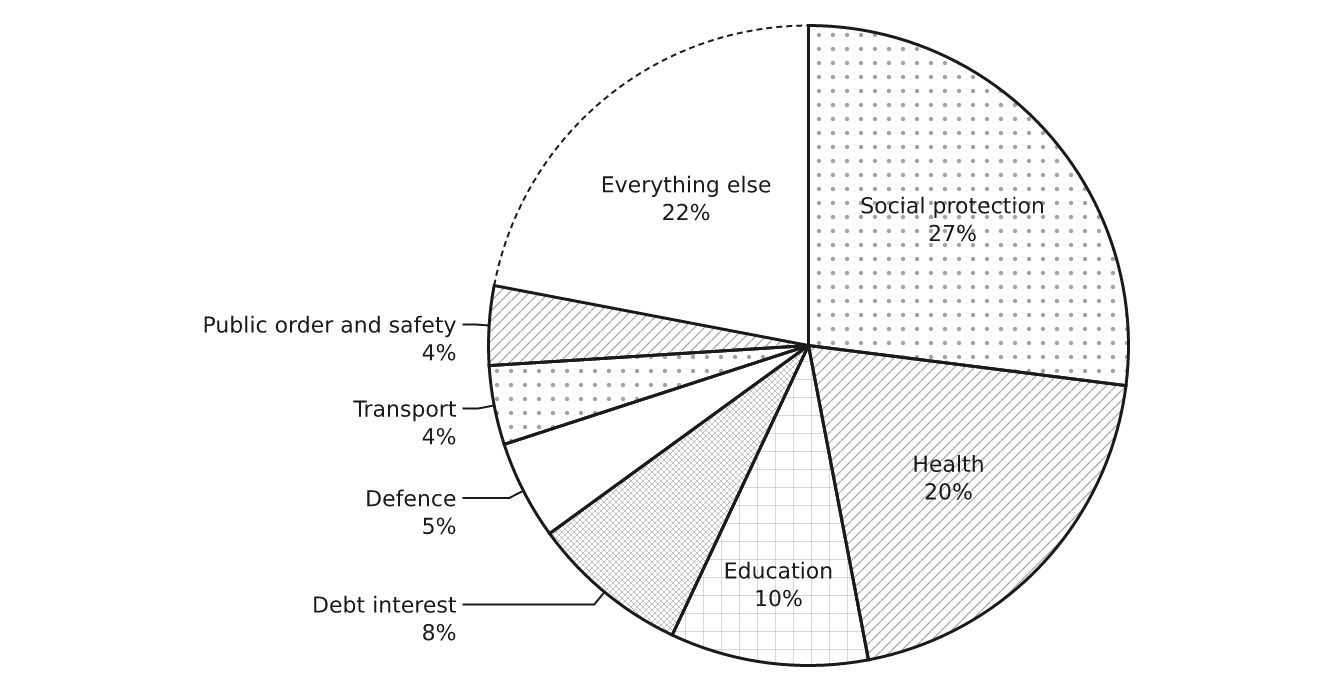
Flow charts, sequence diagrams, state machines, ER and class diagrams, Gantt charts, swimlanes, mind maps, timelines, Venn, Sankey, treemaps, pie and bar charts, kanban boards, fishbone, family trees, file trees and more — one format for all of them. Click a drawing to open it full size, or a kind's name for its source — the code is all here.
sequence | entities | states |
|---|---|---|
 |
 |
 |
gantt | mindmap | sankey |
 |
 |
 |
venn | chart | fishbone |
 |
 |
 |
sunburst | treemap | pie |
 |
 |
 |
The full list: flow · tree · cycle · stack · timeline · columns ·
matrix · pyramid · rings · funnel · chart · quadrant · scatter ·
curve · files · states · sequence · lanes · entities · gantt ·
board · fishbone · venn · journey · treemap · sankey · numberline ·
barmodel · waterfall · pie · mindmap · argument · familytree ·
meter · rag · clock · sunburst. Each has an example in docs/reference,
and the gallery
(docs/gallery/index.html) draws every one.
Using it from an LLM
- MCP server —
pip install 'drawspec[mcp]'addsdrawspec-mcp, with the toolslist_kinds,get_example,get_schema,validate_documentandrender_document. A mistake comes back as data the model can act on:{"pointer": "/edges/0/to", "message": …}. See the guide. AGENTS.md— the whole format on one page, written for a model to read in one pass: which kind fits, the size limits, the roles, worked examples, and what each error means.llms.txtindexes it.- Agent Skill — copy
skills/drawspec/into your skills directory. - JSON Schema — start a document with
"$schema": "https://nuncaeslupus.github.io/drawspec/schema/drawspec-v1.schema.json"for completion and errors as you type, in an editor or a structured-output call.
A typical loop: the model picks a kind, writes the JSON, calls
validate_document, fixes what is reported, and renders.
What you get
| You write | drawspec decides |
|---|---|
| Nodes, edges, labels | Coordinates, box sizes, canvas size |
A semantic role per node (start, decision, emphasis…) | Shape, font, colour, stroke weight |
| The kind of diagram | Layout, edge routing, arrowheads, label placement |
- SVG that pastes inline into Markdown or HTML: it takes the page's text colour,
carries no global styles or colliding ids, and never relies on colour alone, so it
works in dark mode and in greyscale print.
--variant dark=<theme>adds a dark version that followsprefers-color-scheme. - PNG on a light, dark or transparent background (
pip install 'drawspec[png]'). - Plain text (box-drawing or ASCII) for many kinds, including flows, state machines, sequences, Gantt charts and file trees.
- Themes: change one TOML file and every diagram in a project follows.
drawspec theme from site.cssbuilds one from your CSS or design tokens. - Readable by design: each kind has a size budget; past it, drawspec asks you to split the diagram rather than draw a dense one.
Command line
drawspec render diagram.json -o diagram.svg          # or to stdout
drawspec render diagram.json -o diagram.png          # needs drawspec[png]; --background dark, --scale 3
drawspec render diagram.json --theme blueprint -o sheet.png
drawspec render diagram.json --format text           # 80 columns; --charset ascii
drawspec validate diagram.json                       # every error, by JSON pointer
drawspec theme from site.css -o house.toml           # a theme from your CSS
drawspec schema --out drawspec-v1.schema.json        # for editor completion
What it is not
- Not a graph-layout engine. For a hundred-node graph, use Graphviz.
- Not a plotting library.
chartstates a few numbers you already know; it has no statistics, dates, log scales or interactivity. - Not a drawing program. Anything whose point is where things are — a floor plan, a map — has no place in a format without coordinates.
Documentation
| Page | What it covers |
|---|---|
| Guide | Install, a first diagram, choosing a kind, embedding, validating in CI, themes |
| Document format | Every field of every kind, and every refused field with the reason |
| Command line | Every command, option and exit code |
| Themes | Every theme key and its default |
| AGENTS.md | The format on one page, for language models |
The references are generated from the code (make docs), and a test fails if they
drift.
Development
make sync     # install with dev extras
make lint     # ruff + strict mypy
make test     # pytest
make gallery  # render every reference document into docs/gallery
make readme   # redraw the README's example images in docs/readme
make docs     # regenerate the format, CLI and theme references
make schema   # regenerate the published JSON Schema
The library is in src/drawspec/, the examples in docs/reference/, the tests in
tests/. docs/brief.md and corpus/ hold the original design brief and the
evidence it was based on. .claude/ and claude-arsenal/ are development tooling
and do not affect the package.
Related projects
Built with claude-arsenal, a spec-driven Claude Code workflow whose skills draw their diagrams with drawspec. By the same author:
- integral-job-search — a candidate-centred job search run as a conversation in Claude Code.
- literary-critic — lets an LLM index, analyse and advise on a full novel manuscript the way a professional editor would.
- doc-control — a deterministic tool for AI agents to edit Word documents as tracked changes (in development).
License
MIT — see LICENSE.
Comments
New to MCP?
From what the protocol is to installing your first server, these answers cover most first questions.
An open protocol that defines how AI applications connect to external tools and data in a uniform way. Clients talk to the model; MCP servers provide tools, resources and prompt templates. They exchange standard messages, so one server can be reused by many clients.