
About Skyelight
Skyelight is an MCP server for coding agents to review feedback on a running app, including its thread, page, pinned element, and related code. It supports remote OAuth or a local token-based connection, with tools to track, update, and publish reviews.
Key features
- 01Read feedback threads and page context
- 02View pinned elements, screenshots, and code
- 03Assign, update, and resolve feedback
- 04Search and merge duplicate reports
- 05Publish code or app links for review
Use cases
- 01Investigate feedback pinned to an app element
- 02Work through assigned feedback in a project
- 03Report completion in the original thread
- 04Share an app or prototype for review
MCP support
Provides 18 tools to MCP clients for reading and managing Skyelight feedback, projects, and review links. Clients can connect to the remote server with OAuth or run the local stdio server with a personal token.
Configuration
Remote servers need no local install. Pick your client, then copy the config or install in one click.
https://app.skyelight.ai/mcpclaude mcp add --transport http plastrlab-skyelight https://app.skyelight.ai/mcp{"mcpServers":{"plastrlab-skyelight":{"type":"http","url":"https://app.skyelight.ai/mcp"}}}Open in Cursor{"servers":{"plastrlab-skyelight":{"type":"http","url":"https://app.skyelight.ai/mcp"}}}Open in VS Code{"mcpServers":{"plastrlab-skyelight":{"type":"http","url":"https://app.skyelight.ai/mcp"}}}{"mcpServers":{"plastrlab-skyelight":{"serverUrl":"https://app.skyelight.ai/mcp"}}}Run commands in a terminal; paste JSON into the client’s MCP config and restart. Servers that need sign-in will prompt on first connect.
Tools
Details
From the project README@skyelight/mcp
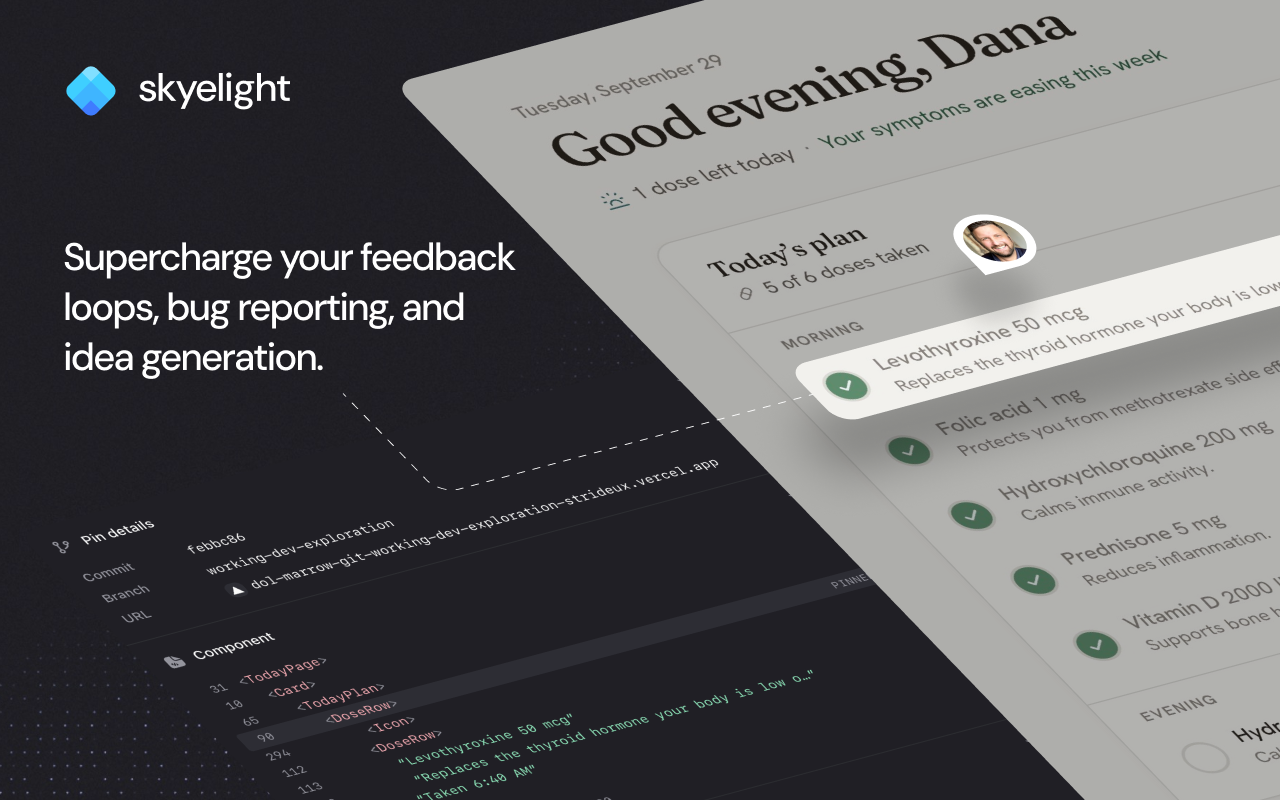
An MCP server that lets a coding agent read the feedback people left on your running app — the thread, the page, and the element they were pointing at — and report back on it when the work is done.
Full guide: skyelight.ai/docs/mcp. The REST API behind the local server is documented at skyelight.ai/docs/api.
Two ways to connect, with the same eighteen tools either way:
- Remote, with OAuth — the default. Your agent talks to Skyelight over HTTP and you sign in once in the browser. Nothing is pasted and no key is stored on disk.
- Local, with a token — this package runs as a stdio server on your machine and carries a personal token. For clients or machines where the browser sign-in is not an option.
Every plan includes every tool, Free included, for owners, admins and collaborators. On Free, your agent gets 25 agent threads a month; Pro and above have no limit. A reviewer reads and comments in the web app but does not get agent tools.
The short way
npx @skyelight/mcp init
Finds your coding agents, registers Skyelight's remote server with them, and
leaves the sign-in to OAuth — the first time the agent connects it opens a
browser and you approve it there. It shows what it will change and waits;
--yes skips that once you have read it.
It knows Claude Code, Cursor, Grok, Codex and Windsurf. With several
installed it asks which; --client cursor or --client all answers in
advance. npx @skyelight/mcp remove takes the entry out again. Point at
another deployment with SKYELIGHT_URL=https://…; the deployment tells the
installer its own MCP URL and OAuth client over /mcp/install-config, so this
package holds no environment-specific constants.
The same setup, with a snippet per client, is in the Skyelight web app under account settings → Coding Agents.
As a Claude Code plugin
/plugin marketplace add plastrlab/skyelight-mcp
/plugin install skyelight@skyelight
The plugin connects Claude Code to Skyelight's remote server (sign-in is
OAuth, as above) and adds a skill for working through feedback and two
commands: /skyelight:whats-new and /skyelight:fix-feedback. Its files are
.claude-plugin/marketplace.json and plugin/ in this repository.
With a token
Get a personal access token. In the Skyelight web app, go to account settings → API Keys → create one. It is shown once, belongs to the organization you create it in, and can be given an expiry.
Then add the server to your client:
{
  "mcpServers": {
    "skyelight": {
      "command": "npx",
      "args": ["-y", "@skyelight/mcp"],
      "env": {
        "SKYELIGHT_API_URL": "https://app.skyelight.ai",
        "SKYELIGHT_API_TOKEN": "sky_..."
      }
    }
  }
}
Claude Code users can skip the file:
claude mcp add skyelight \
  --env SKYELIGHT_API_URL=https://app.skyelight.ai \
  --env SKYELIGHT_API_TOKEN=sky_... \
  -- npx -y @skyelight/mcp
SKYELIGHT_API_URL is https://app.skyelight.ai, the same host as the MCP
URL on the Coding Agents page (https://app.skyelight.ai/mcp), without
/mcp. A deployment's .convex.site host also works.
Credentials
Checked in order, so an existing setup keeps working:
SKYELIGHT_API_TOKEN/SKYELIGHT_API_URLin the environment.env.local, then.env, in the working directory~/.skyelight/credentials—{"apiUrl": "...", "token": "sky_..."}
Binding a repo to a project
With the local server, if you can reach several projects, drop a
.skyelight.json at the repo root:
{ "projectId": "j57abc...", "projectName": "Checkout rebuild" }
Tools then default to that project and nobody has to pass an id. Without it
(and always on the remote server), list_items asks for a project and the
agent calls list_projects first rather than guess.
Tools
| Tool | What it is for |
|---|---|
list_workspaces | Which workspaces this credential can reach, and who you are. |
list_projects | The projects inside them, with the ids the other tools take. |
list_items | What is outstanding. Filter by page, type, status, assignee, hand-off. |
search_items | Find items whose thread mentions some text, replies included. |
get_item | Everything needed to work one item: thread, page, anchor, code, images. |
post_update | Report back on the thread the feedback came from. |
create_item | Raise a new item — an audit finding, something you noticed. |
set_status | Move an item to open, deferred or resolved. |
list_members | Who is in the workspace, so you can name an assignee or a mention. |
assign | Hand an item to a person, or unassign it. |
whats_new | What changed since you last looked, from your own bookmark. |
project_review | Where a project landed, for a wrap-up or hand-off document. |
decision_log | What the team decided in its threads, quoted, and its current rules. |
save_rule | Keep an agreed rule in the project context (owners and admins). |
find_by_source | Feedback on a file or component before you edit it, or the hot spots. |
find_similar | Check for an existing report before creating one. |
merge_items | Fold duplicate items into one. |
publish_review_link | Share something for review: code for Skyelight to host, or a deployed app's address. |
Which tools change things. list_workspaces, list_projects,
list_items, search_items, get_item, list_members, project_review,
find_by_source, find_similar and decision_log only read. post_update,
create_item, set_status, assign, save_rule, merge_items,
publish_review_link and whats_new (which moves your "last looked"
bookmark) make changes. Every tool carries MCP annotations saying which it
is, with merge_items marked destructive, so your client can ask before a
write runs.
Publishing for review. publish_review_link takes one of two things:
code: one HTML page, or one React component with an export default (a Claude prototype, a v0 snippet). Skyelight hosts it at its own link onskyelight.pagewith the review badge on it, in a project you name or a new one. Publishing again makes a new version at the same link.url: an app already deployed, such as a Lovable, v0 or Bolt project on*.lovable.appor*.vercel.app. The address goes on the project's Review Links, and the answer carries a script tag for the app's<head>and the review link to share (the address with?skyelight=1).
Code that imports the rest of its app is not hosted; the answer says to send
the app's url instead. It answers to publish_prototype too, its name
before 0.7.0.
list_items leads with a summary — totals, breakdown by type and by page — so
an agent can tell you the shape of the work before pulling any of it. Rows are
stubs; get_item is where the thread and the anchor live.
"What is assigned to me." list_workspaces returns your own user id, and
list_items takes assignee: "me", so the most ordinary question anyone asks
an agent needs no id looked up by hand.
"What was I asked to fix." A person can hand a thread to an agent in the
app (Hand off: Investigate, Plan or Fix). list_items takes task with one of
those, or "none", and each row names its hand-off. With assignee: "me" it
is your own queue of fixes.
Merged duplicates do not appear twice. When somebody merges five reports of
one problem in the web app, the duplicates leave the list and the item they were
merged into says 5 reports. A list that shows all five reads as five bugs.
What the agent sees
Alpha: 21 items total — 15 open, 3 deferred, 3 resolved, 19 unassigned.
By type: bug (7), idea (4), feedback (10).
Busiest pages: /checkout (8), /settings (4).

2 matches:
- The pay button does nothing on the second click
  bug · open · /checkout · unassigned · 2 replies · 5 reports — id i1
Deliberately prose rather than JSON. A tool that returns a bare array invites a model to read the array out; this one invites it to summarise.
A row's line is the one-sentence summary Skyelight's classifier wrote, where there is one, rather than the first 140 characters of whatever somebody typed — four truncated paragraphs are not something you can choose between.
One call reads the 2,000 most recent items in a project. Past that the result says so, in words, rather than presenting a slice as the total.
The pictures
get_item returns the screenshot taken when the pin was left, and any images
people attached to the thread, as image content blocks — things a model can
actually look at, not links it cannot open.
Screenshot of the page when this was pinned: attached below.
2 images attached to this thread: also below.
Capped at four per call. Anything too large to inline comes back as its link with the reason, so a picture never disappears silently.
What somebody else already did
get_item also names the Linear issue a thread was handed to, and who it was
delegated to, so an agent does not start work a Linear-hosted agent is
finishing. Reactions come back counted by emoji — a thread with one comment and
nine thumbs up is not a thread with one comment.
Where the code is
If the app was built with @skyelight/build,
get_item ends with the line that changes what an agent does next:
Written by components/Card.tsx, line 88, in build a1b2c3d on branch feat/checkout.
The file saves a grep. The commit and branch are how an agent tells "still broken" from "already fixed, this pin is stale" — and, on a preview deployment, which branch the code it wants is actually on.
Who a write belongs to
Every write is a person's. Your sign-in or token carries your access, so a reply the agent posts is yours. Over the remote server, the editor it came through is shown as a mark beside the timestamp rather than as the author.
There is no service-account mode, and workspace API keys (sk_live_...) no
longer work. The API accepts two credentials, both of which are you: an OAuth
sign-in and a personal token (sky_...).
Permissions
The server enforces nothing; the API does. The agent can do what your account can do in that workspace, and nothing more:
- Agent tools work on every plan, Free included, for owners, admins and collaborators. A reviewer is refused with the reason — the workspace is listed and marked rather than hidden, so you are told which gate closed instead of being told it does not exist.
- On Free, your agent gets 25 agent threads a month. Two things
count: each conversation, once, on its first call of any tool, listing
included; and each thread the first time in the month
get_item,post_update,set_status,assignormerge_itemstouches it. So "what feedback do I have?" then "fix that one" is 2. Nothing counted is given back.list_workspacessays how many are left, and at the limit anything new is refused with the reset date. Free hosts one prototype. - Adding a deployed app's address to Review Links is for owners and admins.
- Owners, admins and collaborators read, reply, raise items and change any thread's status.
- A token only reaches workspaces in the organization it was created in.
Comments
New to MCP?
From what the protocol is to installing your first server, these answers cover most first questions.
An open protocol that defines how AI applications connect to external tools and data in a uniform way. Clients talk to the model; MCP servers provide tools, resources and prompt templates. They exchange standard messages, so one server can be reused by many clients.