
Rapls Ai Chatbot (wordpress Mcp Server)
RemoteAbout Rapls Ai Chatbot (wordpress Mcp Server)
Rapls AI Chatbot is a WordPress plugin for adding an AI chatbot that answers using site content through RAG. Its built-in MCP server lets MCP clients search site data, inspect conversations, and interact with the chatbot.
Key features
- 01OpenAI, Claude, Gemini, and OpenRouter support
- 02RAG answers based on site content
- 03Search across posts and knowledge base
- 04PDF and DOCX uploads
- 05Five built-in MCP tools
- 06Conversation data stored on the site's server
Use cases
- 01Answering visitors' questions about a WordPress site
- 02Searching site posts and FAQs from an MCP client
- 03Viewing or sending chatbot messages through MCP
- 04Adding PDFs and DOCX files to chatbot context
MCP support
The built-in MCP server exposes five tools to clients such as Claude Desktop, Cursor, and VS Code for searching site content, reading and sending conversation messages, and retrieving site information.
Configuration
Remote servers need no local install. Pick your client, then copy the config or install in one click.
https://your-wordpress-site.com/wp-json/rapls-ai-chatbot/v1/mcpclaude mcp add --transport http rapls-ai-chatbot https://your-wordpress-site.com/wp-json/rapls-ai-chatbot/v1/mcp{"mcpServers":{"rapls-ai-chatbot":{"type":"http","url":"https://your-wordpress-site.com/wp-json/rapls-ai-chatbot/v1/mcp"}}}Open in Cursor{"servers":{"rapls-ai-chatbot":{"type":"http","url":"https://your-wordpress-site.com/wp-json/rapls-ai-chatbot/v1/mcp"}}}Open in VS Code{"mcpServers":{"rapls-ai-chatbot":{"type":"http","url":"https://your-wordpress-site.com/wp-json/rapls-ai-chatbot/v1/mcp"}}}{"mcpServers":{"rapls-ai-chatbot":{"serverUrl":"https://your-wordpress-site.com/wp-json/rapls-ai-chatbot/v1/mcp"}}}Run commands in a terminal; paste JSON into the client’s MCP config and restart. Servers that need sign-in will prompt on first connect.
https://your-wordpress-site.com/wp-json/rapls-ai-chatbot/v1/mcpAuth requiredTools
Details
From the project READMERapls AI Chatbot
WordPress サイトに AI チャットボットを導入できるプラグインです。RAG(Retrieval-Augmented Generation)で自サイトの記事内容を踏まえた回答ができ、MCP(Model Context Protocol)サーバーを内蔵しているため、Claude Desktop や Cursor からサイトのデータに直接アクセスできます。
OpenAI / Claude / Gemini / OpenRouter に対応。会話データは自分のサーバーに保存され、外部 SaaS には送られません(bring-your-own-key / self-hosted)。
Features
- マルチプロバイダー対応 — OpenAI / Claude / Gemini / OpenRouter(100+ モデル)
- RAG ベースの応答 — サイト内記事を学習させたハイブリッド検索(ベクトル埋め込み + キーワード)
- ナレッジベース — Q&A・自由記述・PDF/DOCX アップロード
- Web 検索 — 各プロバイダーのビルトイン検索を自動利用
- MCP サーバー内蔵 — 5 つのツールを公開(詳細は下記)
- WordPress 7.0 Connectors API 対応 — サイト全体で AI プロバイダを一元管理
- Gutenberg ブロック対応 — ビジュアルエディタで配置
- ノーコード設定 — 管理画面で運用が完結
- 多言語対応 — i18n 準備完了、日本語 100% 翻訳済み
MCP Server
このプラグインは MCP(Model Context Protocol)サーバーを内蔵しており、Claude Desktop・Cursor・VS Code などの MCP クライアントから、WordPress サイトのデータを読み取り・操作できます。公開しているツールは次の 5 つです。
| Tool | 説明 |
|---|---|
search_knowledge | ナレッジベースとサイトコンテンツのインデックスを検索し、該当する記事・FAQ・ページを返す |
list_conversations | チャット会話の一覧を、メッセージ数つきで取得(作成日順) |
get_conversation | 指定した会話を、全メッセージ履歴つきで取得 |
send_message | AI チャットボットにメッセージを送信し、応答を得る(ナレッジベースの文脈を含む) |
get_site_info | WordPress サイト情報とプラグイン構成を取得(API キーは公開しない) |
WordPress サイトの内容を、MCP 経由で AI クライアントの文脈に直接持ち込めるのが特徴です。「自分のサイトについて答えられる AI」を、チャットウィジェットとしてだけでなく、手元の MCP クライアントからも使えます。
For full setup instructions (enabling the server, generating an API key, client configuration, curl testing, and troubleshooting), see the MCP Server Manual.
Installation
WordPress.org から(推奨)
- WordPress 管理画面 → プラグイン → 新規追加
- 「Rapls AI Chatbot」で検索 → インストール
- 有効化後、管理画面の Rapls AI Chatbot メニューから設定
GitHub から
- Releases から最新版の ZIP をダウンロード
- WordPress 管理画面 → プラグイン → 新規追加 → プラグインのアップロード
- 有効化
セットアップ
前提条件
- WordPress 6.3 以上(WordPress 7.0+ で Connectors API 統合推奨)
- PHP 7.4 以上
- API キー — OpenAI / Anthropic Claude / Google Gemini / OpenRouter のいずれか
クレジットカードを使いたくない場合は、OpenRouter または Google Gemini の無料枠(どちらもカード登録不要)で始められます。設定画面の「まず無料で動かす」パネルでどちらかを選び、キーを貼り付けて接続テストを押すと、その場で使えるモデルまで自動設定されます。パネルには各オプションのデータの扱い(Gemini 無料枠は送信内容が Google のモデル改善に使われる場合がある、など)が選ぶ前に表示されるので、納得したうえで選べます。
よくある質問 / トラブルシューティング
Q: チャット履歴が保存されない・突然消える
A: WP AI Client を使用している場合、メッセージのマーシャリング処理で履歴が無言で失われることがあります。
詳細な診断方法: WP AI Client へ移行したら、エラーも出さずに会話の履歴が消えた
Q: フロントエンドでチャットボックスが表示されない
A: Gutenberg ブロックの挿入後、ページをパーマリンク構造で再保存してください。REST API キャッシュが更新されます。
Q: 複数の AI プロバイダを使い分けたい
A: WordPress 7.0 以上なら、Connectors API で複数プロバイダを登録し、このプラグインから選択できます。
詳細: WordPress 7.0 の WP AI Client を実装目線で読み解いた話
Q: PDF・DOCX をナレッジベースに追加したい
A: 無料版で対応しています。ナレッジベースのアップロード機能から追加できます。
WordPress 7.0 での変更点
WordPress 7.0 Armstrong(2026 年 5 月リリース) 以降、このプラグインは WP AI Client と Connectors API に対応しました。
- API キー管理の一元化 — Connectors UI で複数 AI プロバイダを一箇所で管理
- プロバイダ切り替えが簡単 — このプラグイン側で設定不要、サイト全体の設定から反映
- 後方互換性 — WordPress 6.3〜6.5 でも従来の API キー設定方式で動作
Documentation
動画で見る
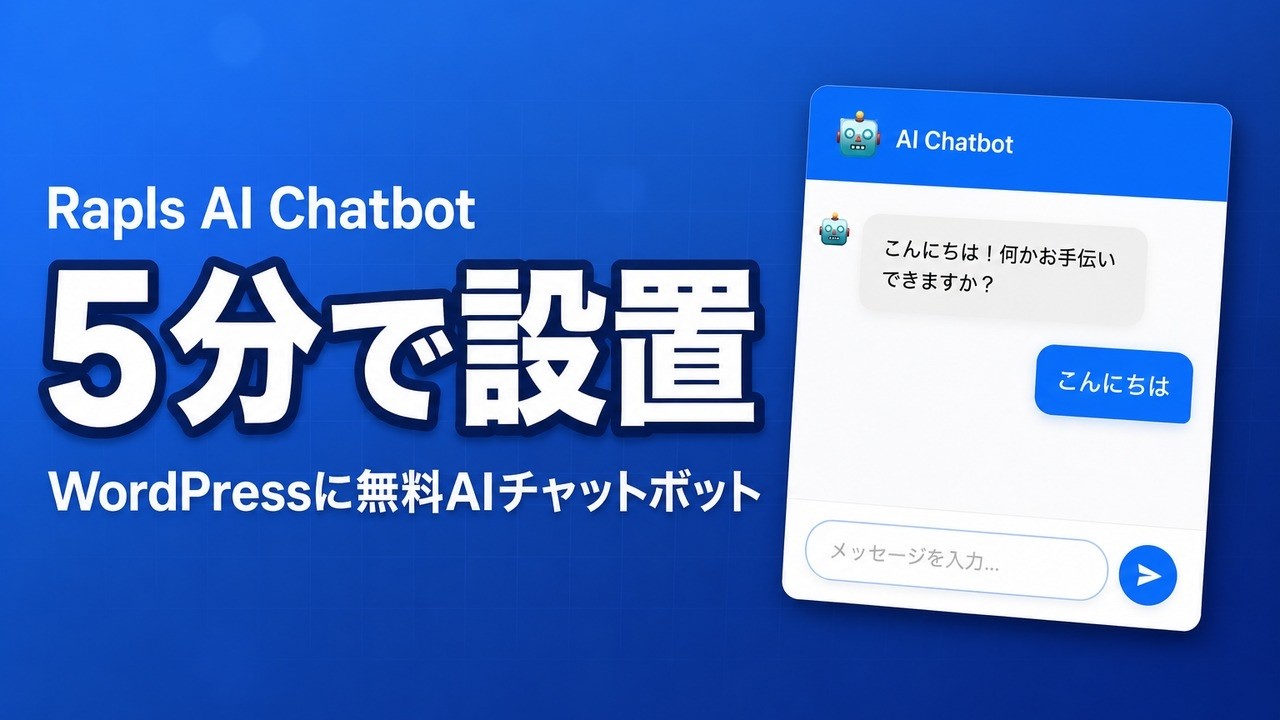
5 分で無料チャットボットを設置する手順を動画にしました。
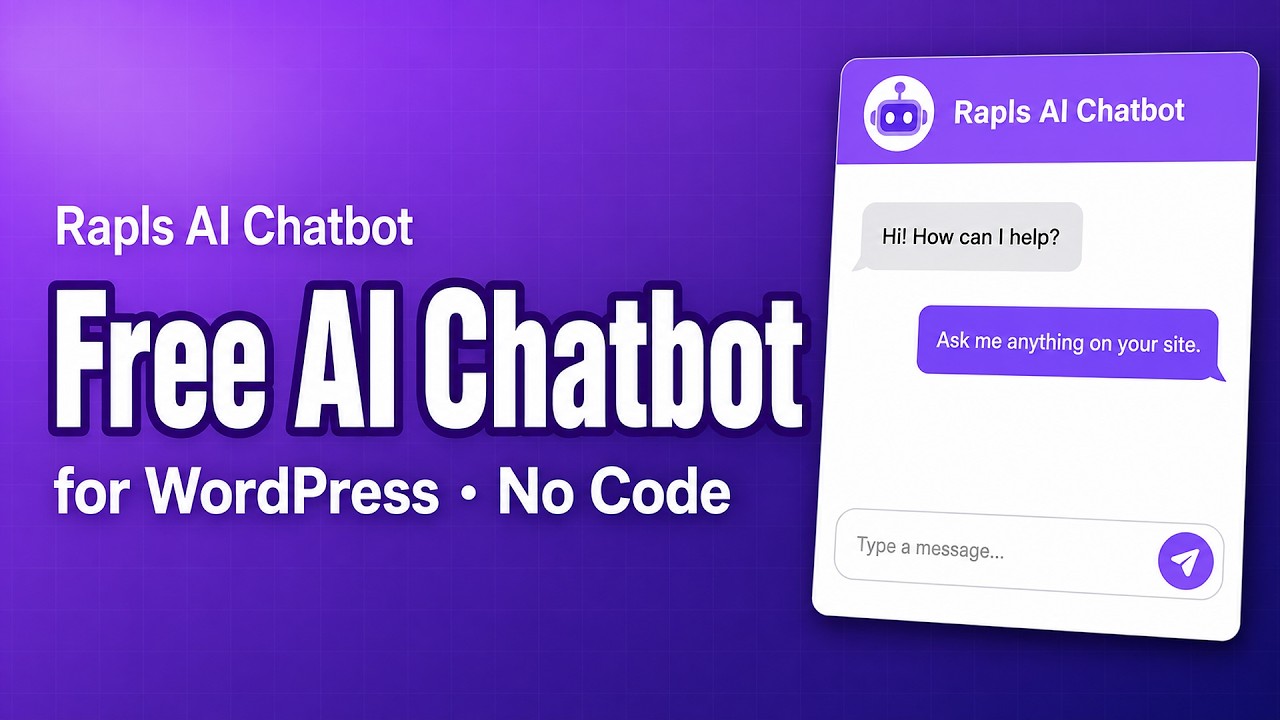
English walkthrough:
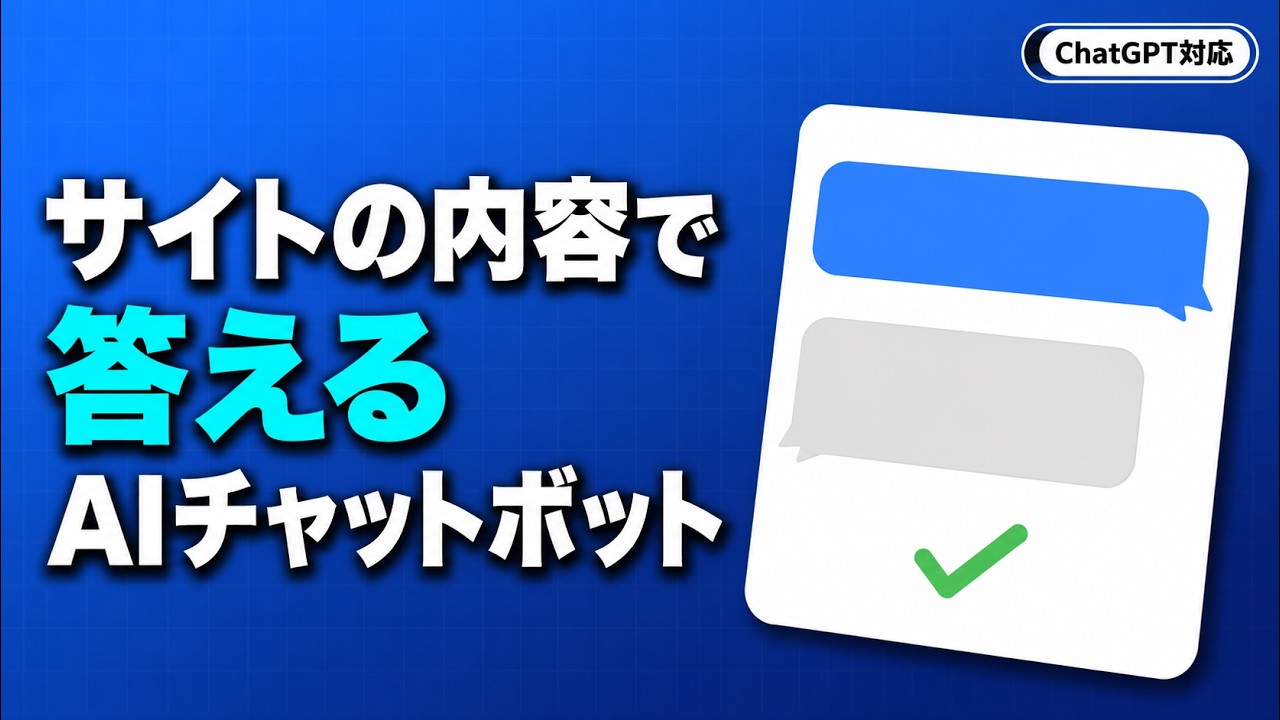
サイトのコンテンツから回答する様子と、素の ChatGPT との違いはこちらの動画で。
解説・レビュー記事(日本語)
導入の流れや、実装で迷った設計判断を記事に書いています。
- WordPress のチャットボットを無料で設置する(クレジットカード不要・OpenRouter 無料モデル対応) — Qiita
- 実際に数日使ったレビュー:無料版が試用版ではない WordPress AI チャットボット
- 「許可したつもりだった」AI チャットボットを自分のサイトに置いた話 — note
English articles
Same design story, posted across a few platforms — pick whichever you read on:
Pro 版
有料の Pro 版では、アナリティクス、リードキャプチャ・Webhook 連携、会話シナリオ、WooCommerce 連携、LINE Messaging API 連携、音声入出力(STT / TTS)、ホワイトラベル、Slack 通知・Google Sheets エクスポート、データ暗号化(AES-256-GCM・PII マスキング)、マルチサイト対応など、80 以上の機能が利用できます。
詳細: プラグイン紹介ページ
Development
Requirements
- WordPress 6.3 以上
- PHP 7.4 以上
- OpenAI / Anthropic / Google Gemini / OpenRouter いずれかの API キー
Contributing
バグ報告・機能要望は Issues までお願いします。Pull Request も歓迎です。
Changelog
詳細は readme.txt をご覧ください。
Author
Rapls(ラプルス) フリーランス Web 開発者 / WordPress Polyglots PTE(日本語翻訳責任者)
License
GPL v2 or later
Comments
New to MCP?
From what the protocol is to installing your first server, these answers cover most first questions.
An open protocol that defines how AI applications connect to external tools and data in a uniform way. Clients talk to the model; MCP servers provide tools, resources and prompt templates. They exchange standard messages, so one server can be reused by many clients.