
About Seekcode
SeekCode is a desktop app for managing code snippets and clipboard history, with tag-based search and syntax highlighting. It includes a built-in MCP server so AI assistants and compatible tools can access and automate snippets and clipboard content. It is available for macOS and Windows.
Key features
- 01Snippet storage for multiple programming languages
- 02Tag-based search and filtering
- 03One-click saving of clipboard content as snippets
- 04Built-in MCP server
- 05Light, dark and system-following themes
- 06macOS and Windows support
Use cases
- 01Letting an AI assistant read and use saved code snippets
- 02Archiving clipboard code into searchable snippets
- 03Organizing commonly used code across languages by tag
MCP support
This is an MCP server built into the desktop app, exposing snippet and clipboard access and automation to AI assistants and compatible tools.
Configuration
Remote servers need no local install. Pick your client, then copy the config or install in one click.
http://127.0.0.1:9800/sseclaude mcp add --transport http seekcode http://127.0.0.1:9800/sse{"mcpServers":{"seekcode":{"type":"http","url":"http://127.0.0.1:9800/sse"}}}Open in Cursor{"servers":{"seekcode":{"type":"http","url":"http://127.0.0.1:9800/sse"}}}Open in VS Code{"mcpServers":{"seekcode":{"type":"http","url":"http://127.0.0.1:9800/sse"}}}{"mcpServers":{"seekcode":{"serverUrl":"http://127.0.0.1:9800/sse"}}}Run commands in a terminal; paste JSON into the client’s MCP config and restart. Servers that need sign-in will prompt on first connect.
Tools
Details
From the project READMESeekCode


Introduction
SeekCode is a modern desktop app for code management. It combines efficient code snippet organization with clipboard management, featuring tag-based search, syntax highlighting, and seamless clipboard-to-snippet conversion. It also ships with a built-in MCP server, enabling AI assistants and compatible tools to securely access and automate your snippets and clipboard via the Model Context Protocol (MCP).
Features
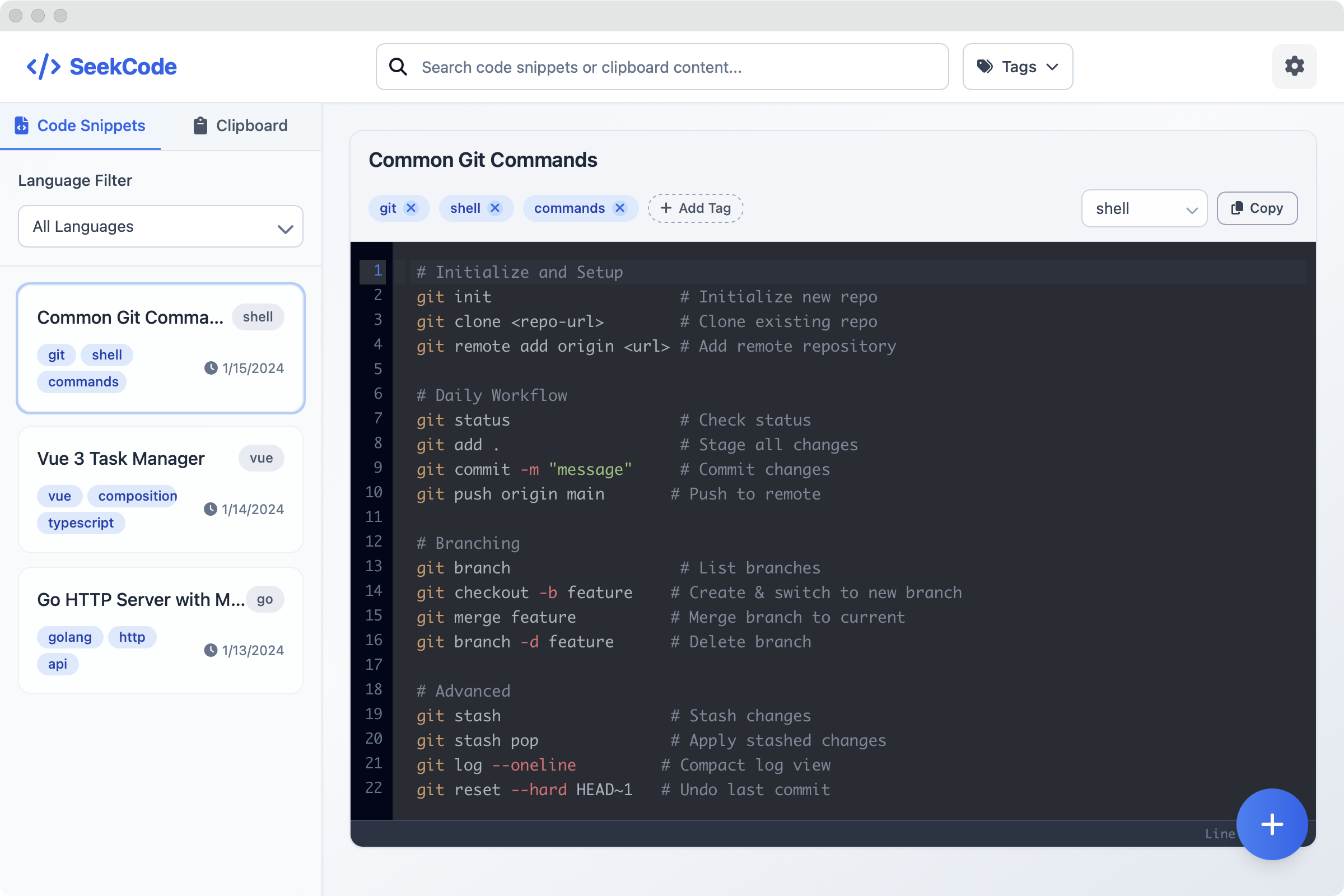
- Code Snippet Management: Store and organize code snippets for multiple programming languages with syntax highlighting and tagging support
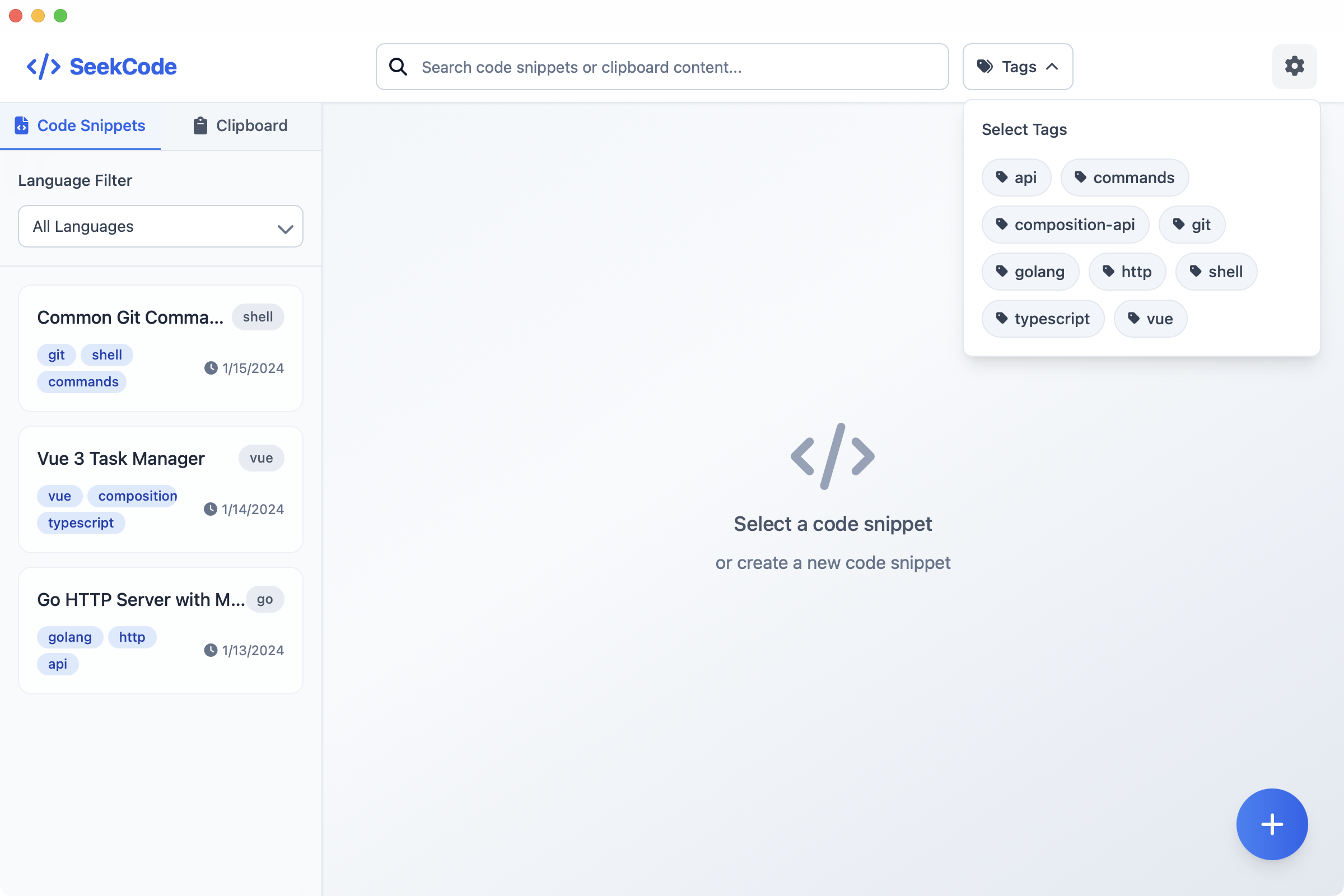
- Smart Search: Quickly search and filter code snippets with powerful tag-based capabilities
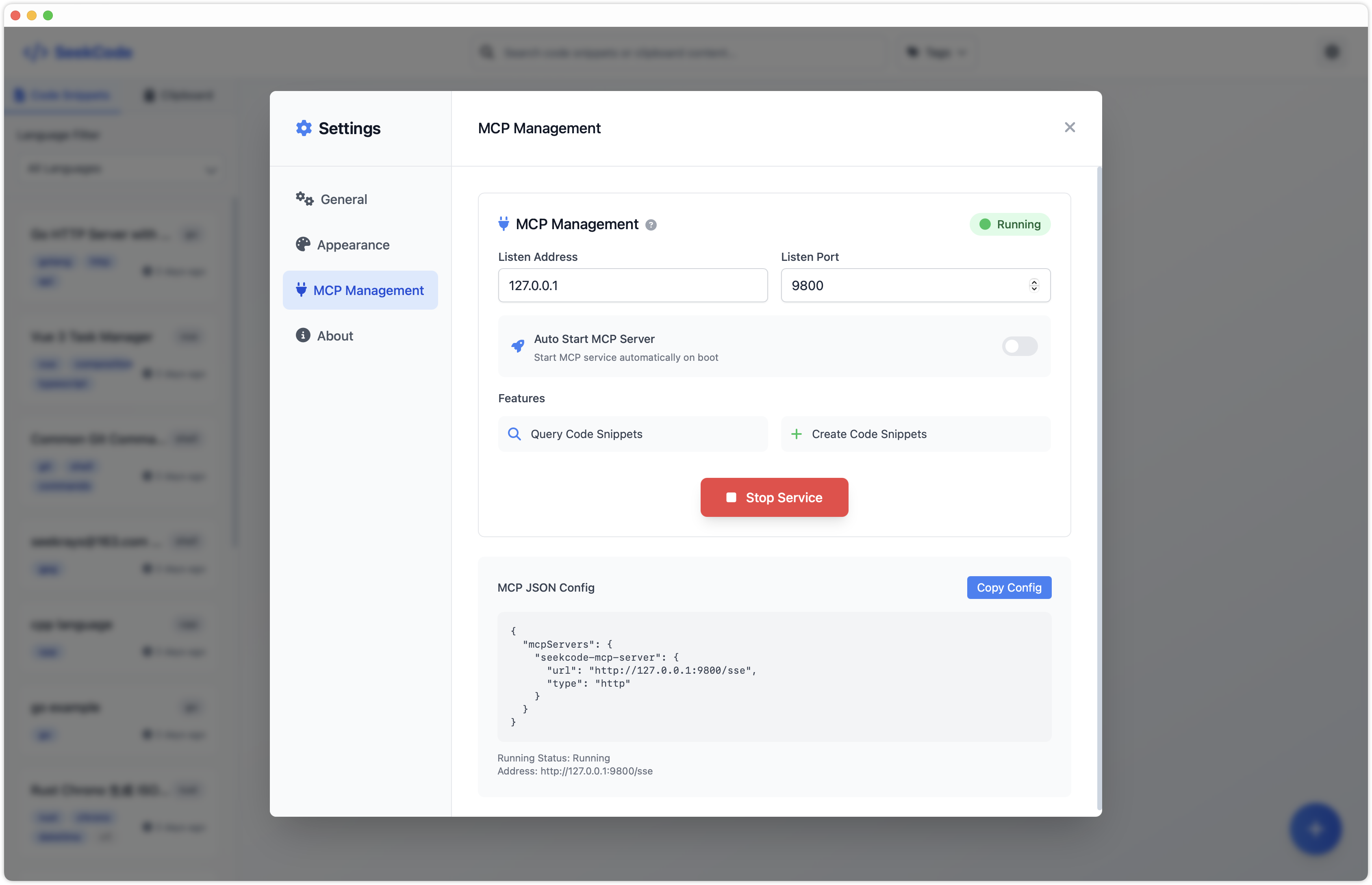
- Built-in MCP Server: Enable AI assistants and compatible tools to securely access and automate your snippets and clipboard via the Model Context Protocol (MCP)
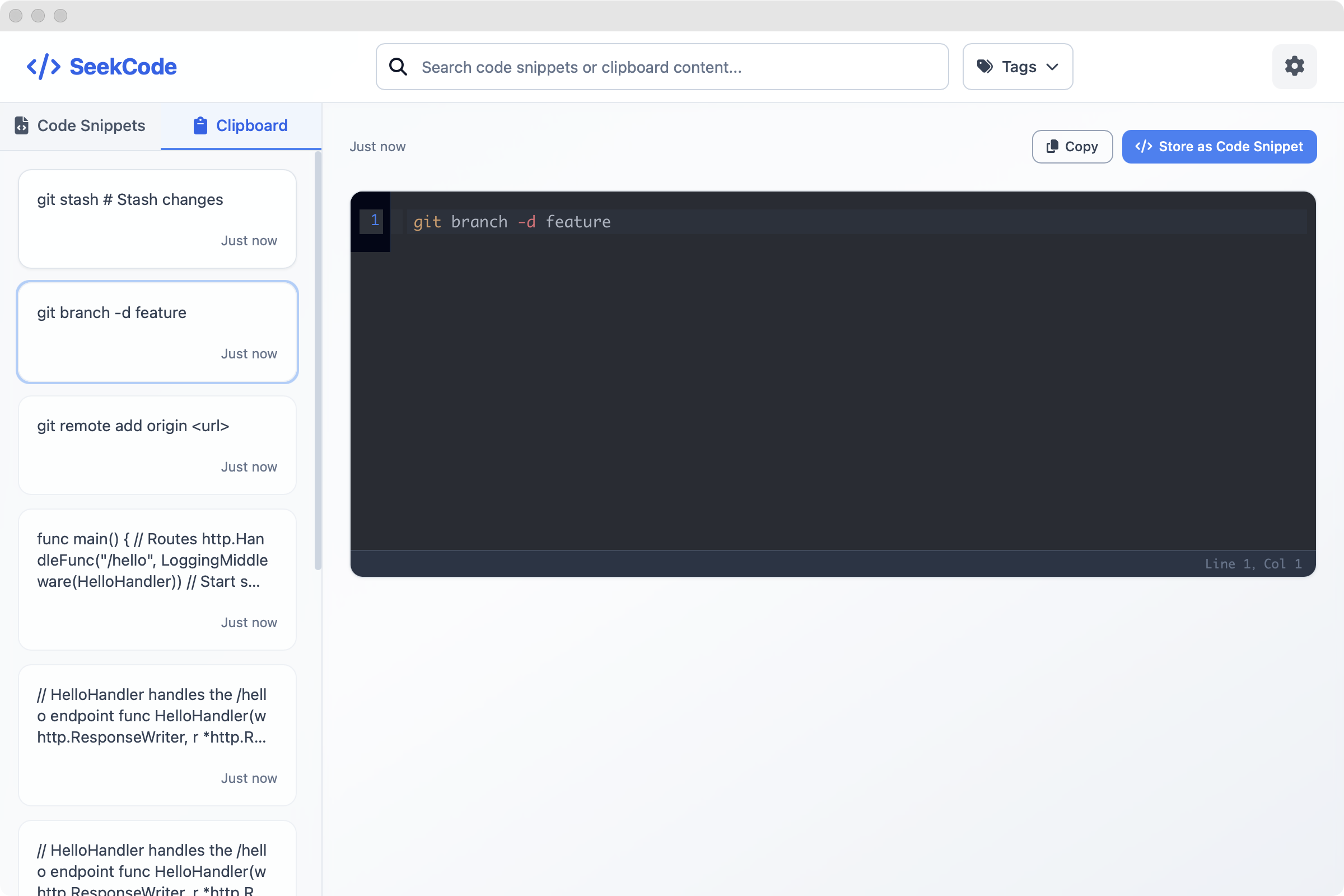
- Clipboard Integration: Support one-click storage from clipboard to code snippets
- Multi-Language Support: Support for JavaScript, TypeScript, Python, Rust, Go, and many other programming languages
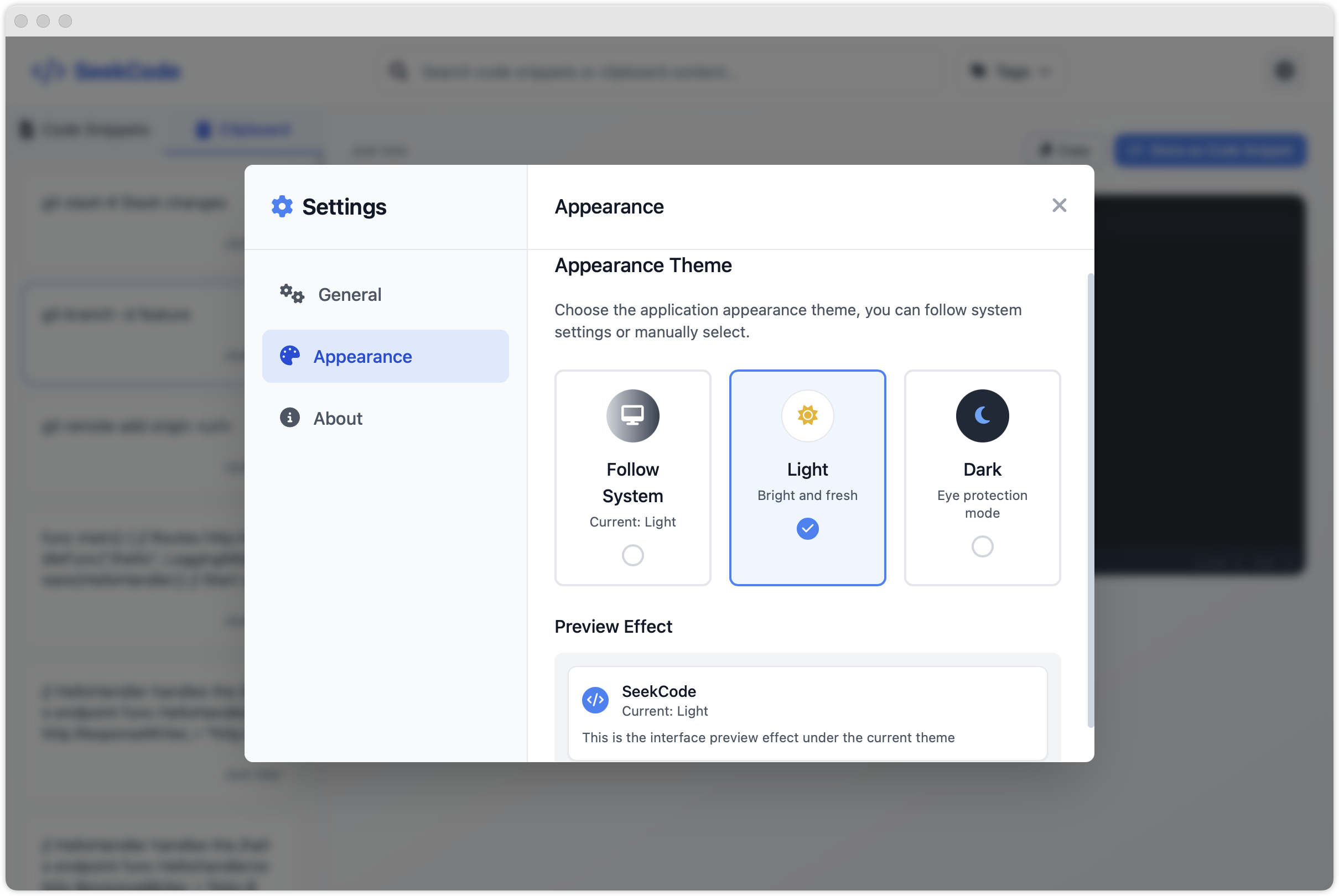
- Theme Switching: Support for light, dark themes and automatic system theme following
- Cross-Platform: Available for macOS and Windows with native performance and system integration
Screenshots
Code Snippets Management
Clipboard Integration
MCP Server Support
Tag-based Search
Theme Settings
Download
macOS
Windows
Contributing
Contributions are welcome! Please feel free to submit a Pull Request.
Contact Us
- Email: [email protected]
- Discord: seecode
- 微信交流群(添加小助理,拉你进群):
Comments
New to MCP?
From what the protocol is to installing your first server, these answers cover most first questions.
An open protocol that defines how AI applications connect to external tools and data in a uniform way. Clients talk to the model; MCP servers provide tools, resources and prompt templates. They exchange standard messages, so one server can be reused by many clients.