
About Chutes Media MCP
Chutes Media MCP is an MCP server and CLI for coding agents that generate images, video, music, and speech through Chutes. It reads live model schemas, validates requests before GPU use, and saves outputs with provenance records in the project workspace.
Key features
- 01Image, video, music, and speech generation
- 02Runtime model schema discovery
- 03Request validation before GPU calls
- 04Workspace-contained asset storage
- 05Per-asset provenance sidecars
- 06CLI and MCP share one core
Use cases
- 01Generating media assets from a coding agent
- 02Saving generated assets into a project
- 03Running media generation from a shell
MCP support
The MCP server exposes Chutes media models to MCP clients over stdio. A companion CLI provides the same describe-then-generate workflow.
Configuration
Local server config is the same for every client. Copy it into your client’s MCP config file.
npx -y chutes-media-mcpCHUTES_API_KEYSecretChutes API key used for authenticated model discovery and generation.Local servers need a runtime on your machine (e.g. Node.js 18+). Config file locations differ by client; see your client’s docs.
Tools
3Saved tool list · updated 2w ago
| Parameter | Type | Required | Description |
|---|---|---|---|
| kind | enum | No | image | video | music | speech |
| limit | integer | No | |
| query | string | No | Free-text filter on the model name. |
Details
From the project READMEChutes Media MCP
Generate image, video, music, and speech through Chutes from any coding agent, with the asset saved straight into the project you are working on.


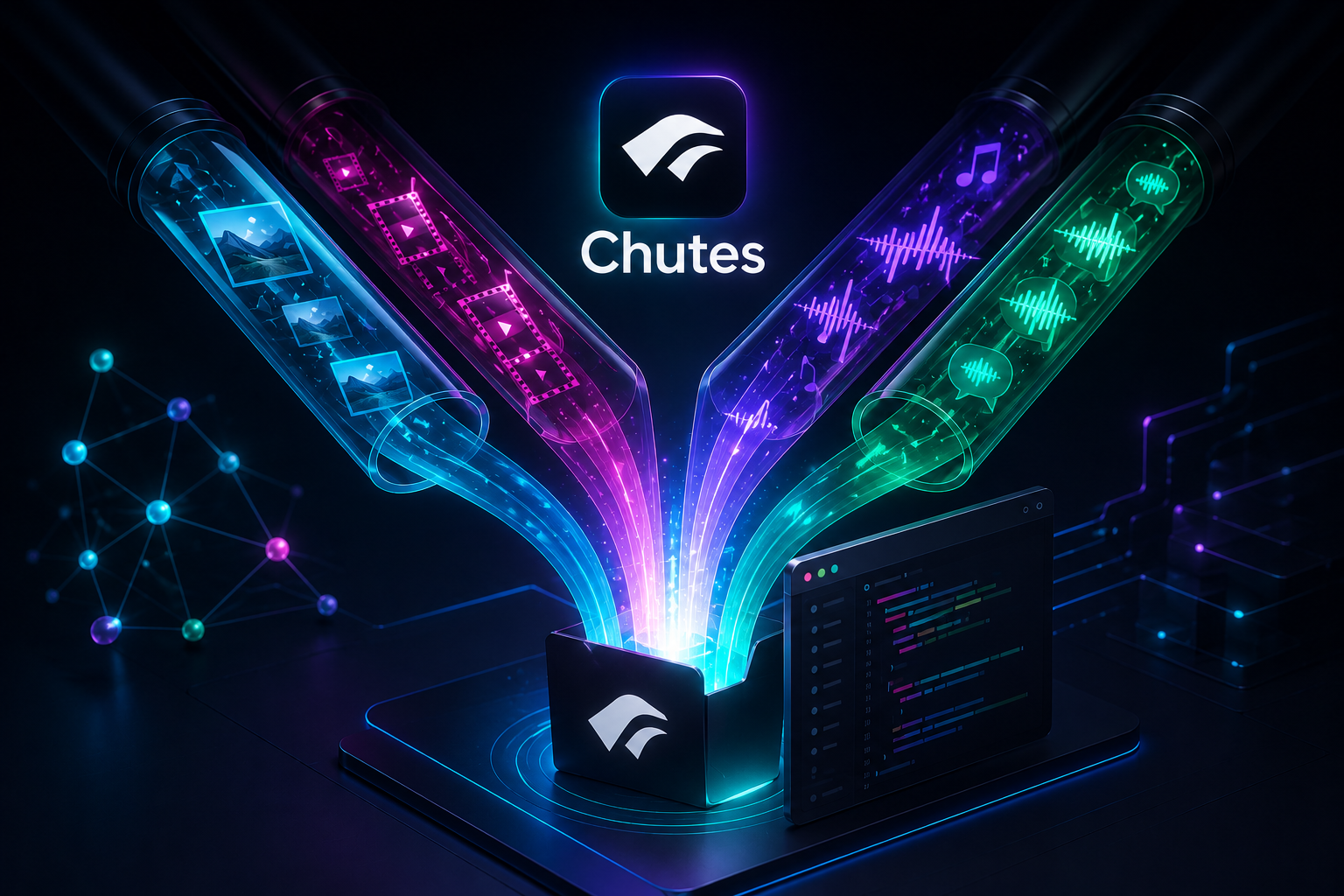
Chutes Media MCP is a Model Context Protocol (MCP) server and command-line interface (CLI) that give coding agents access to Chutes media models. It ships as an MCP server on standard input/output (stdio), a thin CLI for agents without MCP support, and a bundled Agent Skill for the describe-then-generate workflow.
Instead of hardcoding a payload per model, the server fetches the model's live schema and validates each request before spending a GPU call, then writes the asset and a provenance record into your workspace. It works with Claude Code, Cursor, Cline, Windsurf, Codex, OpenCode, and Claude Desktop.
This is an independent community project. It is not affiliated with, sponsored by, or endorsed by Chutes.
Install
Run the server from npm without installing it globally:
npx -y chutes-media-mcp
Install it globally to put both binaries on your path:
npm install -g chutes-media-mcp
Register the server with Claude Code:
claude mcp add chutes-media --env CHUTES_API_KEY=cpk_your_key -- npx -y chutes-media-mcp
For Cursor, Cline, Windsurf, OpenCode, and Claude Desktop, add the mcpServers entry documented in
docs/mcp-and-cli.md. Running from GitHub instead of npm is supported with
npx -y github:TheStreamCode/chutes-media-mcp. Upgrading from 1.x? See
docs/migration-2.0.md.
Quick start
- Create a Chutes API key at chutes.ai and register the server as shown under Install.
- Ask your agent for an asset: "Generate a cinematic hero image of a misty mountain range and save it in this project."
- The agent discovers a suitable model, reads its live schema, validates the payload, and saves the
result under
assets/chutes/image/. The returned path is ready to reference from your code.
The same describe-then-generate flow is available from a shell through the chutes-media CLI. See
docs/mcp-and-cli.md for the tool reference, CLI examples, and image editing.
Features
- Four media kinds (image, video, music, speech), plus image editing when a model exposes an edit
cord such as
img2imgorinpaint. - Live model contract: cords and input schema are fetched at runtime, never hardcoded.
- Payload validation against the live schema before any GPU call is made.
- Workspace-contained file access; existing assets survive unless
overwriteis explicitly set. - A provenance sidecar per asset with model, cord, params, and schema hash.
- Automatic cold-start retry with backoff for models that scale to zero.
- Progress updates for long video and music jobs.
- One shared core, so the MCP server and the CLI behave identically.
Requirements
- Node.js 20.3 or newer for the published server and CLI. Node.js 20 is end-of-life; use Node.js 22 or 24 LTS in production.
- A Chutes API key.
- Contributors using the locked toolchain need Node.js ^20.19.0, >= 22.13.0, or >= 24.
Configuration
| Variable | Required | Default | Purpose |
|---|---|---|---|
CHUTES_API_KEY | Yes | none | Chutes API key. Read from the environment; never written to disk. |
CHUTES_AUTH_SCHEME | No | raw | How the key is sent in Authorization: raw (the key as-is) or bearer (value prefixed with Bearer and a space). On a 401, try the other value. |
CHUTES_API_BASE_URL | No | https://api.chutes.ai | Management API base URL. HTTPS is required except for loopback development; custom endpoints never receive the Chutes API key. |
CHUTES_OUTPUT_DIR | No | assets/chutes | Output directory inside the agent's working directory. A <kind>/ subfolder is appended. |
CHUTES_WARMUP | No | true | Warm models up before invoking them. Set to false to skip warmup. |
CHUTES_COLD_START_RETRIES | No | 4 | Retries when a cold model returns 503 no-instances. 0 disables retries. |
CHUTES_COLD_START_BACKOFF_MS | No | 8000 | Base backoff between cold-start retries; it grows per attempt. |
CHUTES_MAX_ASSET_MB | No | 512 | Maximum response or local input asset size kept in memory. The maximum is 4096. |
CHUTES_PROGRESS_INTERVAL_MS | No | 5000 | How often progress heartbeats are emitted while a call blocks. |
CHUTES_ALLOW_UNKNOWN_PARAMS | No | false | When true, accept parameters that are not in the model schema. The default rejects them so a renamed field fails loudly. |
CHUTES_PROVENANCE | No | true | Write a <asset>.json sidecar with model, cord, params, and schema hash. Set to false to disable. |
Generated assets are saved under ./assets/chutes/<kind>/, relative to wherever the agent runs, so
they land inside the project. Output traversal and symlink escapes are rejected, and existing files
are preserved unless overwrite is enabled.
Privacy and security
The API key is read from CHUTES_API_KEY and kept in memory. Credential-bearing requests go only to
HTTPS Chutes hosts, remote asset URLs are screened against private-network destinations, and file
access is contained to the workspace. Query strings and fragments are removed from network-error
messages so signed asset URLs do not end up in logs. The project collects no telemetry. See
SECURITY.md for reporting.
Troubleshooting
A Chutes request returns 401
The key is missing, invalid, or sent with the wrong authentication scheme. Confirm CHUTES_API_KEY
is set for the process that launches the server, then set CHUTES_AUTH_SCHEME to bearer or raw,
whichever differs from the current value.
A model returns 503 no-instances
The model is scaled to zero and Chutes has no instance ready. The server retries automatically;
raise CHUTES_COLD_START_RETRIES and CHUTES_COLD_START_BACKOFF_MS if the delay is too short, or
pick another model of the same kind.
Generation fails with an unknown or rejected parameter
The live model schema changed or the parameter name is wrong. Call describe_media_model again and
rebuild the payload from the current schema. CHUTES_ALLOW_UNKNOWN_PARAMS=true is a temporary
workaround, not a fix.
An asset write is rejected
Every input and output path must resolve inside the current workspace, and an existing file is not
replaced implicitly. Pass the explicit overwrite option (or --overwrite in the CLI) after
checking the target path.
Development
Requirements: Node.js ^20.19.0, >= 22.13.0, or >= 24 with npm.
git clone https://github.com/TheStreamCode/chutes-media-mcp
cd chutes-media-mcp
npm ci
npm run check
npm run check runs the format check, lint, type check, coverage tests, and the build.
CONTRIBUTING.md covers the Windows path caveat and the opt-in live tests.
Support
Ask usage questions in GitHub Discussions,
report reproducible defects in GitHub Issues,
and report vulnerabilities privately as described in SECURITY.md.
Contributing
See CONTRIBUTING.md. Pull requests must pass the required CI checks.
License
MIT — see LICENSE. Third-party notices are in NOTICE.
Maintained by Michael Gasperini (Mikesoft). If this project is useful to you, consider sponsoring its maintenance.
Comments
New to MCP?
From what the protocol is to installing your first server, these answers cover most first questions.
An open protocol that defines how AI applications connect to external tools and data in a uniform way. Clients talk to the model; MCP servers provide tools, resources and prompt templates. They exchange standard messages, so one server can be reused by many clients.