
About Craftwire
Craftwire is an MCP server hub that lets AI agents inspect and control Minecraft Fabric clients and Paper servers. It combines in-game interaction with server administration, plugin testing, bots, and profiling, and supports additional tools from plugins and mods.
Key features
- 01View screenshots, HUD, and game interfaces
- 02Send chat, input, and GUI clicks
- 03Run Paper commands and inspect worlds
- 04Test plugins with JSON scenarios
- 05Use pathfinding bots and performance profiling
Use cases
- 01Interact with Minecraft through an AI agent
- 02Debug Paper plugins and server errors
- 03Run repeatable plugin scenario tests
- 04Find performance bottlenecks in mods or plugins
MCP support
Exposes Minecraft client and server operations as tools for MCP clients. It runs over stdio, or over HTTP with a token when sharing a hub.
Configuration
Local server config is the same for every client. Copy it into your client’s MCP config file.
Tools
33Saved tool list · updated 2w ago
This tool takes no parameters.
Details
From the project README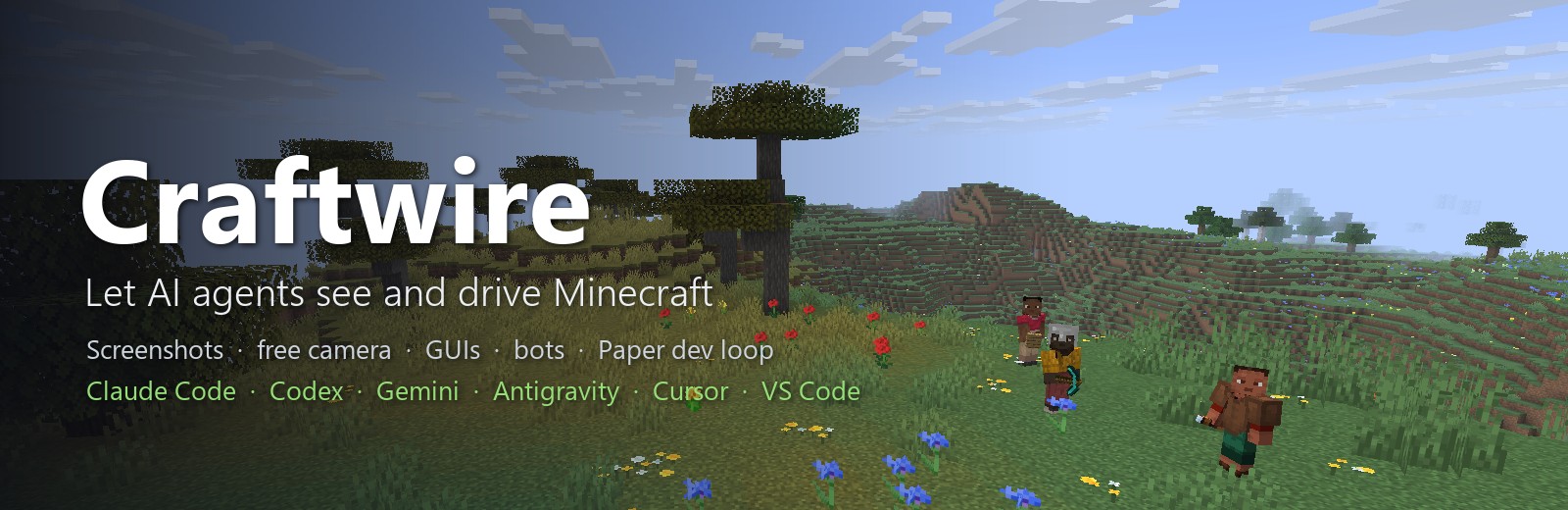
craftwire
This package is the MCP server (hub) of Craftwire. It lets AI agents see and drive Minecraft:
- On a Fabric client: screenshots, a free camera, reading and clicking GUIs, chat, input and the HUD.
- On a Paper server: console commands, JavaScript against the Bukkit API, world reads, edits and images, every event that fires, exceptions grouped into bugs, logs and plugin control.
- A plugin dev loop, server-side bots that find their own path, and plugin tests written as JSON scenarios (
npx craftwire test). - Profiling: which plugin or mod, listener and method makes the server or the game lag, and exact call times for one method.
- Plugins and mods can add their own tools.
Minecraft 26.2 & 26.3 · Fabric client · Paper server · MIT · by UXPLIMA
Set up your AI client
npx craftwire setup            # lists the clients found on this computer
npx craftwire setup codex      # or: gemini, antigravity, cursor, windsurf, vscode, claude-desktop
setup adds the craftwire entry to the client's MCP config. It leaves the other entries alone and backs the file up as .bak first. For Codex and Gemini CLI it also installs Craftwire's skills. --dry-run shows the change without writing it.
Claude Code uses the plugin instead:
/plugin marketplace add uxplima/craftwire
/plugin install craftwire@uxplima
Any other MCP client runs it over stdio:
{ "mcpServers": { "craftwire": { "command": "npx", "args": ["-y", "craftwire"] } } }
On Windows, use "command": "cmd", "args": ["/c", "npx", "-y", "craftwire"].
Add the game side
Get both jars from Releases:
craftwire-agent-fabric-<version>.jar: put it in your Fabric profile'smods/folder, with Fabric API.craftwire-paper-<version>.jar: put it in a Paper server'splugins/folder.
Both connect to the hub on their own. The hub listens on 127.0.0.1 only and writes a token to ~/.craftwire/hub.json. Use one AI client with Craftwire at a time, or run npx craftwire serve (MCP over HTTP with a token) to share one hub between several clients.
No game open? The client_process tool starts a hidden client the hub runs itself. It downloads Minecraft and Fabric from their official servers on first use, then joins your dev server, which needs online-mode=false, or opens a singleplayer world.
Troubleshooting: npx craftwire doctor. Add --server <folder> to check a server folder too.
Docs, tools and the protocol: https://github.com/uxplima/craftwire
Comments
New to MCP?
From what the protocol is to installing your first server, these answers cover most first questions.
An open protocol that defines how AI applications connect to external tools and data in a uniform way. Clients talk to the model; MCP servers provide tools, resources and prompt templates. They exchange standard messages, so one server can be reused by many clients.