
About youtube_mcp
A YouTube transcription MCP server that serves transcripts over an SSE endpoint to MCP clients. It is intended for users who want to bring video transcripts into Claude Desktop or similar clients.
Key features
- 01YouTube video transcription
- 02SSE endpoint for remote client access
- 03Docker Compose based deployment
- 04Access protected by a generated MCP key
Use cases
- 01Turning YouTube videos into text for an AI client to analyze
- 02Running a self-hosted transcription service on a server
MCP support
The server exposes transcription through an SSE endpoint, which MCP clients such as Claude Desktop can reach via mcp-remote.
Configuration
Local server config is the same for every client. Copy it into your client’s MCP config file.
Tools
Local servers expose tools only once running on your machine, and the maintainer has not provided a tool list.
Details
From the project READMEyoutube_mcp
Youtube transcribation MCP server
Demo Video
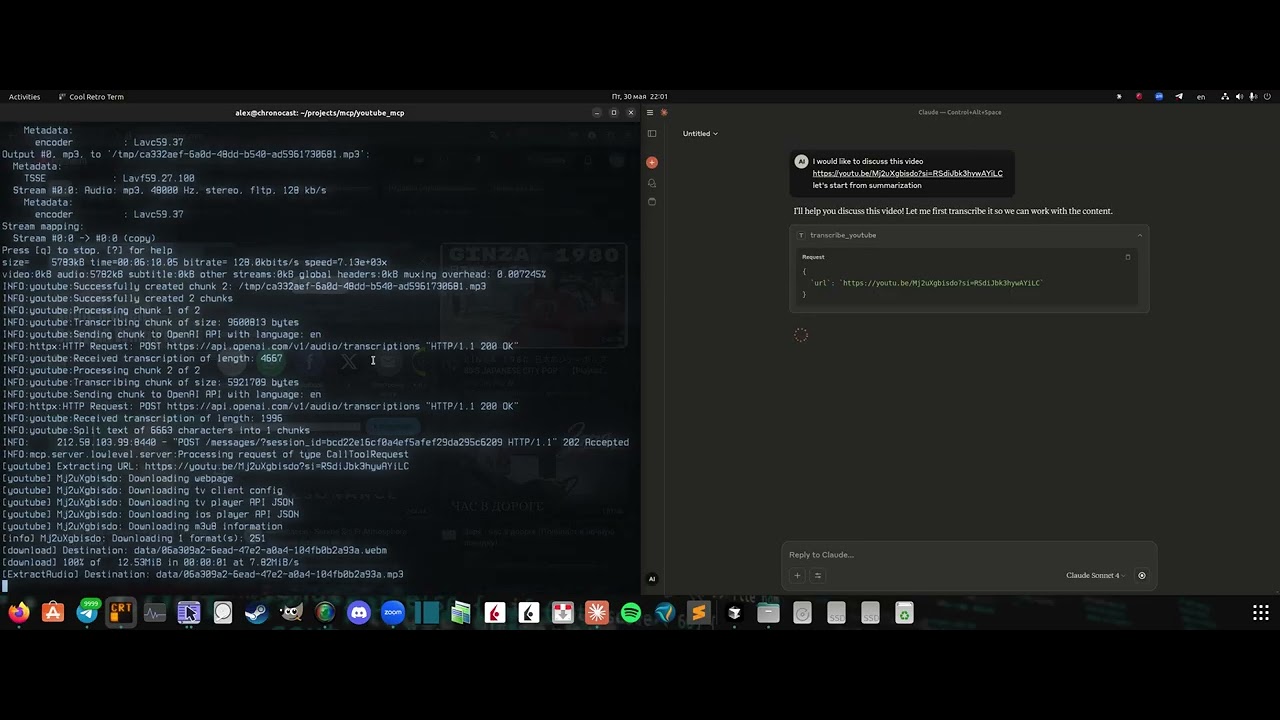
Click the image above to watch the demo video
Requirements:
- OpenAI API key
- Cookies
Server installation
- Clone the repo:
git clone https://github.com/format37/youtube_mcp.git
cd youtube_mcp
nano .env
- Extract your cookies. See cookies.md
Place cookies.txt in the ./mcp/ folder. - Generate MCP_KEY:
python token_generator.py
- Define .env:
CONTAINER_NAME=youtube_mcp_main
PORT=7001
MCP_KEY=YOUR-MCP-KEY
OPENAI_API_KEY=YOUR-OPENAI-KRY
- Provide run access
sudo chmod +x compose.sh
sudo chmod +x logs.sh
sudo chmod +x update.sh
- Run
./compose.sh
- Check that port is opened for incoming connections.
Client configuration
- Add Bybit server to the Claude desktop config: Example:
{
    "mcpServers": {
      "youtube": {
        "command": "npx",
        "args": [
          "mcp-remote",
          "http://localhost:7001/sse",
          "--header",
          "Authorization:YOUR-TOKEN",
          "--allow-http"
        ],
        "disabled": false
      }
    }
}
Client side
4. Restart Claude desktop
5. Check that tws tools are listed in the tools list. Ask Claude to check ibkr account
Comments
New to MCP?
From what the protocol is to installing your first server, these answers cover most first questions.
An open protocol that defines how AI applications connect to external tools and data in a uniform way. Clients talk to the model; MCP servers provide tools, resources and prompt templates. They exchange standard messages, so one server can be reused by many clients.