
About nano-banana
A CLI skill for generating and editing images with Google Gemini image models through the `belt` CLI. It supports prompt-based generation, image inputs, and configurable output options.
Key features
- 01Generate images from prompts
- 02Edit images using input images
- 03Choose image count and aspect ratio
- 04Set output format and resolution
- 05Enable Google Search grounding
Use cases
- 01Create illustrations from text prompts
- 02Modify an existing image
- 03Generate images in a chosen aspect ratio
Install
Copy the command and run it in a terminal.
npx skills add https:/After installing, type/nano-bananain Claude Code to confirm it loaded.
Details
From the project READMEInstall the belt CLI skill:
npx skills add belt-sh/cli
Nano Banana - Gemini Native Image Generation
Generate images with Google Gemini native image models via inference.sh CLI.
Quick Start
Requires inference.sh CLI (
belt). Install instructions
belt login

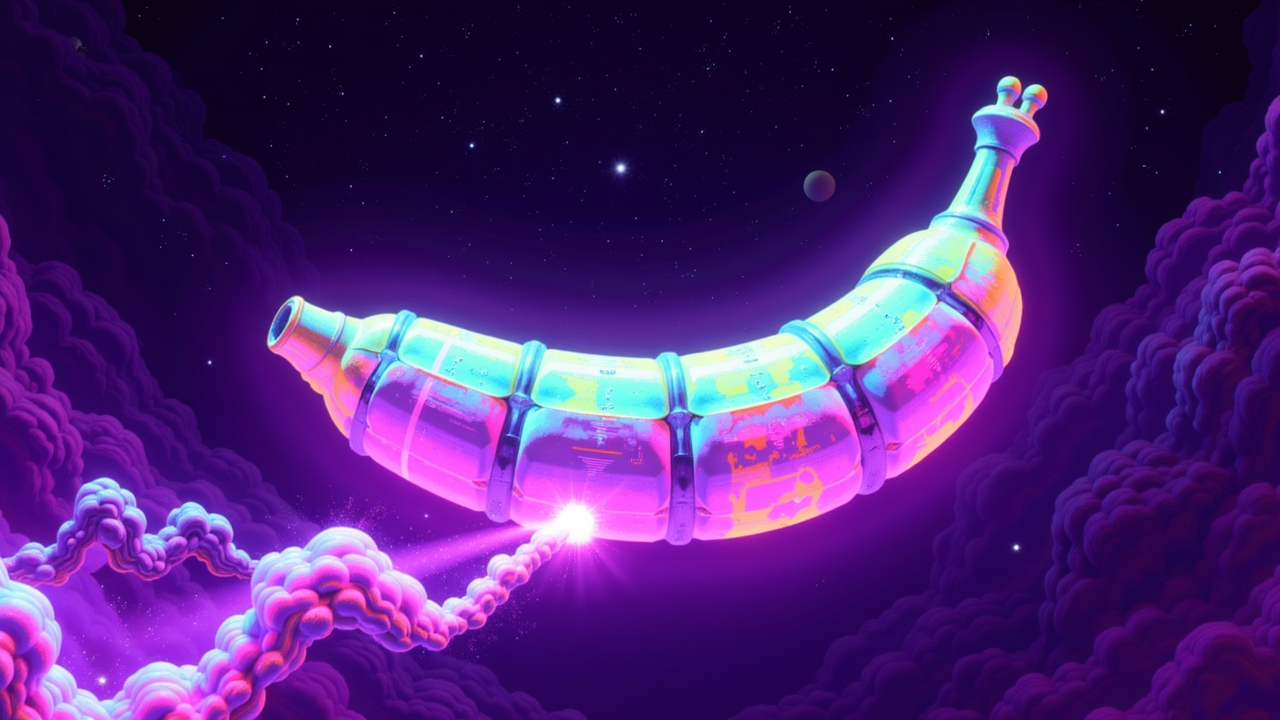
belt app run google/gemini-3-pro-image-preview --input '{"prompt": "a banana in space, photorealistic"}'
Models
| Model | App ID | Speed | Quality |
|---|---|---|---|
| Gemini 3 Pro Image | google/gemini-3-pro-image-preview | Slower | Best |
| Gemini 2.5 Flash Image | google/gemini-2-5-flash-image | Fast | Excellent |
Search Gemini Image Apps
belt app search "gemini image"
Examples
Basic Text-to-Image
belt app run google/gemini-3-pro-image-preview --input '{
  "prompt": "A futuristic cityscape at sunset with flying cars"
}'
Multiple Images
belt app run google/gemini-2-5-flash-image --input '{
  "prompt": "Minimalist logo design for a coffee shop",
  "num_images": 4
}'
Custom Aspect Ratio
belt app run google/gemini-3-pro-image-preview --input '{
  "prompt": "Panoramic mountain landscape with northern lights",
  "aspect_ratio": "16:9"
}'
Image Editing (with input image)
belt app run google/gemini-2-5-flash-image --input '{
  "prompt": "Add a rainbow in the sky",
  "images": ["https://example.com/landscape.jpg"]
}'
High Resolution (4K)
belt app run google/gemini-3-pro-image-preview --input '{
  "prompt": "Detailed illustration of a medieval castle",
  "resolution": "4K"
}'
With Google Search Grounding
belt app run google/gemini-3-pro-image-preview --input '{
  "prompt": "Current weather in Tokyo visualized as an artistic scene",
  "enable_google_search": true
}'
Input Options
| Parameter | Type | Description |
|---|---|---|
prompt | string | Required. What to generate or change |
images | array | Input images for editing (up to 14) |
num_images | integer | Number of images to generate |
aspect_ratio | string | Output ratio: "1:1", "16:9", "9:16", "4:3", "3:4", "auto" |
resolution | string | "1K", "2K", "4K" (Gemini 3 Pro only) |
output_format | string | Output format for images |
enable_google_search | boolean | Enable real-time info grounding |
Prompt Tips
Styles: photorealistic, illustration, watercolor, oil painting, digital art, anime, 3D render
Composition: close-up, wide shot, aerial view, macro, portrait, landscape
Lighting: natural light, studio lighting, golden hour, dramatic shadows, neon
Details: add specific details about textures, colors, mood, atmosphere
Sample Workflow
# 1. Generate sample input to see all options
belt app sample google/gemini-3-pro-image-preview --save input.json

# 2. Edit the prompt
# 3. Run
belt app run google/gemini-3-pro-image-preview --input input.json
Related Skills
# Full platform skill (all apps)
npx skills add inference-sh/skills@infsh-cli

# All image generation models
npx skills add inference-sh/skills@ai-image-generation

# Video generation (for image-to-video)
npx skills add inference-sh/skills@ai-video-generation
Browse all image apps: belt app list --category image
Documentation
- Running Apps - How to run apps via CLI
- Streaming Results - Real-time progress updates
- File Handling - Working with images