
关于 drawspec
drawspec 将语义化 JSON 描述转换为无需坐标的图表,面向语言模型和需要稳定图表输出的作者。它支持多种图表类型,并可验证描述,再生成 SVG、PNG 或纯文本。
主要功能
- 01无需坐标的 JSON 图表描述
- 02支持 30 多种图表类型
- 03验证错误定位到 JSON 字段
- 04生成 SVG、PNG 和纯文本
- 05通过 TOML 或 CSS 设置主题
适用场景
- 01根据 JSON 规格渲染流程图
- 02验证模型生成的图表描述
- 03无需手动定位元素即可创建时序图
- 04为终端或代码块输出文本图表
MCP 相关
可选的 drawspec-mcp 包提供列出图表类型、获取示例和 Schema、验证文档及渲染图表的工具。验证错误以结构化数据返回,供客户端处理。
配置
本地服务的配置在各客户端中通用,复制后粘贴到客户端的 MCP 配置文件即可。
工具
5收录的工具列表 · 更新于 1 周前
此工具无需参数。
详细介绍
 drawspec




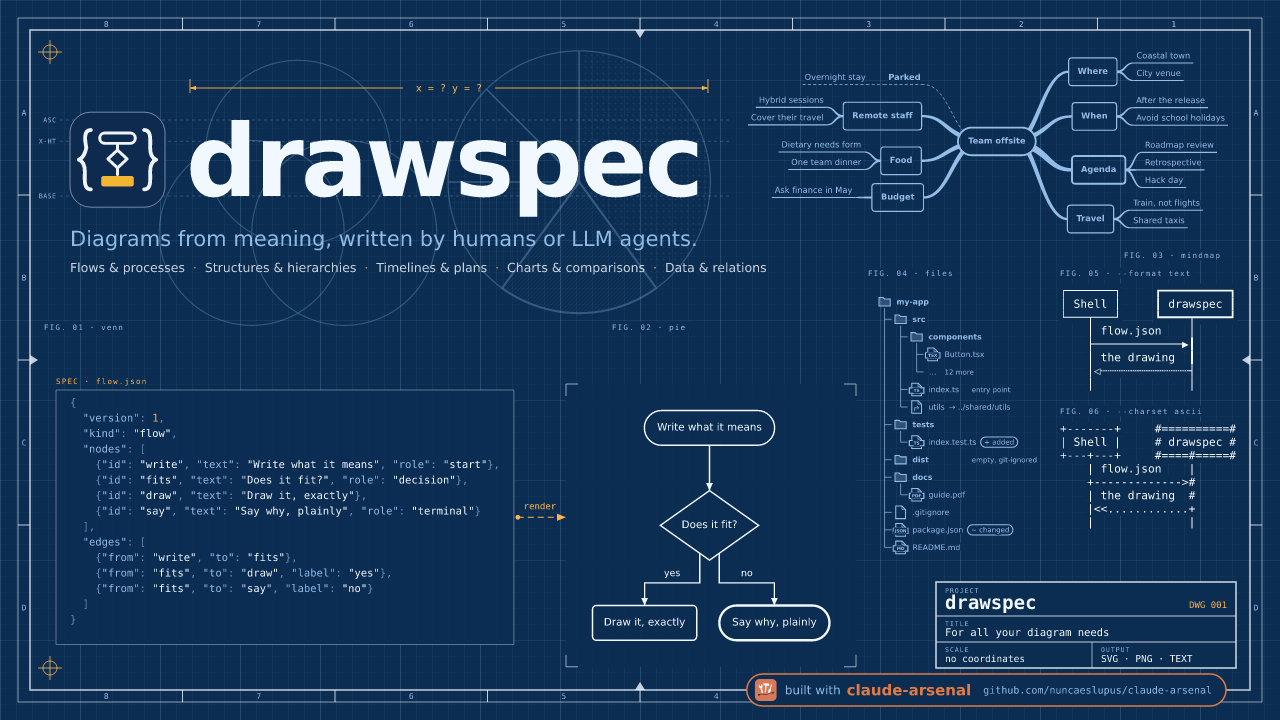
根据 JSON 描述绘制图表——无需坐标,不会放错位置。 你只需描述图表的含义:方框、箭头、标签,以及它们各自的角色。drawspec 会决定每个元素的位置、大小、路径和颜色,并绘制出简洁的 SVG、PNG 或纯文本图表。
它首先是为大模型打造的。手写 SVG 的 LLM 能写对内容,却常常放错位置——箭头没指到方框、文本溢出、线条未能接上。drawspec 文档没有容易写错的 x、y 或字体大小字段:这些字段会被拒绝,任何错误都会返回并准确指出问题字段,让模型修正后重试。
pip install drawspec
drawspec render diagram.json -o diagram.svg
示例
你编写:
{
  "$schema": "https://nuncaeslupus.github.io/drawspec/schema/drawspec-v1.schema.json",
  "version": 1,
  "kind": "flow",
  "title": "The nightly import",
  "description": "The vendor's export is fetched, checked and loaded into staging before it replaces the live table; a timeout and a deadlock are each retried in place.",
  "nodes": [
    {"id": "fetch", "text": "Fetch the vendor's export", "role": "start"},
    {"id": "check", "text": "Do the row counts match?", "role": "decision"},
    {"id": "load", "text": "Load into staging"},
    {"id": "page", "text": "Page the data owner", "role": "terminal"},
    {"id": "swap", "text": "Swap staging into live", "role": "terminal"}
  ],
  "edges": [
    {"from": "fetch", "to": "fetch", "label": "timed out: retry"},
    {"from": "fetch", "to": "check"},
    {"from": "check", "to": "load", "label": "yes"},
    {"from": "check", "to": "page", "label": "no"},
    {"from": "load", "to": "load", "label": "deadlock: retry"},
    {"from": "load", "to": "swap"}
  ]
}
drawspec 绘制:

同一文档也可以输出为文本,适用于终端、提交消息或代码块
(--format text --charset ascii):
             *---------------------------*
             | Fetch the vendor's export +-+ timed out: retry
             |                           |<+
             *-------------+-------------*
                           |
                           v
                       +--------------------------+
                       < Do the row counts match? >
                       ++-------------------+-----+
                        | yes               | no
                   +----+                   |
                   v                        v
+-------------------+                      .---------------------.
| Load into staging +-+ deadlock: retry    ( Page the data owner )
|                   |<+                    '---------------------'
+---------+---------+
          |
          v
       .------------------------.
       ( Swap staging into live )
       '------------------------'
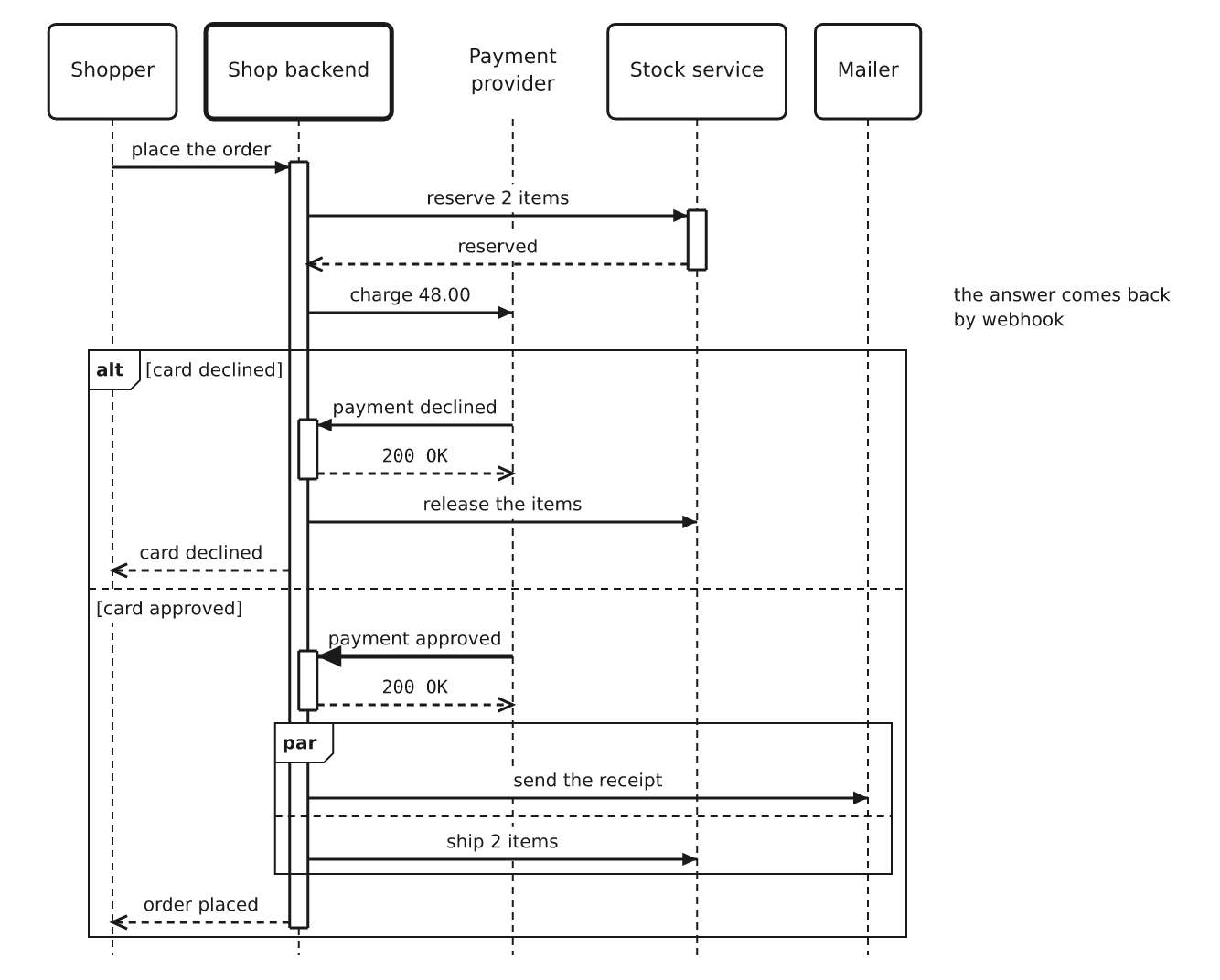
序列图也同样简单——只需按顺序列出参与者和消息; 激活条、箭头和间距都会自动处理:
{
  "version": 1,
  "kind": "sequence",
  "title": "Resolving a name the first time",
  "caption": "Nothing is cached yet, so the resolver walks the hierarchy from the top.",
  "participants": [
    {"id": "laptop", "text": "Laptop"},
    {"id": "resolver", "text": "Recursive resolver", "role": "emphasis"},
    {"id": "root", "text": "Root server"},
    {"id": "tld", "text": "`.org` server"},
    {"id": "auth", "text": "Authoritative server"}
  ],
  "messages": [
    {"from": "laptop", "to": "resolver", "text": "where is `wiki.example.org`?"},
    {"from": "resolver", "to": "root", "text": "where is `wiki.example.org`?"},
    {"from": "root", "to": "resolver", "text": "ask the `.org` servers", "role": "weak"},
    {"from": "resolver", "to": "tld", "text": "where is `wiki.example.org`?"},
    {"from": "tld", "to": "resolver", "text": "ask `ns1.example.org`", "role": "weak"},
    {"from": "resolver", "to": "auth", "text": "where is `wiki.example.org`?"},
    {"from": "auth", "to": "resolver", "text": "`203.0.113.7`", "role": "weak"},
    {"from": "resolver", "to": "resolver", "text": "cache it for the TTL", "note": "the next lookup stops here"},
    {"from": "resolver", "to": "laptop", "text": "`203.0.113.7`", "role": "weak"}
  ]
}

30 多种图表类型
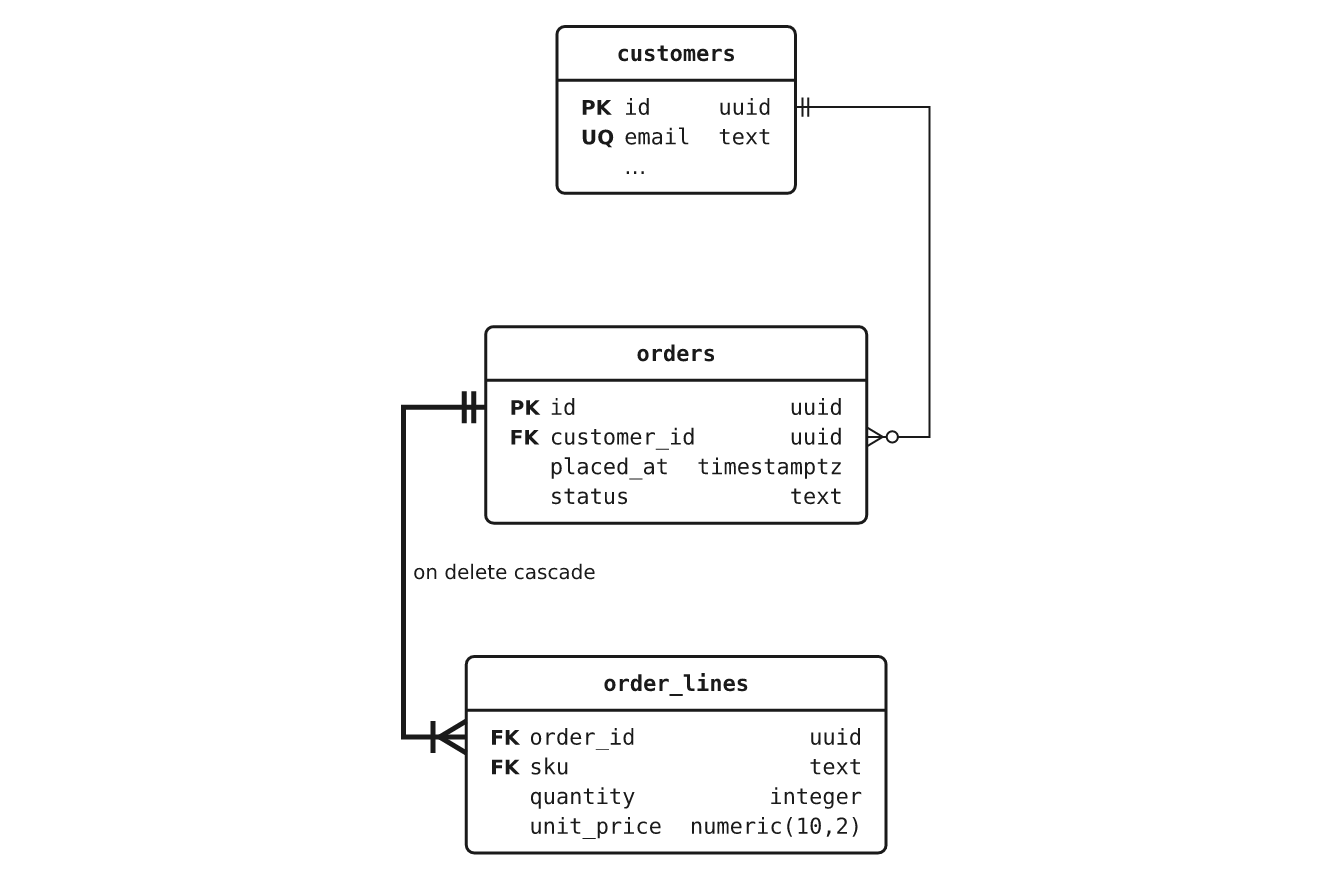
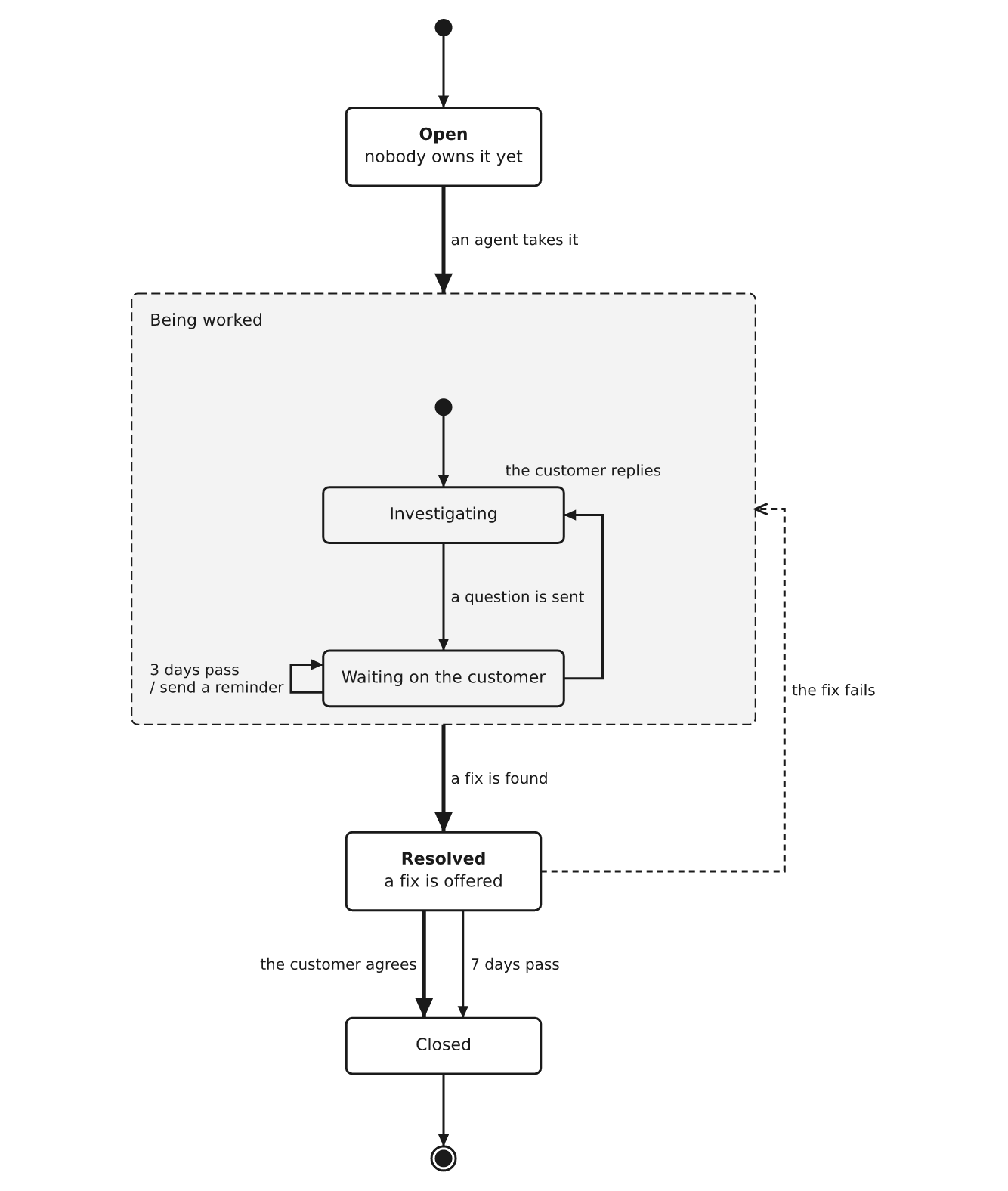
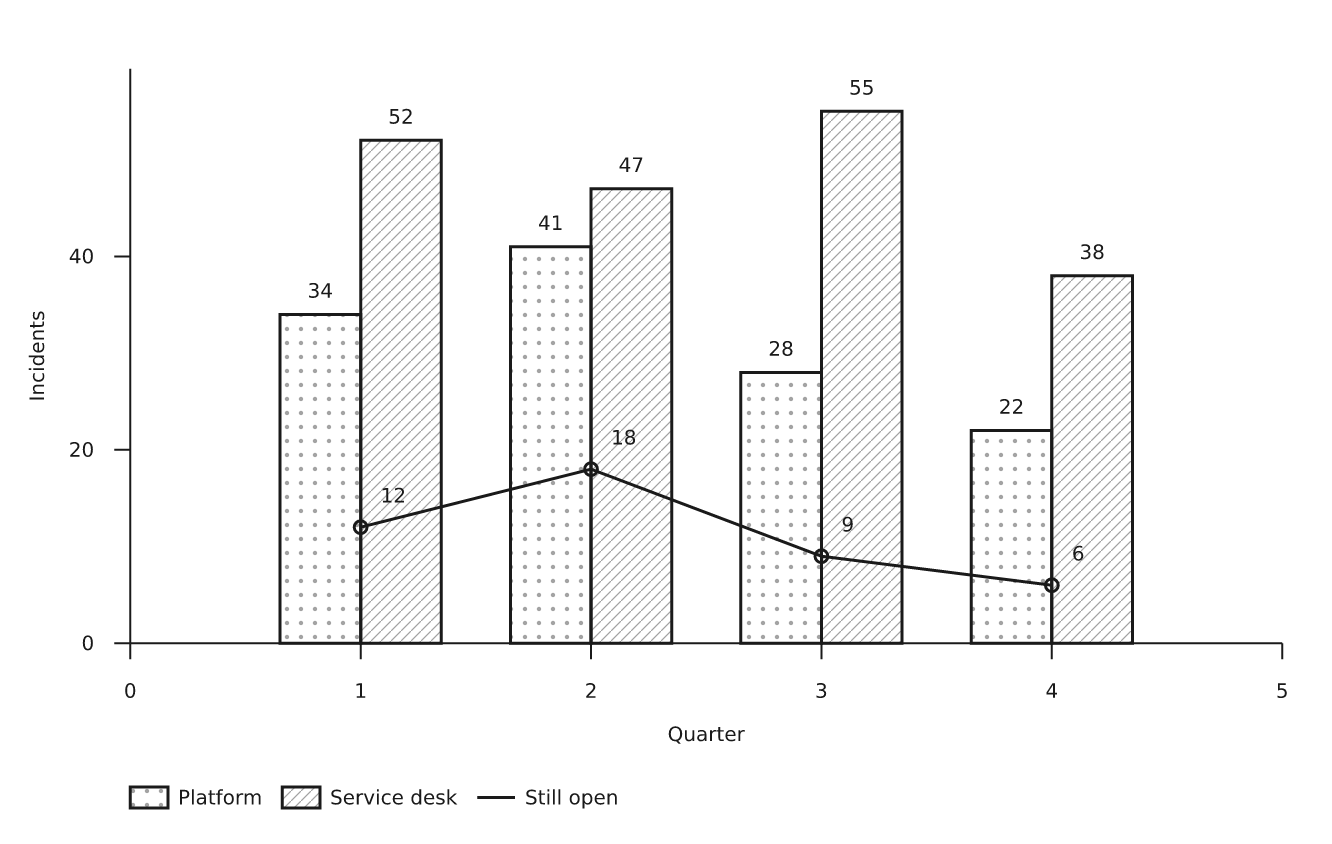
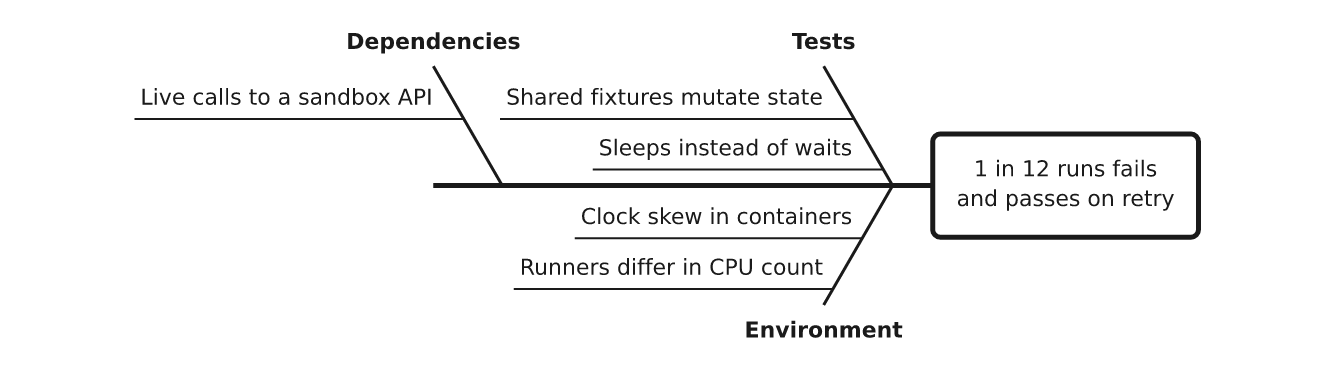
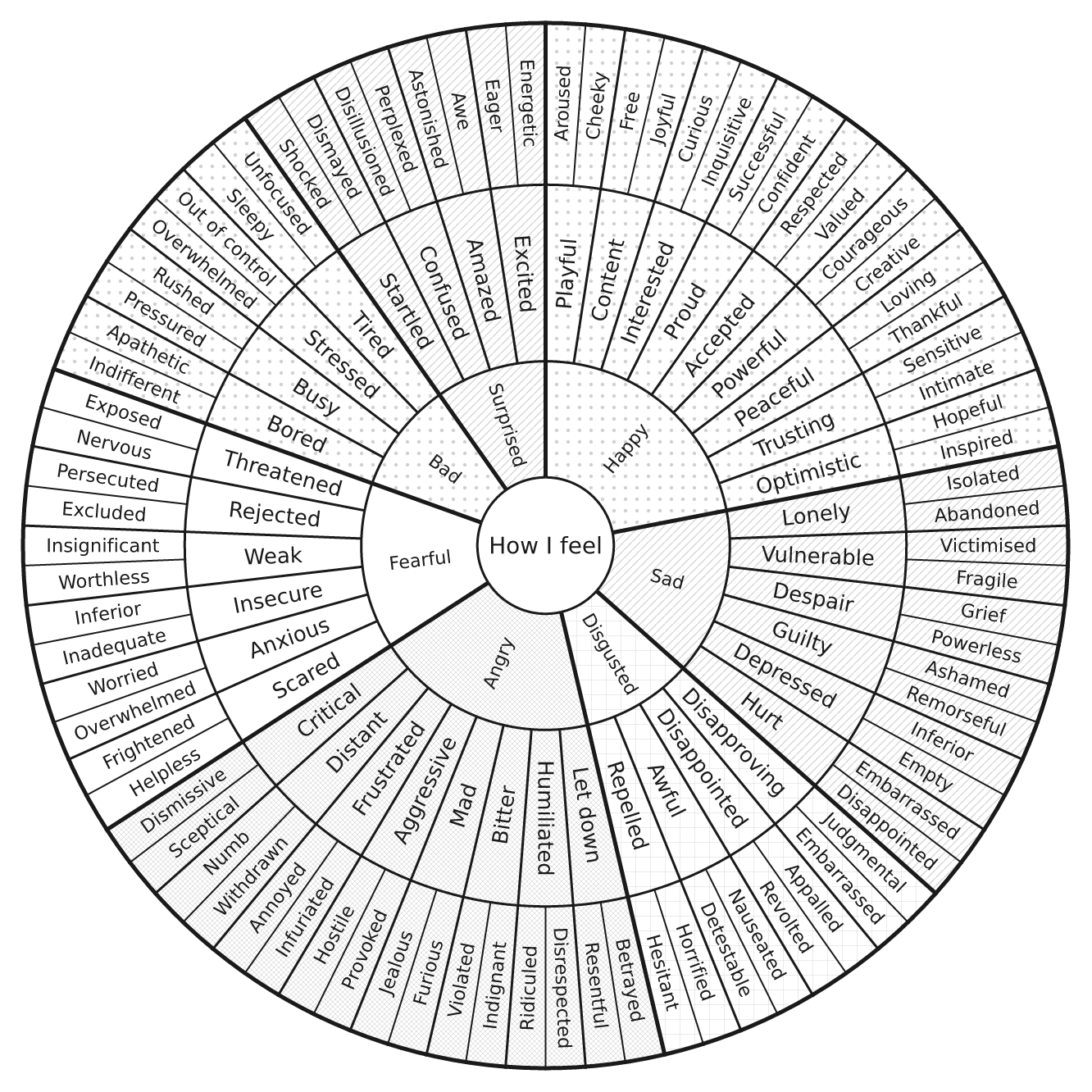
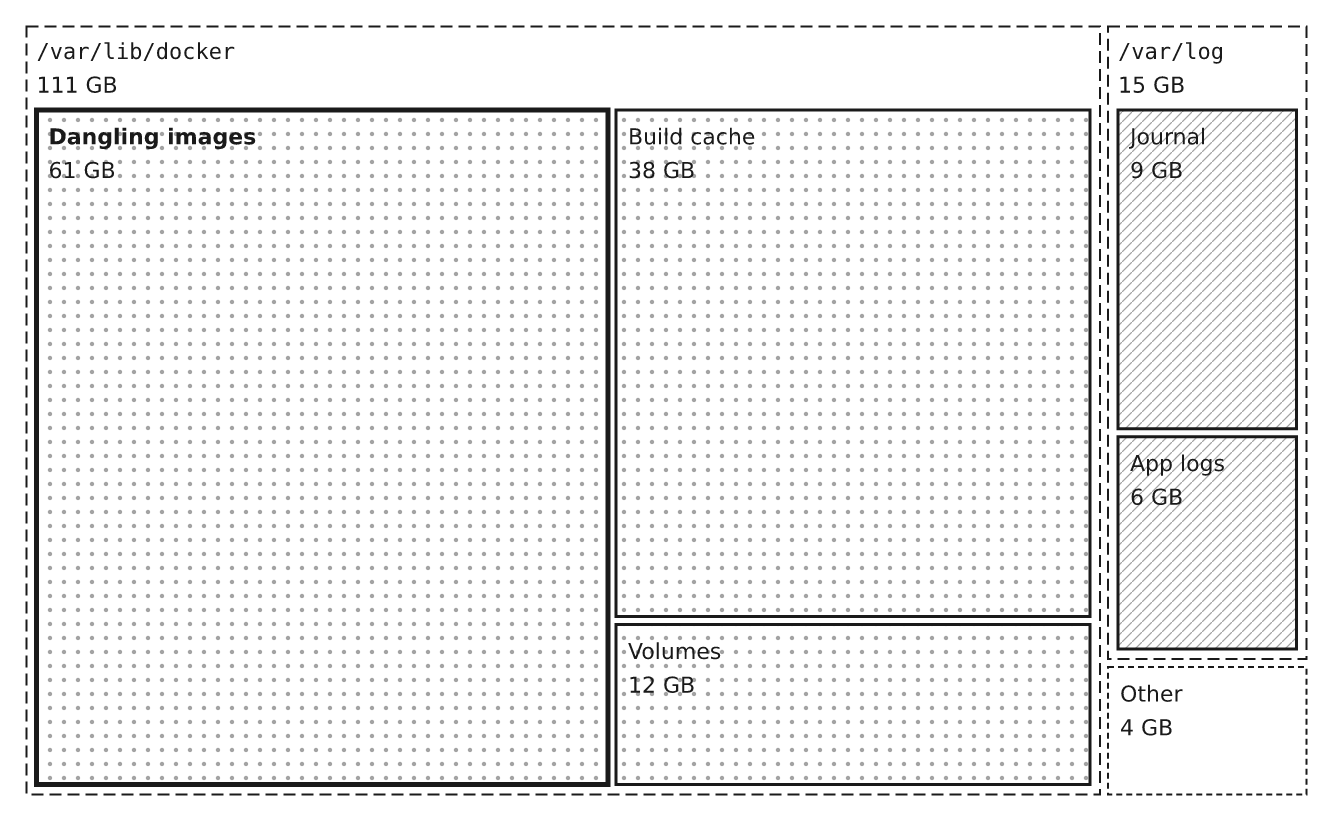
流程图、序列图、状态机、ER 图和类图、甘特图、泳道图、思维导图、时间线、维恩图、桑基图、矩形树图、饼图和条形图、看板、鱼骨图、家谱、文件树等——一种格式即可绘制所有图表。点击图表可查看大图,点击类型名称可查看其源代码——代码全部公开。
sequence | entities | states |
|---|---|---|
 |
 |
 |
gantt | mindmap | sankey |
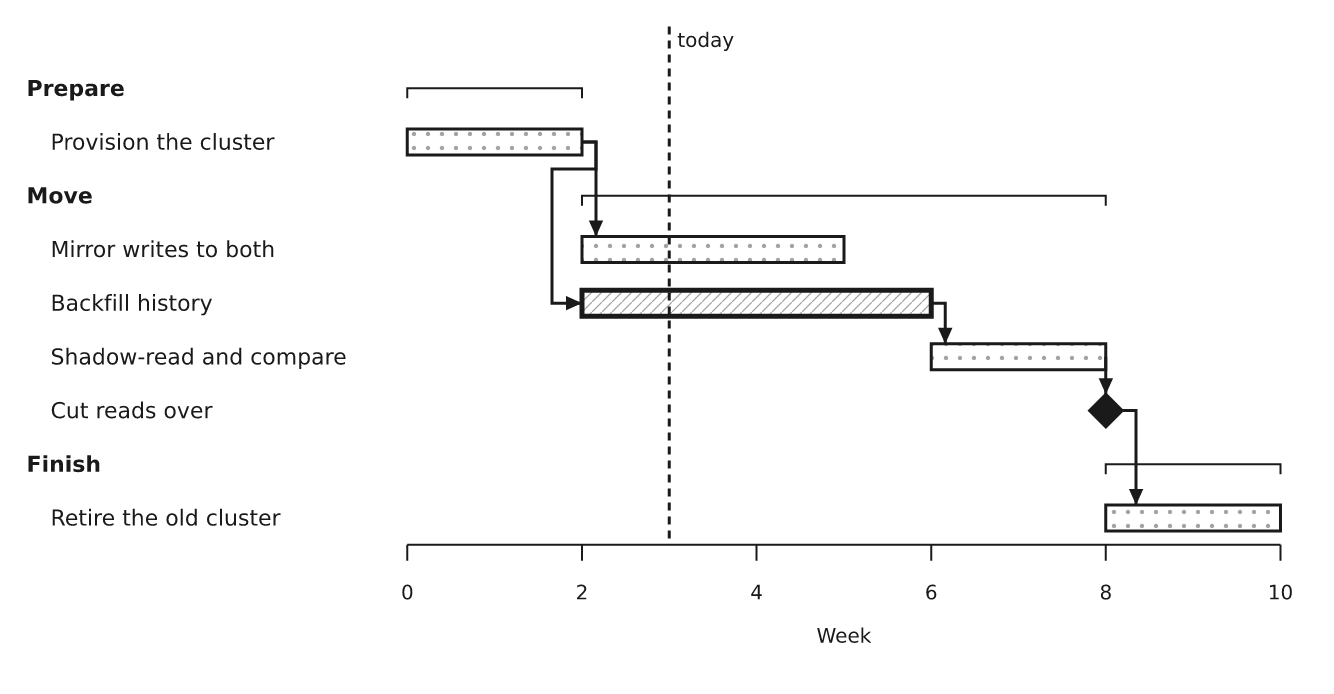 |
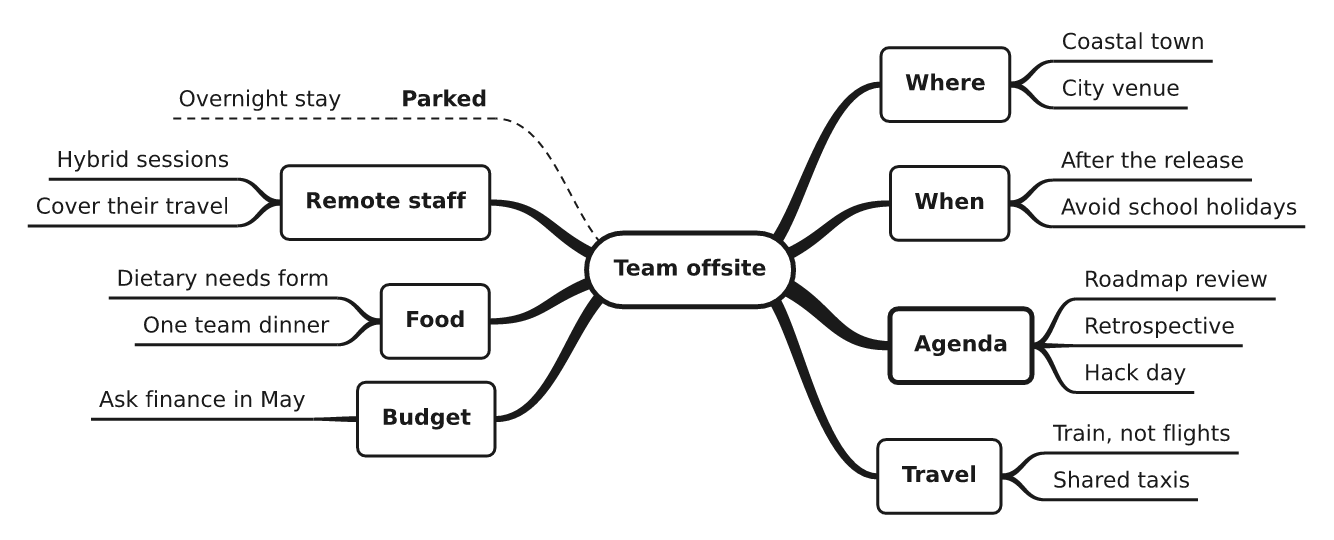 |
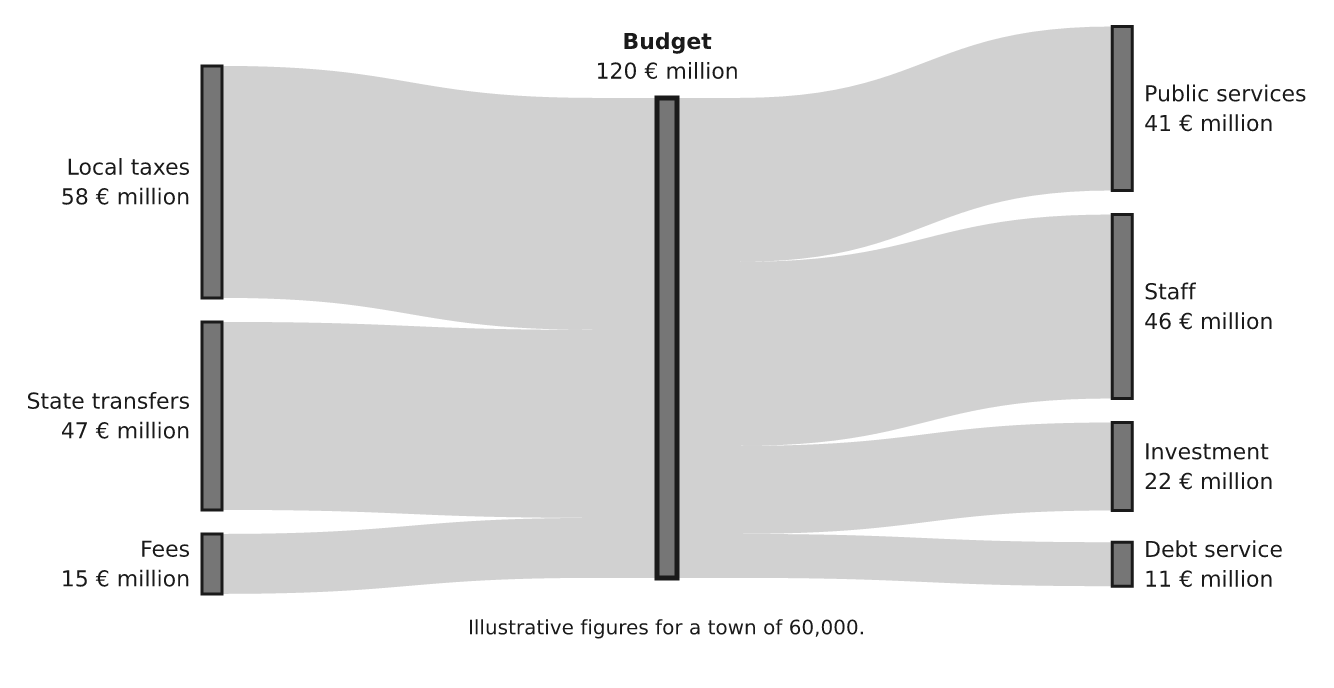 |
venn | chart | fishbone |
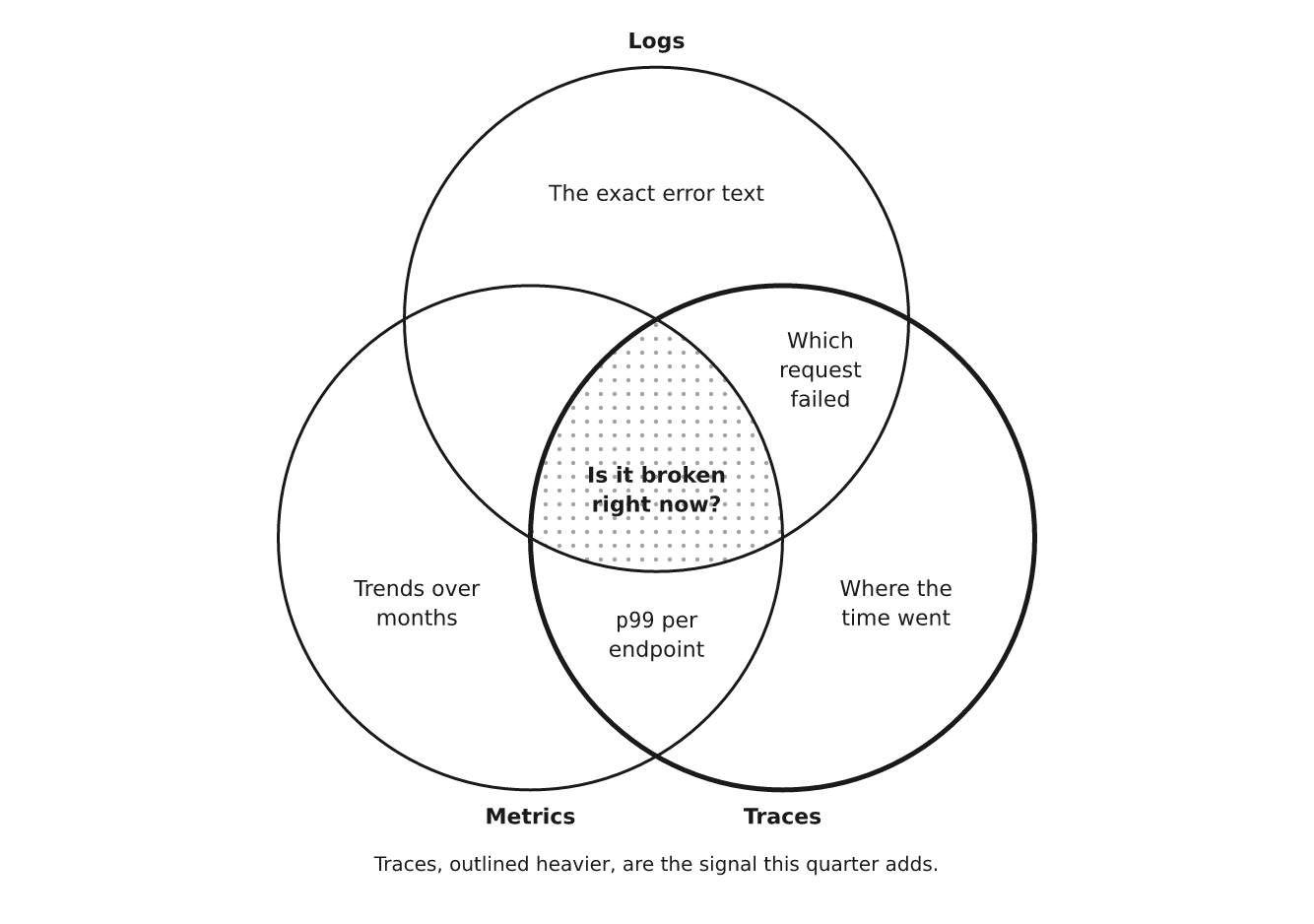 |
 |
 |
sunburst | treemap | pie |
 |
 |
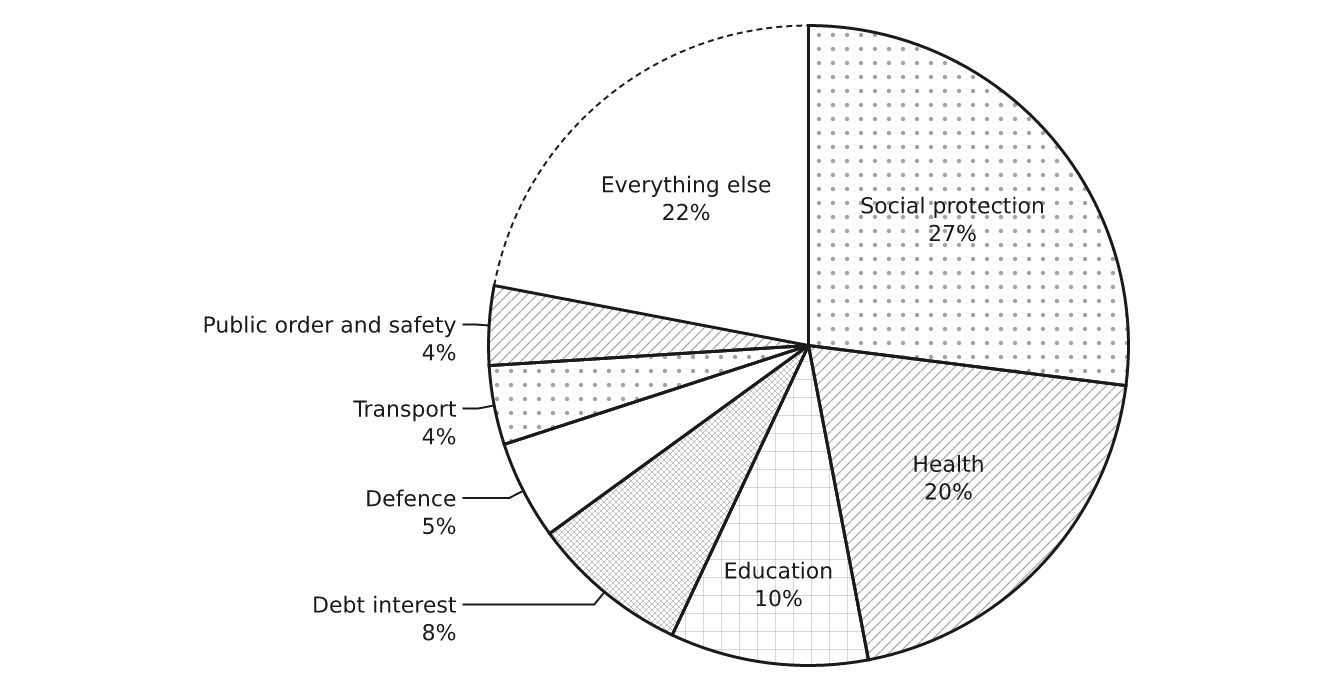 |
完整列表:flow · tree · cycle · stack · timeline · columns ·
matrix · pyramid · rings · funnel · chart · quadrant · scatter ·
curve · files · states · sequence · lanes · entities · gantt ·
board · fishbone · venn · journey · treemap · sankey · numberline ·
barmodel · waterfall · pie · mindmap · argument · familytree ·
meter · rag · clock · sunburst。每种都有一个示例,见 docs/reference,
图集
(docs/gallery/index.html)会绘制所有图表。
在大模型中使用
- MCP 服务 —
pip install 'drawspec[mcp]'会安装drawspec-mcp,其中包含工具list_kinds、get_example、get_schema、validate_document和render_document。出错时会返回模型可据此采取操作的数据:{"pointer": "/edges/0/to", "message": …}。 请参阅指南。 AGENTS.md— 一页涵盖完整格式,专为模型一次读完而编写:适用的图表类型、大小限制、角色、示例,以及 各种错误的含义。llms.txt为其编制索引。- Agent Skill — 将
skills/drawspec/复制到你的 skills 目录。 - JSON Schema — 在文档中加入
"$schema": "https://nuncaeslupus.github.io/drawspec/schema/drawspec-v1.schema.json"即可在编辑器中输入时获得补全和错误提示,也可在结构化输出调用中使用。
典型工作流程:模型选择一种图表类型,编写 JSON,调用
validate_document,修复报告的问题,然后进行渲染。
你将获得
| 你编写 | drawspec 决定 |
|---|---|
| 节点、边、标签 | 坐标、框大小、画布大小 |
每个节点的语义角色(start、decision、emphasis 等) | 形状、字体、颜色、描边粗细 |
| 图表类型 | 布局、边的路由、箭头、标签位置 |
- SVG 可直接嵌入 Markdown 或 HTML:它会采用页面的文本颜色,不包含全局样式或可能冲突的 ID,也绝不单靠颜色传达信息,因此在深色模式和灰度打印中均可使用。
--variant dark=<theme>会添加适配prefers-color-scheme的深色版本。 - PNG 支持浅色、深色或透明背景(
pip install 'drawspec[png]')。 - 纯文本(框线字符或 ASCII),适用于许多类型,包括流程、状态机、时序图、甘特图和文件树。
- 主题:修改一个 TOML 文件,项目中的所有图表都会随之更新。
drawspec theme from site.css可根据你的 CSS 或设计令牌创建主题。 - 设计上易于阅读:每种类型都有大小限制;超过限制时,drawspec 会建议你拆分图表,而不是绘制过于密集的图表。
命令行
drawspec render diagram.json -o diagram.svg          # or to stdout
drawspec render diagram.json -o diagram.png          # needs drawspec[png]; --background dark, --scale 3
drawspec render diagram.json --theme blueprint -o sheet.png
drawspec render diagram.json --format text           # 80 columns; --charset ascii
drawspec validate diagram.json                       # every error, by JSON pointer
drawspec theme from site.css -o house.toml           # a theme from your CSS
drawspec schema --out drawspec-v1.schema.json        # for editor completion
它不是什么
- 不是图布局引擎。 对于包含数百个节点的图,请使用 Graphviz。
- 不是绘图库。
chart用于展示你已知的少量数值;它不支持统计、日期、对数刻度或交互。 - 不是绘图程序。 对于重点在于事物位置的内容——例如平面图、地图——不适合使用这种不含坐标的格式。
文档
| 页面 | 涵盖内容 |
|---|---|
| 指南 | 安装、绘制第一个图表、选择类型、嵌入、在 CI 中验证、主题 |
| 文档格式 | 每种类型的所有字段,以及每个被拒绝的字段及其原因 |
| 命令行 | 每条命令、每个选项和每种退出代码 |
| 主题 | 每个主题键及其默认值 |
| AGENTS.md | 一页了解格式,供语言模型使用 |
参考文档由代码生成(make docs),如果内容发生偏差,测试就会失败。
开发
make sync     # install with dev extras
make lint     # ruff + strict mypy
make test     # pytest
make gallery  # render every reference document into docs/gallery
make readme   # redraw the README's example images in docs/readme
make docs     # regenerate the format, CLI and theme references
make schema   # regenerate the published JSON Schema
库位于 src/drawspec/,示例位于 docs/reference/,测试位于
tests/。docs/brief.md 和 corpus/ 保存了原始设计简报及其依据的证据。.claude/ 和 claude-arsenal/ 是开发工具,不会影响软件包。
相关项目
使用 claude-arsenal 构建,这是一个由规范驱动的 Claude Code 工作流,其技能使用 drawspec 绘制图表。同一作者的项目:
- integral-job-search — 在 Claude Code 中以对话形式开展、以候选人为中心的求职。
- literary-critic — 让 LLM 像专业编辑一样为整部小说手稿建立索引、分析并提供建议。
- doc-control — 供 AI Agent 以修订模式编辑 Word 文档的确定性工具(开发中)。
许可证
MIT — 详见 LICENSE。
评论
一个开放协议,规定了 AI 应用如何以统一方式连接外部工具与数据源。客户端负责与模型对话,MCP 服务负责提供工具、资源和提示模板,两者通过标准消息通信,同一个服务可以被不同客户端复用。