
nano-banana について
inference.sh を通じて Google Gemini の画像モデルで画像を生成・編集するコマンドラインスキルです。モデルの選択肢に加え、複数の入力画像、アスペクト比、解像度、Google Search による情報のグラウンディングを説明します。
主な機能
- 01テキストからの画像生成
- 02入力画像を使った編集
- 03複数画像の出力
- 04アスペクト比と解像度の設定
- 05Google Search によるグラウンディング
活用シーン
- 01プロンプトからイラストを生成
- 02既存画像を編集
- 03複数のアスペクト比で画像を作成
- 04最新情報に基づく画像プロンプト作成
インストール
コマンドをコピーしてターミナルで実行します。
$
npx skills add https:/インストール後、Claude Code で/nano-bananaを入力して読み込まれたか確認します。
詳細
belt CLI スキルをインストール:
npx skills add belt-sh/cli
Nano Banana - Gemini ネイティブ画像生成
inference.sh CLI を使用して、Google Gemini のネイティブ画像モデルで画像を生成します。
クイックスタート
inference.sh CLI(
belt)が必要です。インストール方法
belt login

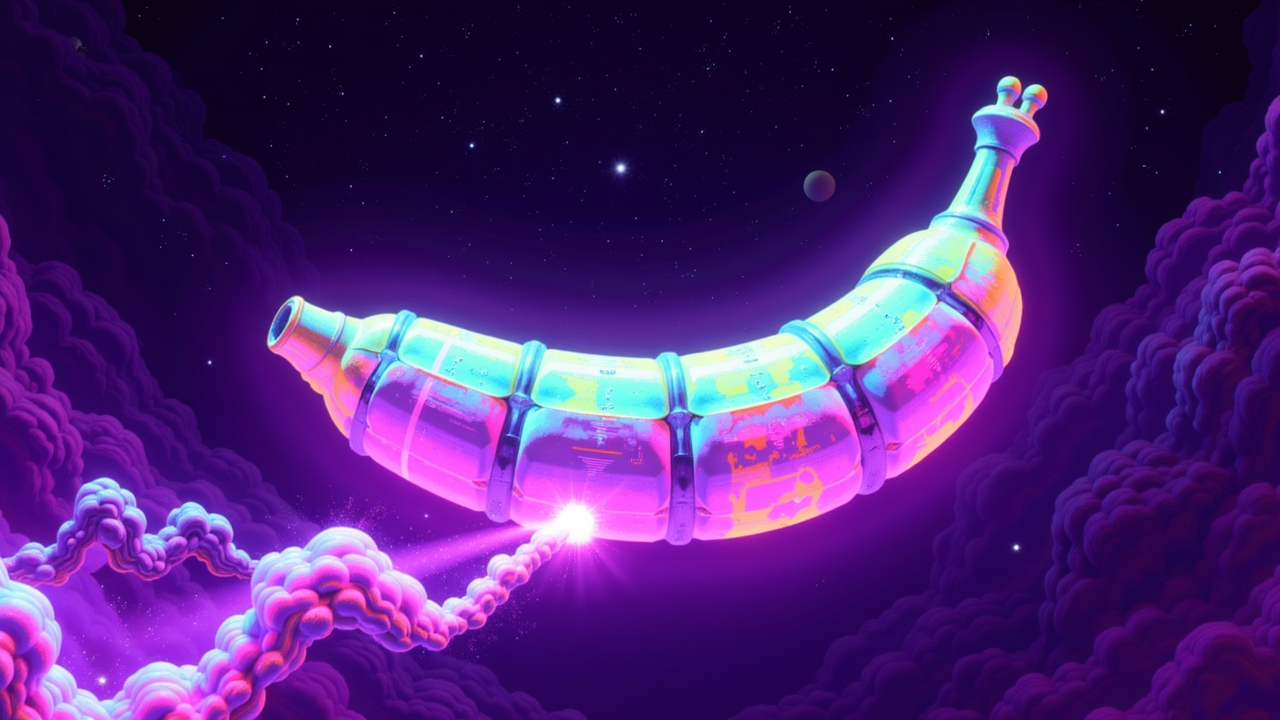
belt app run google/gemini-3-pro-image-preview --input '{"prompt": "a banana in space, photorealistic"}'
モデル
| モデル | アプリ ID | 速度 | 品質 |
|---|---|---|---|
| Gemini 3 Pro Image | google/gemini-3-pro-image-preview | 遅い | 最高 |
| Gemini 2.5 Flash Image | google/gemini-2-5-flash-image | 速い | 非常に高い |
Gemini 画像アプリを検索
belt app search "gemini image"
例
基本的なテキストから画像への生成
belt app run google/gemini-3-pro-image-preview --input '{
  "prompt": "A futuristic cityscape at sunset with flying cars"
}'
複数の画像
belt app run google/gemini-2-5-flash-image --input '{
  "prompt": "Minimalist logo design for a coffee shop",
  "num_images": 4
}'
カスタムのアスペクト比
belt app run google/gemini-3-pro-image-preview --input '{
  "prompt": "Panoramic mountain landscape with northern lights",
  "aspect_ratio": "16:9"
}'
画像編集(入力画像あり)
belt app run google/gemini-2-5-flash-image --input '{
  "prompt": "Add a rainbow in the sky",
  "images": ["https://example.com/landscape.jpg"]
}'
高解像度(4K)
belt app run google/gemini-3-pro-image-preview --input '{
  "prompt": "Detailed illustration of a medieval castle",
  "resolution": "4K"
}'
Google 検索によるグラウンディング
belt app run google/gemini-3-pro-image-preview --input '{
  "prompt": "Current weather in Tokyo visualized as an artistic scene",
  "enable_google_search": true
}'
入力オプション
| パラメーター | 型 | 説明 |
|---|---|---|
prompt | string | 必須。 生成または変更する内容 |
images | array | 編集用の入力画像(最大 14 枚) |
num_images | integer | 生成する画像の枚数 |
aspect_ratio | string | 出力比率:「1:1」、「16:9」、「9:16」、「4:3」、「3:4」、「auto」 |
resolution | string | 「1K」、「2K」、「4K」(Gemini 3 Pro のみ) |
output_format | string | 画像の出力形式 |
enable_google_search | boolean | リアルタイム情報のグラウンディングを有効化 |
プロンプトのヒント
スタイル:フォトリアリスティック、イラスト、水彩画、油絵、デジタルアート、アニメ、3D レンダリング
構図:クローズアップ、ワイドショット、空撮、マクロ、ポートレート、風景
照明:自然光、スタジオ照明、ゴールデンアワー、ドラマチックな影、ネオン
詳細:質感、色、ムード、雰囲気について具体的な詳細を追加します
ワークフローの例
# 1. Generate sample input to see all options
belt app sample google/gemini-3-pro-image-preview --save input.json

# 2. Edit the prompt
# 3. Run
belt app run google/gemini-3-pro-image-preview --input input.json
関連スキル
# Full platform skill (all apps)
npx skills add inference-sh/skills@infsh-cli

# All image generation models
npx skills add inference-sh/skills@ai-image-generation

# Video generation (for image-to-video)
npx skills add inference-sh/skills@ai-video-generation
すべての画像アプリを見る:belt app list --category image
ドキュメント
- アプリの実行 - CLI 経由でアプリを実行する方法
- 結果のストリーミング - リアルタイムの進行状況の更新
- ファイルの処理 - 画像の操作
コメント
Markdown 対応