
关于 Regennexus Uap
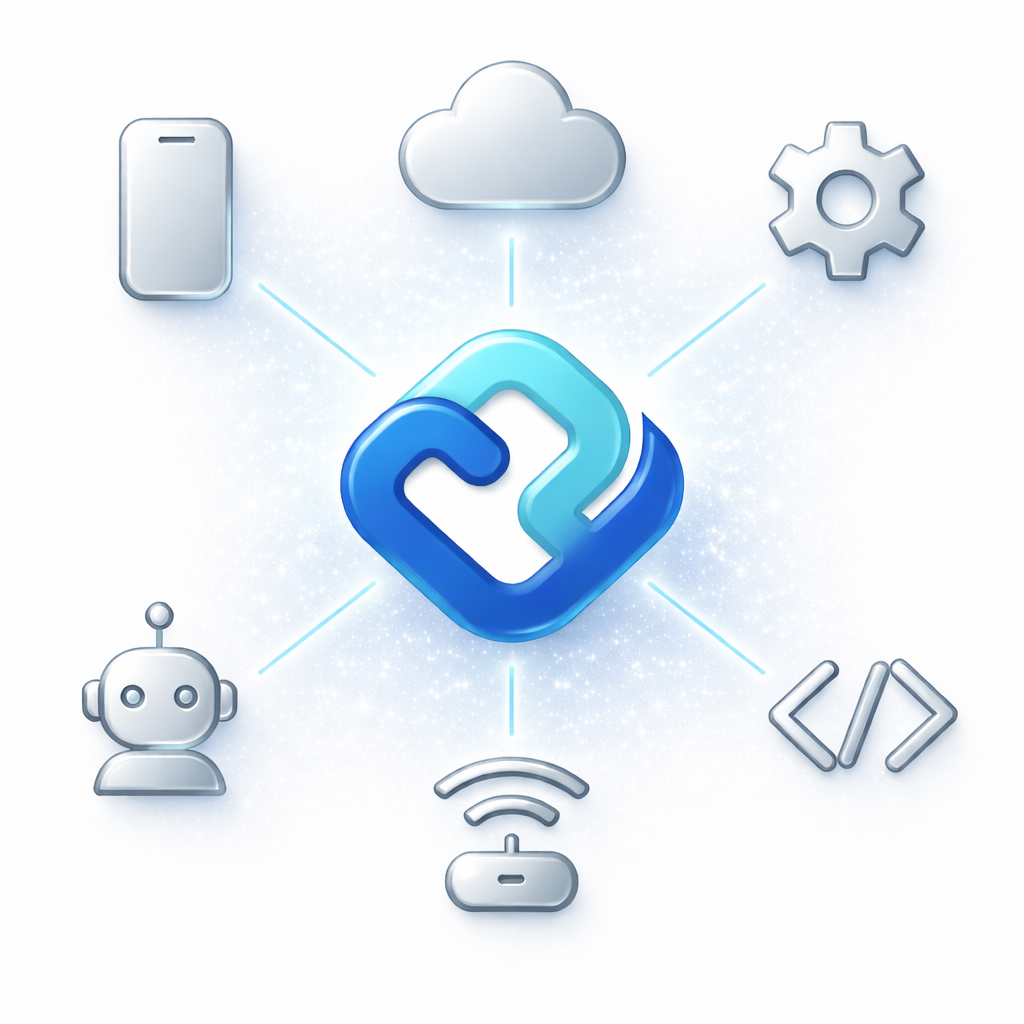
RegenNexus UAP 是用于连接设备、机器人、应用和 AI Agent 的通用协议库,支持多种硬件、传输方式及网状网络。它还提供 MCP 服务和本地 LLM 桥接能力,用于与硬件交互。
主要功能
- 01支持 Raspberry Pi、Arduino 和 NVIDIA Jetson
- 02通过 MQTT、HTTP 和 CoAP 连接 IoT 设备
- 03提供 Amber B1 与 Lucid One 机械臂插件
- 04支持 IPC、UDP Multicast、WebSocket 和消息队列
- 05提供加密、密钥交换、认证和限流
- 06支持网状网络发现及本地 LLM 桥接
适用场景
- 01通过 AI Agent 控制机器人手臂
- 02读取传感器并操作 GPIO
- 03在局域网设备间发现并传递命令
- 04将 Ollama 或 LM Studio 连接到硬件
MCP 相关
它可作为 MCP 服务运行,向兼容客户端提供硬件控制与状态查询能力,例如移动机械臂、操作 GPIO 和读取传感器。README 未列出具体的 MCP 工具清单。
配置
本地服务的配置在各客户端中通用,复制后粘贴到客户端的 MCP 配置文件即可。
暂未收录安装方式
我们还没有获取到这个服务的安装包或远程地址,请按项目 README 中的说明安装。
工具
还没有获取到工具列表
本地服务需要在你的电脑上运行后才能读取工具,维护者暂未提供工具列表。
详细介绍
RegenNexus UAP
通用适配器协议 - 以最低延迟和最高安全性连接设备、机器人、应用和 AI Agent。兼容 MCP,可无缝集成 AI。
安装
pip install regennexus
或者安装所有功能:
pip install regennexus[full]
快速入门
import asyncio
from regennexus import RegenNexusProtocol

async def main():
    protocol = RegenNexusProtocol()
    await protocol.initialize()

    # Register entities
    await protocol.registry.register_entity(
        entity_id="sensor_01",
        entity_type="device",
        capabilities=["temperature", "humidity"]
    )

    # Send messages
    await protocol.send_message(
        sender="controller",
        recipient="sensor_01",
        intent="read",
        payload={"sensors": ["temperature"]}
    )

    await protocol.shutdown()

asyncio.run(main())
功能
设备支持
- Raspberry Pi - GPIO、PWM、摄像头、传感器
- Arduino - 数字/模拟 I/O、串行命令
- NVIDIA Jetson - GPU、CUDA、摄像头、推理
- IoT 设备 - MQTT、HTTP、CoAP 协议
机械臂
- Amber B1 - 7 自由度控制、夹爪、轨迹
- Lucid One - 笛卡尔控制、力感应、示教模式
from regennexus.plugins import get_amber_b1_plugin

AmberB1 = get_amber_b1_plugin()
arm = AmberB1(entity_id="arm_001", mock_mode=True)
await arm.initialize()

# Move joints
await arm.move_to([0, 45, -30, 0, 90, 0, 0], duration=2.0)

# Gripper control
await arm.open_gripper()
await arm.close_gripper(force=15.0)
传输层
| 传输方式 | 延迟 | 使用场景 |
|---|---|---|
| IPC | < 0.1ms | 本地进程 |
| UDP Multicast | 1-5ms | LAN 发现 |
| WebSocket | 10-50ms | 远程/互联网 |
| Message Queue | 可变 | 可靠传递 |
安全性
- 加密:AES-128/256-GCM
- 密钥交换:ECDH-384
- 身份验证:令牌、API 密钥
- 速率限制:自适应限流
AI 集成(MCP)
直接从 Claude Desktop 或任何兼容 MCP 的 AI 控制硬件:
# Start MCP server for Claude Desktop
python -m regennexus.mcp_server
在 claude_desktop_config.json 中配置:
{
    "mcpServers": {
        "regennexus": {
            "command": "python",
            "args": ["-m", "regennexus.mcp_server"]
        }
    }
}
现在可以向 Claude 提问:
- “将机械臂移动到抓取位置”
- “打开 GPIO 引脚 17”
- “温度传感器读数是多少?”
大模型桥接(Ollama、LM Studio)
将本地大模型连接到硬件:
from regennexus.bridges import LLMBridge, LLMConfig

llm = LLMBridge(LLMConfig(provider="ollama", model="llama3"))
response = await llm.chat("Turn on the lights")
网状网络
在网络中的设备之间自动发现:
from regennexus.core import MeshNetwork, MeshConfig

mesh = MeshNetwork(MeshConfig(
    node_id="controller",
    capabilities=["command"]
))
await mesh.start()

# Devices auto-discovered
for peer in mesh.get_peers():
    print(f"Found: {peer.node_id} ({peer.capabilities})")
交互式演示
在 Google Colab 中试用 RegenNexus:
CLI 用法
# Start server
regen server --host 0.0.0.0 --port 8080

# Run example
regen run examples/robotic_arms/arm_demo.py

# Version info
regen version
可选依赖项
pip install regennexus[api]        # FastAPI server
pip install regennexus[mqtt]       # MQTT support
pip install regennexus[robotics]   # Robotic arms
pip install regennexus[arduino]    # Arduino support
pip install regennexus[dev]        # Development tools
文档
示例
examples/
├── simple_connection/    # Basic protocol usage
├── mcp_integration/      # Claude Desktop & LLM demos
├── mesh_network/         # Device auto-discovery
├── llm_integration/      # Ollama/LM Studio demos
├── robotic_arms/         # Amber B1 & Lucid One demos
├── ros_integration/      # ROS 2 bridge examples
├── security/             # Encryption & auth
└── binder/               # Jupyter notebooks
Docker
docker-compose up
详情请参阅 Docker 部署。
参与贡献
欢迎参与贡献!请参阅 CONTRIBUTING.md 了解指南。
许可证
MIT 许可证 - 详情请参阅 LICENSE。
RegenNexus UAP - 安全连接万物。
Copyright (c) 2024-2025 ReGen Designs LLC
评论
支持 Markdown
一个开放协议,规定了 AI 应用如何以统一方式连接外部工具与数据源。客户端负责与模型对话,MCP 服务负责提供工具、资源和提示模板,两者通过标准消息通信,同一个服务可以被不同客户端复用。